



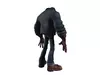
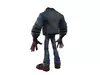
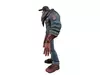
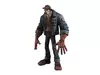
DESCRIPTION

Vincent

The Ghost

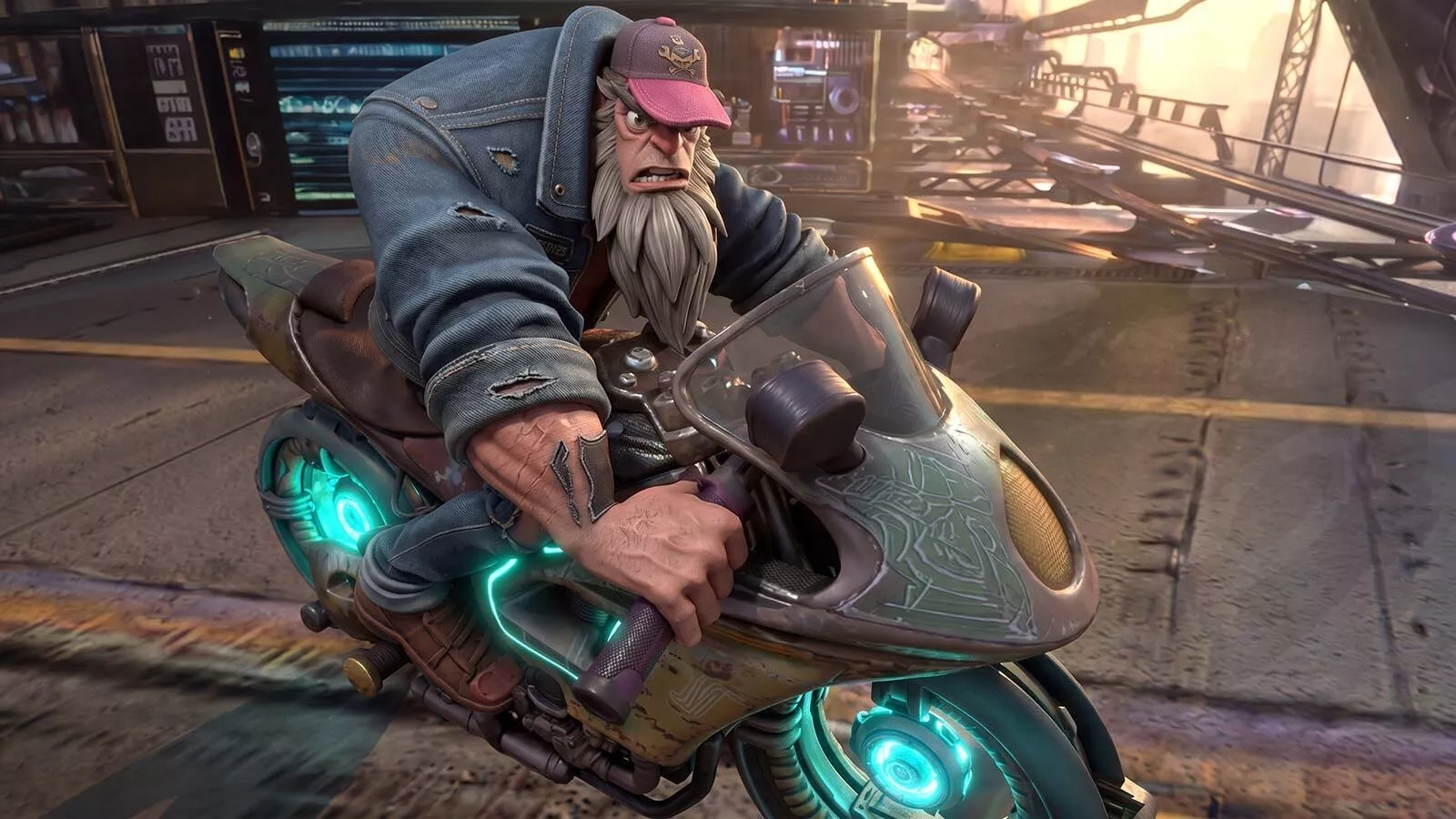
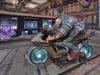
No one knows where Vincent lives. He appears in abandoned terminals, leaves supplies for fugitives, sabotages Helix patrols, and vanishes before anyone can thank him. Corporate records list him as captured three different times.

Yet he keeps returning.

The best place to hide... is where they already stopped looking.3d modelThundercoil.pp2Vincent.cr2Vincent.objgun.obj

TexturesThundercoil.pngThundercoil_AO Image.pngThundercoil_nORMAL.pngVincent ao mage.jpgVincent_Default_2D_View.pngVincent_Default_Base_Color.pngVincent_normal2.jpgenvironment2 normal.pngenvironment2.pngenvironment2_1.png

Texture Resolution: 7680Г—2535 px / 4096Г—4096 px / 2048Г—2048 px

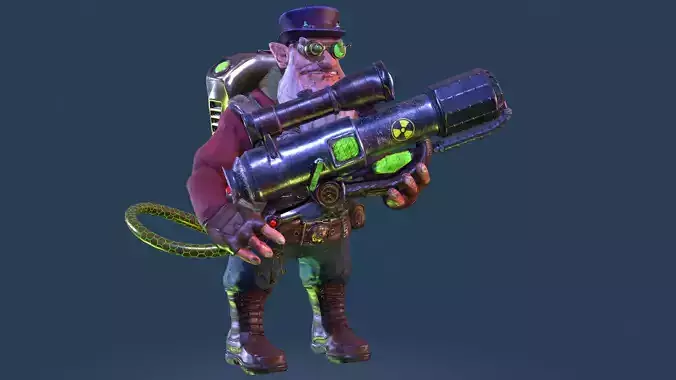
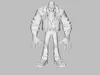
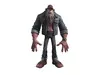
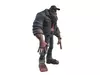
Number of Unique Meshes: 2 (Character + props)HandIK, FootIK: YesNumber of Characters: 1Vertex Counts of Characters: gun.obj: 20571 vertices (20598 polygons) Vincent.obj: 27589 vertices (27690 polygons) Total vertices: 48160Animated: YesNumber of Animations pz2: 29 (Attack1, Attack2, Attack3, Death, Death2, Defend, GroundPunch, JumpKick, Kick1, Kick2, ... (29 total))Animation Types: In-place

Number of Materials: N/ANumber of Material Instances: N/ANumber of Textures: 10 (Thundercoil, Thundercoil_AO Image, Thundercoil_nORMAL, Vincent ao mage, Vincent_Default_2D_View, Vincent_Default_Base_Color, ...)Texture Resolutions: 911Г—911, 1024Г—1024, 2048Г—2048, 4096Г—4096, 7680Г—2535 px

Supported Development Platforms:Windows: YesMac: Yes

Note: Props and weapons automatically fit the character (if applicable).The package includes the Terminus environment.How to use, step-by-step instructions

  1. Select the GROUND prop in the scene.
  2. Go to the Materials tab in the olegTOB\Terminus folder, apply the material.
  3. Go to the camera section in olegTOB\Terminus, apply the camera.
  4. Go to the light section in olegTOB\Terminus, apply the light.
  5. Increase the character's size to match the environment.
  6. Render in 360.

REVIEWS & COMMENTS

See what other buyers think about this model - real feedback on quality,
accuracy, and usability.
There are no reviews or comments yet. Please be the first one to write it.
BEST PRICE GUARANTEED
Found this model cheaper on another marketplace? Let our support team know - we’ll match it.
NEW
Recently added to CGTrader - explore one of the latest models on the marketplace.

Vincent Low-poly 3D model

$20.00
Custom License
Hire
Like this model to show appreciation to the designer.
See how many times this model was viewed.
Share this model to support the designer and boost their visibility.
File formats
OBJ
OBJ<br />File Size: 46.1 MB
PZ3
Poser | 2 files<br />Version: 11 - Renderer: SuperFly<br />File Size: 92.1 MB
PNG
PNG<br />File Size: 46.1 MB
JPG
JPG<br />File Size: 46.1 MB
Provided by designer
Information and details shared directly by the model's designer.
3D Features
The model includes animations (movement or actions) that can be played in supported software or engines.
The model has a skeleton or bone structure, making it ready for posing or animation.
Textures
The model includes image files (textures) that add color, patterns, or detail to its surfaces.
Materials
The model has material settings that define how surfaces look (color, shine, transparency, etc.).
UV Mapping
The model's surfaces are mapped to a 2D image, allowing textures to display correctly.
Plugins Used
Some external plugins were used to create the model. These may be required for full functionality.
3D printing
Indicates whether the designer marked this model as suitable for 3D printing.
Model is not 3D printable
The designer indicates this model is intended for digital use only (rendering, animation, or AR/VR) and not for 3D printing.
Geometry
Polygon mesh
A model built from polygons (triangles or quads) connected in a mesh.
27690 polygons
The total number of polygons (flat shapes) that make up the 3D model.
/
27690 vertices
The number of points (corners) that define the shape of the model's polygons.
Unwrapped UVs
Publish date
Model ID
Chat