Procedural Eye Generator for Blender
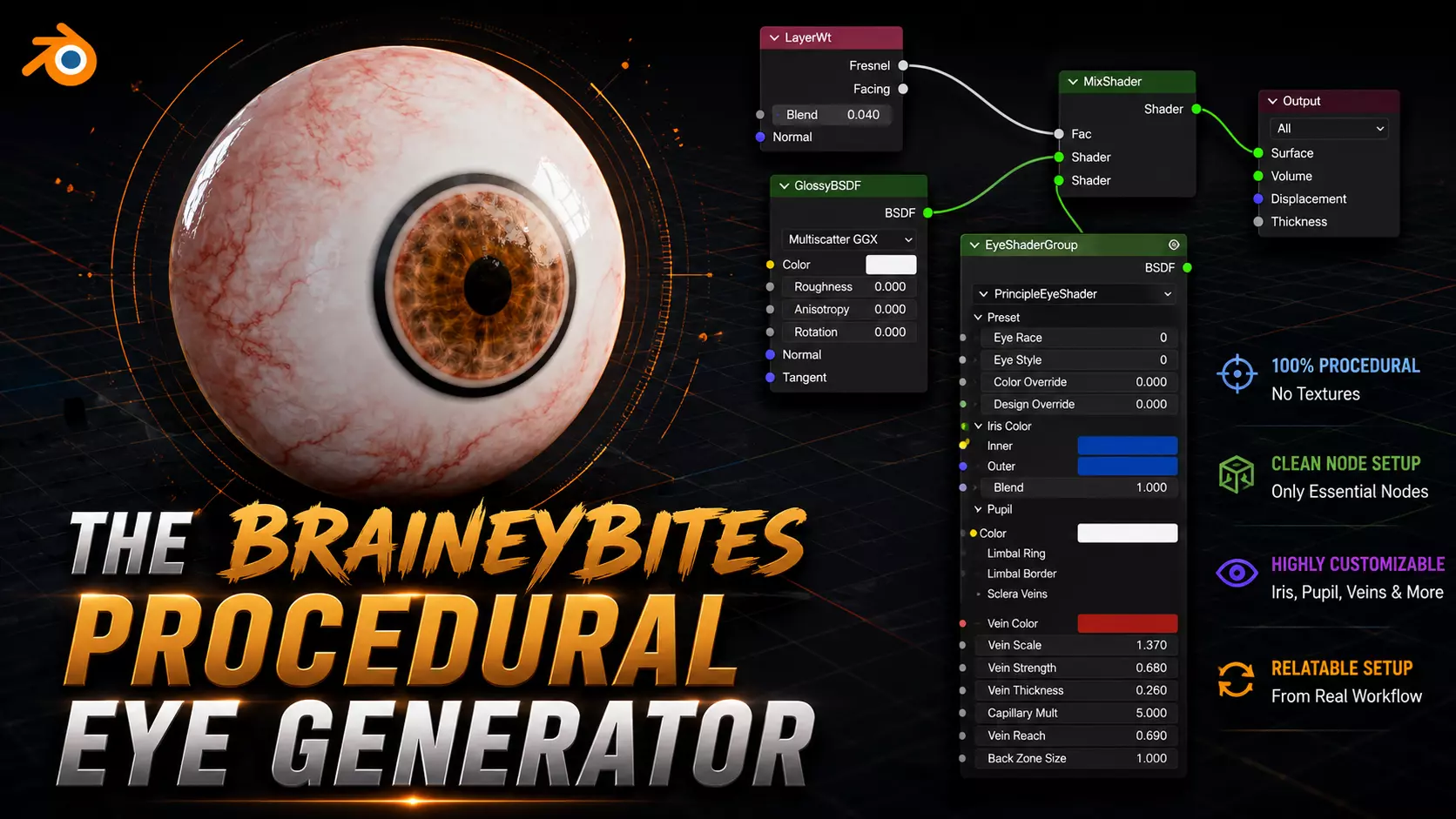
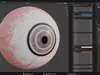
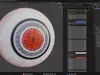
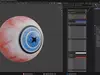
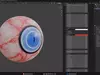
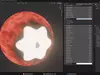
A fully procedural, node-based eye shader for Blender. One click builds a complete, fully controllable eye with no manual shading required.
1. What's Included
The ZIP file contains the Procedural Eye Generator add-on, installable directly through Blender's Add-ons preferences.
- One-Click Eye Generation
- Fully Node-Based Shader
- Built-In Geometry Detail
- Modifier Compatibility
- Works With Any Character
- No External Textures Required
- No Additional Add-ons Required
2. Key Features2.1 Iris and Pupil
2.2 Veins and Redness
- Adjustable vein color
- Vein scale and strength controls
- Adjustable vein thickness
- Capillary multiplier
- Vein reach control
- Dedicated back-of-eye redness system
- Redness zone size
- Redness intensity
- Redness reach
- Redness fade
- Procedural redness noise
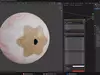
2.3 Surface Detail and Patterns
2.4 Emission and Glow
Every major color element can have its own independent emission strength.
This includes:
- Iris inner color
- Iris outer color
- Pupil
- Sclera
- Limbal ring
- Limbal border
- Veins
- Every procedural pattern layer
The shader is designed for glowing, supernatural, fantasy, and sci-fi eye designs.
For emission and glow effects, switch the viewport to Rendered shading to preview the result.
Important: The Color Override toggle must be enabled before changing the corresponding color field. If Color Override is disabled, changes to that color will not take effect.
2.5 Procedural Surface Geometry
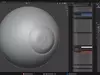
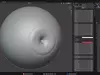
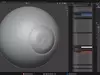
The Geometry Nodes modifier adds real procedural surface detail to the eye.
Available controls include:
- Subdivision level
- Corneal bulge height
- Corneal bulge radius
- Corneal bulge falloff
- Pupil depth
- Iris forward tilt
- Limbal groove
- Additional procedural surface deformation
This provides a fast and strong starting point for creating detailed eyes.
The generated geometry is designed as a procedural base and is not intended to completely replace manual sculpting for highly detailed photorealistic characters.
3. Compatibility and Requirements
- Blender 4.0 and newer
- Built and recorded in Blender 4.5 LTS
- Render Engine: EEVEE and Cycles
- Shader and Geometry Nodes setup only
- No external textures required
- No additional add-ons required
4. Installation
- Download the ZIP file.
- Extract the ZIP file if required by the download package.
- Open Blender.
- Go to Edit > Preferences > Add-ons.
- Click Install from Disk.
- Select the downloaded ZIP file.
- Enable the Procedural Eye Generator add-on from the Add-ons list.
5. Quick Start
- Open Blender.
- Press Shift + A or use the Add menu.
- Select BPEG Eye.
- A fully procedural eye will be added to the scene.
- Switch the viewport to Rendered shading.
- Open the Shader Editor.
- Locate the Principal Eye Shader node.
- Adjust the available controls directly from the node.
Important Color Control
Before changing any color field, enable its Color Override toggle first.
If Color Override is disabled, changes to that color will not be applied.
This is the most common issue for first-time users.
Emission and Glow
To preview emission and glow effects:
- Switch the viewport to Rendered shading.
- Locate the desired emission Strength control.
- Increase the corresponding Strength value.
Each supported color and pattern element has its own emission control.
6. Known Limitations
- This is a procedural eye system and is intended to provide a powerful starting point rather than completely replace manual sculpting.
- The generated eye will not produce fully photorealistic surface detail on its own.
- For highly realistic characters, additional manual sculpting and detailing is recommended.
- The Geometry Nodes detail layer uses Blender-native modifiers.
- If exporting the eye to other software, apply the Geometry Nodes modifier before export when required.
7. Support and LinksStay Connected and Learn More
If you'd like to see more of my work, behind-the-scenes sculpting timelapses, tutorials, and tips for anime-style and realistic character creation, check out my platforms.
- YouTube: https://www.youtube.com/@braineybites
- Website: https://www.BraineyBites.com
- ArtStation: https://www.artstation.com/braineybites
- Patreon: https://www.patreon.com/c/BraineyBites
8. License and Usage Terms
- Free for personal and commercial use.
- You may use the generated eye assets and resulting renders in personal and commercial projects.
- You may not resell, redistribute, re-upload, or share the Procedural Eye Generator plugin file itself.
- If someone else wants to use the plugin, please share the original download link instead of distributing the plugin file.