

DESCRIPTION

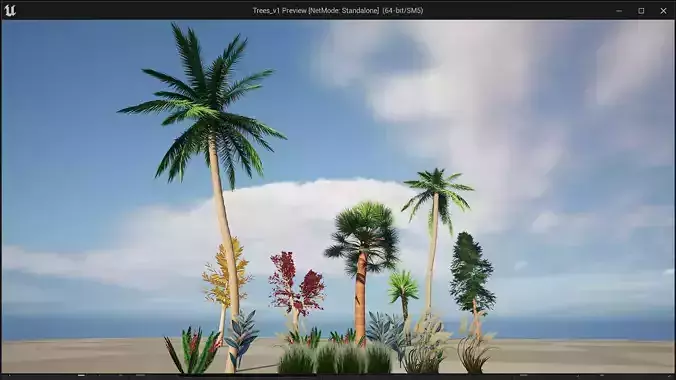
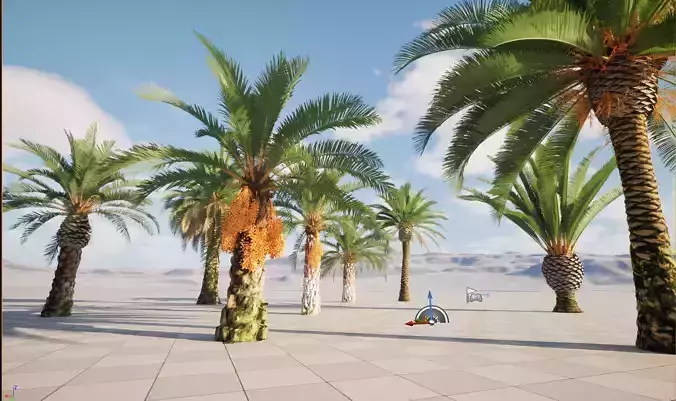
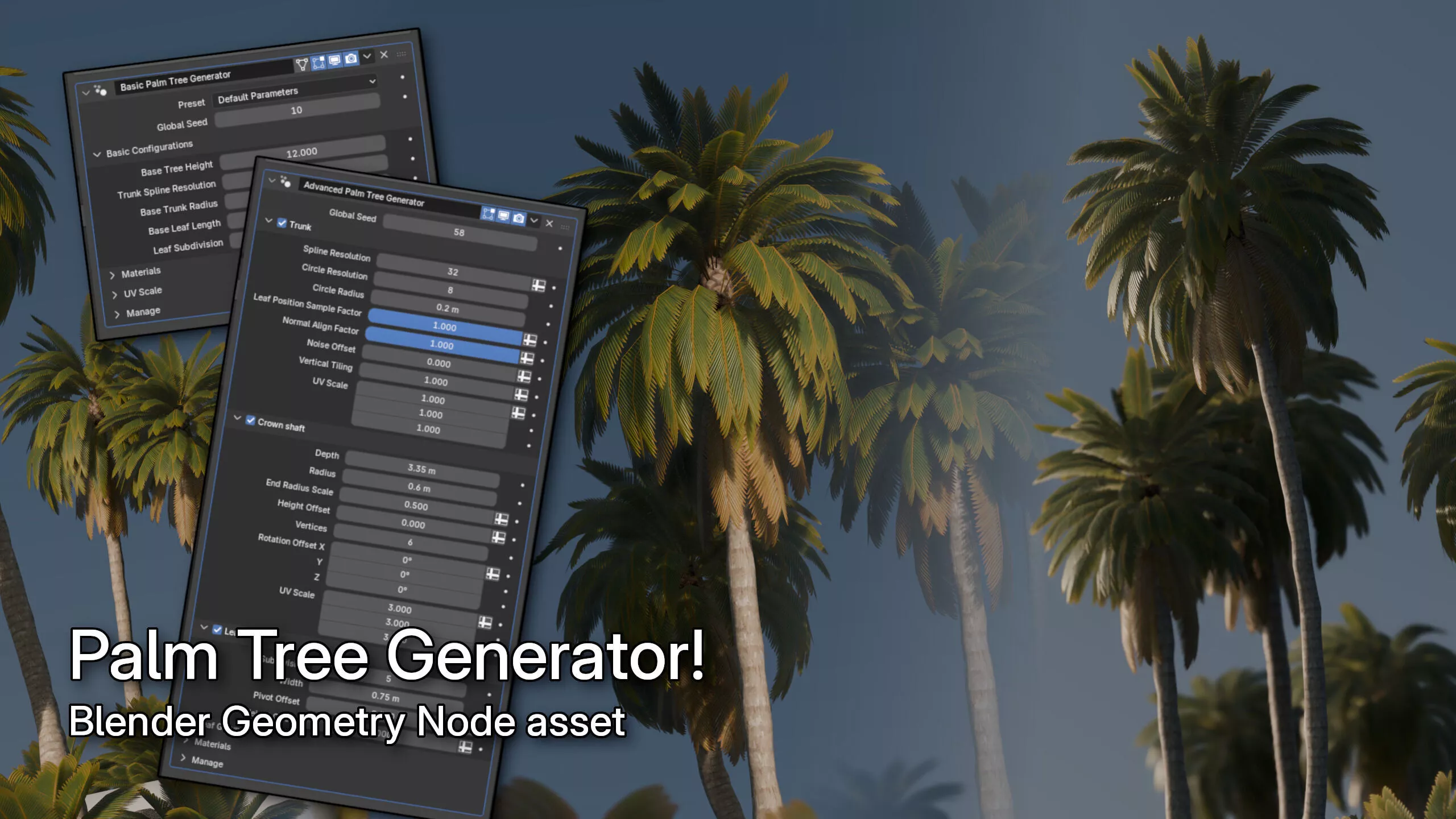
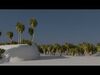
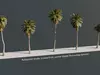
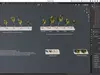
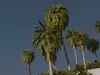
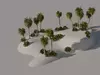
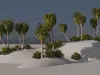
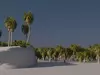
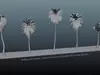
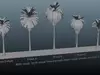
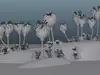
Let this tool instantly generate a palm tree for you. Whether you want to do it without much tinkering or with better fine-tuning options, the Blender file provides basic node and advanced node to do just that.

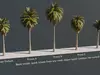
Basic mode lets you quickly create a tree by selecting presets, and then you can change few settings. This node is very useful to quickly populate a scene with variable trees, and can be reused inside geometry node to do it.

Advanced mode lets you create more complex trunk shape by using curves, and provide better fine-tuning options for parts shape, leaf shapes, leaf distribution, length, curvature, fold, and more.

The tool lets you to customize the models detail. But by default settings, the tool will generate a tree that have triangles within range of 3000 to 5000 triangles. This mesh will be ready to be exported to game engines.

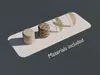
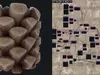
Also comes with Material Maker files to make texture changes or reused somewhere else. The generated textures are in 2048x2048 size, games may be fine with lower texture size to save VRAM usage, feel free to down scale the textures, or generate the lower size texture from Material Maker.

This geometry node file were made in Blender 5.0.1, and were tested in Blender 4. Preferably please use the latest Blender version.

The Blender asset were created using Blender 5.0.1.

The textures were created using Material Maker 1.5p1. Go to File > Load and find the downloaded PTEX file to open it in Material Maker.

Hints to use the generated meshes to game engine:

  • In Blender, select the tree(s), right click and convert it to mesh.
  • The textures are in 2048x2048 size. Your game may prefer less than that. You can downscale the textures or use Material Maker to export new textures in lower scale.
  • Or you can as well use your own textures. For the leaf texture, it has specific UV layout so you may need to adjust your leaf texture to the leaf texture that comes from this asset.

Blender asset hints:

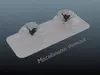
  • Check out the scene hierarchy and open the ShowcaseScene collection
  • Nodes are usable as modifier or reusable to be part of another geometry anode
  • The Basic mode node is a geometry node with advanced node inside, this node sets up the advanced node by presets
  • Leaf groups are a configurable group of leaves that spawned together by step from the bottom to top surface of the crown
  • The fern example shows alternative use of the advanced node. Although no proper fern texture is provided
  • The blender_assets.cats.txt file, when it sits next to the blender file, it defines available asset library for Blender's asset browser. As defined, the Basic Palm Tree Generator and Advanced Palm Tree Generator node is available via asset browser.

To make your own leaf texture fit into the UV, follow the uvguide.jpg file.

Whereas the cyan/green color is area used for the leaf (regardless of its mesh length), the pink color is area used for the spine.

The UV was procedurally mapped to be like this in geometry node. You could technically make the leaf area wider. It's the UV Width property in the LeafUnwrap node, inside CreatePalmLeaf node.

Thank you

REVIEWS & COMMENTS

See what other buyers think about this model - real feedback on quality,
accuracy, and usability.
There are no reviews or comments yet. Please be the first one to write it.
NEW
Recently added to CGTrader - explore one of the latest models on the marketplace.

Palm Tree Generator - Blender Geometry Nodes Low-poly 3D model

$11.50
Royalty Free License (no AI)
Hire
Like this model to show appreciation to the designer.
See how many times this model was viewed.
Share this model to support the designer and boost their visibility.
Native file format
BLEND
Size: 107 MB
Renderer: Eevee | 5.0.1
Exchange formats
FBX
Autodesk FBX<br />File Size: 273 MB
GLTF
glTF<br />File Size: 147 MB
OTHER
Other | 2 files<br />File Size: 43.4 KB
JPG
JPG | 2 files<br />File Size: 261 MB
PNG
PNG<br />File Size: 154 MB
EXR
EXR<br />File Size: 154 MB
Verified by CGTrader
Verified models are of higher quality as they have
passed CGT Standard technical and visual checks,
making them more professional-grade 3D assets.
Learn more.
FBX
This FBX file has successfully passed the CGT Standard technical and visual checks. The verification results are detailed in the section below.
File & scene
Binary FBX
Binary FBX file is more compact and faster to load and process.
Learn more
No unsupported objects
Unsupported objects:
- Lights
- Cameras
Learn more
Geometry
No N-gons
N-gons are polygons with five or more sides which might cause issues in certain processes like rendering or animation. Learn more
No faceted geometry
Faceted geometry uses flat surfaces without smoothing, which can look unrealistic on curves.
Learn more
Manifold geometry
Manifold geometry ensures all surfaces are properly connected, avoiding issues like edges shared by more than two faces.
Learn more
Textures & material
PBR textures
PBR textures simulate how light interacts with materials, making the model look realistic under different lighting.
Required PBR textures:
- Base Color
- Roughness
- Metalness
- Normal
Learn more
No embed textures
Embedded textures are stored inside the model file, increasing its size and sometimes causing compatibility issues.
Learn more
Square textures
Texture aspect ratio is the width-to-height ratio of a texture. Expected texture aspect ratio: 1:1
Learn more
Power of 2 texture sizes
Textures with dimensions in power of two (e.g. 512x512px, 1024x1024px) are used to optimize performance and memory usage.
Learn more
Assigned materials
Materials are applied to the 3D model to allow visualize a model's surface properties and appearance.
Learn more
UVs & naming
No UV overlaps
UVs overlap when multiple points on the 3D model's surface are mapped to the same point on the UV island causing texture stretching.
Learn more
UV unwrapped model
A UV unwrapped model means its 3D surface is flattened into 2D space, allowing textures to be applied accurately.
Learn more
Allowed characters
Allowed ASCII characters: a-zA-Z0-9-_
Learn more
Provided by designer
Information and details shared directly by the model's designer.
3D Features
PBR
Uses Physically Based Rendering materials, which give the model realistic lighting and surface properties.
Textures
The model includes image files (textures) that add color, patterns, or detail to its surfaces.
Materials
The model has material settings that define how surfaces look (color, shine, transparency, etc.).
UV Mapping
The model's surfaces are mapped to a 2D image, allowing textures to display correctly.
Plugins Used
Some external plugins were used to create the model. These may be required for full functionality.
3D printing
Indicates whether the designer marked this model as suitable for 3D printing.
Model is not 3D printable
The designer indicates this model is intended for digital use only (rendering, animation, or AR/VR) and not for 3D printing.
Geometry
Polygon mesh
A model built from polygons (triangles or quads) connected in a mesh.
4388 polygons
The total number of polygons (flat shapes) that make up the 3D model.
/
2192 vertices
The number of points (corners) that define the shape of the model's polygons.
Unwrapped UVs
Publish date
Model ID
Chat