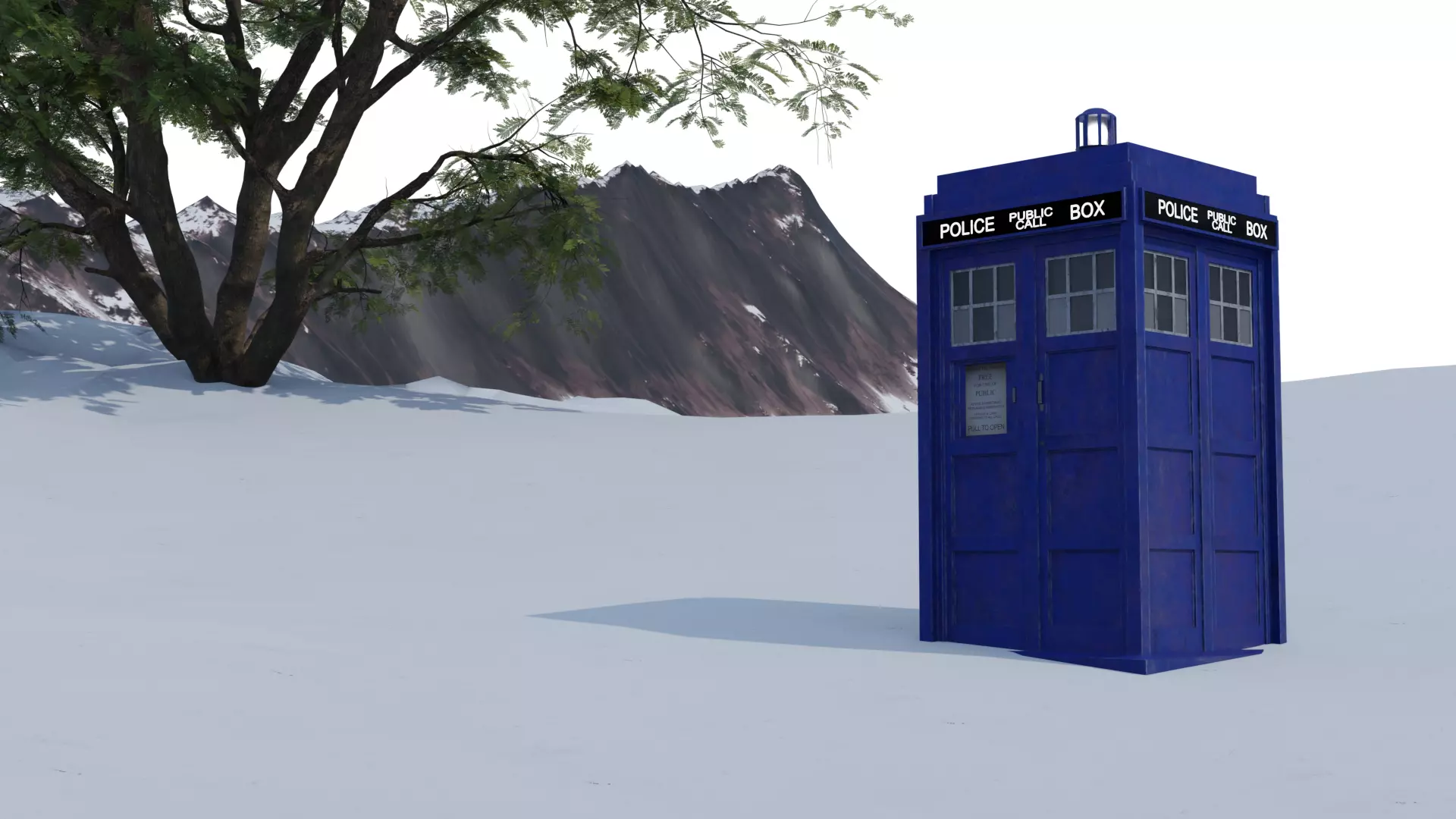
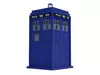
What is this model?
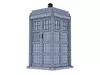
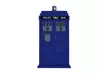
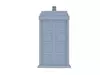
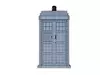
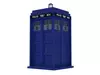
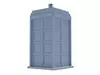
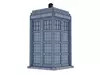
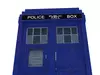
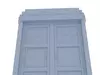
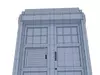
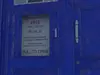
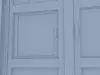
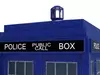
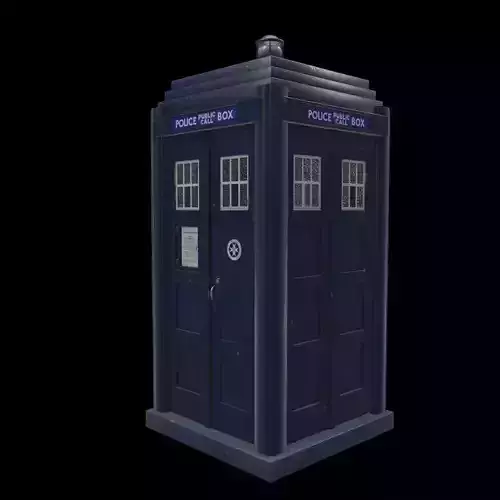
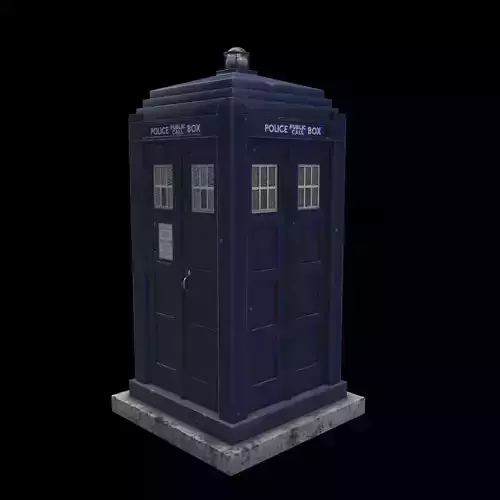
This 3D product/download may look like an ordinary 1960s Police Telephone Call Box, but it's actually the main space/time machine from the TV series Doctor Who, operated by a humanoid alien called The Doctor. This Phone Box is called the TARDIS, otherwise known as Time And Relative Dimensions In Space and is bigger on the inside than on the outside.
Why is it worth buying it?
As a massive fan of Doctor Who, and the TARDIS is so iconic that the Police Telephone Call Box is so associated with the show, and as a fan, I know what fans want, and the biggest thing many fans want for their fan project is a TARDIS.
As someone who is somewhat a perfectionist in creating realistic models, I do so by making sure I spend many days on the finer or large scale details this model has, based on a wide variety of different reference material I found online, and taking elements from one or two of these references, making sure it distinctively my own. It's also important to make this model as real as possible in terms of dimensions, materials used and overall appearance so it can be appreciated whether it's viewed up close or from a distance depending on your project.
The key to making it this realistic, is to not only have some realistic poly count, but include a number of smaller and less noticeable additions. These additions style using nodes include:
- Scratches
- Dirt/mud
- Bumps/Imperfections
One of the major factors you should buy is that I provide two versions in Blender,
- Procedural texturing (using Principled BSDF with multiple tree nodes) and
- Baked texturing using 4K baked textures (all in separate folder - see below for more details),
I do this to ensure you have the choice that you feel comfortable with, whether you love the model but want to make small changes to the overall textures using the nodes provided to suit your project needs, or leave the baked textures in place where you can use the model in your project as is.
In addition to this, if you don't have blender, this project contains various project file formats to use in various other 3D Programs and these details can be seen below
One key thing to remember, and I believe this part of the reason you should purchase this, is that this TARDIS is real life to scale, and not a small toy size. So when working on your fan projects, please keep this in mind as the small details seen here are key to its realism.
How can it be used?
Specifically, like the TARDIS itself, there are no moving parts and therefore a static model without rigs. This means it can be used however you want to be in a realistic environment such as a live action fan film, or in your animated project.
While Doctor Who fans will love to have this in their fan project/s, other sci fi can use it for many crossovers that can be seen online.
*How the file system works and what is contained within *
Within the downloadable folder/s, I have included two different blender folders, one indicating its procedural and the other baked.
Within the Procedural Zip Folder (TARDIS_Procedural_Models) you will find a file called (Procedural_TARDIS_Updated_2024) all the textures/materials are included, using a wide variety of procedural nodes. This will mean you can modify any of these nodes, to suit your own preferred taste/style specific to your own project needs. This Blender file will suit any level of experience as the node layout is quite simple and easy to follow.
However, for those who want the ease and comfort of downloading the file without worrying about making changes, all the textures are baked within a separate folder called textures with each texture containing at least 4 different texture layers in 4K (4096 x 4096).
These include:
- BaseColor
- Metalness
- Normal and
- Roughness
Each object/part within this project, their four texture layers (as mentioned above) are contained in their own folder. These objects below are the folder names and include:
- Main Door Handle
- Phone Door Handle
- Police Box Sign
- TARDIS External
- TARDIS Keyhole
- TARDIS Pull to Open Sign
The Blender file within the baked texture folder (TARDIS_Baked_Model) contains these baked materials as .png files. This can be found under the Blender File (TARDIS_2024). To use correctly just download the texture ZIP file, (included within are separate material/texture folders with the names closely matching to the different objects within the blender/other file).
As well as these two folders which are suited for blender users, I have also contained a separate folder for those who prefer to use other 3D programs. This folder is called Other Files. With this zip folder contains:
- FBX
- OBJ
- GLB (Augmented Reality)
- STL
- PLY
Product Description
- 2 x Blender 3.5 + Files
- Procedural Materials or
- Flat, Baked Materials (PNG) [Attached within zip folders]
- FBX
- OBJ
- GLB
- PLY
- STL
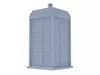
Technical detailsCG ModelUnwrapped UVsPolys - 8,086Vertices - 8,103