Why is it worth buying it? How can it be used?
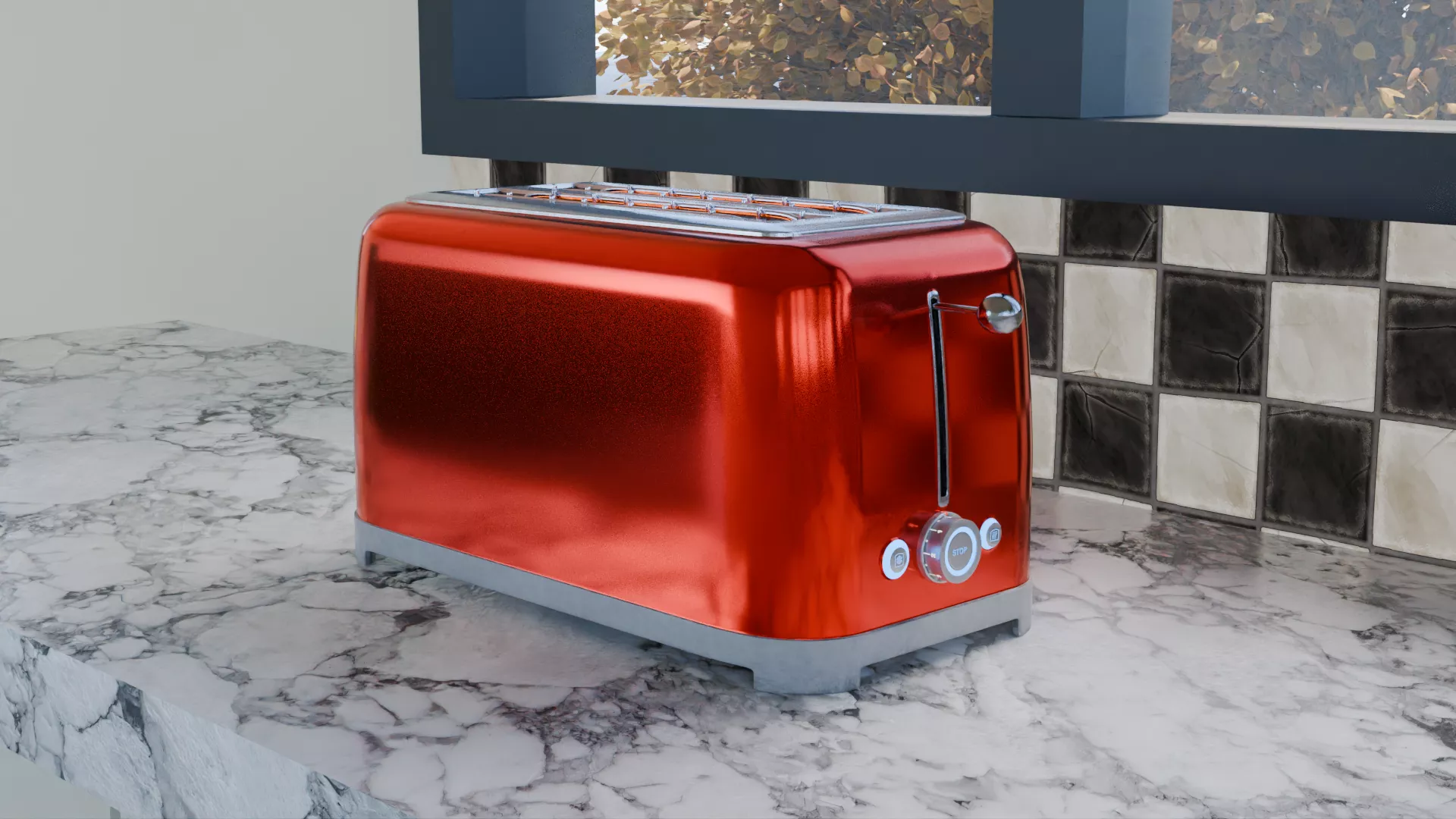
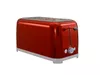
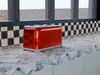
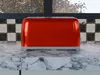
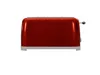
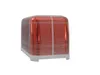
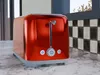
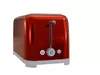
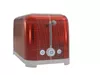
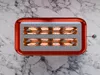
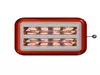
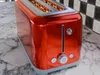
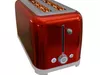
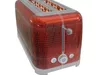
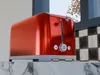
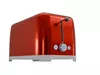
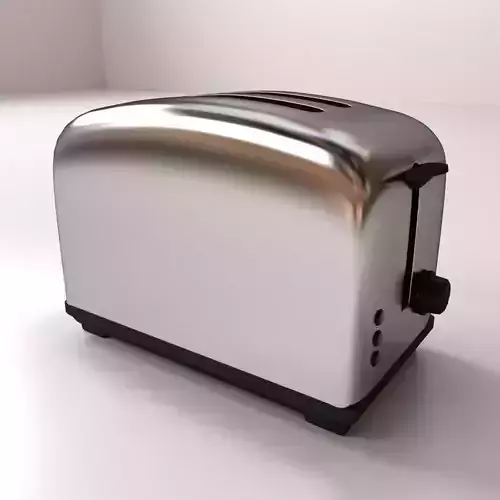
These detailed Binoculars are based on real world examples and made out of stainless steel metal and a plastic base, with heat lights within each bread socket. This toaster has been set up to be used as an animated asset with the bead sockets parented to the toaster level, which has location constraints, meaning it stops on certain locations. Alongside the level, the control dial can also rotate to various different levels as displayed with number 0 to 7.
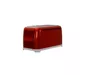
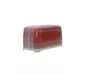
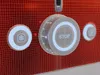
As part of the display buttons and control dial, each has an emission shader meaning it can be viewed in all lighting conditions. This specific toaster is Red in colour and could easily be spotted in a stylish modern or historical room, as this toaster is based on Smeg’s 1950s style aesthetic.
They can also be placed in a variety of rooms such as:
- Kitchens
- Kitchenette
- Cafe’s and Restaurants
- Small Domestic Boats (Kitchens)
- Hotels and Motels
This 3D Toaster can be used as by an animated character an asset for such activity like:
- Cooking Toaster
- Breakfast
- General Cooking
Dimensions
Length: 395mmDepth: 203mmHeight: 215mm
My goal is always to make this object as realistic as possible in look and feel, whether you see it up close or from some distance. To ensure realism is achieved, I always will add the following details
- Scratches
- Bumps/imperfections and
- Edge Wear
- Shine /Roughness
- Emissions
One of the things I always do with my projects is give people options as I know people who use these models may or may not have Blender or are willing to use Blender. For those who do, I have provided two different Blender files. They are:
- Procedural texturing (using both Metallic BSDF/Principled BSDF with multiple tree nodes) and
- Baked texturing using 4K baked textures (all in separate folder - see below for more details)
As a blender user, all my files do cater towards Blender, and such, my procedural texture node cater to users who wish to do make changes to the materials that better suits their own project needs, whereas the baked textures is best suited to users of various other 3D programs or for Blender users who prefer to stick to the provided materials without worrying about any node setup.
By baking materials in Blender and having them in their own separate file, I have provided you with common 3D File options you can open or import into your main 3D software package. These file types mentioned below can be found in the folder Other File Types.
- FBX
- OBJ
- GLB (Augmented Reality)
- STL
- PLY
Once downloaded, these files can be open in the below programs
- Maya
- 3D Max
- Cinema 4D
- Rhino
- Unity and
- Unreal Engine
*How the file system works and what is contained within *
Within the downloadable folder/s, I have included two different blender folders, one indicating its procedural and the other baked.
Within the Procedural Zip Folder (Smeg_Style_Red_Toaster_Procedural) you will find a file called (Smeg_Style_Red_Toaster_Procedural_Textures) all the textures/materials are included, using a wide variety of procedural nodes. This will mean you can modify any of these nodes, to suit your own preferred taste/style specific to your own project needs. This Blender file will suit any level of experience as the node layout is quite simple and easy to follow.
Within this Procedural Folder, a separate texture folder of textures for the texture button are contained within.
Files included within each folder
- GIMP
- GIMP Export (PNG File)
- UV Layouts (PNG)
However, for those who want the ease and comfort of downloading the file without worrying about making changes, all the textures are baked within a separate folder called textures with each texture containing at least 4 different texture layers in 4K (4096 x 4096).
These include:
- BaseColor
- Metalness
- Normal and
- Roughness
- AO
Each object/part within this project, their four texture layers (as mentioned above) are contained in their own folder. These objects below are the folder names and include:
- Heat_Grills_Outside
- Heat_Grills_Vertical
- Heat_Lights
- Toaster
- Toaster_Control
- Toaster_Control_Dial
- Toaster_Holders
- Toaster_Lever
Each one of these files mentioned above are located in the Texture folders located within the Blender folder called (Smeg_Style_Red_Toaster_Baked). All of the textures are linked and connected to the relevant allocation of the Principled BSDF Node found in the Blender File (Smeg_Style_Red_Toaster_Baked_Textures). To use correctly just download the texture ZIP file, (included within are separate material/texture folders with the names closely matching to the different objects within the blender/other file).
Product Description
- 2 x Blender 5.2 + Files
- Procedural Materials (modifiable) and
- 4K Flat, Baked Image Materials (PNG) [Attached within their own zip folders]. For more details, see below
- HDR
- Other File Types
- FBX
- OBJ
- GLB
- PLY
- STL
- UV Mapping: Yes
- Non - overlapping
Technical details
CG ModelUnwrapped UVsPolys - 207444Vertices - 207806