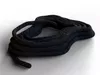
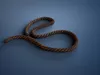
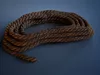
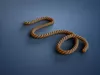
STATIC FBX AND OBJ EXAMPLES INCLUDED
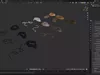
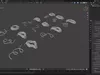
18 evaluated example meshes are supplied in FBX, OBJ and GLB format alongside the original editable Blender package. All three formats were reimported and checked for object count, triangle count and UV layers. Extract the FBX or OBJ archive before importing to access its companion texture files.
The static set contains 265,786 polygons, 266,416 vertices and 532,652 triangles. The listing geometry fields describe this set; generator results vary with settings. Geometry Nodes controls and procedural Blender shader networks remain Blender-only. Exported materials may require reconstruction; game-engine optimization, collision and LODs are not supplied.
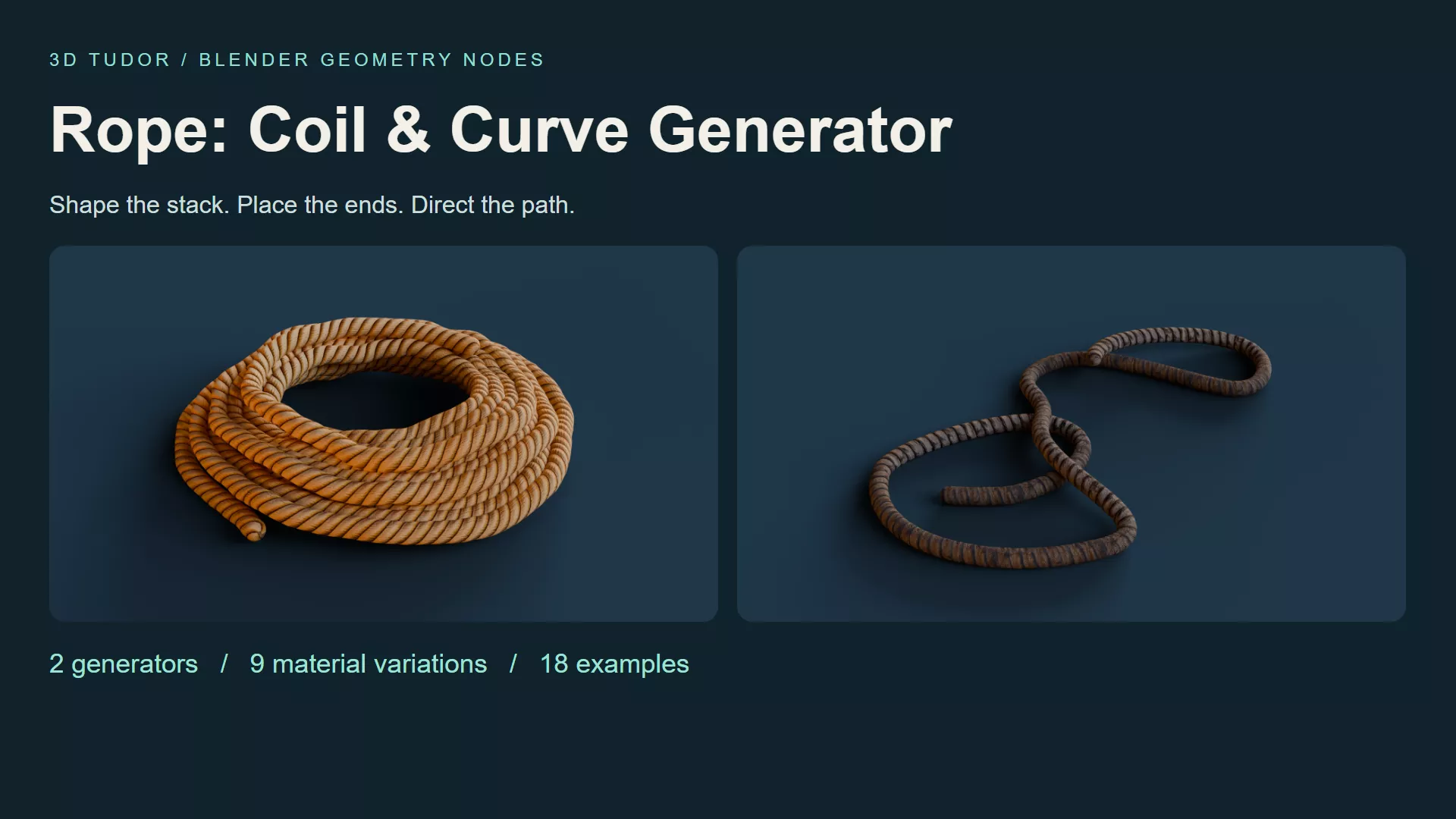
Rope Geometry Nodes for Blender gives you two ways to build a rope prop: shape a stacked coil or direct a loose length along an editable curve. Start with eighteen prepared examples and nine material variations, then adjust the silhouette, loose ends and surface alignment for your scene.
A coil beside a crate needs a different shape from a rope crossing a workshop floor. This Blender rope generator keeps those decisions accessible through the modifier controls. It is supplied as a .blend Geometry Nodes setup, with the original examples ready to inspect and duplicate.
WHAT IS INCLUDED• Two generators: 3DT Rope Coil and 3DT Rope Along Curve.• Eighteen example objects: nine coils and nine curve ropes.• Nine material variations with image textures packed into the Blender file.• A getting-started text guide.• Three MP4 demonstrations covering coil controls, curve controls and curve drawing.
SHAPE A COIL FOR THE SHOTSet layers, thickness and spacing to establish the body, then refine taper, top inset, variation, seed and organic shape. The upper and lower tails each have their own visibility, length, angle and tuck settings. Extend one end into the composition while keeping the other close to the stack.
Inner Fill, Inner Wraps and Inner Spacing change the centre arrangement. An open coil leaves more ground visible; a filled centre gives the prop a different visual weight. End bevel and segment controls refine the exposed tips. Rope Coil exposes 32 parameter inputs.
DIRECT ROPE ALONG A CURVEUse Rope Along Curve when the path matters more than the stack. Edit the Blender curve to arrange winding lengths and loose loops, then adjust thickness, ends and resolution. The curve-drawing recording demonstrates freehand input. This generator exposes 13 inputs; some parameter names are shared with the coil setup.
REFINE THE SURFACE SEPARATELYChoose from golden, tan, striped, weathered and dark material looks demonstrated across the examples. Texture Repeat and Texture Rotation help align the visible pattern; seam, around and length offsets offer further adjustment. Curve and profile resolution affect the geometry, so refine the silhouette before finishing the texture alignment.
PREVIEW IMAGE GUIDE
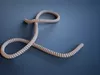
- Overview: the coil and curve workflows shown together.
- Golden coil: a compact stack with loose ends close to the body.
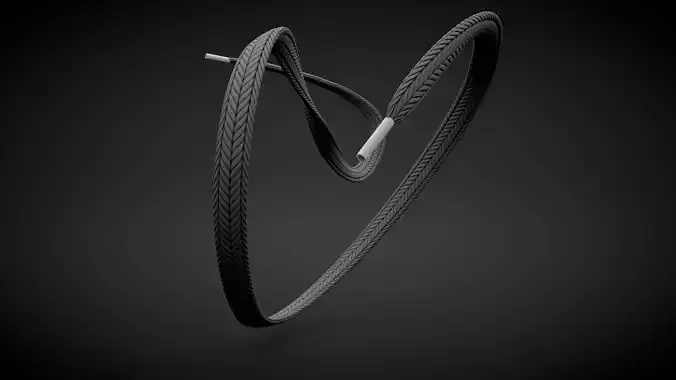
- Golden curve: an S-shaped path leads the eye across the ground.
- Striped coil: an irregular outline softens the stacked form.
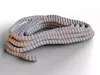
- Inner wraps: extra turns fill the centre of the pale coil.
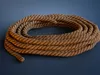
- Weathered loops: crossing bends give the brown rope a loose silhouette.
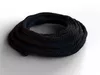
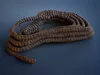
- Navy coil: a dark finish brings the outline and strand highlights forward.
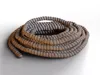
- Weathered coil: an uneven arrangement breaks up the stacked outline.
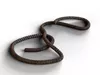
- Dark curve: a winding route contrasts with the compact coils.
STARTING WORKFLOWOpen the supplied .blend, duplicate a prepared example and retain the original as a reference. Establish the coil dimensions or curve route first, then refine tails and inner wraps where relevant. Finish with the material and texture settings, checking the result from your intended camera angle.
COMPATIBILITYSoftware: Blender.Checked version: opened and exposed controls inspected in Blender 5.1.2.Saved scene engine: Cycles.Delivery: Blender source and guide in a ZIP, plus three MP4 controls recordings.Packed image sizes: 512 × 2048 and 1024 × 512.
IMPORTANT NOTESThis is a procedural modelling product, not a narrated course or an installed add-on. The editable generators run in Blender; no Unreal Engine or Unity implementation is supplied. Other Blender versions and render engines have not been separately tested. Geometry counts vary with generator settings. Arrange rope paths manually: gravity, collision simulation and automatic knots are not included.
Happy modelling everyone!Neil - 3D Tudor