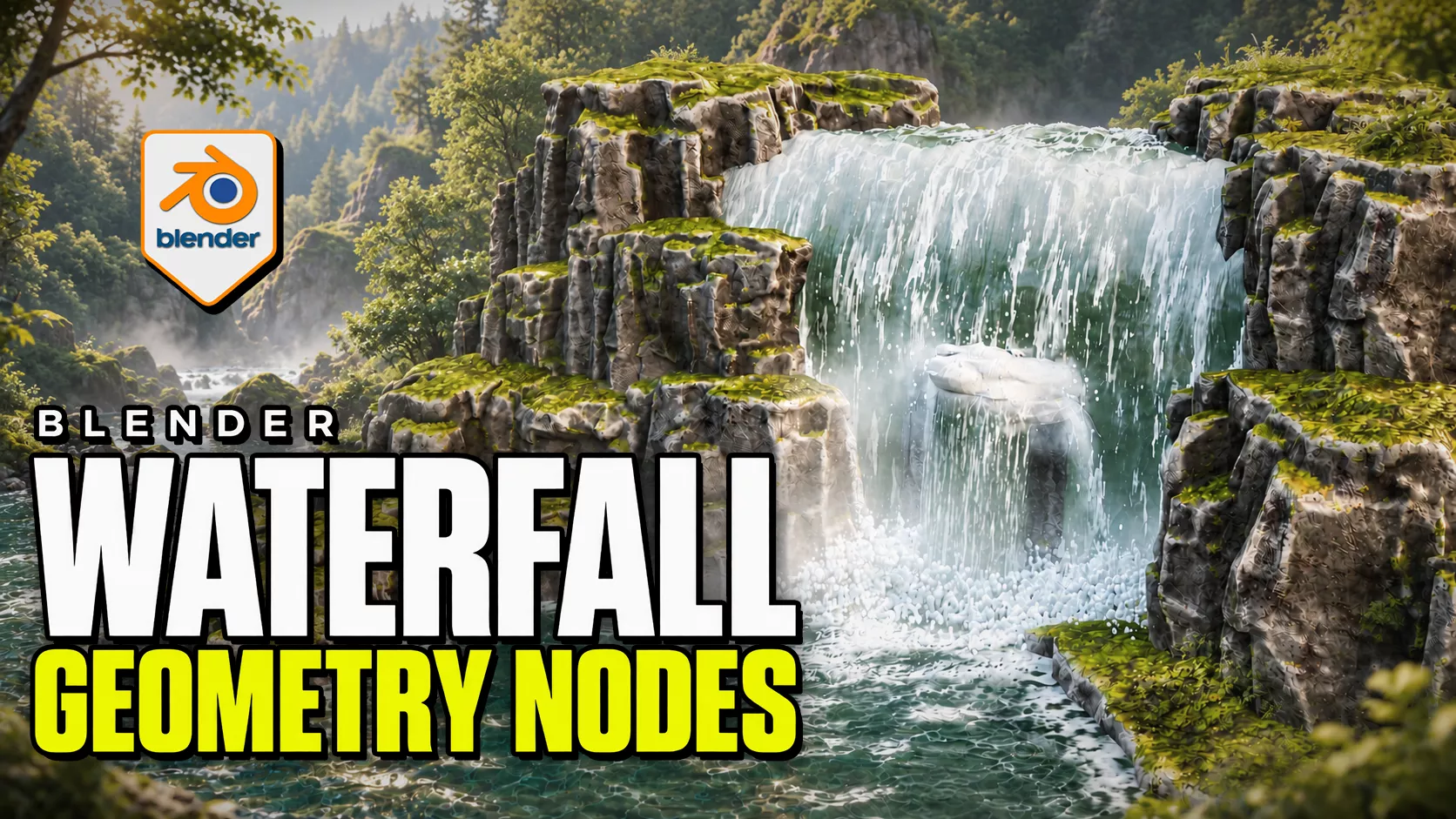
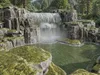
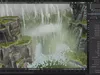
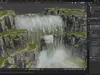
Advanced Waterfall Geometry Nodes by 3D Tudor gives you an editable Blender waterfall, receiving water surface and supporting impact effects. Shape the water route with a curve, adjust foam and depth separately, then place mist and splash rings where they help the shot. The supplied project keeps a complete example and reusable standalone objects together.
A connected waterfall workflow
Start with the example scene to inspect the relationship between falling water, pool and contact effects. Copy or append the objects in Standalone Waterfall Items into a working scene to reuse the systems with their node and material dependencies. No separate product addon installation is required.
The four main systems are Waterfall Surface Follow, Water Surface, Splash and Fog, and Splash Rings. They are designed to be adjusted independently, so changing the route does not require treating every supporting effect as one object.
Direct the flow
Use the waterfall curve to establish its path. Overall Width sets the broad curtain, while individual curve-point radii provide local width changes. Reverse Direction, the rounded lip, waviness, surface noise and edge or endpoint fading refine its silhouette and surface.
Surface-following, spill and cutout controls let selected environment objects influence the water. Assign target collections deliberately and keep the effect objects out of their own target collections. This makes interactions easier to manage as the scene becomes more complex.
Build the pool and impact
Water Surface combines layered animated normal waves with shallow/deep colour and opacity controls. Shoreline and contact foam help connect the pool to surrounding geometry. Automatic detection and collection-based targeting offer different ways to manage contacts and depth.
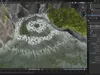
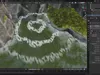
Use standalone splash rings for additional impact accents. Splash and Fog provides card-based mist with waterline and contact fading; it is not volumetric fog. Caustic patterns are an artistic surface effect, not physically projected caustics.
What you receive
- Native Blender project with the connected example, standalone objects and packed image resources.
- Getting-started guide explaining the initial workflow and practical limitations.
- Four silent control demonstrations covering Waterfall, Water Surface, Standalone Fog and Standalone Splash Ring: approximately 21 minutes 46 seconds in total.
- Two short silent animated previews.
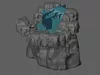
- Separate FBX and OBJ static layout reference archives, plus a GLB reference. The archive READMEs explain the static-export limitations.
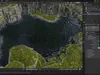
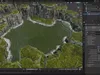
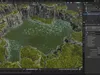
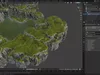
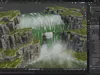
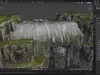
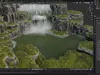
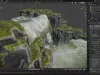
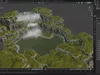
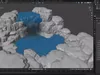
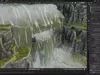
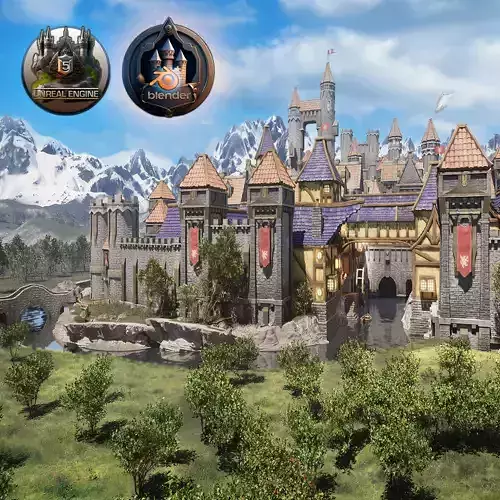
The Blender and Guide archive and Silent Demonstrations archive are separate downloads. The images show the supplied Blender setup; the forest backdrop does not mean a forest mesh asset pack is included.
Compatibility and technical scope
Use Blender 5.2.2 LTS for this release. Earlier versions have not been verified. This is a native procedural geometry and shader workflow, not a physical fluid simulator or an Unreal Engine/Unity water effect. The original Blender project provides the complete editable effect. Separate FBX, OBJ and GLB downloads provide a frozen frame-1 layout reference for other tools. These snapshots contain 53 mesh objects with neutral identification materials, not the rendered water effect. They omit procedural controls, animation, finished textures and shader transparency; mist appears as its underlying cards. FBX and GLB retain the evaluated UV layers; OBJ retains the cliff UVs but not all effect UV layers. Rebuild materials and effects for another renderer.
The project contains 22 materials and 31 packed images. The reference geometry fields describe visible source mesh/curve objects evaluated at frame 1: 137,470 vertices and 250,974 polygons (270,586 triangles after triangulation). These are not a fixed output budget and do not expand collection instances. Counts change with settings, frame and scene contents. Some effects use generated coordinates rather than a conventional UV unwrap across every object.
Animation and practical setup
The systems expose animation and loop settings. Match Loop Frames when the components need a shared cycle. The documented loop is 240 frames, while the supplied example timeline ends at 120; set your intended output range and review the full sequence before rendering.
For complex scenes, arrange objects in solid view, reduce viewport detail where appropriate and verify interaction targets around transparent third-party geometry. Save a working copy before adjusting the supplied scene. The local control recordings remain available alongside the project so you can inspect each modifier while following the demonstration.
Created by 3D Tudor for artists who want direct control over a waterfall's route, receiving surface and supporting effects inside Blender.
Inspecting the geometry
The interactive viewer, when available, shows the static layout and underlying effect cards. Use the rendered images and videos to judge the animated water, mist and foam; those effects require the supplied Blender project.Advanced Waterfall Geometry Nodes by 3D Tudor gives you an editable Blender waterfall, receiving water surface and supporting impact effects. Shape the water route with a curve, adjust foam and depth separately, then place mist and splash rings where they help the shot. The supplied project keeps a complete example and reusable standalone objects together.
A connected waterfall workflow
Start with the example scene to inspect the relationship between falling water, pool and contact effects. Copy or append the objects in Standalone Waterfall Items into a working scene to reuse the systems with their node and material dependencies. No separate product addon installation is required.
The four main systems are Waterfall Surface Follow, Water Surface, Splash and Fog, and Splash Rings. They are designed to be adjusted independently, so changing the route does not require treating every supporting effect as one object.
Direct the flow
Use the waterfall curve to establish its path. Overall Width sets the broad curtain, while individual curve-point radii provide local width changes. Reverse Direction, the rounded lip, waviness, surface noise and edge or endpoint fading refine its silhouette and surface.
Surface-following, spill and cutout controls let selected environment objects influence the water. Assign target collections deliberately and keep the effect objects out of their own target collections. This makes interactions easier to manage as the scene becomes more complex.
Build the pool and impact
Water Surface combines layered animated normal waves with shallow/deep colour and opacity controls. Shoreline and contact foam help connect the pool to surrounding geometry. Automatic detection and collection-based targeting offer different ways to manage contacts and depth.
Use standalone splash rings for additional impact accents. Splash and Fog provides card-based mist with waterline and contact fading; it is not volumetric fog. Caustic patterns are an artistic surface effect, not physically projected caustics.
What you receive
- Native Blender project with the connected example, standalone objects and packed image resources.
- Getting-started guide explaining the initial workflow and practical limitations.
- Four silent control demonstrations covering Waterfall, Water Surface, Standalone Fog and Standalone Splash Ring: approximately 21 minutes 46 seconds in total.
- Two short silent animated previews.
- Separate FBX and OBJ static layout reference archives, plus a GLB reference. The archive READMEs explain the static-export limitations.
The Blender and Guide archive and Silent Demonstrations archive are separate downloads. The images show the supplied Blender setup; the forest backdrop does not mean a forest mesh asset pack is included.
Compatibility and technical scope
Use Blender 5.2.2 LTS for this release. Earlier versions have not been verified. This is a native procedural geometry and shader workflow, not a physical fluid simulator or an Unreal Engine/Unity water effect. The original Blender project provides the complete editable effect. Separate FBX, OBJ and GLB downloads provide a frozen frame-1 layout reference for other tools. These snapshots contain 53 mesh objects with neutral identification materials, not the rendered water effect. They omit procedural controls, animation, finished textures and shader transparency; mist appears as its underlying cards. FBX and GLB retain the evaluated UV layers; OBJ retains the cliff UVs but not all effect UV layers. Rebuild materials and effects for another renderer.
The project contains 22 materials and 31 packed images. The reference geometry fields describe visible source mesh/curve objects evaluated at frame 1: 137,470 vertices and 250,974 polygons (270,586 triangles after triangulation). These are not a fixed output budget and do not expand collection instances. Counts change with settings, frame and scene contents. Some effects use generated coordinates rather than a conventional UV unwrap across every object.
Animation and practical setup
The systems expose animation and loop settings. Match Loop Frames when the components need a shared cycle. The documented loop is 240 frames, while the supplied example timeline ends at 120; set your intended output range and review the full sequence before rendering.
For complex scenes, arrange objects in solid view, reduce viewport detail where appropriate and verify interaction targets around transparent third-party geometry. Save a working copy before adjusting the supplied scene. The local control recordings remain available alongside the project so you can inspect each modifier while following the demonstration.
Created by 3D Tudor for artists who want direct control over a waterfall's route, receiving surface and supporting effects inside Blender.