Update 08 Oct 2026 - Unreal Engine version updated (issues fixed and new features added)
Update 23 Sep 2026 - Unreal Engine version added
Update 02 Sep 2026 - 3ds Max version added
Update 29 Aug 2026 - Updated Blender to version 1.6 (added a horizontal random position offset for the X and Y axes)
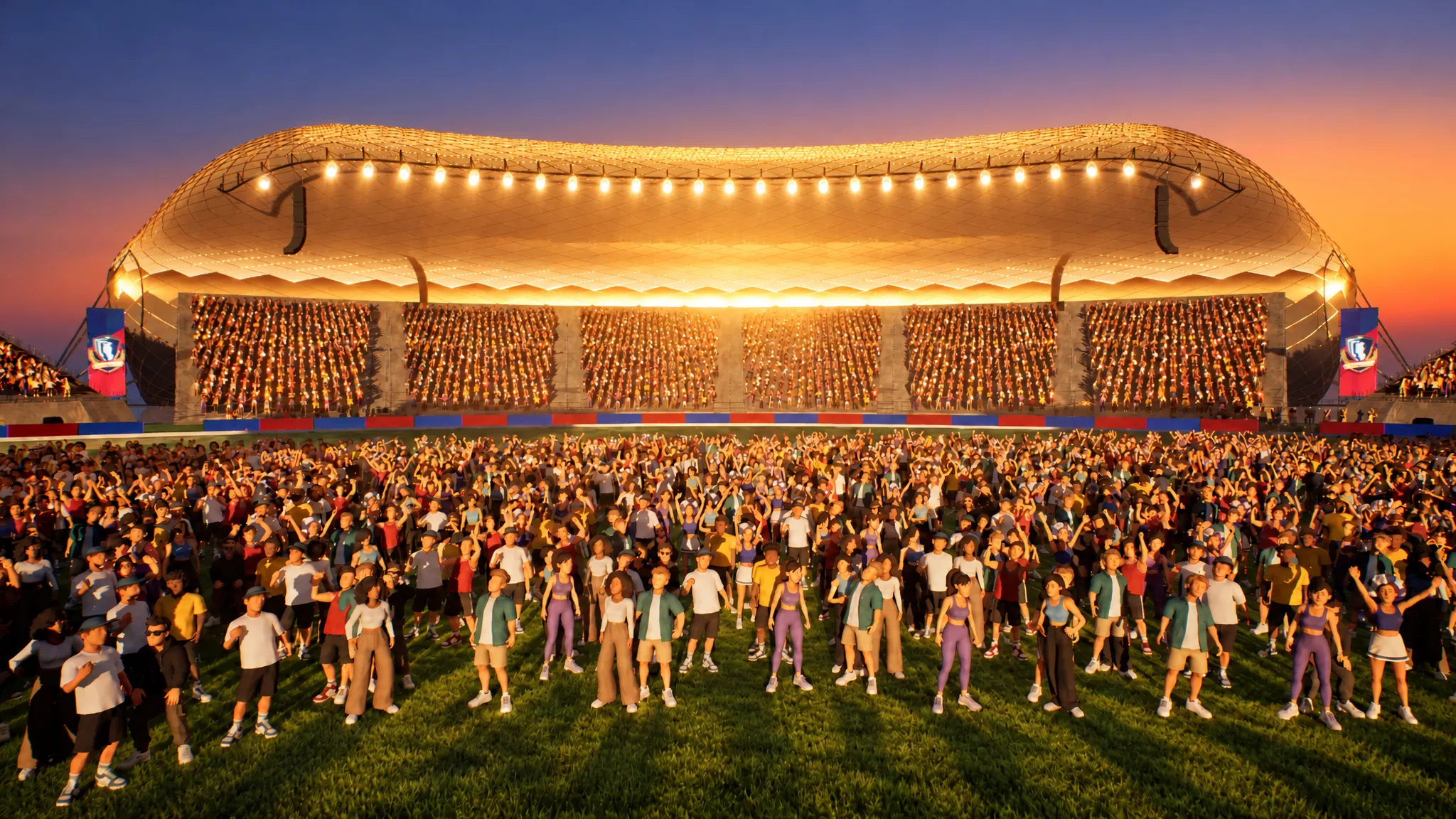
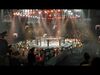
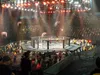
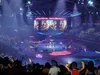
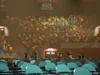
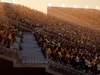
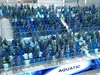
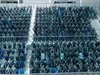
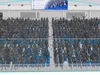
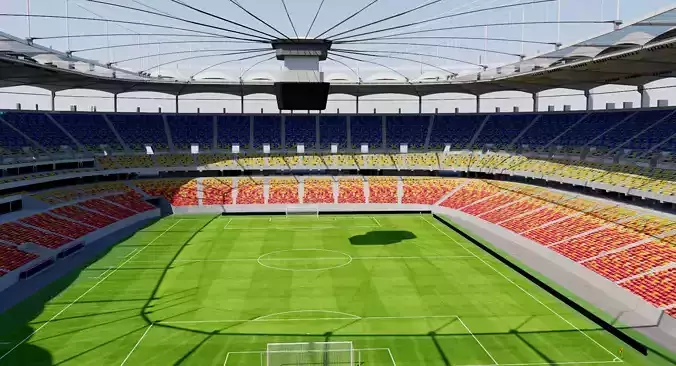
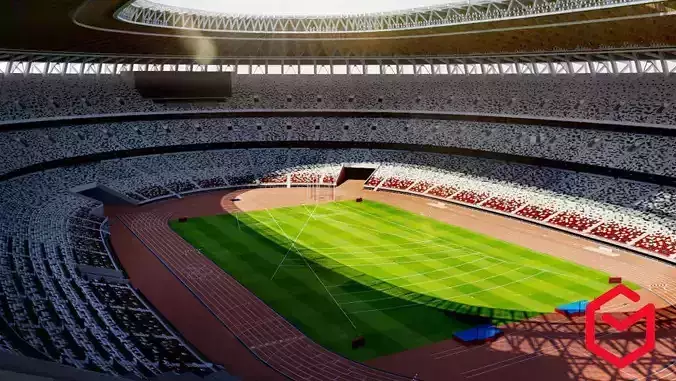
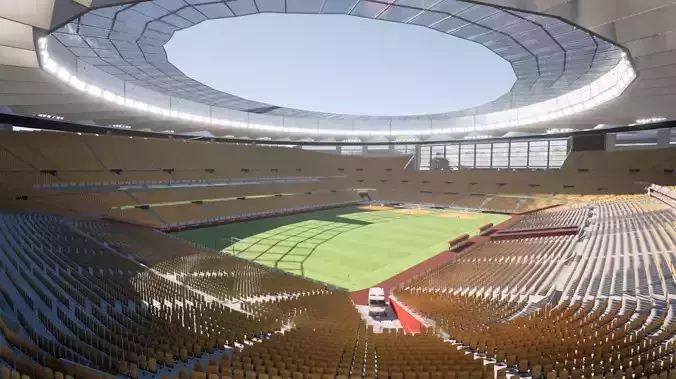
Stadiums are not included and are used only for the demo.
Product and Real Support
If you need format conversion, have any questions, or have issues with my model, write me. I always answer within a few hours and support my clients.
Please get in touch with me via Discord: https://discord.com/invite/VGMWbkMxaG
Patreon: https://www.patreon.com/c/olegverenko/chats
or use my email: oleg.verenko@gmail.com
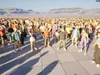
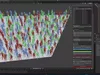
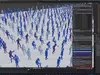
Create massive animated crowds in seconds using procedural character instancing and randomized animation offsets for concerts, stadiums, and custom large crowd simulations.
File Types - supported programs
Unreal Engine 5.4.4
10 textured animated characters spawner (VAT + HDIM pipeline) with seats.
- Check for init_unreal.py script installed at: /Content/Python/init_unreal.py
- Drag 3 Blueprints from the CrowdGen folder into the level.
- BP_SeatArea - adjust borders of crowd using prepared splines.
- Set up your crowd using BP_CrowdGen in real time.
BP_LookAtTarget - set look at target for all crowds.
Quick Demo for UE: https://youtu.be/G5iBQaySEio
Full Tutorial for UE: https://youtu.be/4Qjr3puO4bE
Blender 5.0.1
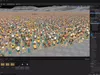
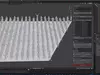
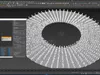
Install the add-on procedural_crowd_generator.py (Blender - Edit - Preferences - Add-ons - Install) and start populating:
- Select the surface.
- Set rows and seats per row.
- Pick 1-15 unique characters (armatures) from the scene (or use your own FBX with animation).
- Press Build Crowd - instances appear on the surface.
- Optionally, randomise animation, offsets, rotation, colors, or rebuild. Move or delete individual meshes.
Video tutorial for Blender: https://youtu.be/OXEUgUoWEeE
3ds Max 2022 (free tyFlow plugin requires - v0.16134 or newest)
- Merge ProceduralCrowdGenerator group from the Demo scene.
- Set the surface, character count, and other options.
Video tutorial for 3dsmax: https://www.youtube.com/watch?v=9B6UCZlj_Hs
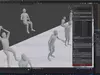
Inside the FBX folder, you can find 10 demo animated mid-poly FBX files with different types of animation.
Procedural Crowd Generator is a powerful tool designed to instantly populate any surface with fully animated crowd characters. Built for stadiums, concerts, arenas, and cinematic environments, it automates the entire process of crowd layout, instancing, and animation variation. Instead of manually placing and managing hundreds or thousands of characters, this tool lets you generate a complete animated crowd with a single click.
This Stadium Crowd Tool includes a version for Unreal Engine 5. Create dense, animated audiences along custom spline seat areas using Hierarchical Instanced Static Meshes (HISM) and VAT animation. Control character variants, weights, density, chairs, look-at targets, phase offset, camera flash effects, and shadows. Includes one-click Bake Crowd to produce independent, movable crowd actors. Optimized for large stadiums, sports arenas, and live events. Easy Blueprint workflow with Python backend.
Core Features
- Looped animation - unlimited in time
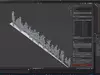
- Procedural seating grid generation on any mesh surface
- Access to each mesh (move, scale, rotate, or delete if you need)
- Automatic crowd instancing (armature-based characters)
- Multi-character support (mix and randomize different avatars)
- NLA-based animation system with per-instance offsets
- Fully randomized motion timing (no synchronized crowd movement)
- Surface raycast placement (accurate seat-to-mesh projection)
- Optional character rotation controls (face center / custom direction)
- Scale inheritance from source characters (Mixamo-friendly)
- Built-in seat preview system (debug / layout visualization)
- Collection-based crowd organization (non-destructive workflow)
- One-click crowd rebuild and clear system
Use Cases
- Stadium & Sports Visualization
- Generate realistic audience crowds for football, basketball, esports arenas, and stadium flythrough shots.
- Concert & Festival Scenes
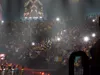
- Populate massive concert venues with animated spectators for cinematic lighting and atmosphere shots.
- Film & VFX Previsualization
- Quickly block out crowd density and motion for pre-production or layout stages in VFX pipelines.
- Game Environment Design
- Create background crowds for stadium levels, city events, or cutscene environments.
- Architectural Visualization
- Bring static renders to life by adding scale, occupancy, and realism to large venues.
Tags:
crowd, stadium, audience, procedural, generator, HISM, instanced static mesh, VAT, Vertex Animation Textures, vertex animation, blueprint, python, UE5, Unreal Engine 5, seating, spline, look at, performance, bake, sports, arena, concert, fans, Fan Spawner, spectators, tool, editor utility, Stadium Crowd System, Blender addon, crowd generator, stadium crowd, procedural crowd, animation tool, VFX tool, crowd system, stadium seating, Blender Python tool, instanced characters, animated crowd, EEVEE optimization, Easy Fans Crowd System, arena visualization, architectural visualization, Stadium Crowd Tool, film crowd simulation, procedural animation tool