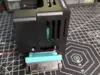
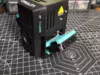
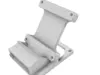
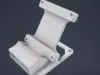
Ender 3 V3 KE Shroud Vent Fan Adaptor
For the STP Version visit me at:
https://ko-fi.com/bmbulahan/shop
The Ender 3 KE suffers from under-extrusion or, worse, filament blockage inside the throat.This is caused by the following:
- Defective heatsink fan
- Heat creep caused by hot-end screws screwed into the heatsink
- Hot-end shroud
Fix:
- Spin the heatsink fan manually using your finger. If it did not spin freely, replace it.
- Remove the screw connecting the heatsink and the hot-end. you won't need that.
- Ensure that the nozzle is very tightly screwed with a small part of it's neck visible.
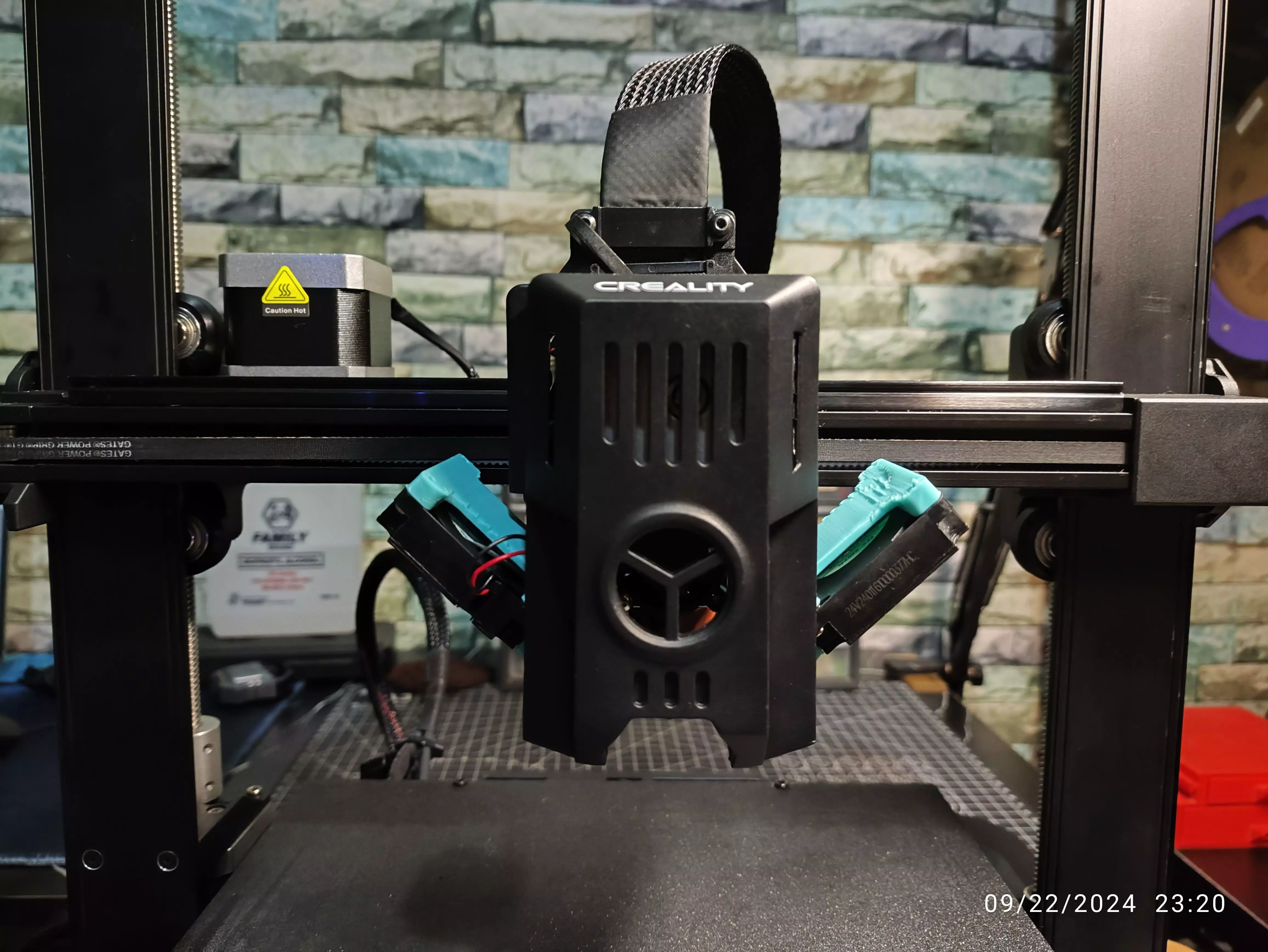
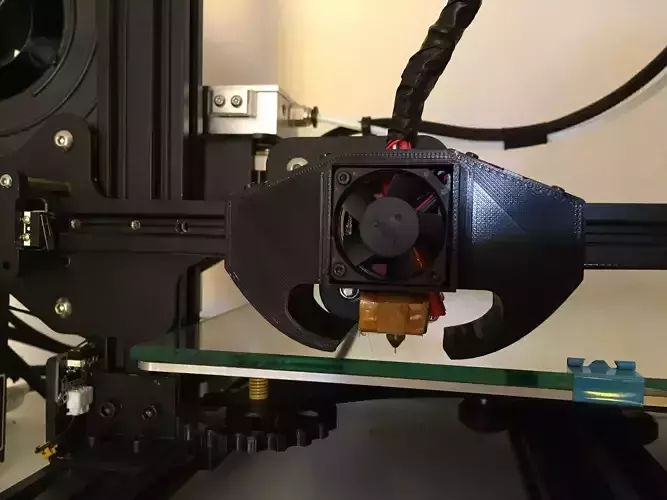
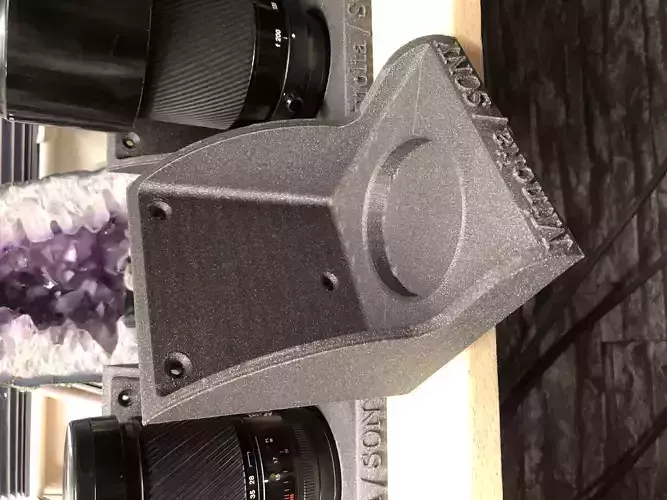
Once you fix the issues, it is necessary to modify the shroud so cool air can enter and hot air can move out. This mod offsets the two auxiliary fans by 47 degrees, allowing you to remove the wall behind the fans.
Things Needed:
- Additional screws (same size as the auxiliary fan screws). You can take 2 screws from each fan.
Installation Instruction:
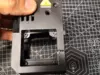
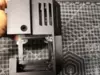
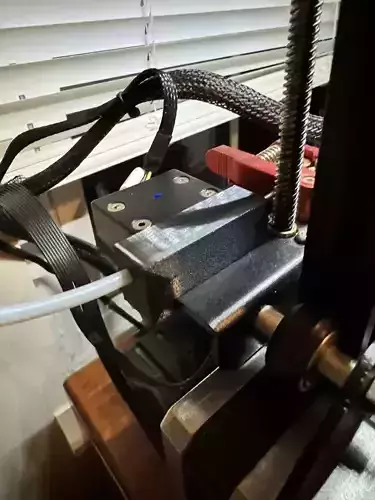
- On the hot-end shroud, remove the wall behind the fans, leave the screw holes intact. (refer to the picture).
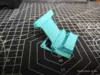
- Install the adaptors.
- Install the fans._Note: Print with PETG for the best results._