DESCRIPTION

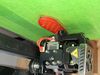
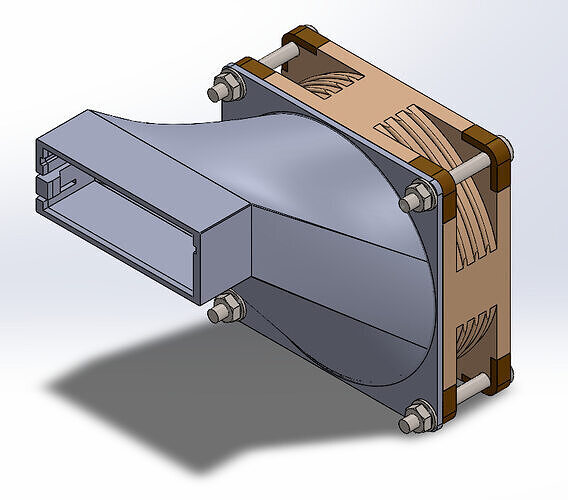
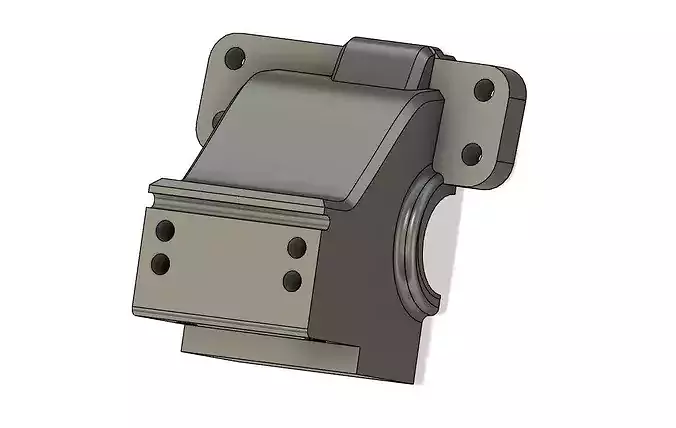
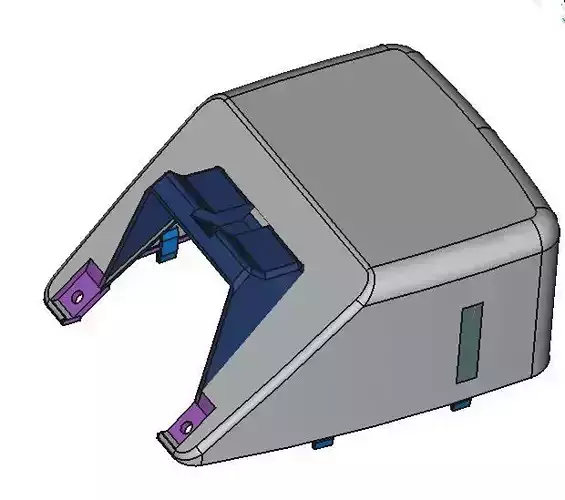
So the cooling fan/mount on the S1 pro is horrible. Here is a very simply upgrade,Simply remove the fan, flip the stainless steel bracket 180 degrees and mount back with two of the mounting holes.

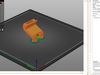
Obviously after you have printed and replace the fan shroud.

No need to upgrade any fan, just make sure you undo the cable relief behind the fan and it will still reach the connector port as expected.

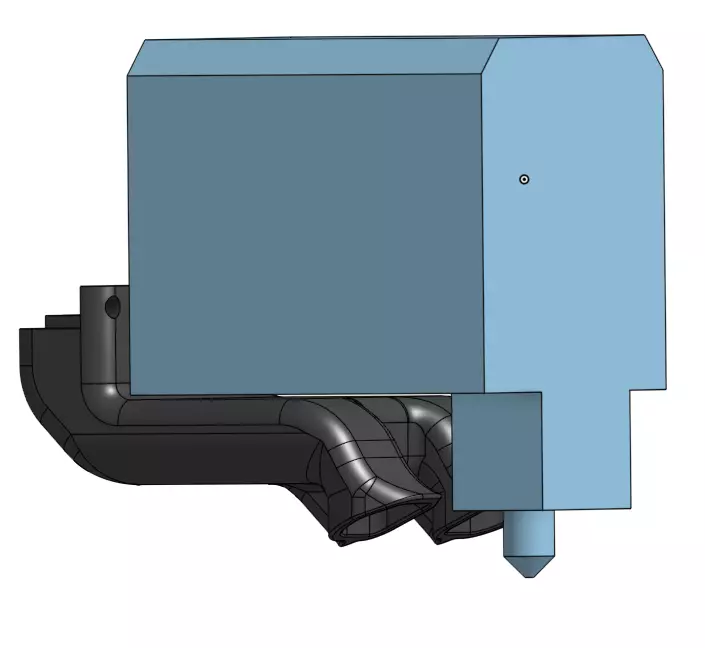
You will see once the new shroud is in place the nozzle is slightly off center. this is expected. one port of the shroud points at the printed point, and the other at the area just off the side. meaning the melted plastic gets blast of air just as its laid down, and another blast when head moves past that point.
REVIEWS & COMMENTS

See what other buyers think about this model - real feedback on quality,
accuracy, and usability.
There are no reviews or comments yet. Please be the first one to write it.

ENDER S1 PRO STOCK FAN SHROUD UPGRADE Free 3D print model

Royalty Free License (no AI)
Hire
Like this model to show appreciation to the designer.
See how many times this model was viewed.
Share this model to support the designer and boost their visibility.
File format
STL
Stereolithography<br />File Size: 1.28 MB
Provided by designer
Information and details shared directly by the model's designer.
3D printing
Indicates whether the designer marked this model as suitable for 3D printing.
Model is prepared for 3D printing
The designer indicates this model is prepared for physical 3D printing and includes printable file formats.
Units
Publish date
Model ID
Chat