23 Oct 2026
CGTrader AI: the AI 3D Model Generator Included in Your Subscription
News
There are more ways to create in 3D than ever. We're excited to introduce CGTrader AI, built right into CGTrader, alongside our library of designer-made models. In this post, learn what CGTrader AI is (and what it isn't), and how it works.
CGTrader AI is an AI-powered 3D model generator and editor available now with a CGTrader subscription. It creates 3D models from text or images, then helps you refine them, all in the same place you already browse and download 3D assets.
It does two jobs:
1. Create 3D models with AI
2. Enhance 3D models with AI
The enhance tools work on models you generate, models you made yourself, and eligible models you download from the CGTrader marketplace. So you can grab a library asset and adapt it, instead of starting from zero.
Six presets for different jobs
Before you generate, you pick a preset that sets the tool up for what you're making:
Three engines, one interface
Instead of locking you into a single AI model, CGTrader AI gives you access to three of the leading AI 3D engines:
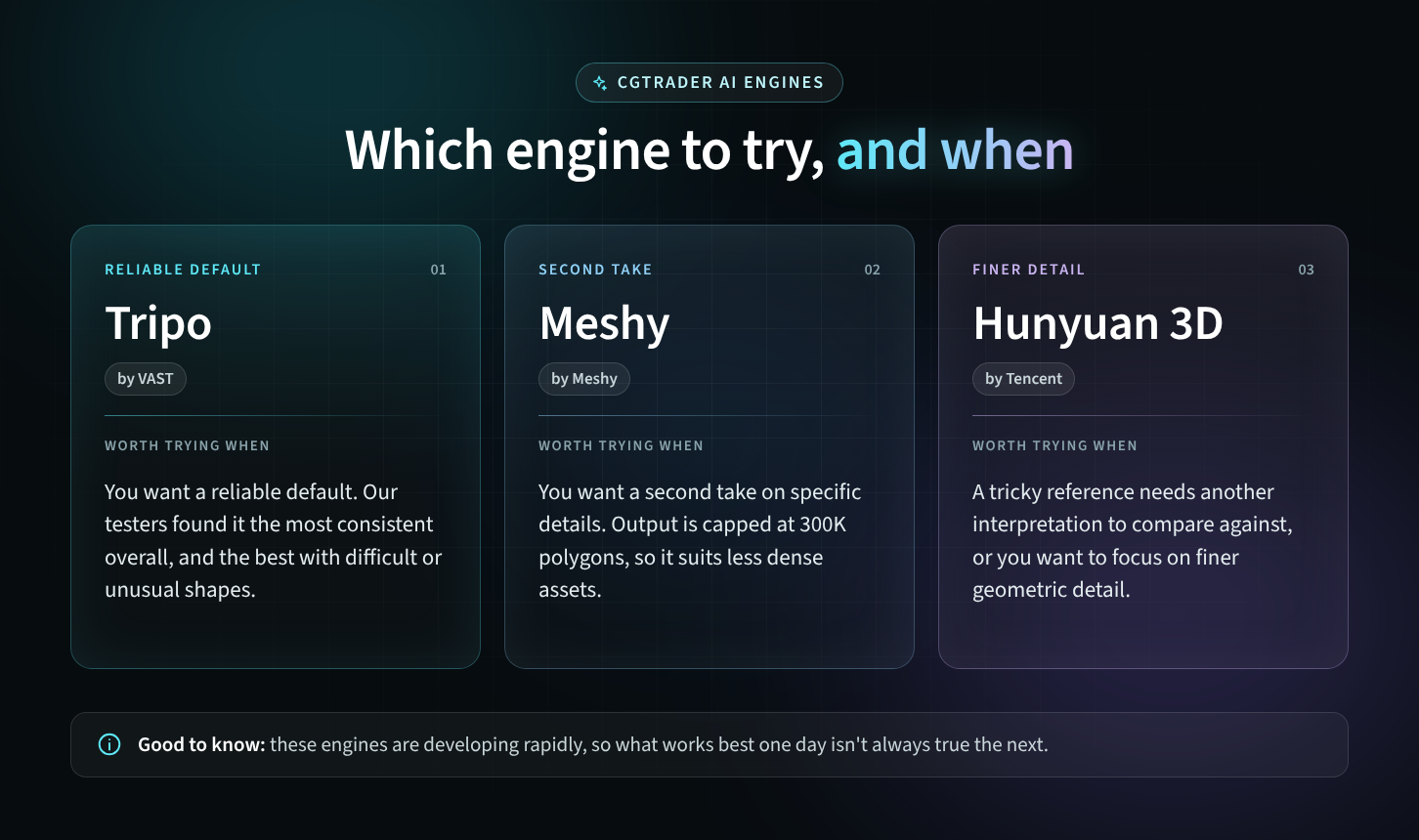
Each engine has its own strengths, and results can vary a lot depending on the subject. Being able to run the same idea through different engines, without needing separate subscriptions, is one of the most practical parts of the tool.
Clear expectations make better tools. Here's what CGTrader AI isn't trying to be:
CGTrader AI is included in the CGTrader subscriptions. You don't buy AI credits on one platform and 3D models from a library on another. Your 25 monthly uses work across both: spend them on AI generations, library downloads, or any mix that fits your project that month.
With one subscription, you get:
Our subscription comes in two tiers, Essentials and Premium. Not sure which suits your work? Read our guide: CGTrader Premium vs. Essentials: which plan is right for you?
Want to test it first? Every account gets 5 free AI generations, with no credit card required.
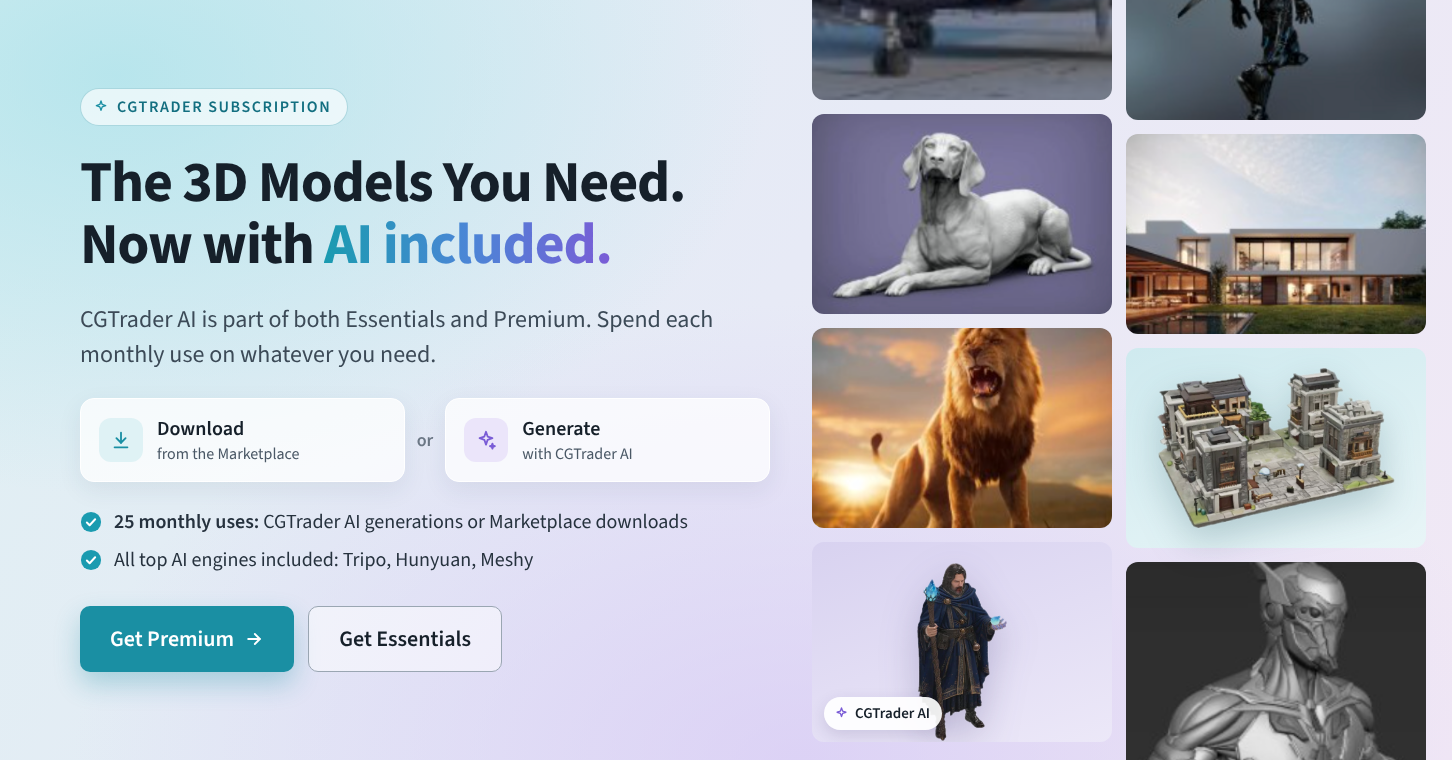
CGTrader is the only 3D marketplace that combines three leading AI 3D engines and a library of up to 1.7M 3D models made by artists and designers, in a single subscription.
Until now, getting both meant stitching tools together: a subscription to an AI generator (or several, if you wanted to compare engines), plus a separate marketplace account for designer-made models, each with its own billing, license terms, and file workflow.
CGTrader AI puts that in one place:
Before launch, we asked members of our own 3D and 3D printing team to use CGTrader AI the way a customer would. Here's what they learned.
Text or image: which should you use?
If you already know what it should look like, use an image. Our testers got the most predictable results from image input, especially real photos.
What makes a good reference image?
Which preset should you pick? Start with Standard. Generate at high detail first: you can reduce the polygon count afterwards with Remesh, which also converts the mesh to quads. For 3D printing, use the 3D print preset, set the material to geometry only (unless you print in full color), and keep the polycount at its highest.
Which engine should you choose? For many objects, all three engines produce something usable. If you're unsure, start with Tripo. When a reference is difficult, with thin parts, hidden geometry, or unusual shapes, try more than one engine and keep the result you like best.
Check the scale. Generated models don't use real-world scale. Each engine normalizes objects to its own size, so always resize after import.
What prints well? AI generation is strongest for visual and decorative models:
A print-ready model from one of our designers often comes prepared: sized, oriented, checked for wall thickness, and sometimes pre-supported. An AI model gives you the geometry, and you handle the rest.
What is CGTrader AI? CGTrader AI is an AI 3D model generator and editor inside the CGTrader marketplace. It creates 3D models from text or images and can remesh, texture, segment, and animate models.
Which AI engines does CGTrader AI use? CGTrader AI gives you access to Tripo, Meshy, and Hunyuan, three leading AI 3D generation engines, from one interface.
Is CGTrader AI included in the CGTrader subscription? Yes. AI generations and library downloads share the same 25 monthly uses, so one subscription covers both.
Can I try CGTrader AI for free? Yes. You get 5 free AI generations with no credit card required.
Can I edit models I downloaded from CGTrader with AI? Yes. You can enhance, edit, and customize your own models and eligible marketplace models.
Do unused monthly uses roll over? No. Unused generations and downloads expire at the end of each billing cycle.
Does CGTrader AI replace 3D artists? No. CGTrader AI is designed for simple assets, experimentation, and prototyping. Detailed, production-ready, and art-directed work still comes from skilled designers, and CGTrader's library of human-made models keeps growing.
When did AI 3D model generation start? AI 3D generation took off in 2022, when Google released DreamFusion and OpenAI released Point-E. Commercial engines such as Tripo, Meshy, Rodin, and Hunyuan 3D matured through 2024 to 2026.
Will CGTrader AI keep improving? Yes. CGTrader AI is built on leading AI 3D engines that update frequently, and we'll keep adding tools and workflows based on what our community needs.
CGTrader AI is live today, and it will keep getting better. Try it, tell us what you need, and help shape what comes next.


Comments