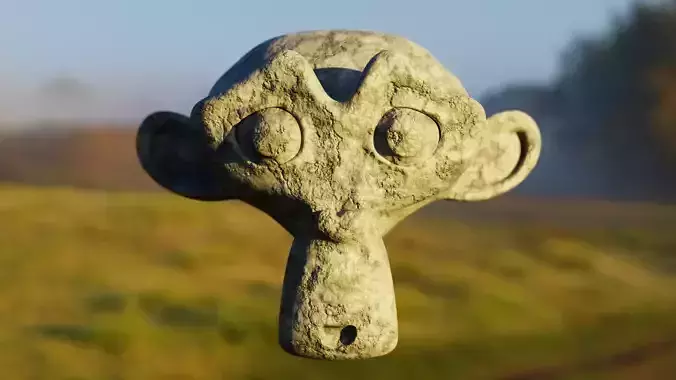
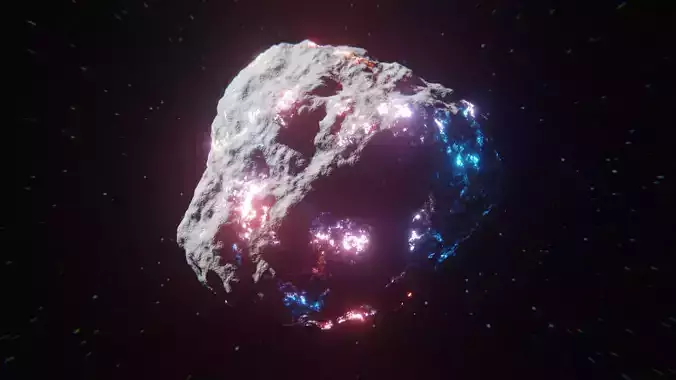
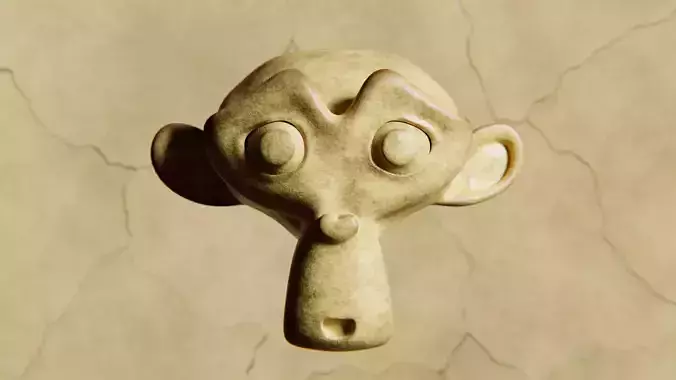
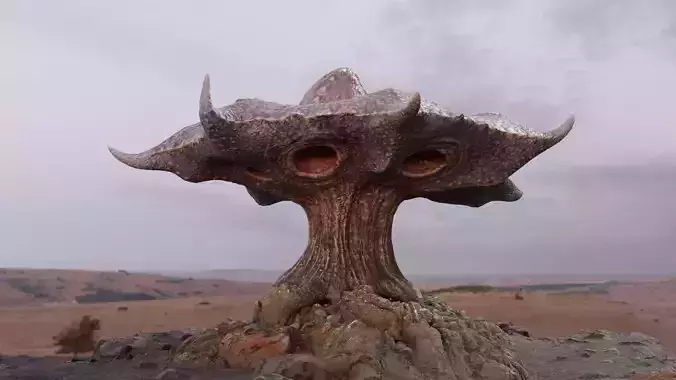
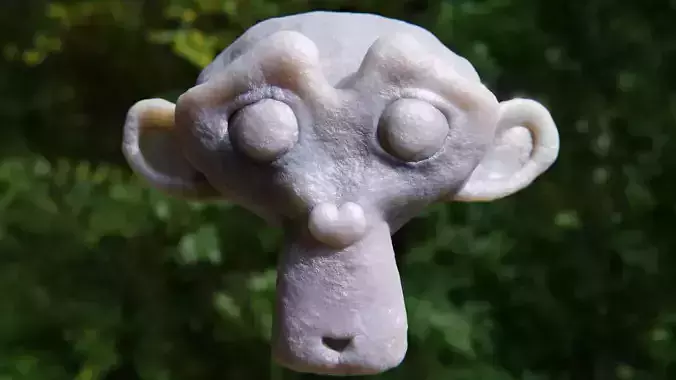
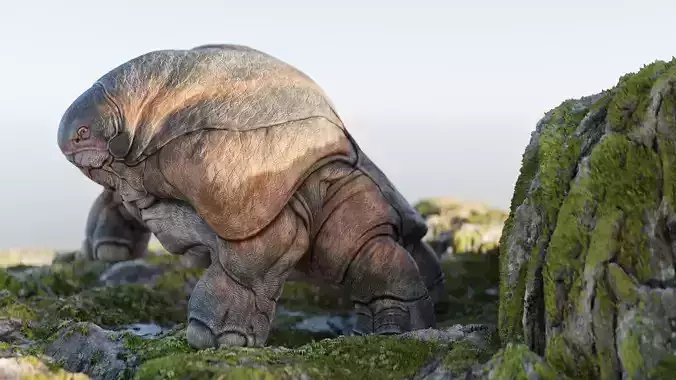
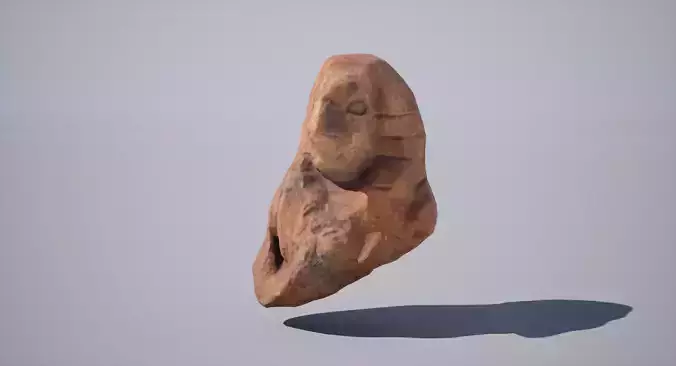
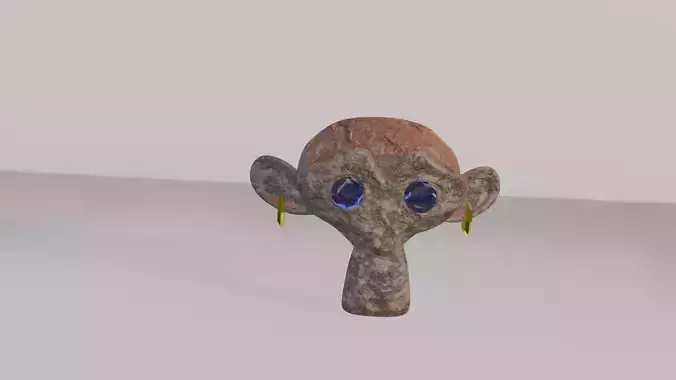
Procedural Stone Shader – Realistic Rock Texture for BlenderThis Procedural Stone Shader is a professional-grade, high-resolution material created entirely within Blender 3.5.1, optimized for the Cycles Render Engine. It is designed to deliver true-to-life stone realism without the need for any external image textures, making it infinitely scalable for both close-up renders and massive environment scenes.
By leveraging Blender's procedural node system, this shader recreates the intricate microstructures of real stone — including erosion marks, weathering effects, surface displacement, and subtle roughness variations. These details remain sharp and consistent at any scale, making it an ideal choice for architectural visualization, cinematic environments, product rendering, and game development.
Unlike traditional image-based textures that can stretch, repeat, or lose detail when scaled, this shader is 100% procedural and non-repetitive, ensuring seamless results across any surface size. Whether you're building a rocky mountain cliff for a film scene or adding small stone props to a product render, this shader offers unmatched flexibility and control.
Key Features – 100% Procedural, No Image Textures
- Fully built in Blender using native procedural nodes – no external textures required.
- Infinite scalability with zero loss in resolution.
- Adjustable parameters for surface age, displacement depth, bump detail, and roughness variation.
- Works equally well in close-up macro renders and large-scale landscapes.
Advanced Surface DetailingThe shader realistically reproduces natural stone characteristics, such as:
- Micro cracks and pitting
- Natural erosion patterns
- Rough patches and weather stains
- Layered surface variations found in real rocks
This makes it ideal for environments that demand high realism, such as architectural exteriors, game worlds, and photorealistic product shots.
Customizable Shader ControlsAll major visual aspects of the material can be modified directly from the shader group:
- Global material intensity
- Weathering and erosion depth control
- Displacement height adjustment
- Roughness level customization
Optimized Geometry for Rendering & Real-Time UseWhile the shader is procedural and can be applied to any mesh, optimized demo meshes are included for immediate use.
Vertices: 31,688Polygons: 31,688
- Clean, quad-based topology
- UV unwrapped for full mapping compatibility
- Subdivision-ready for extra detail
Included File Formats
- .blend – Native Blender file with fully editable shader node group
- .fbx – Widely compatible 3D format
- .obj – Industry-standard format for most 3D applications
- .stl – 3D printing-ready format
Compatible Applications & Use Cases
-
Architectural Visualization – Create realistic building facades, pavements, stone walls, and monuments.
-
Game Development – Design terrain assets, cliffs, rocky landscapes, and natural environments without texture repetition.
-
Cinematic Scenes – Add photorealistic rocky details to outdoor sequences and background elements.
-
Product Rendering – Use as a premium backdrop for showcasing items with natural realism.
-
Educational Use – Learn procedural node-based workflows in Blender.
Benefits of a Procedural Shader over Texture Maps
- No visible seams or pattern repetition.
- Infinite scaling without losing detail.
- Full creative control via shader parameters.
- Lighter project files due to no large texture images.
- Works seamlessly with Blender’s material system.
Instructions
- Open the .blend file in Blender 3.5.1 or newer.
- Append or link the shader node group into your scene.
- Assign the material to your model.
- Adjust the parameters to achieve the desired stone look.
- Export in .fbx, .obj, or .stl format as needed.
Why this model?If you are looking for a versatile, fully procedural, and highly realistic rock shader that adapts to any scene scale without visible seams, this model is the perfect solution. It saves hours of searching, editing, and troubleshooting texture files, giving you complete creative freedom with minimal effort.
Whether you’re a 3D artist, architect, game developer, or product designer, this shader will help you create stunning stone surfaces that enhance realism and make your work stand out. Invest in this shader today and transform your 3D environments with lifelike stone detailing.