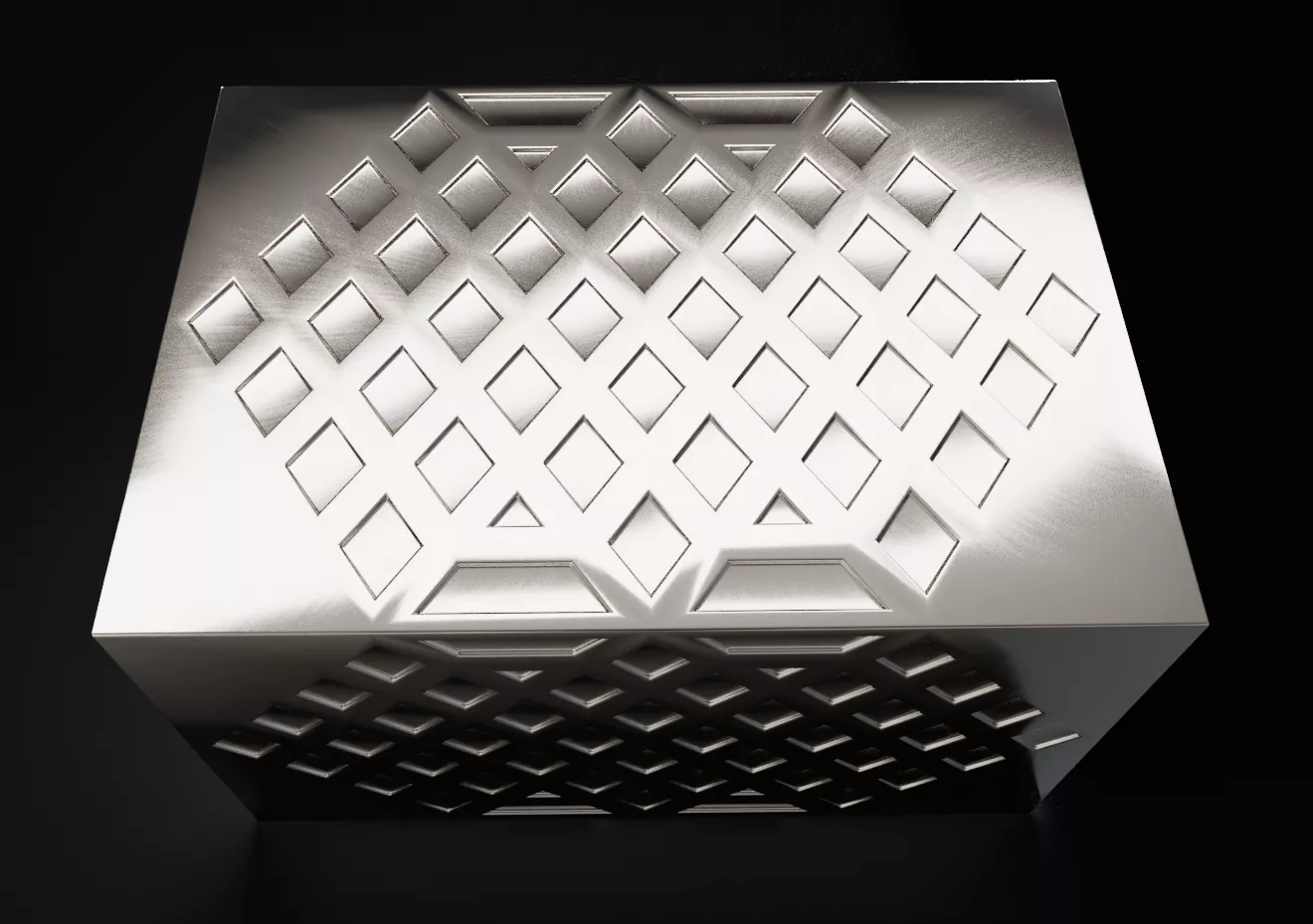
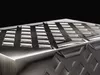
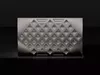
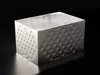
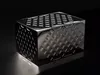
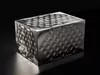
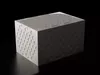
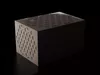
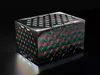
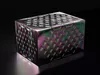
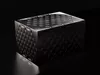
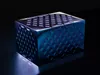
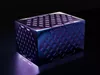
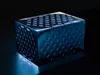
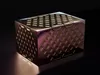
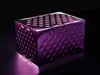
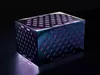
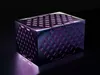
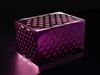
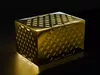
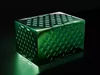
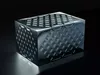
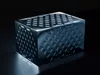
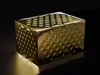
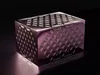
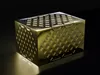
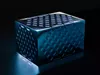
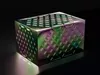
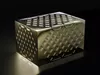
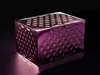
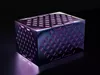
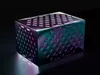
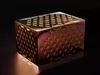
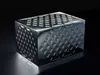
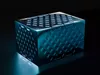
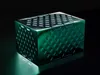
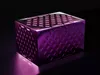
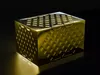
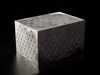
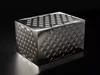
Anodised titanium gets its colour from interference in a transparent oxide film, not from dye — and this model drives it by film thickness in nanometres. A procedural, real-world-scale titanium specimen with 40 dials, plus baked 4K PBR maps for every format.
About This Element
Titanium is as strong as steel at a little over half the weight, which is why it ends up in airframes, bike frames and hip joints. Its surface oxide, TiO₂, is transparent, so a film a few hundred nanometres thick turns the metal straw, bronze, blue or violet purely by interference, with no pigment involved at all. That is modelled here as the physics rather than a colour ramp: the Anodize panel is driven by Anodize Thickness nm, so the colours arrive the way they do on a real anodised part.
Product Information
Element: Titanium (Ti) · Atomic Number 22Dimensions: 0.4886 × 0.3466 × 0.2896 m — 48.9 × 34.7 × 29.0 cm, true real-world scale, metric unitsSurface area: 0.8675 m²Geometry: 28,728 polygons · 27,574 vertices · 55,144 triangles · 56,300 edgesTopology: quad-dominant — 26,416 quads + 2,312 triangles, no n-gonsMesh: watertight and manifold — 0 non-manifold edges, 0 boundary edges, 0 loose verticesMaterials: 2 — titanium_procedural, the source surface with 40 adjustable properties, and titanium, the same surface as image maps for the baked pathTextures: 4096 and 2048 PNG, 8-bit · metal / roughness workflow · 4K set 24.70 MB, 2K set 7.98 MBMaps: Base Color and Normal as RGB · Roughness, Metalness and AO as grayscale · packed MetallicRoughness for glTFUVs: single UVMap (st in USD), zero overlap, inside 0–1, 35.5% coverageTexel density: 0.382 mm per texel at 4096, varying only 1.14× across the middle half of the facesTransforms: the exported mesh has scale applied (1,1,1), rotation zero, object at the world originNative File: Blender 5.0 · CyclesPart of a 118-element procedural periodic table collection
Performance & Quality
Procedural in Blender — resolution independent, no bitmap ceiling, no stretched pixels at any camera distanceBaked 4K and 2K PBR maps ship with every interchange format, so the look survives outside Blender40 dials in seven panels — Metal, Polish / Scratches, Oxide (TiO₂), Corrosion, Patina and Anodize — covering the whole range from machined-bright to corroded, without opening the node treeThe anodize panel is real thin-film interference, not a tinted gradient: set Anodize Thickness nm and the straw, bronze, blue and violet arrive in the right order, for the right reasonRoughness tops out at 0.243 — a satin metal, never a mirror, which is what titanium actually looks likeWatertight manifold mesh — print-ready as supplied, no repair pass needed28,728 polygons: light enough for a crowded scene or a real-time budget, dense enough to hold up at macro distanceModelled at true metric scale, so it drops straight into an existing scene without rescalingThe .blend also carries the studio lighting set and the four cameras that produced the listing images
What's Included
.blend — Blender 5.0, both materials plus the studio lighting set and the four listing cameras.fbx — FBX 7.4 binary, triangulated, with tangents, Y-up.obj + .mtl — Wavefront, quads preserved, Y-up.usdc — USD binary crate, UsdPreviewSurface.stl — Geometry only, for 3D printing, all 55,144 triangles.ply — Binary, geometry + UVs, no material definition.abc — Alembic (Ogawa), geometry + UVs, no material definitionglTF 2.0 — separate: .gltf + .bin + its own textures foldertextures/ and textures/2K/ — 4096 and 2048 PNG maps on their ownPlus the UV layout, a wireframe render, and TECHNICAL_PROPERTIES.txt with every number in one place
Each model archive bundles the maps it needs, so it works the moment you unzip it. STL carries no UVs or material, so take the textures archive if you need the maps for it.
Before You Buy, Not After
Anisotropy is 0.50, and no map can carry it. Set it by hand in engines that support it, or the metal reads flatter than the listing images. Ambient occlusion also has no input on a standard Principled BSDF — wire the AO map into your engine's AO slot. It ships unbaked into the other maps so the choice is yours.There are two objects in the .blend, on purpose. Titanium (Ti, 22) is the procedural source exactly as photographed, with object scale left at 1.22129 because that is the state the surface was authored and shot in. Titanium_Base is the export-prepared copy — transforms applied, sitting at the world origin, carrying the baked material. Every interchange file contains the second one.Axis convention. Z-up in the .blend; FBX, OBJ and glTF are written Y-up per each format's own convention.The STL carries all 55,144 triangles, verified from the file header and its exact byte length. Some importers merge co-incident vertices on read-back and report a lower face count — that is the importer, not the file.DirectX (−Y) normal maps: flip the green channel. glTF users: metallic and roughness are already packed into one texture per the glTF specification, nothing to do.
Use Cases
Periodic table sets and element collection rendersScience, education and museum visualisationAnodised-finish and interference-colour look developmentAerospace, medical and sports-equipment visualisationStills, turntables and close-up macro shots
Notes
This is a digital product. No physical items will be shipped.Listing images are rendered in Cycles at 1920 × 1440, AgX Medium High Contrast at +0.36 EV, using the included material. Your result depends on your own lighting and render settings.The studio lighting set and the four cameras used for the previews are included in the .blend.
License
Covered by the CGTrader Royalty Free License.Use in personal and commercial projects, including client work, games and film.Reselling, sharing or redistributing the model files themselves — as-is or repacked — is not permitted.
Download
Your files are delivered directly through CGTrader. After purchase, go to My Account > Purchases and download from the order page.