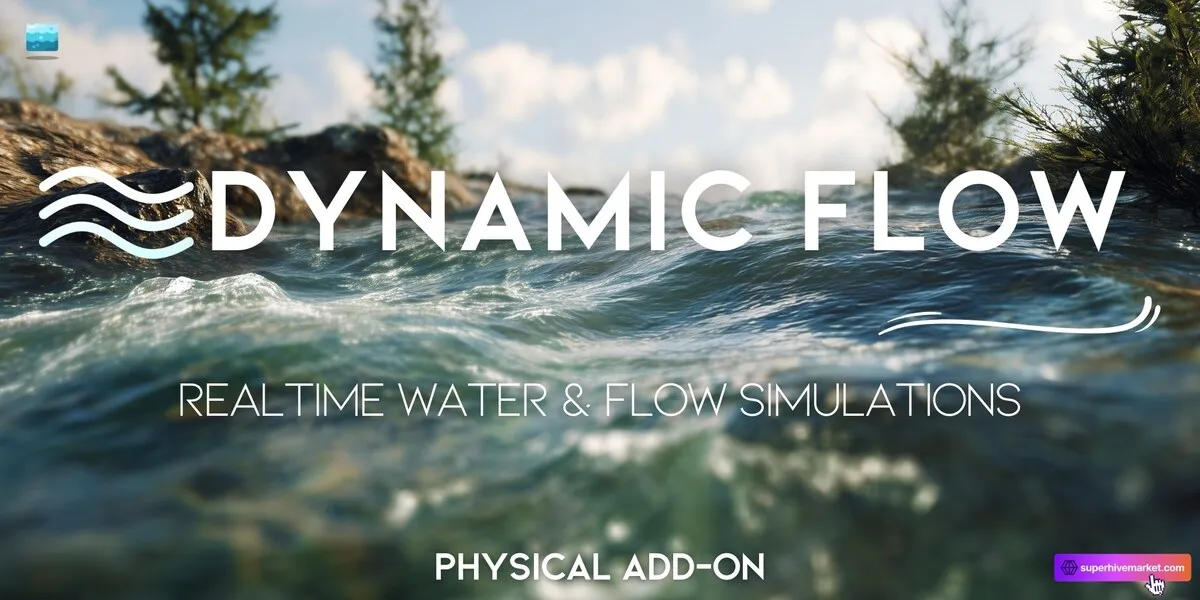
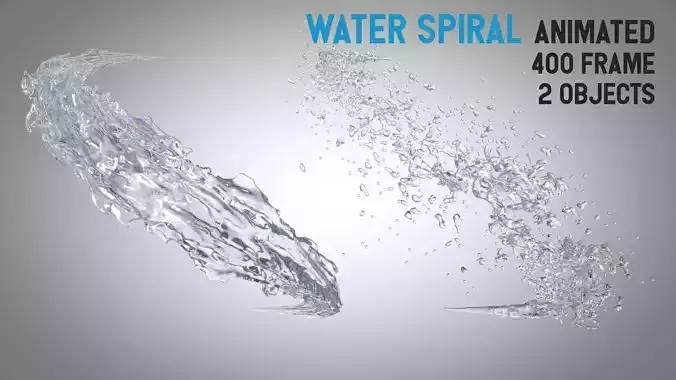
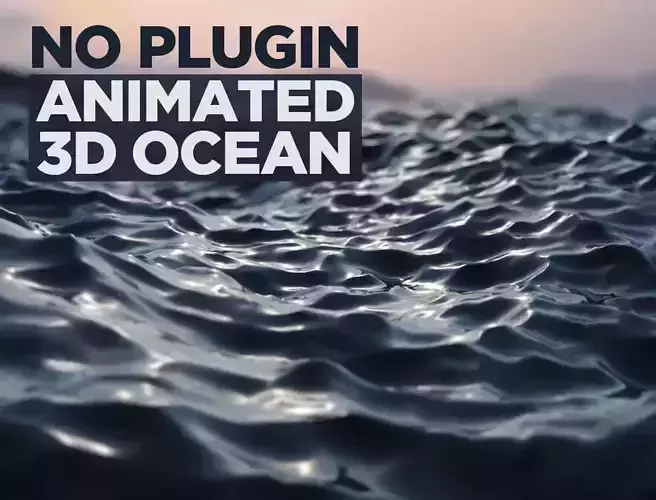
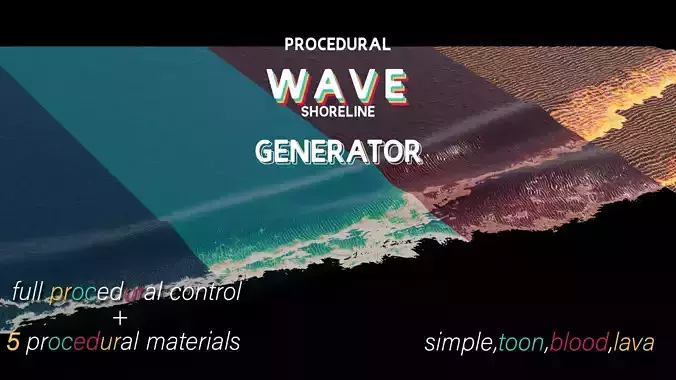
Dynamic Flow AddonReal-time procedural water & surface flow system built with Geometry Nodes for Blender. Create flowing water, shoreline foam, and terrain-aware motion without baking, caching, or traditional fluid sims.Key Features
- Real-time flowing water (no bake / no cache)
- Terrain-aware flow direction + natural noise motion
- Automatic shoreline foam generation
- Collision support (collections / objects)
- Lightweight grid-based setup for fast previews
- Fully procedural & non-destructive workflow
- Works in Eevee & CyclesBest For
- Islands, coastlines, rivers, lakes, terrain water
- Environment art, level design, concept scenes
- Stylized or realistic water looksQuick Start
- Install and enable the Dynamic Flow addon.
- Open the Dynamic Flow panel in the viewport.
- Click Create New Simulation to initialize the system.
- Create a new collection and add all collision objects to it.
- Set Collision Collection to the created collection.
- Adjust flow, foam, and resolution settings.Controls (Panel)Voxel Size / Grid Resolution: simulation detail & performanceFlow Velocity: main water movement speedNoise Velocity + Noise Scale: natural variationDamping Overall Velocity: energy loss / smoothnessFoam Generation Rate: shoreline & interaction foamPressure Calculation: reaction strengthFreeze Collision: lock collision for better performanceBlur Displacement: smooth the surface motionColor Water: quick water tint controlCompatibility
- Blender 5.0 (Fully compatible)
- Eevee & Cycles