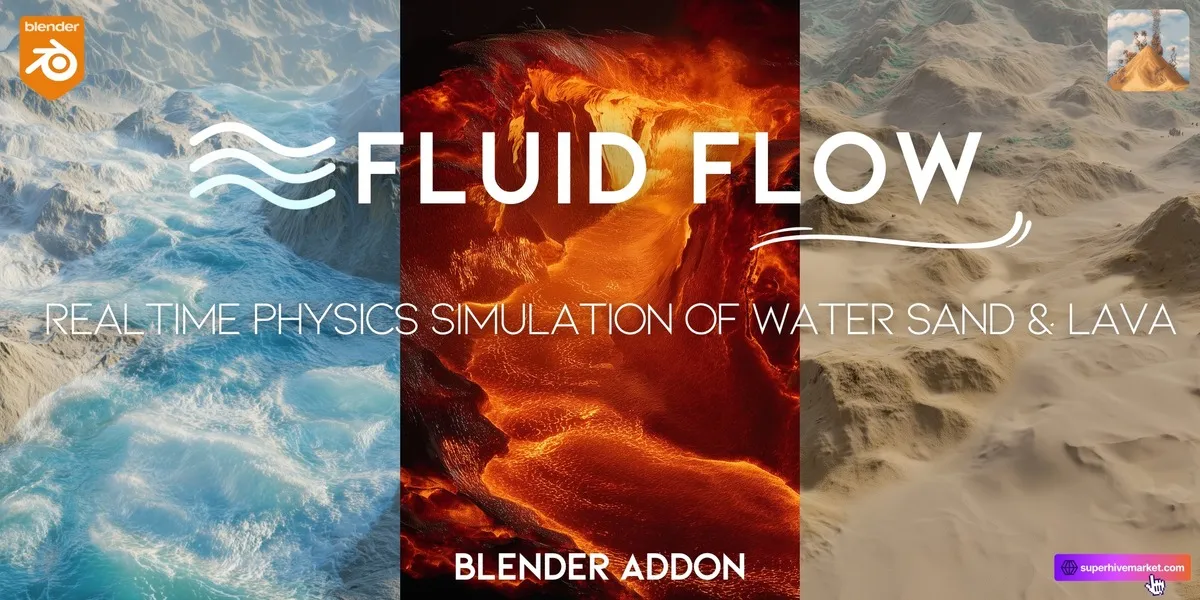
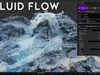
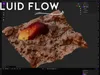
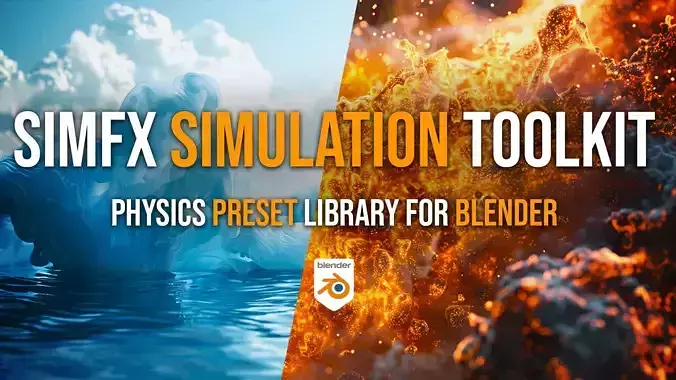
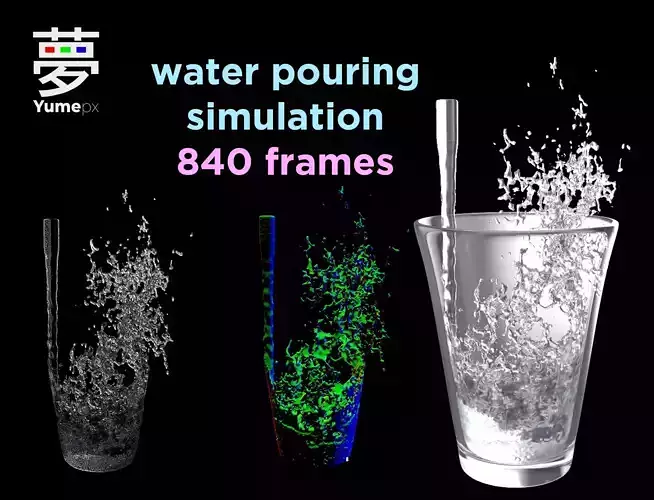
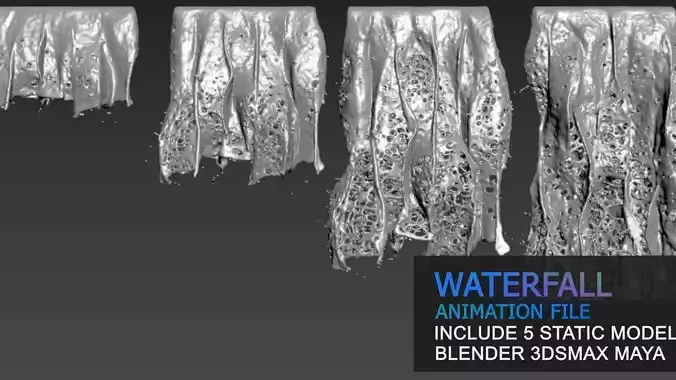
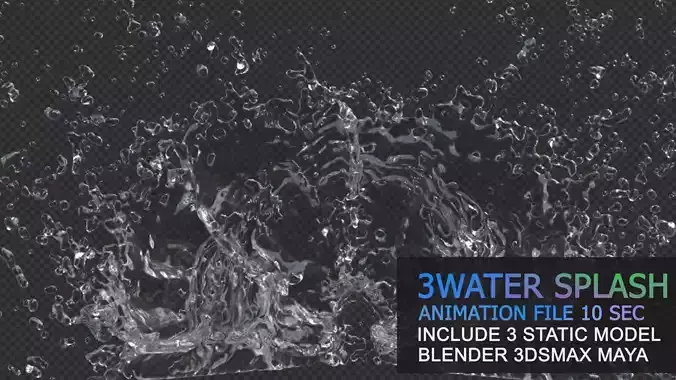
Fluid Flow - Realtime Physics Simulation of Water Sand LavaFluid Flow brings natural motion to Blender in realtime. Simulate water, sand, and lava directly in the viewport no waiting, just instant physics. Designed for artists who want fast, creative control.Key Features
- Realtime Simulation — fluid, sand, and lava running directly in the viewport.
- Multi-Material Physics — choose simulation type water, sand, and lava.
- Dynamic Behavior — water flows downhill, sand piles and settles, lava cools and solidifies.
- Artist-Friendly — simple sliders for speed, cooling and emission.
- Lightweight System — built entirely with Geometry Nodes for realtime performance.
- No Baking Required — instant results for Motion Design, Visual Effects Simulations and Environment Physics.Perfect For
- Motion graphics & concept animation
- Water, sand, and lava environment effects
- Terrain erosion and natural surface studies
- Educational or research demos
- Stylized VFX shots and procedural landscapesTechnical Details
- 100% Realtime works directly in viewport
- Geometry Nodes based system
- Compatible with Blender 4.2+
- Works on Windows, macOS & LinuxPanel OverviewSimulation Type — Mode toggles: Water, Lava, Sand. Choose the behavior you need.Create New Simulation — Creates a ready-to-run domain with your current settings.Domain — The simulation grid object (usually a plane).Emitter — The object that emits fluid/sand/lava into the domain.Terrain Collision Objects — A collection for all collision meshes (terrain, rocks, walls…).Add Collision to Active Object — Adds the currently selected object to the collision collection and marks it as a collider.Important: When a collision object is selected, the simulation runs only on top of that collision. Always add your terrain/landscape as a collision object, otherwise nothing will appear outside the collider’s surface.Simulation Settings (from the panel)Collision Collection — Which collection contains the colliders the domain should read.Speed — Global flow speed (higher = faster flow / transport).Solver Iterations — Per-frame iterations (raise for extra stability/sharpness).Size X, Size Y (m) — Physical domain size in meters.Vertices X, Vertices Y — Grid resolution of the domain.Emitter Object — The object used as source/emitter.Slope Angle (Sand) — Angle-of-repose in degrees. Below this angle sand stacks; above it sand slides.Cool Rate (Lava) — Cooling per frame. Lower = flows longer, higher = solidifies sooner.Heat Radius (Lava) — How far the heat spreads around the emitter.Emit Factor — Emission amount multiplier.Material — Material to apply on the domain (e.g. water shader / emissive lava / rough sand).Scale — Internal scale factor for feel of gravity/hydraulics.FPS — Target simulation framerate.Blur Iterations — Optional field smoothing (reduces small artifacts).Quick StartCreate New Simulation to generate a domain with default settings.
- Select your terrain/landscape object in the viewport, then click Add Collision to Active Object. Repeat for any other obstacles.
- In Simulation Type, choose Water, Lava, or Sand.
- Pick or create an Emitter object and assign it in the panel.
- Press Play. Tweak Speed, Emit Factor, and (per-mode) settings live.Recommended Workflow
- Start with a medium grid (e.g. 50 m domain, 200×200 vertices). Increase resolution after tuning.
- Always ensure the terrain is added as a collision; otherwise the sim will only appear on the selected collider.
- For stability, increase Solver Iterations (5–10) and enable a few Blur Iterations if needed.
- Use a dedicated Material per mode: transparent water with foam, rough sand, emissive lava with cooling crust.Mode NotesWater — Flows to low areas; great for rivers, channels, and surface runoff.Sand — Uses Slope Angle: below the angle sand piles up; above it slides. Perfect for dunes and granular effects.Lava — Moves slowly, then cools and solidifies. Adjust Cool Rate and Heat Radius for look/behavior.TroubleshootingNo simulation visible? Make sure your terrain is added via Add Collision to Active Object and the correct Collision Collection is selected.Sand behaves like water — Raise Slope Angle (e.g. 32–38°) or reduce Speed.Lava freezes instantly — Lower Cool Rate. If it never cools, increase it slightly.Jitter or instability — Increase Solver Iterations, enable a few Blur Iterations, or reduce grid resolution.Tips