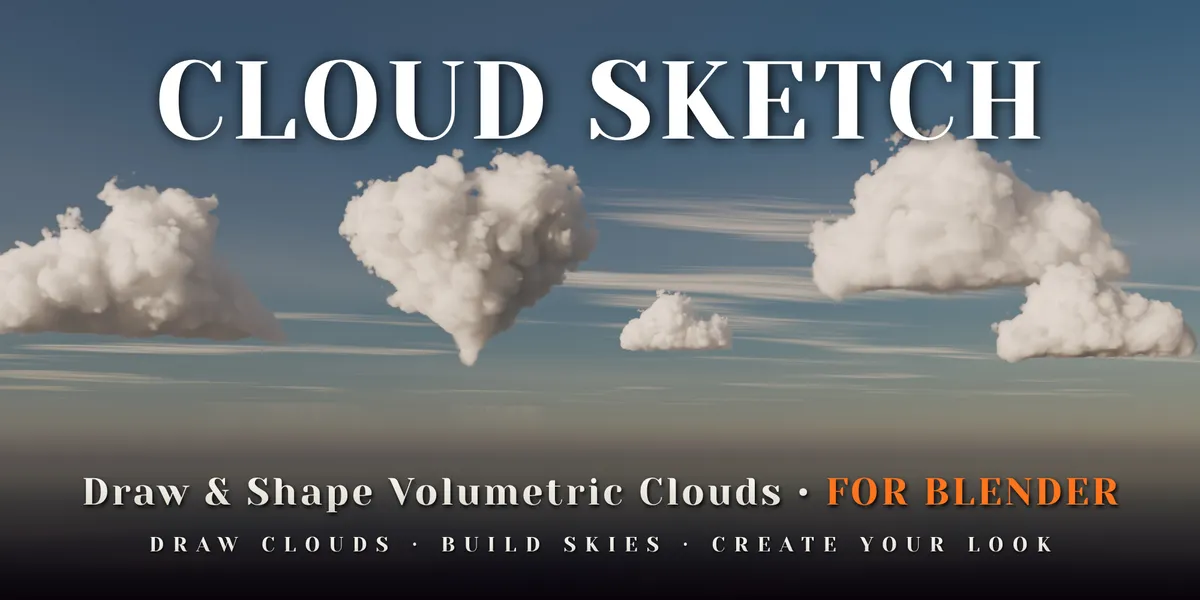
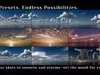
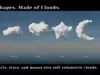
Cloud Sketch 0.3.0 — draw shapes and turn them into volumetric clouds.
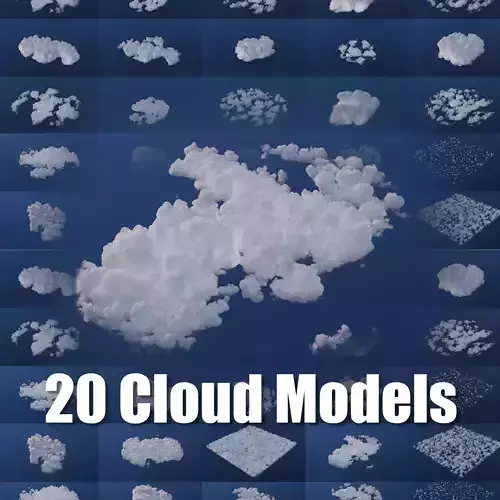
Sketch a closed shape in Blender’s 3D Viewport and inflate it into a cloud. Turn meshes, text and curves into clouds that stay linked to their source, choose from a library of 68 clouds, or build a complete sky in one click.
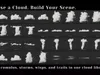
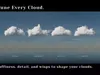
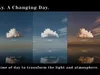
KEY FEATURES• Draw Clouds directly in the viewport, with shape-preserving volume generation.• Model to Cloud converts meshes, text and curves; edit, pose or animate the source and the cloud follows.• 68 library clouds across eight categories: cumulus, towering, clusters, scattered, wisps, storm, plumes and trails.• Nine Sky Builder weather presets with coverage controls.• Keyframe cloud grow, density, softness, puffiness, detail, wisps, billow size, streak, height shaping, evolve and seed.• Formation, drift and day animation tools.• Live sun controls, Point Sun and five atmosphere presets: Clear, Deep Blue, Hazy, Fiery and Pastel.• Optional high cirrus and cloudlets, with integrated sun, sky and haze.• Procedural clouds without external VDB libraries or simulation bakes.
INCLUDEDCloud Sketch 0.3.0 installable extension ZIP, cloud library, weather presets, plus a separate Demo and Docs ZIP containing the featured demo scene, quick-start guide and license.
COMPATIBILITYBlender 5.0 or newer; tested on Blender 5.0, 5.1 and 5.2 LTS. Cycles is recommended for final volumetric renders. EEVEE can be used for previews and stylized looks. Volume rendering performance depends on hardware, render settings and scene complexity.
INSTALLATION & QUICK STARTKeep the installable Cloud Sketch ZIP zipped. Open Edit > Preferences > Get Extensions > Install from Disk in Blender and select it. Open the Cloud Sketch tab in the 3D Viewport sidebar. Set Up Sky, draw a closed shape or choose a library cloud, then switch to Rendered view with Cycles. Install the add-on before opening the included demo scene.
DEMO VIDEOhttps://www.youtube.com/watch?v=ZXIEkfSiAE8
LICENSEAdd-on code is free software under GNU GPL-3.0-or-later. The license and documentation are included in the supplied packages.
Created by Voyde Procedural.