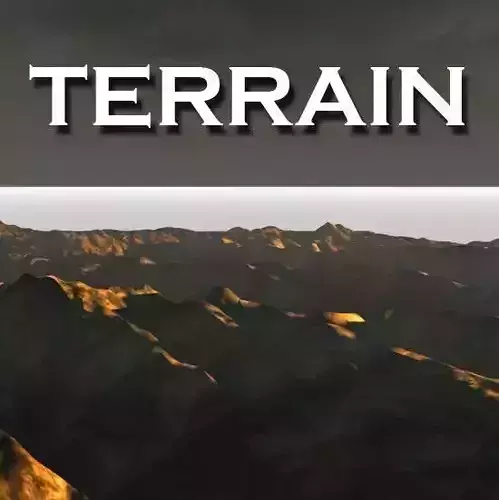
Import, Setup and Render Terrains in Seconds
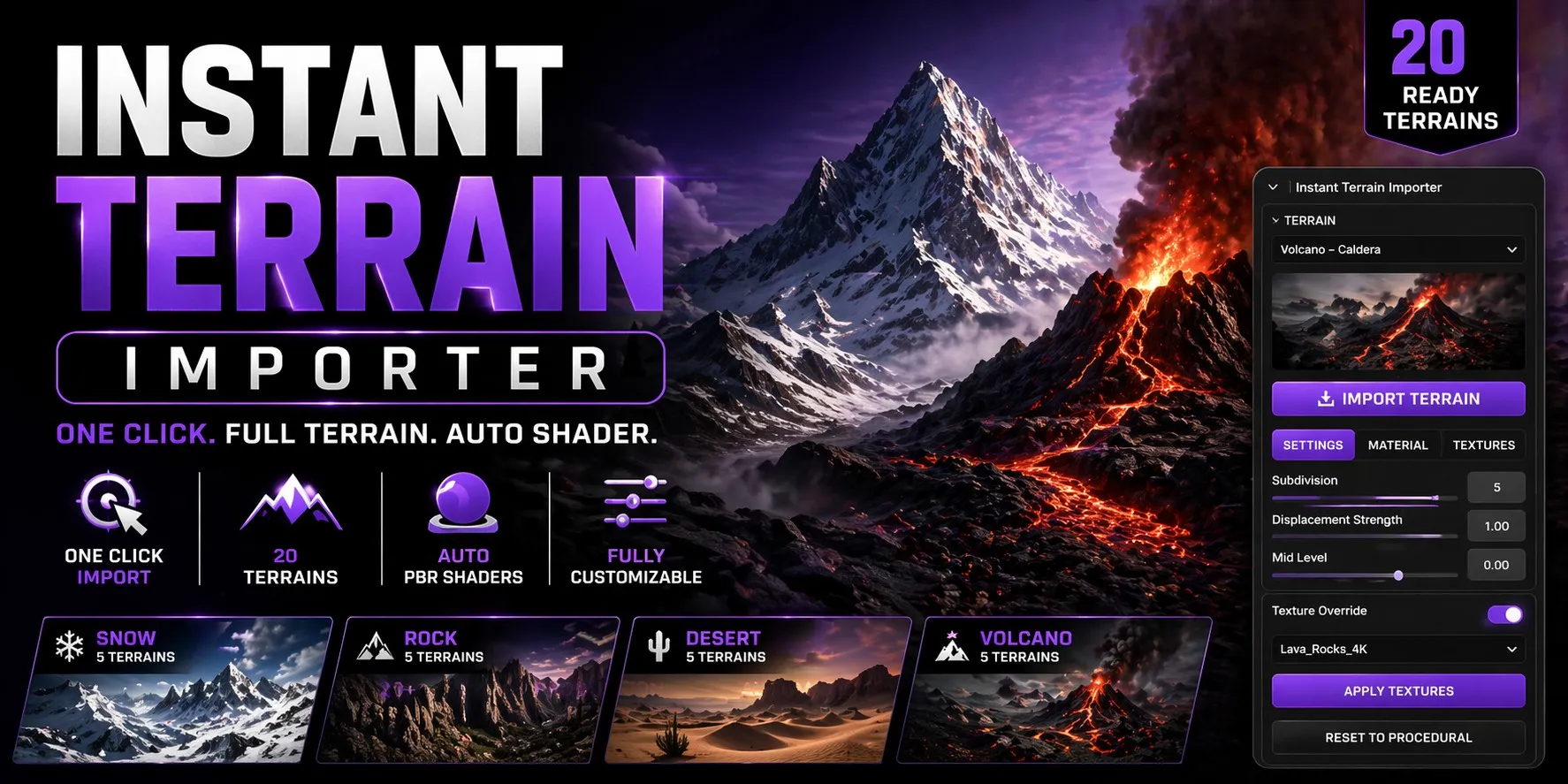
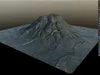
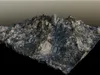
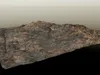
Stop wasting hours on manual terrain setup. Instant Terrain Importer handles everything - import, shading, displacement, and texturing - in a single click. Built for Blender artists who want to go from raw heightmap to render-ready scene without touching a single node.
Key Features
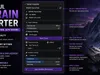
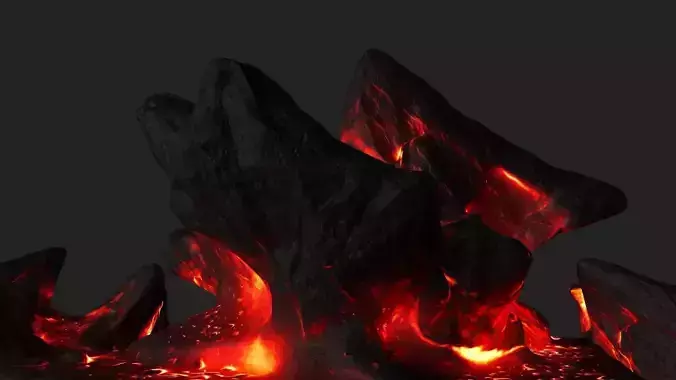
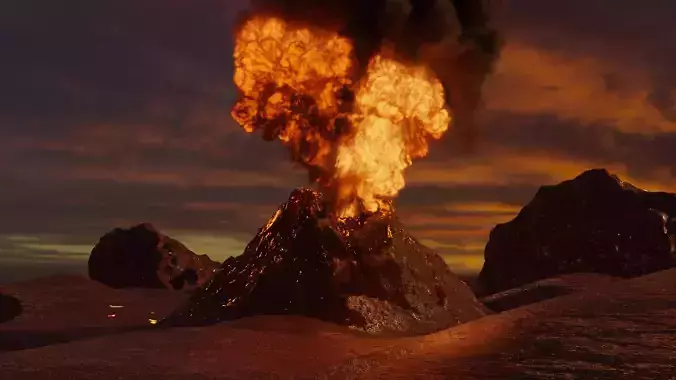
One-click terrain importAutomatic procedural PBR shader system (Snow, Rock, Desert, Volcano)20 high-quality terrains includedNon-destructive displacement workflowLive control sliders (Subdivision, Strength, Mid Level)Texture Override system (custom textures support)Emissive lava system (Volcano terrains)Zero setup required (auto path detection)
Included Terrain Types
SnowGlacial Peak, Frozen Tundra, Ice Shelf, Blizzard Carved, Avalanche Scar
RockCanyon Walls, Cracked Badlands, Boulder Field, Coastal Cliffs, Shattered Peaks
DesertDune Sea, Sandstorm Ripple, Eroded Mesa, Desert Cracked, Wadi Carved
VolcanoCaldera, Lava Flow Field, Cinder Cone, Eruption Peak, Pyroclastic Surge
How It Works
Pick a terrain from the built-in preset libraryHit Import - displacement and subdivision are set automaticallyShader applies itself - no node setup, no manual linkingTweak or override - adjust sliders or swap in your own textures anytime
Technical Details
Blender 3.6+Cycles & Eevee compatibleDisplacement via Subdivision Modifier (non-destructive)4K PBR textures included (Diffuse, Normal, Roughness, Displacement)32x32 quad base grid, fully scalable100m default grid size (adjustable)Auto path detection - zero manual setupNo external dependenciesSingle-panel workflow (N-Panel sidebar)
*AI tools were used to assist in the development of this product, primarily for code structuring and optimization.
All terrain assets, textures, and creative decisions were created and directed by the author.
PACKAGE DETAILS & INSTALLATION
Delivery: terrain_importer.zip, with add-on scripts, 20 terrain height/mask sets, PBR textures, README and GNU GPL license. Download size approximately 1.30 GB.
Requires Blender 3.6 or newer. Supports Cycles and EEVEE. Install the ZIP from Blender Preferences > Add-ons > Install, enable it and open the Terrain Importer tab in the 3D Viewport sidebar. Keep the supplied folder structure intact. No separate external dependency is required.
The product is licensed under GPL-3.0-or-later as stated in its README; preserve the included license and notices. Source README discloses AI assistance with code structuring during development.