DESCRIPTION

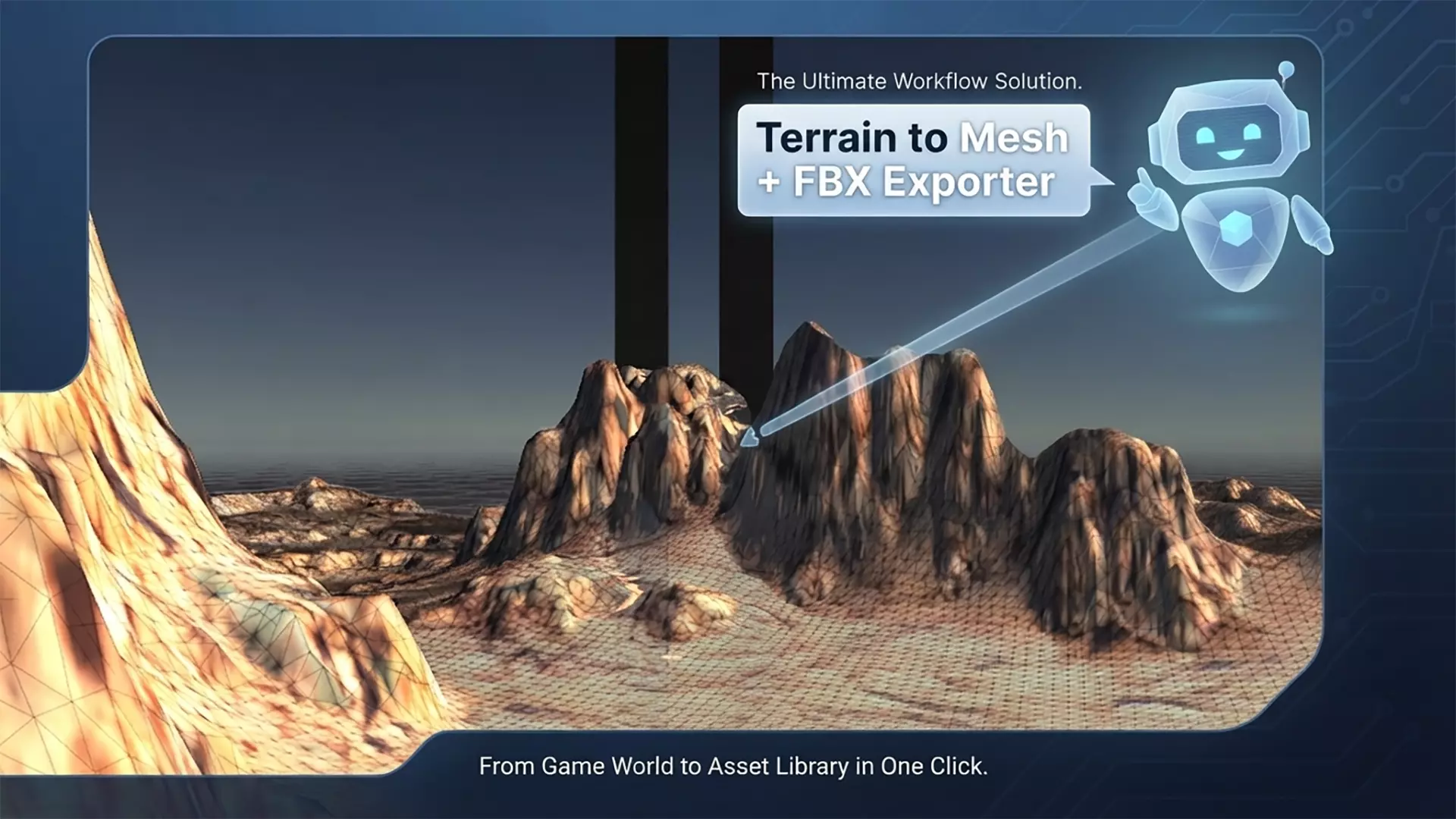
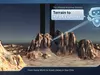
Unified Terrain Mesh + FBX ExporterThis is a powerful Unity Editor tool that combines two main functions in one window:

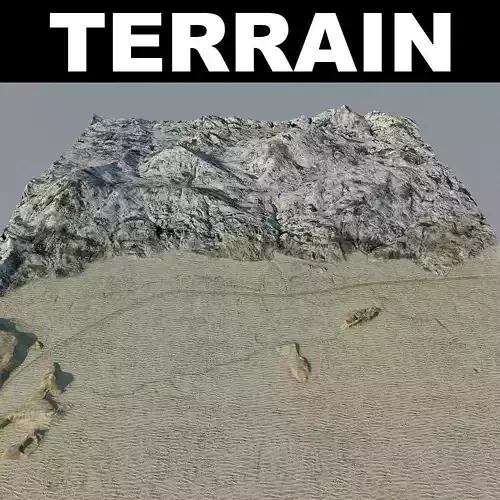
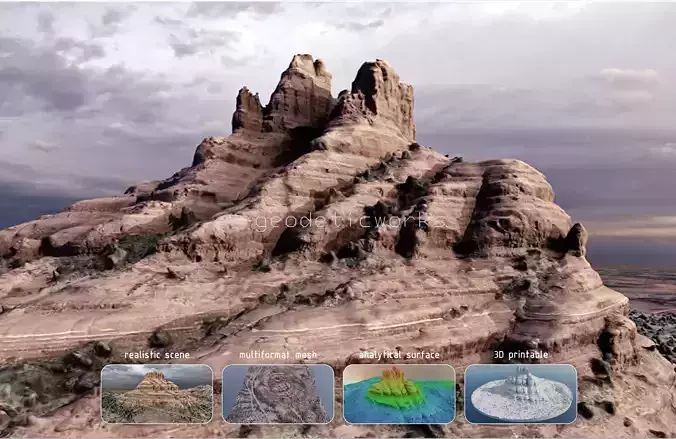
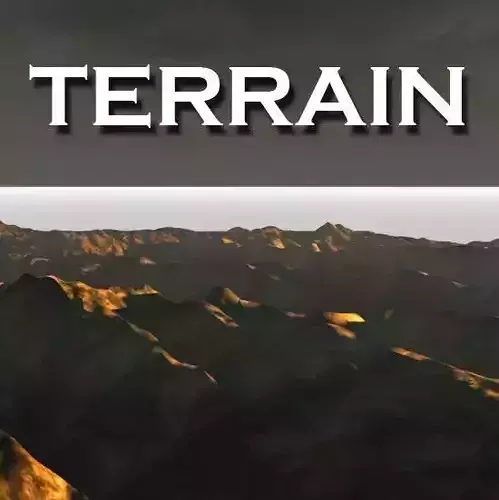
  1. Terrain Mesh ConverterConverts Unity Terrain into a regular 3D Mesh (GameObject with MeshFilter, MeshRenderer, and MeshCollider).Installation

Install Unity FBX Exporter Package (required)Go to Window Package ManagerClick the button unity registrysearch fbx exporter install package.

Place the script UnifiedTerrainMeshFBXExporter.cs into your project folder:\Assets\scriptRestart Unity (recommended).

Tool OverviewUnified Terrain Mesh FBX Exporter is a custom Unity Editor window that combines two powerful features:

  1. Terrain to Mesh Converter (with Texture Baking)
  2. FBX Scene Exporter

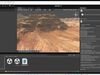
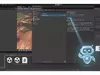
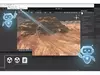
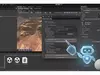
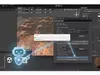
Overview GUIMesh Quality slider (1–10): Controls the level of detail. Higher values = more polygons and better accuracy.Generates proper UVs and normals.Creates a clean top-down baked texture of the terrain surface only (trees, rocks, and other objects are automatically hidden during baking).Bake Terrain Texture button: Bakes only the terrain surface into a PNG texture + creates a material.Apply Texture to Mesh button: Applies the baked texture and material to the generated mesh.Optional: Save mesh as .asset and/or create a .prefab.

  1. FBX Scene Exporter

Exports the entire active scene (or selected objects) to FBX format.Supports Unity FBX Exporter package (com.unity.formats.fbx).Option to copy all used textures to the export folder.Option to embed textures directly into the FBX file.Exports with world-space positions.

Key Features

Clean UI with centered, framed layout.Temporarily disables other renderers during texture baking only the pure terrain surface is baked.Smart material creation (tries URP Lit first, then Standard, then Unlit fallback).Ready for export to Unreal Engine 5 or other 3D software.

How to Use

Place the script in \Assets\scriptOpen via Tools Unified Terrain Mesh FBX ExporterAssign your Terrain objectClick Convert Terrain to MeshClick Bake Terrain Texture(It is recommended to assign a manually generated texture to the materialIt is recommended to assign a manually generated texture to the material)Click Apply Texture to MeshClick Export

REVIEWS & COMMENTS

See what other buyers think about this model - real feedback on quality,
accuracy, and usability.
There are no reviews or comments yet. Please be the first one to write it.
BEST PRICE GUARANTEED
Found this model cheaper on another marketplace? Let our support team know - we’ll match it.
NEW
Recently added to CGTrader - explore one of the latest models on the marketplace.

TerrainMeshFBXExporter Low-poly 3D model

$20.00
Custom License
Hire
Like this model to show appreciation to the designer.
See how many times this model was viewed.
Share this model to support the designer and boost their visibility.
File format
UNITYPACKAGE
Unity 3D<br />Version: 6 - Renderer: Default<br />File Size: 15.8 KB
Provided by designer
Information and details shared directly by the model's designer.
3D Features
The model includes animations (movement or actions) that can be played in supported software or engines.
The model has a skeleton or bone structure, making it ready for posing or animation.
Textures
The model includes image files (textures) that add color, patterns, or detail to its surfaces.
Materials
The model has material settings that define how surfaces look (color, shine, transparency, etc.).
UV Mapping
The model's surfaces are mapped to a 2D image, allowing textures to display correctly.
Plugins Used
Some external plugins were used to create the model. These may be required for full functionality.
3D printing
Indicates whether the designer marked this model as suitable for 3D printing.
Model is not 3D printable
The designer indicates this model is intended for digital use only (rendering, animation, or AR/VR) and not for 3D printing.
Geometry
Polygon mesh
A model built from polygons (triangles or quads) connected in a mesh.
107027 polygons
The total number of polygons (flat shapes) that make up the 3D model.
/
107 vertices
The number of points (corners) that define the shape of the model's polygons.
Unwrapped UVs
Publish date
Model ID
Chat