DESCRIPTION

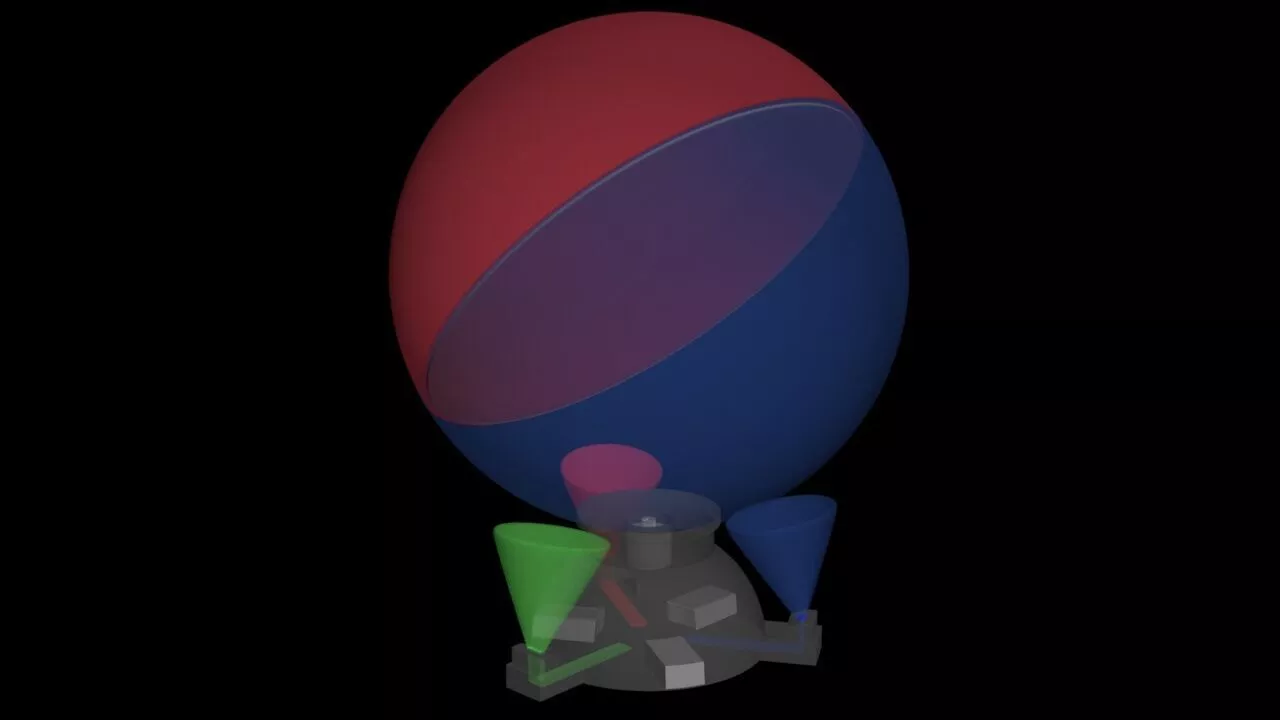
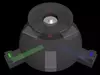
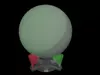
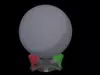
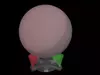
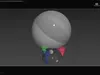
Atlas Holographic Display - Concept.

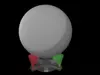
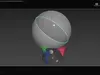
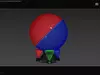
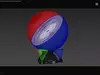
Translucent sphere, cut in half to create a medium change, a projection screen that catches light in between, under an angle to observer. The entire screen must be spun to cover all available area inside the holographic display. It must be angled such, in a specific way [45 degrees] to cover all visible area. One [or3 lasers] laser projector could be mounted inside the base, together with other electronics or batteries even making it portable. The lasers are mirrored and or routed up from outside the screen, but could also be mounted such a way to shine straight up, depending on screen angles. Could also just spin the cut sphere halves as one with the motor in the base and project from the outside onto it, perhaps one side projects the red channel and one side projects the blue channel to make it appear more 3D still. Endless possibilities for a holographic home projector screen. I've added a gif animation to the files but Cgt wont show it rotating as a gif image. The effect needs no special helmet, and can be seen with the eyes as normal, if the image is projected to the correct vocal distance, located inside the spheres exact center.

Thank you for reading, have a nice day. Please leave a like or subscribe.

REVIEWS & COMMENTS

See what other buyers think about this model - real feedback on quality,
accuracy, and usability.
There are no reviews or comments yet. Please be the first one to write it.

Atlas Holographic Display - Concept 3D model

$15.00
Editorial License (no AI)
Like this model to show appreciation to the designer.
See how many times this model was viewed.
Share this model to support the designer and boost their visibility.
File formats
STL
Stereolithography<br />File Size: 4.26 MB
OBJ
OBJ | 2 files<br />File Size: 4.94 MB
MAX
Autodesk 3ds Max | 2 files<br />File Size: 5.08 MB
FBX
Autodesk FBX<br />File Size: 820 KB
Verified by CGTrader
Verified models are of higher quality as they have
passed CGT Standard technical and visual checks,
making them more professional-grade 3D assets.
Learn more.
FBX
This FBX file has successfully passed the CGT Standard technical and visual checks. The verification results are detailed in the section below.
File & scene
Binary FBX
Binary FBX file is more compact and faster to load and process.
Learn more
No unsupported objects
Unsupported objects:
- Lights
- Cameras
Learn more
Geometry
No N-gons
N-gons are polygons with five or more sides which might cause issues in certain processes like rendering or animation. Learn more
No faceted geometry
Faceted geometry uses flat surfaces without smoothing, which can look unrealistic on curves.
Learn more
Manifold geometry
Manifold geometry ensures all surfaces are properly connected, avoiding issues like edges shared by more than two faces.
Learn more
Textures & material
PBR textures
PBR textures simulate how light interacts with materials, making the model look realistic under different lighting.
Required PBR textures:
- Base Color
- Roughness
- Metalness
- Normal
Learn more
No embed textures
Embedded textures are stored inside the model file, increasing its size and sometimes causing compatibility issues.
Learn more
Square textures
Texture aspect ratio is the width-to-height ratio of a texture. Expected texture aspect ratio: 1:1
Learn more
Power of 2 texture sizes
Textures with dimensions in power of two (e.g. 512x512px, 1024x1024px) are used to optimize performance and memory usage.
Learn more
Assigned materials
Materials are applied to the 3D model to allow visualize a model's surface properties and appearance.
Learn more
UVs & naming
No UV overlaps
UVs overlap when multiple points on the 3D model's surface are mapped to the same point on the UV island causing texture stretching.
Learn more
UV unwrapped model
A UV unwrapped model means its 3D surface is flattened into 2D space, allowing textures to be applied accurately.
Learn more
Allowed characters
Allowed ASCII characters: a-zA-Z0-9-_
Learn more
Provided by designer
Information and details shared directly by the model's designer.
3D Features
Materials
The model has material settings that define how surfaces look (color, shine, transparency, etc.).
3D printing
Indicates whether the designer marked this model as suitable for 3D printing.
Model is not 3D printable
The designer indicates this model is intended for digital use only (rendering, animation, or AR/VR) and not for 3D printing.
Geometry
Subdivision ready
A polygon model designed to smooth cleanly when subdivision is applied.
Unwrapped UVs
Publish date
Model ID
Chat