DESCRIPTION

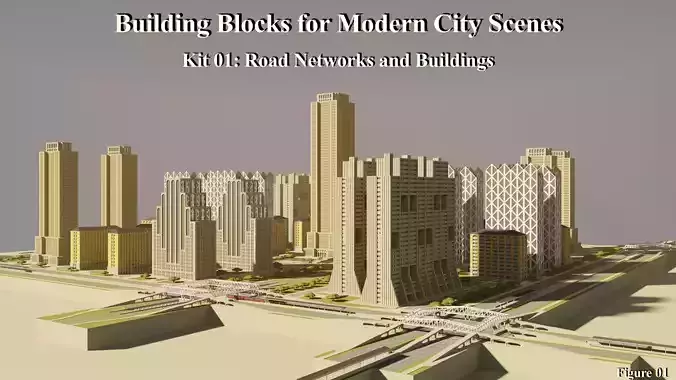
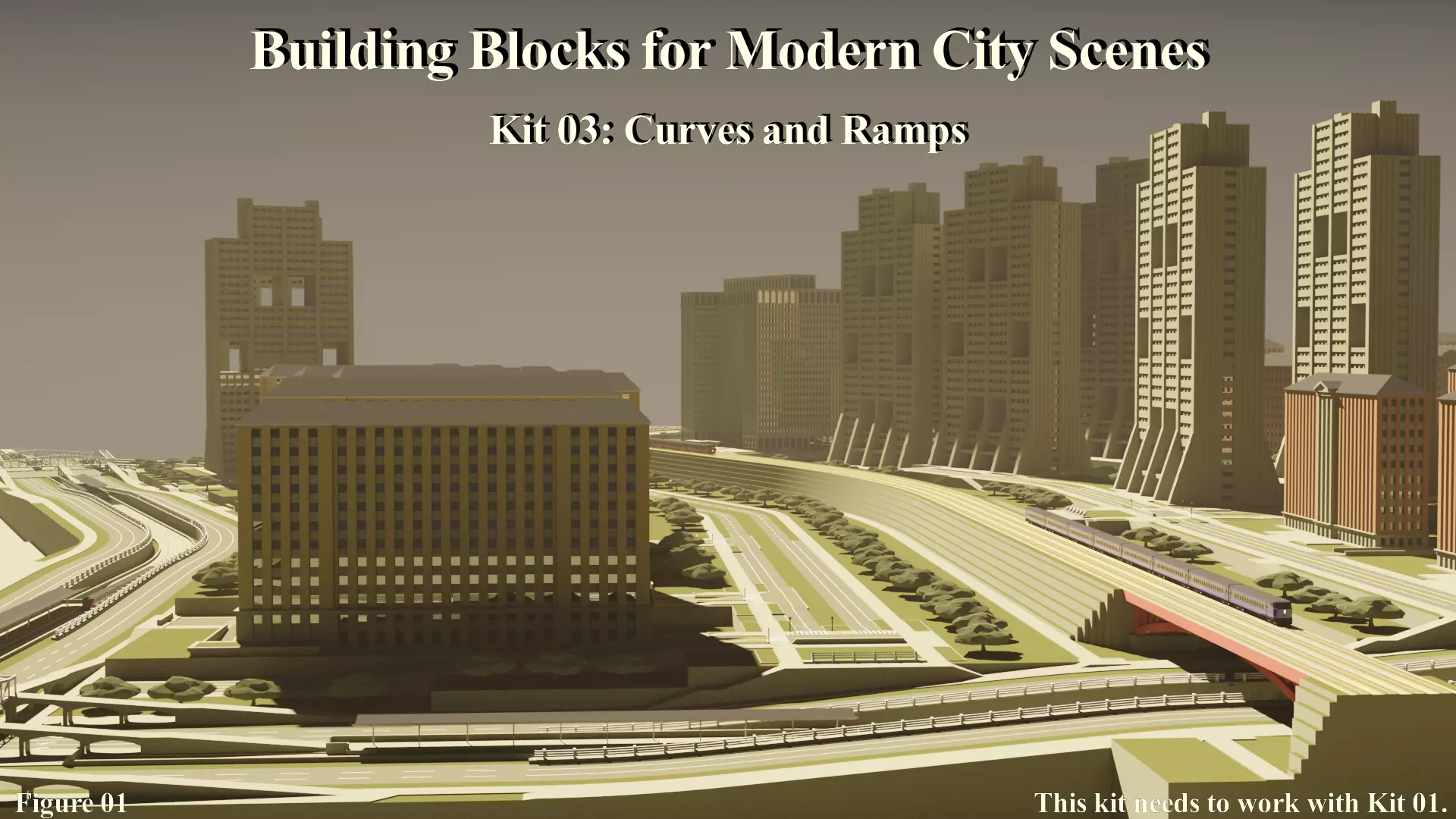
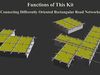
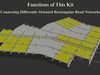
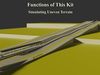
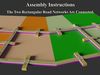
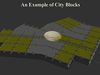
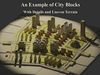
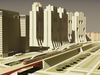
This kit is intended for two functions: connecting differently oriented road networks and simulating uneven terrain in a city. One of the design concepts of this kit series is that rectangular road networks are preferred to irregular networks. However, using one rectangular network for the entire city may not be feasible due to irregular terrain features, such as rivers, hills, seashores, etc. In this case, the city model may be divided into smaller areas with rectangular road networks oriented according to the local terrain features. That is, these networks may have different orientations. The first function of this kit is to connect the differently oriented road networks to form a complete road network of the city. On the other hand, the second function of this kit is to simulate the scenes of uneven terrain in a city. This kit has two file formats: FBX and OBJ. For each format, there are three files: two module files and one example file. More details about this kit are as the following, and the descriptions of Kit 01 may also be helpful.

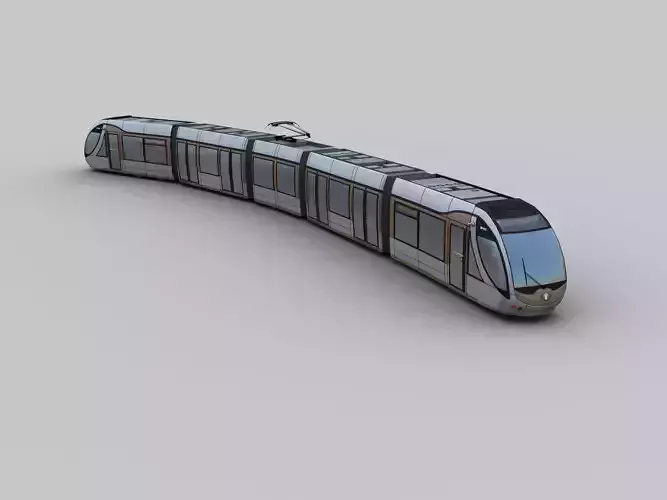
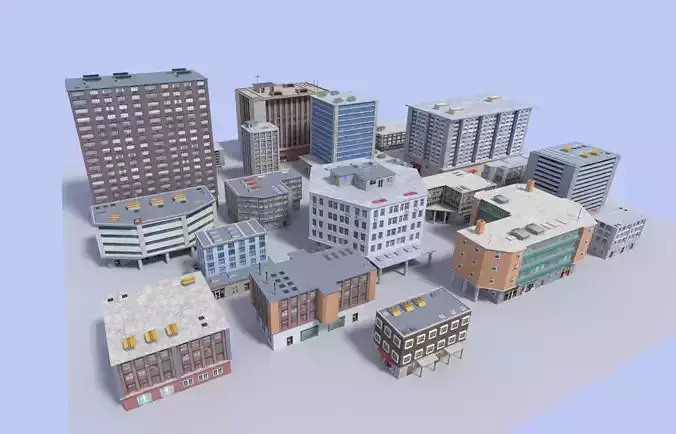
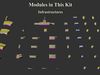
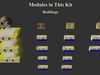
  1. Modules in This Kit: This kit has two module files. The file Kit03_Modules01 contains transportation infrastructure modules, and these modules need to work with Kit 01 modules. The file Kit03_Modules02 contains building modules, and they are example buildings that can be inserted into the spaces between the roads.
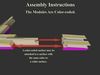
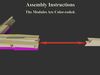
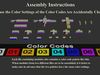
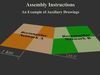
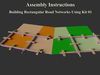
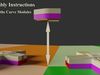
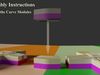
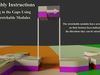
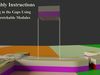
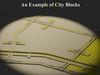
  2. Assembly Instructions: The color codes used in Kit 01 are still applicable in this kit. The ramp modules can be assembled with the help of the color codes. On the other hand, an auxiliary drawing as shown in figure 10 may be needed to assemble curve modules. In this design, the orientation difference between the two adjacent road networks needs to be 22.5 degrees (one-sixteenth of a circle). Rectangular road networks can be built using Kit 01 modules according to the auxiliary drawing. And then at the border between the two networks, the curve modules can be placed at the right positions with the help of the auxiliary drawing and the marks on the bottom faces of the modules (figures 12 and 13). Moreover, the gaps between the curve modules and the modules of the rectangular networks can be filled with the stretchable modules (figures 14 and 15). These modules have arrows on the bottom faces showing the directions in which they can be stretched. Stretch (or compress) a stretchable module to fit the size of a gap, and then place the module into the gap. Using this method, the two rectangular networks can be connected. For simplicity, only major road modules are shown in figures 11 ~ 16, but the same method can be applied to assemble other modules.
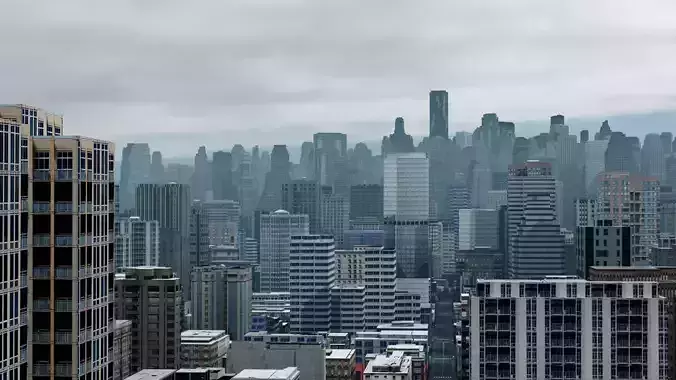
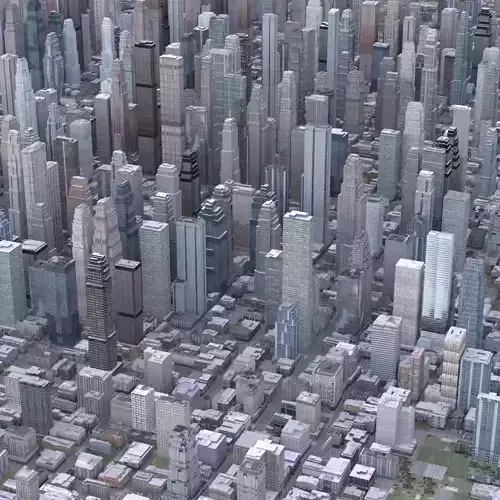
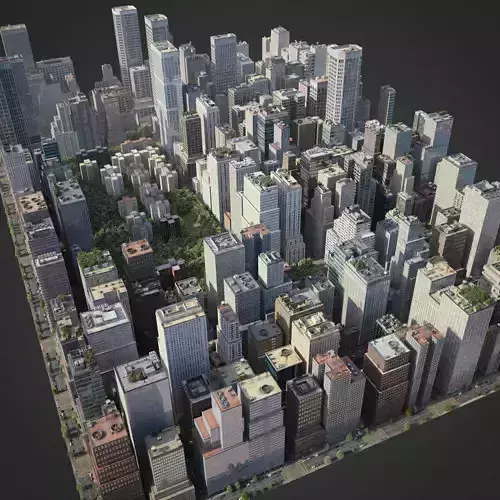
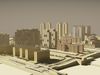
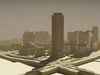
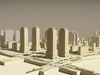
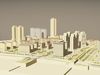
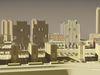
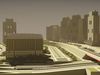
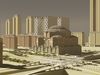
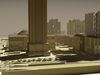
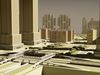
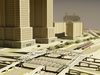
  3. An Example: While figure 03 shows the big picture about how the road networks are connected, a small part of figure 03 is taken as an example to show the details (figures 17~ 19). This example is included in the file Kit03_Example, and the total Tris number is 757,180. This example includes modules from Kit 01, 02, and 03. Images of this example are rendered using Blender and additional material settings (not included in this kit), and the results are shown in figures 20 ~ 30.

REVIEWS & COMMENTS

See what other buyers think about this model - real feedback on quality,
accuracy, and usability.
There are no reviews or comments yet. Please be the first one to write it.
BEST PRICE GUARANTEED
Found this model cheaper on another marketplace? Let our support team know - we’ll match it.

Building Blocks for Modern City Scenes - Kit 03 3D model

$8.00
Royalty Free License
Like this model to show appreciation to the designer.
See how many times this model was viewed.
Share this model to support the designer and boost their visibility.
File formats
OBJ
OBJ<br />File Size: 12.8 MB
FBX
Autodesk FBX<br />File Size: 15.1 MB
Verified by CGTrader
Verified models are of higher quality as they have
passed CGT Standard technical and visual checks,
making them more professional-grade 3D assets.
Learn more.
FBX
This FBX file has successfully passed the CGT Standard technical and visual checks. The verification results are detailed in the section below.
File & scene
Binary FBX
Binary FBX file is more compact and faster to load and process.
Learn more
No unsupported objects
Unsupported objects:
- Lights
- Cameras
Learn more
Geometry
No N-gons
N-gons are polygons with five or more sides which might cause issues in certain processes like rendering or animation. Learn more
No faceted geometry
Faceted geometry uses flat surfaces without smoothing, which can look unrealistic on curves.
Learn more
Manifold geometry
Manifold geometry ensures all surfaces are properly connected, avoiding issues like edges shared by more than two faces.
Learn more
Textures & material
PBR textures
PBR textures simulate how light interacts with materials, making the model look realistic under different lighting.
Required PBR textures:
- Base Color
- Roughness
- Metalness
- Normal
Learn more
No embed textures
Embedded textures are stored inside the model file, increasing its size and sometimes causing compatibility issues.
Learn more
Square textures
Texture aspect ratio is the width-to-height ratio of a texture. Expected texture aspect ratio: 1:1
Learn more
Power of 2 texture sizes
Textures with dimensions in power of two (e.g. 512x512px, 1024x1024px) are used to optimize performance and memory usage.
Learn more
Assigned materials
Materials are applied to the 3D model to allow visualize a model's surface properties and appearance.
Learn more
UVs & naming
No UV overlaps
UVs overlap when multiple points on the 3D model's surface are mapped to the same point on the UV island causing texture stretching.
Learn more
UV unwrapped model
A UV unwrapped model means its 3D surface is flattened into 2D space, allowing textures to be applied accurately.
Learn more
Allowed characters
Allowed ASCII characters: a-zA-Z0-9-_
Learn more
Provided by designer
Information and details shared directly by the model's designer.
3D printing
Indicates whether the designer marked this model as suitable for 3D printing.
Model is not 3D printable
The designer indicates this model is intended for digital use only (rendering, animation, or AR/VR) and not for 3D printing.
Geometry
Polygon mesh
A model built from polygons (triangles or quads) connected in a mesh.
757180 polygons
The total number of polygons (flat shapes) that make up the 3D model.
/
1394626 vertices
The number of points (corners) that define the shape of the model's polygons.
Unwrapped UVs
Publish date
Model ID
Chat