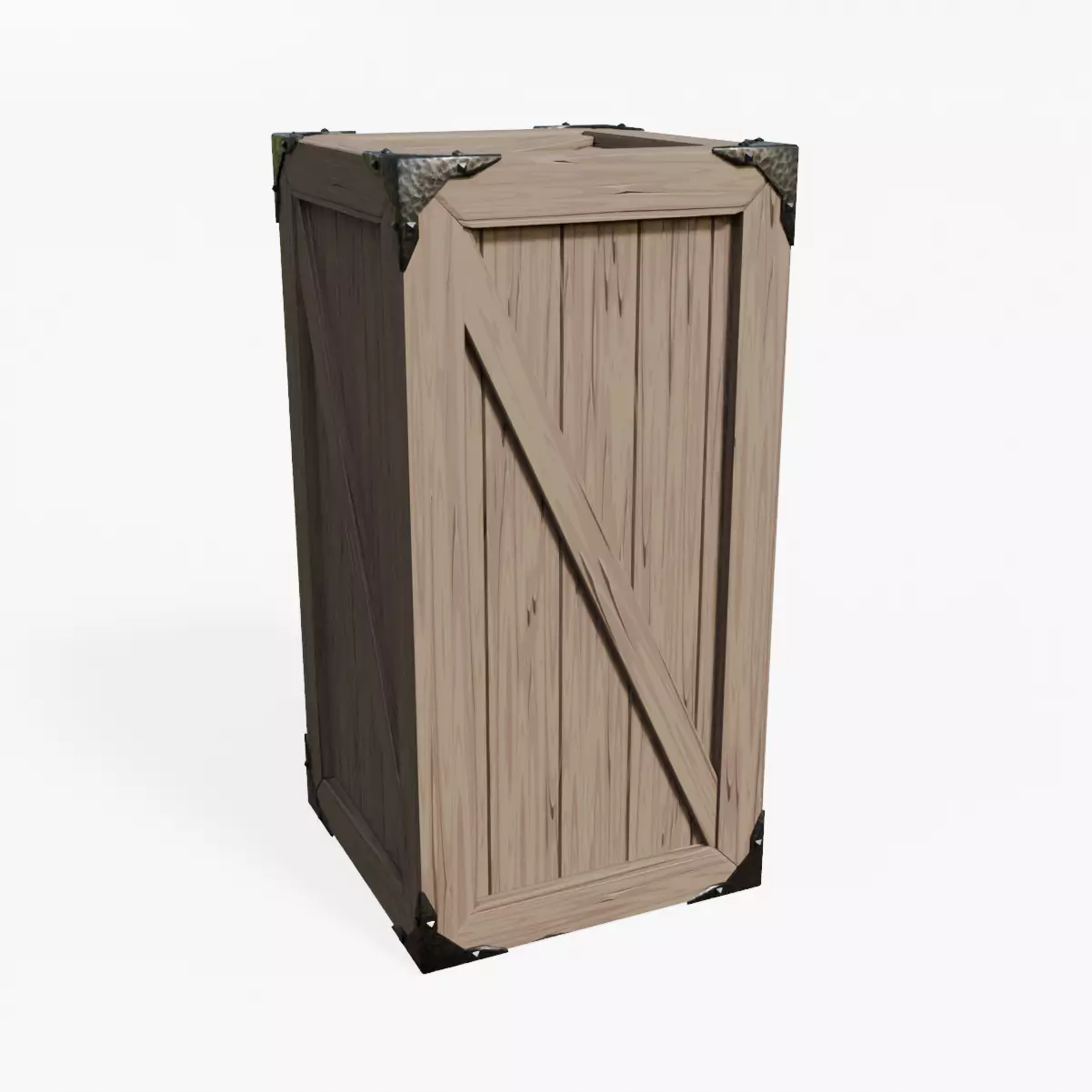
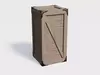
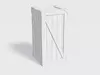
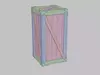
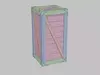
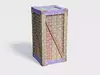
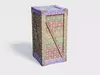
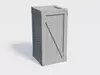
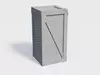
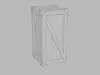
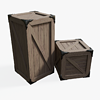
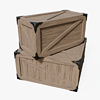
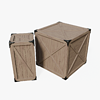
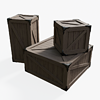
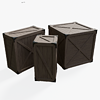
Medieval Fantasy Wooden Crate – Modular Asset
Dimensions
Height x Depth x Length (Meters):
1.0m x 0.5m x 0.5m
Quick Description
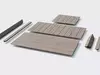
This asset is available in both Modular and Merged versions: the Modular version allows artists and developers to easily customize the components to their liking, while the Merged version is optimized for a faster workflow and quick placement.The included Blender source file provides additional flexibility through its procedural material setup, allowing artists to rebake textures, adjust materials, and create alternative visual variations to match the requirements of different projects and rendering pipelines.The flexible construction system enables complete visual customization while preserving a cohesive style throughout your project.
The Modular Set (Source)
1 crate size variation included:
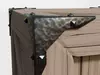
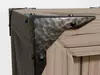
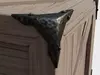
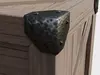
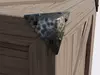
3 corner protection styles:
2 nail variants:
Total of 6 Variations Possible
Included Content
- Source files (Blender .blend)
- All Six Merged Variations in formats:
- .blend
- .fbx
- .glb
- .obj
Total of 24 files.
- Procedural Material Setup
- 4K Texture Maps
Technical Details
- Variations Included: Small
- Texture Resolution: 4096 x 4096 (4K)
- Material Workflow: Procedural + Baked
- Modular Version: Yes
- Merged Version: Yes
- Game Ready: Yes
- Godot Ready: Yes
Godot Ready
The Blender hierarchy structure, including meshes and empties, has been specifically organized to facilitate node-based workflows and efficient scene organization. Modular components can be easily organized, replaced, removed, or customized while maintaining a clean and scalable project structure.
Godot Ready indicates that the asset's hierarchy and organization have been designed to integrate efficiently with Godot Engine workflows, while remaining fully compatible with other engines and production environments. Users may still customize materials, shaders, import settings, and project structure according to their specific production requirements.
Blender - Godot Workflow
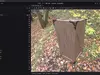
- Import the .blend file into your Godot project.
- Import the texture files into the project resources.
- Configure Blender Material Import
- Select the imported .blend file in Godot.
- Open the Import tab.
- Navigate to: Blender - Materials
- Disable: Unpack Enabled
- Click Reimport.
- Open the .blend file directly from the Godot project folder using Blender.
- Open the Shader Editor in Blender.
- Ensure all texture maps are connected to their corresponding inputs in the Principled BSDF shader.
- Save the Blender file.
- Automatic Updates in Godot
After saving, Godot will automatically update the imported model.
Any material adjustments, texture assignments, shader modifications, or visual changes made in Blender will be reflected in Godot after reimporting.
Some Use Cases
- Medieval villages
- Fantasy towns
- Warehouses
- Harbors and docks
- Taverns and inns
- RPG environments
- Adventure games
- Dungeon scenes
- Survival games
- Environment dressing
- Loot and storage props