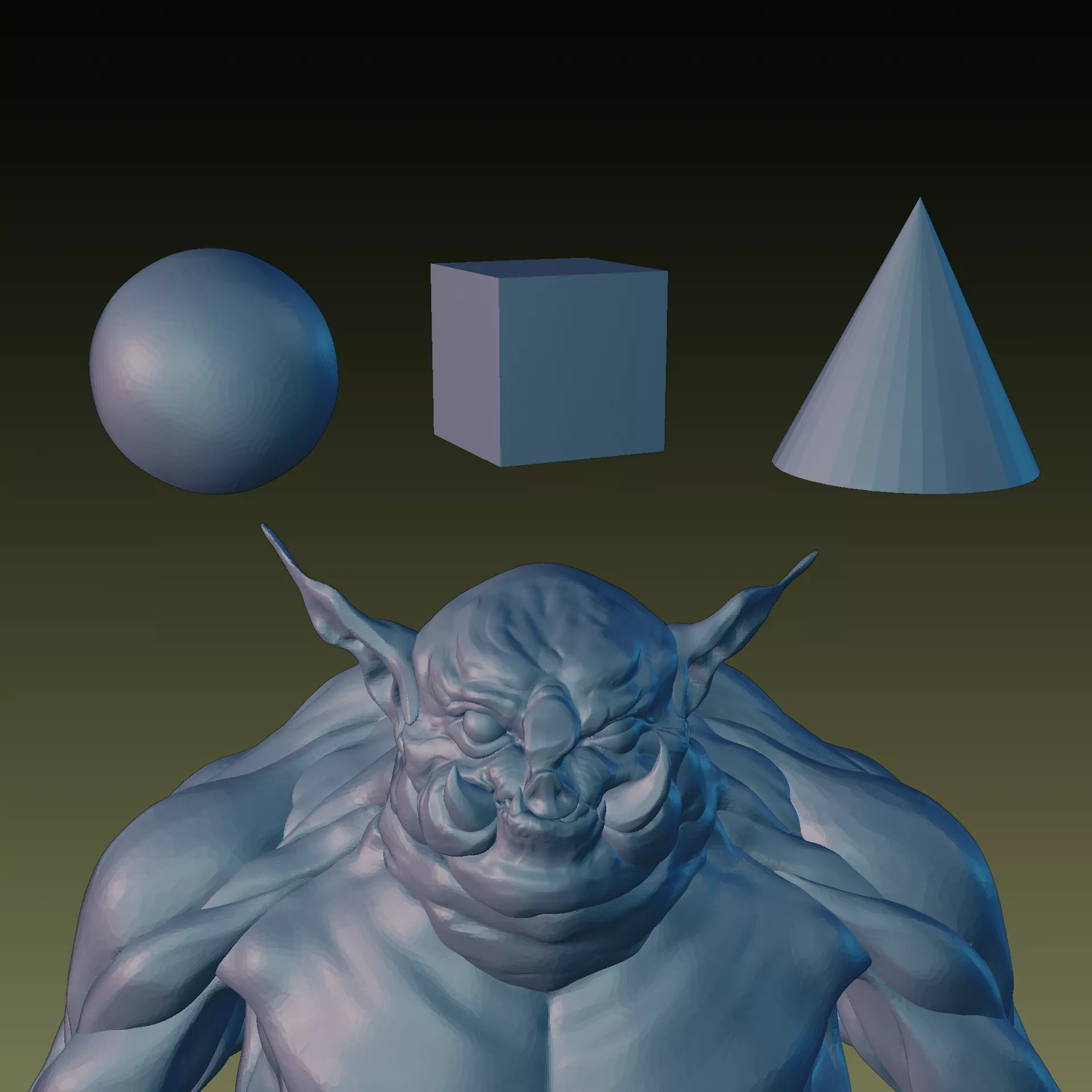
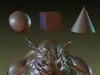
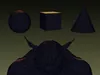
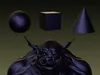
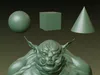
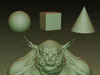
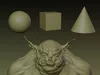
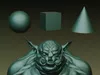
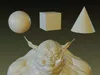
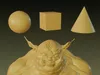
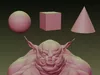
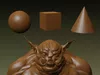
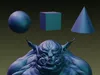
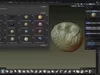
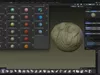
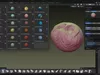
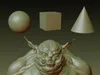
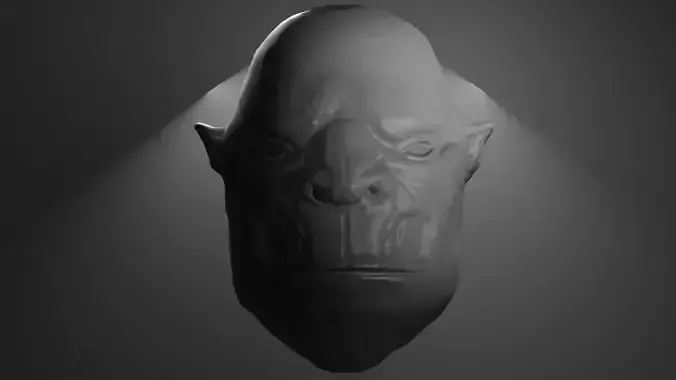
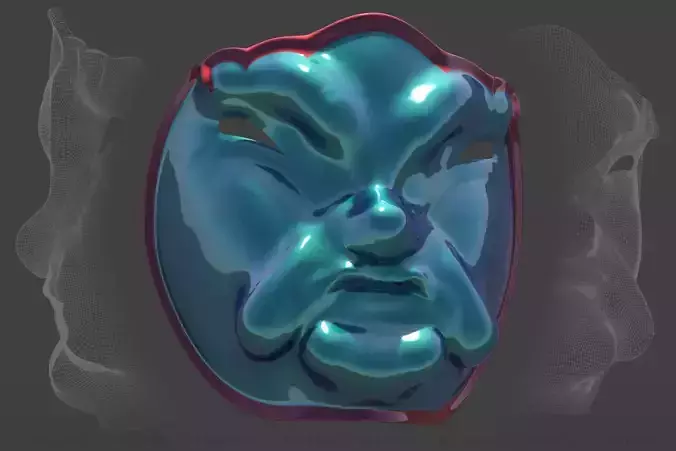
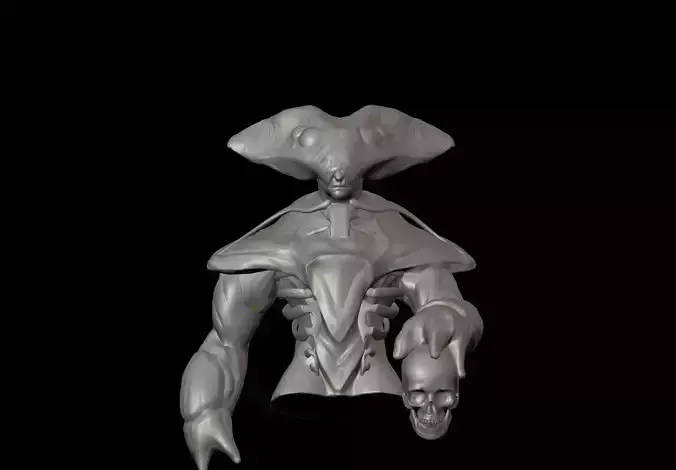
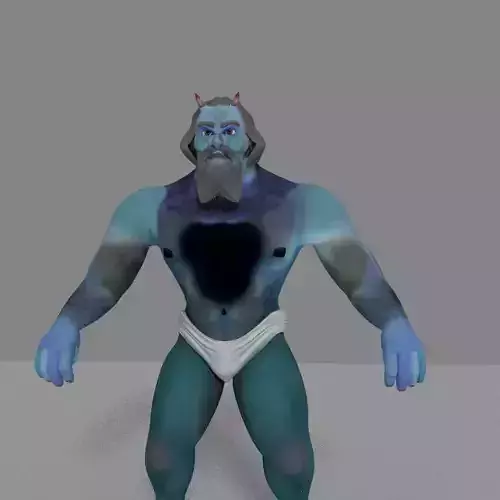
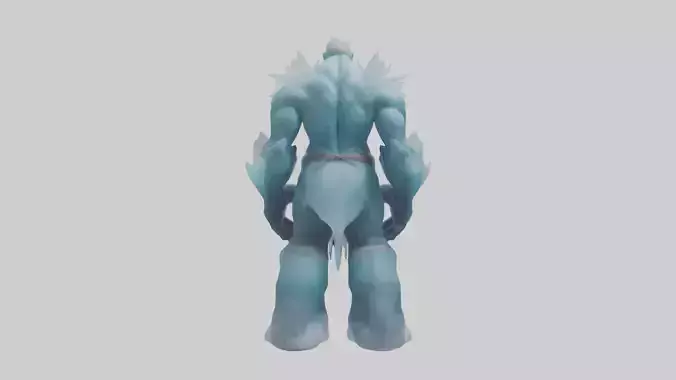
Enhance your workflow in Blender with this FREE premium pack of 16 high-resolution MatCaps (Material Capture). Designed specifically for 3D artists, character sculptors, and concept artists who need a crisp, clear, and visually comfortable viewport preview.
Thanks to the ultra-high 1920x1920 resolution, these MatCaps look pixel-perfect even on 4K monitors, allowing you to catch every minor detail, distortion, or shading artifact on your mesh without any blurriness.
Key Features:
- Quantity: 16 unique, professionally tuned MatCaps.
- Resolution: 1920x1920 pixels (Ultra-HD quality for flawless viewport preview).
- Proportions: Aspect ratio 1:1 (Perfect square for correct spherical mapping).
- Format: PNG (High-quality, uncompressed).
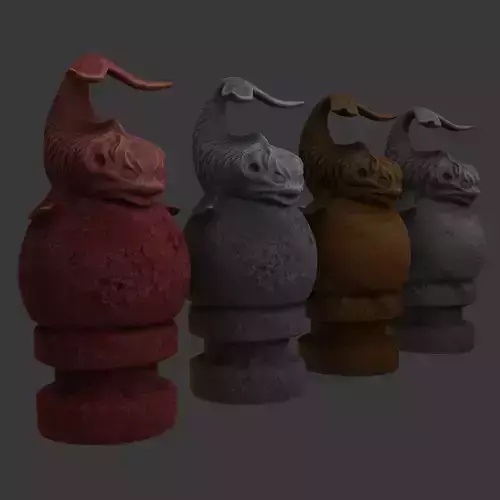
- Style: A versatile mix of smooth sculpting clays, organic wax, matte metals, and deep atmospheric shaders.
WANT MORE SHADERS?If you like this free sample, check out the FULL COMMERCIAL VERSION in my profile. It contains 45 professional MatCaps (including these 16 + 29 brand new premium shaders) for just a few dollars.
How to Install in Blender:
- Open Blender and go to Edit -> Preferences.
- Select the Lights tab on the left.
- Scroll down to the MatCaps section and click the Install button.
- Select all 16 downloaded PNG files from this pack and confirm.
- Done. Now you can find them in the Viewport Shading menu under the MatCap option.
If you like this product, please leave a rating. It helps a lot. For any questions or support, feel free to contact me directly.