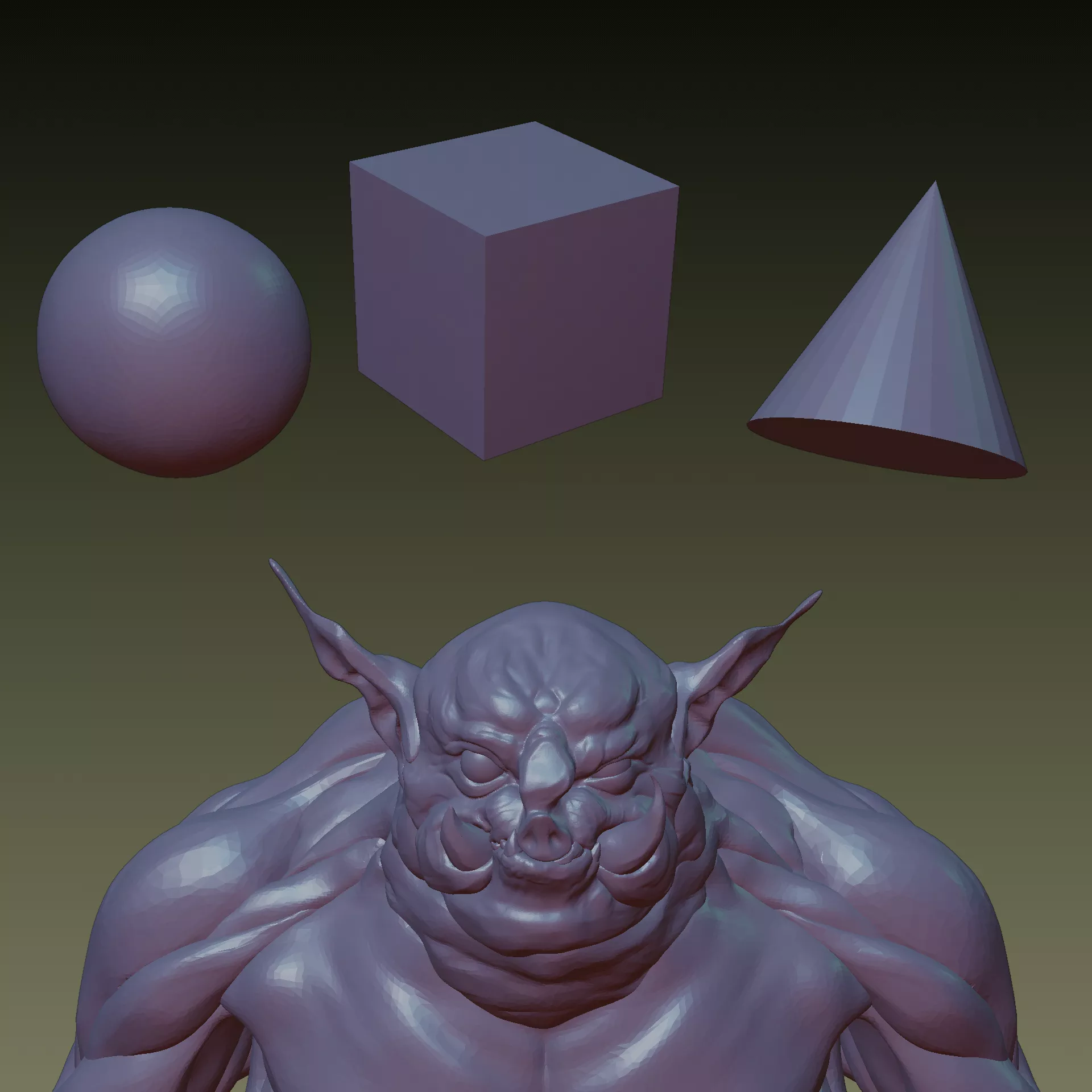
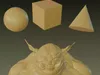
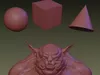
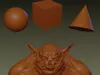
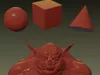
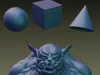
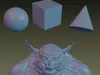
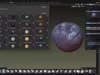
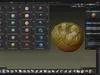
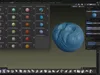
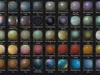
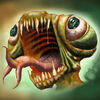
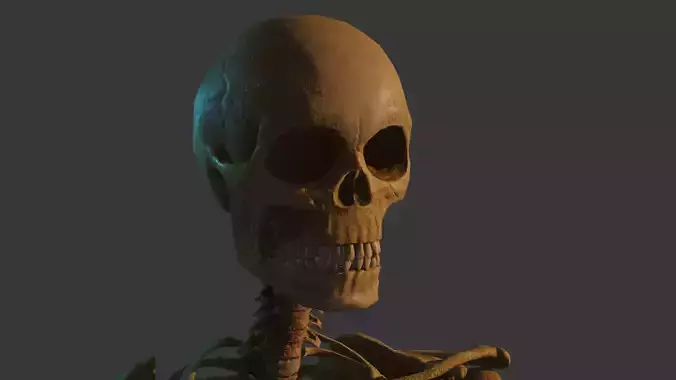
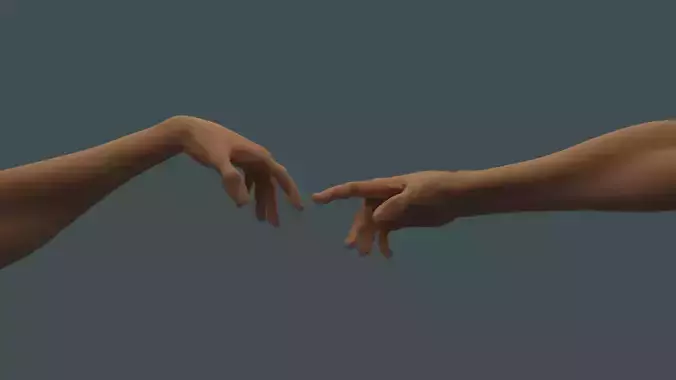
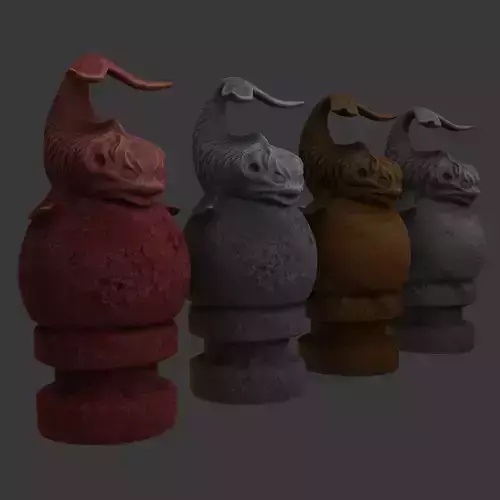
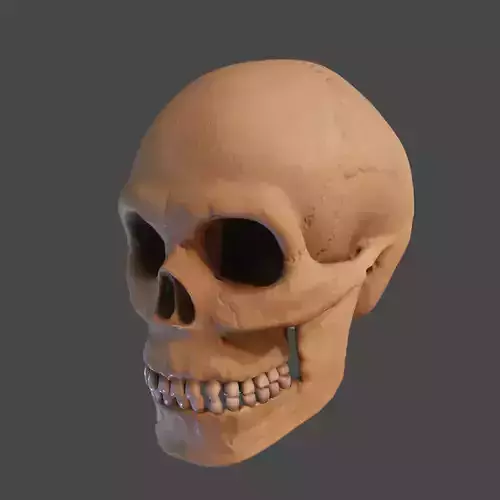
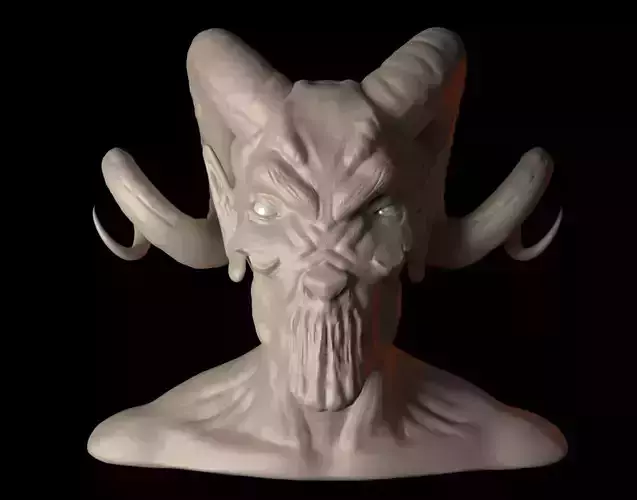
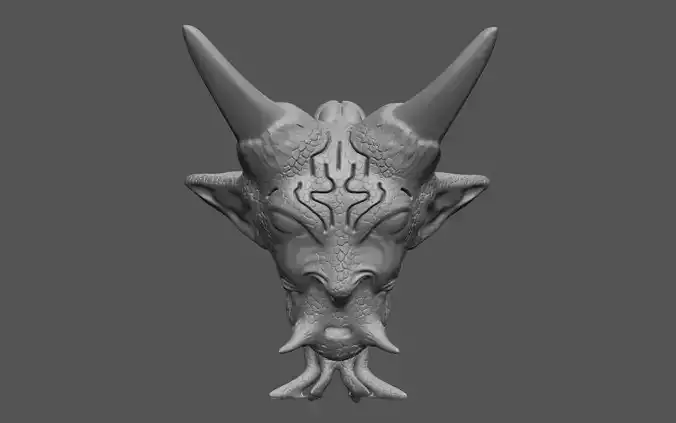
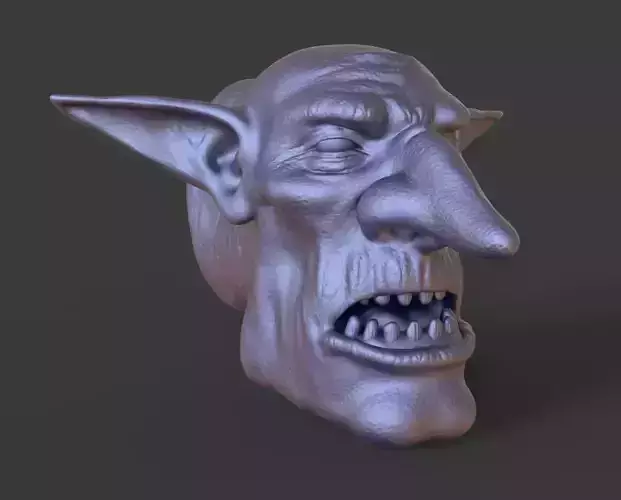
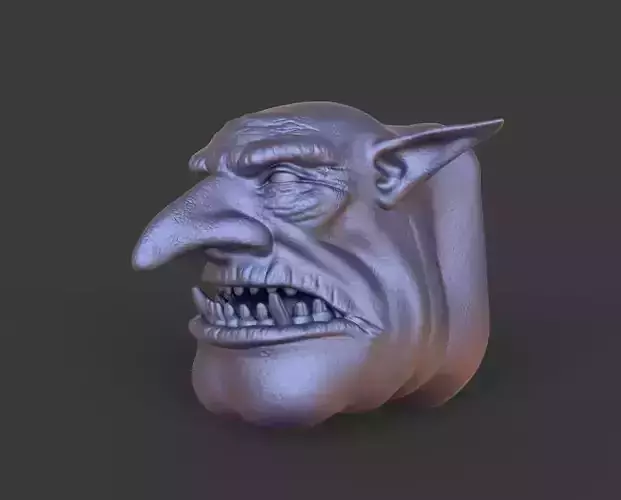
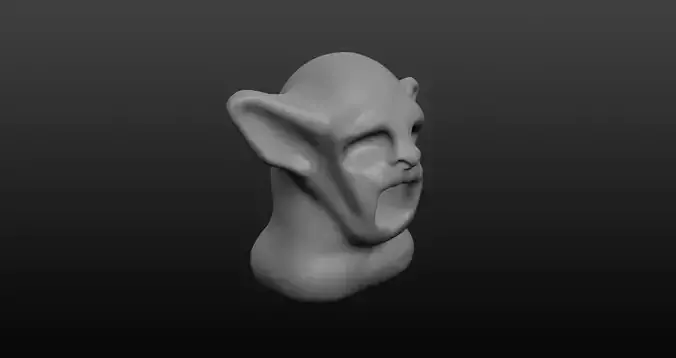
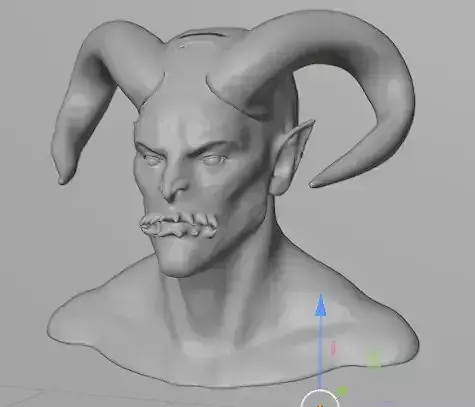
Take your 3D sculpting and modeling to the next level with the Ultimate Blender MatCap Library. This mega pack features 45 professionally tuned, high resolution MatCaps (Material Capture) designed for character artists, hard surface modelers, and concept designers.
Thanks to the ultra high 1920x1920 resolution, these shaders remain crystal clear even on 4K monitors, ensuring you can evaluate your mesh topology, forms, and curves with absolute precision without any viewport blurriness.
What is Inside:
- 45 Unique MatCaps (An ultimate collection covering all your sculpting needs).
- Includes the 16 base shaders from the free pack plus 29 exclusive premium shaders.
- Resolution: 1920x1920 pixels (Ultra HD quality).
- Format: PNG (High quality, uncompressed).
- Styles included: Professional gray and colored sculpting clays, organic wax textures, stylized toon and anime shaders, glossy car paints, polished metals, sci fi metallic finishes, and deep atmospheric viewports.
Compatibility:
- Optimised for Blender 2.8, 3.x, 4.x, and newer versions.
- Can also be used in ZBrush, 3D Coat, Nomad Sculpt, Cinema 4D, and any other software that supports standard spherical MatCap textures.
How to Install in Blender:
- Open Blender and go to Edit -> Preferences.
- Select the Lights tab on the left menu.
- Scroll down to the MatCaps section and click the Install button.
- Select the downloaded PNG files from this pack and confirm.
- Done. Now you can find them in the Viewport Shading menu under the MatCap option.
Thank you for supporting my work. Please leave a 5 star rating if you find this library useful. For any questions, feel free to drop a message.