A clean workspace is not a cosmetic preference. It is a performance multiplier.
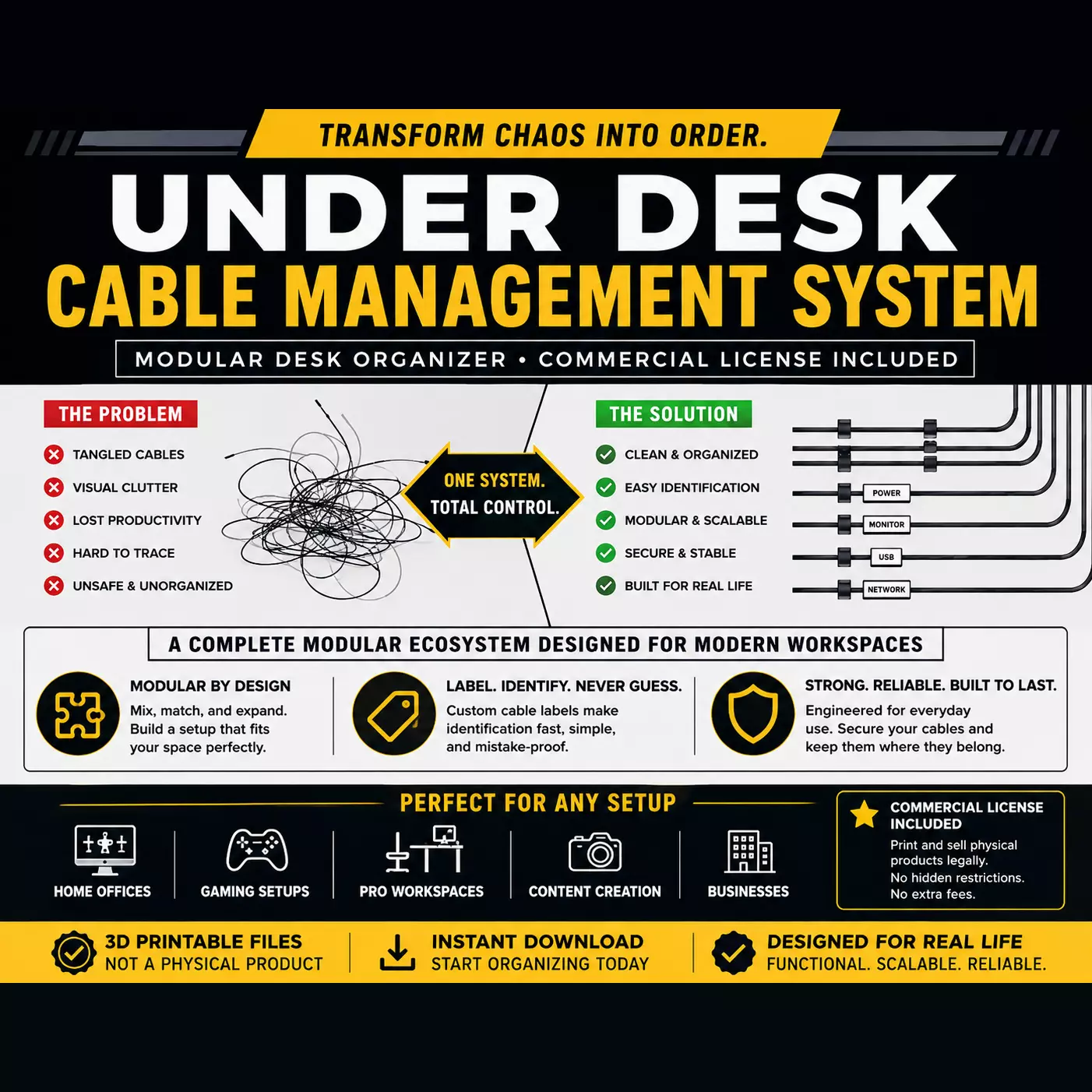
This system is designed for people who rely on their desk every day and cannot afford clutter, cable tangles, or unstable “temporary fixes” that degrade over time. Instead of offering scattered accessories or weak adhesive clips, this bundle delivers a complete under-desk cable management infrastructure built around a modular OpenGrid ecosystem that scales, adapts, and holds under real daily use.
Most cable management products fail because they solve only the surface problem. They either hide cables temporarily or rely on adhesive-based solutions that weaken, shift, or detach as your setup evolves. This system is engineered differently. It replaces temporary organization with a structured, mechanical framework that becomes part of your workspace rather than something constantly replaced.
A Modular System, Not Random Parts
At the core of this bundle is OpenGrid, a unified modular mounting system designed for both desk and wall integration in 10x10 and 5x5 grid formats. Every component in this system is built to follow the same structural logic, allowing your workspace to grow without redesigning your entire setup.
Instead of isolated accessories, you get a coordinated infrastructure:
Expandable mounting system (OpenGrid 10x10 and 5x5 compatible)Mechanical fastening instead of unreliable adhesiveFuture-proof modular design that supports workspace evolution
This is not a collection of parts. It is a workspace framework.
Under-Desk Cable Tie Modules (Small, Medium, Large)
These cable tie modules are engineered for secure routing and long-term durability under real load conditions.
Each size is designed for specific use cases:
Small:Designed for 1–2 cables. Ideal for charging cables, peripherals, and light routing where precision and minimal footprint matter.
Medium:Designed for approximately 5 cables or several thicker power cables. Perfect for mixed-device setups such as monitors, docking stations, and peripherals.
Large:Designed for up to ~10 cables depending on thickness. Includes a built-in stabilizer that prevents inward deformation when tightening, ensuring long-term structural integrity even under heavy bundled loads.
These are not flexible clips that lose tension over time. They are mechanically reinforced routing anchors designed to maintain cable positioning permanently.
Print optimization includes a 0.12mm layer height profile specifically tuned to improve thread accuracy and reliability, along with separate single-color and multicolor print profiles for production flexibility.
Desk-Mounted Headset Holder (Screw-Mounted Stability)
A dedicated under-desk headset mounting solution designed to eliminate desk clutter without relying on adhesive failure points.
Secure screw-mounted installation for permanent stabilityDesigned to integrate directly with OpenGrid structureNo support required for screw threading geometryReinforced load-bearing design for long-term durability
This is a practical storage solution for gamers, professionals, and creators who need immediate access without sacrificing desk space or stability. Unlike adhesive hooks, this does not shift, sag, or detach over time.
Custom Cable Label Clips (Full Identification System)
Cable confusion is one of the most common workspace inefficiencies, especially in multi-device environments. This labeling system eliminates that problem entirely by introducing customizable, visually clear cable identification.
Key capabilities:
Fully editable labels (letters, numbers, or symbols)Color-coded identification for fast visual separationDesigned for charging cables, power lines, and shared environmentsSupports both minimal and advanced labeling systems
Included configurations:
Standard cable clips for general cable identificationReinforced versions for thicker cablesPreconfigured labels for common setups (TV, PC)
The system is designed for both personal and professional environments, including shared households, studios, offices, and content creation setups where cable tracking is critical.
Each file includes organized print plates by cable diameter, allowing efficient batch production.
Customization is fully supported in Bambu Studio through object-level editing, enabling rapid personalization without redesigning the model.
Engineered for Reliable 3D Printing
This system is built specifically for FDM printing reliability, not just visual appearance.
Design priorities include:
No-support geometry wherever structurally possibleReinforced mechanical interfaces for repeated useThread designs optimized for layer-based printing accuracyTested print profiles for stability and consistencyCompatibility with Orca Slicer and most mainstream slicers and printers
The goal is not just to print successfully once, but to produce repeatable, production-ready components suitable for long-term use or resale.
Commercial License Included
This bundle includes a full commercial use license for physical production and resale.
You are authorized to:
Print and sell physical copiesIntegrate into desk setups, workstation builds, or custom bundlesUse in print farms or small business product linesScale production without additional licensing fees
This is structured for makers, entrepreneurs, and print operators who want a ready-to-sell product system, not just personal-use files.
Why This System Exists
This system is designed for users who are done with temporary solutions.
If your workspace changes, this system adapts with it. If your device count grows, it scales. If your setup becomes more complex, it remains organized instead of collapsing into clutter.
Cheaper cable clips hide problems. Adhesive hooks delay them. This system eliminates them by turning cable management into a structured, expandable infrastructure.
If you are ready to move beyond temporary desk fixes and build a workspace that stays organized, scalable, and production-ready, this system is built for you.
Download the bundle and start building a workspace that actually stays under control.
Under Desk Cable Management System (Consolidated Core Bundle):
Under-Desk Cable Tie for OpenGrid SystemThis cable tie is designed for the OpenGrid and OpenGrid Lite systems, providing a secure way to mount and route cables under your desk. It helps organize wires efficiently, reducing clutter and improving your workspace.
The cable tie is available in 3 sizes:Includes openGrid, a general use wall and desk mounting framework/ecosystem. In both 10x10 and 5x5 sizes
Small holds one to two cables but is sturdy and easy to use.Medium holds around 5 cables or a few thicker (power) cables.Large holds perhaps even 10 cables, depending on thickness. It includes a stabilizer that prevents the thread from bending inwards when screwing down the nut.The included print profile uses 0.12mm layer height to improve the threads. One profile is for multicoloured printing on a single build plate, the other for uniform printing.
Desk-Mounted Headset Holder Headphone Stand ScrewKeep your workspace tidy and your headset easily accessible with our Desk-Mounted Headset Holder. This sturdy and space-saving headphone stand attaches securely to the underside of your desk, providing a sleek and convenient storage solution. No support is required for the screw thread; only the frame of the thread, which sits on the underside of the desk, ensures a firm hold. Perfect for gamers, professionals, and anyone who wants to keep their headphones organized and within reach.
cable label clips (editable)Small labels for power and charging cables, with a customizable initial on Bambu Studio. I created it to avoid confusing my charging cables with those of my family members. Both the color and the letter can be customized (numbers can also be used for cable identification in addition to the initial), or the letter can be removed and only the color used.
There are also two versions with thick cables featuring two letters: TV and PC.
The file contains several plates, one for each cable thickness (the cable diameter is indicated in the plate name).
To customize the letter, open the file in Bambu Studio, select objects, then the text_shape part relating to the plate you want to print:
(if you want to delete the letter, simply right-click on the text_shape and select delete)Then select the Text tool at the top (identified by the Ta symbol) or press the T key. In the last line, replace the letter R with your preferred letter: