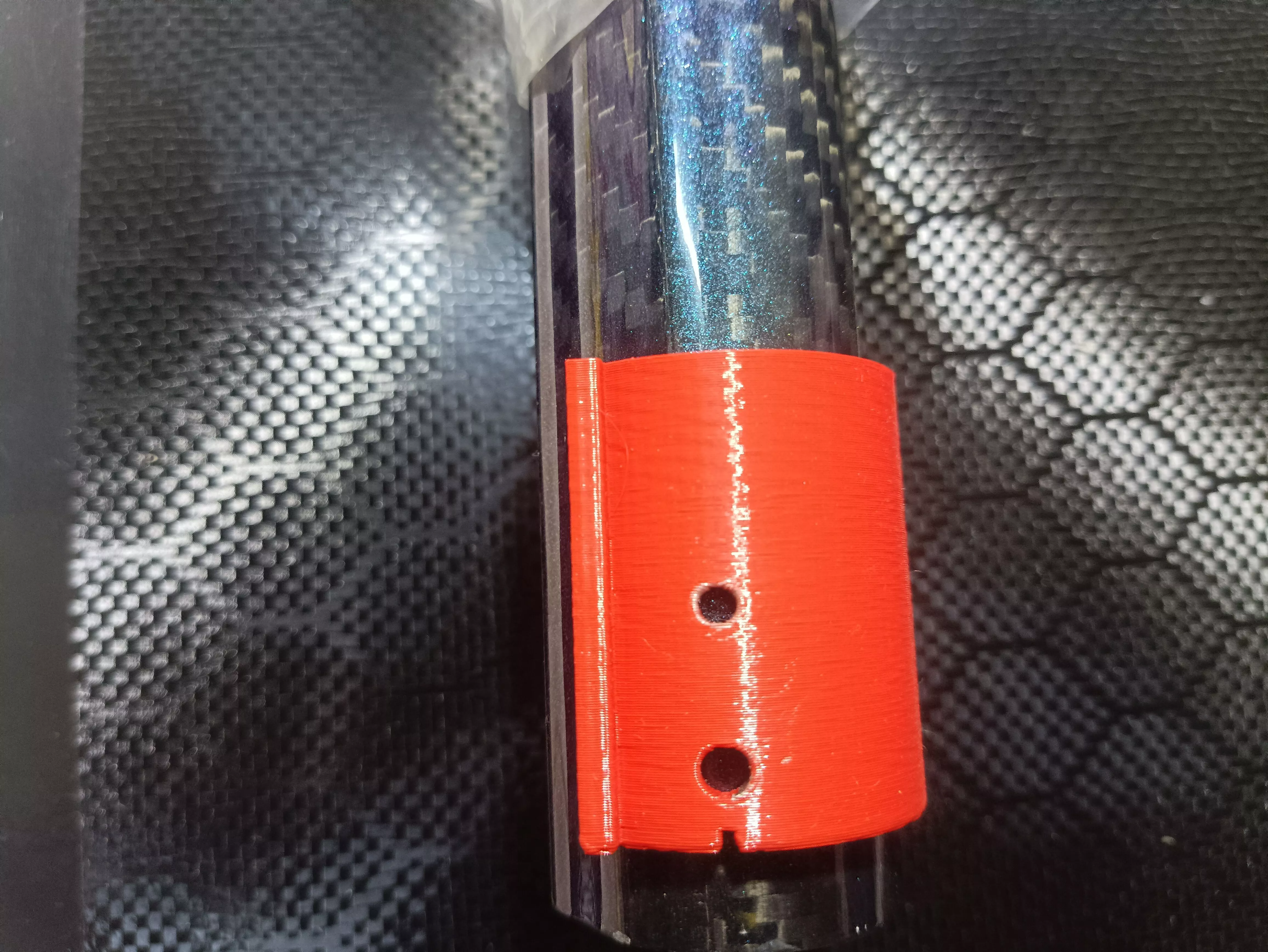
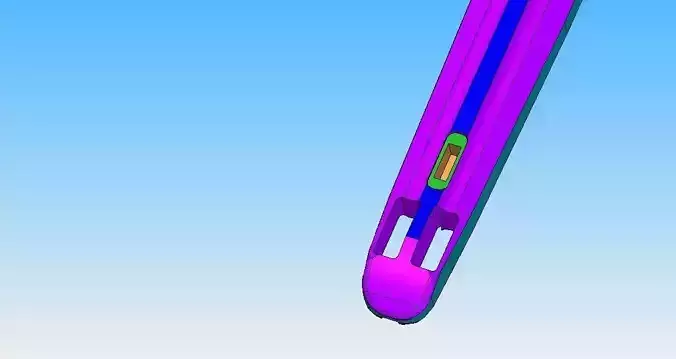
Carbon Pipe Hole Locator (Pin Center Guide) is a 3D-printed drilling guide that clamps onto carbon barrels/pipes in sizes 30 / 32 / 34 mm diameter. It helps you locate the pin center accurately and drill repeatable holes at the correct position without measuring each time.
3D printing settings1) Materials / printerBest material: PETG (recommended) or ABSWorkable: PLA (but less durable for repeated tightening)Printer type: FDMNozzle: 0.4 mmLayer height: 0.2 mm2) Recommended print settingsPerimeters/walls: 4–6Top/Bottom: 5–7 layersInfill: 40–60% (gyroid is good)Orientation (important):Print so the main clamping force and drilling load go through the strongest layer direction (typically “flat” so the walls resist splitting).Accuracy: enable “small horizontal expansion” if your slicer has it (or add clearance in CAD). Otherwise do a test fit.3) Clamp & fit clearance (critical for carbon pipes)Because carbon OD tolerances vary by manufacturer:
Design/print the inside diameter with clearance of about 0.2–0.5 mm total (depending on your printer accuracy).If the locator is too tight: sand the inside lightly or increase the ID in the slicer by +0.1 to +0.2 mm.If it’s too loose: use a slightly higher infill/walls or print a tighter version.How to use (drill accurate hole position)Choose the correct model/size:Use the 30 mm, 32 mm, or 34 mm version that matches your carbon barrel diameter (OD).Clean surface: wipe the carbon pipe (remove dust/oil).Install the locator: slide/clamp it so the locator’s reference faces fully seat.Mark drill through the guide:Use the locator’s hole bushing/guide hole to drill.Drill tips (to prevent damage):Start with a small pilot bit (ex: 2–3 mm), then step up to final size.Go slow at the start, clear chips often.Verify: do a dry fit of the pin/bolt before final assembly.