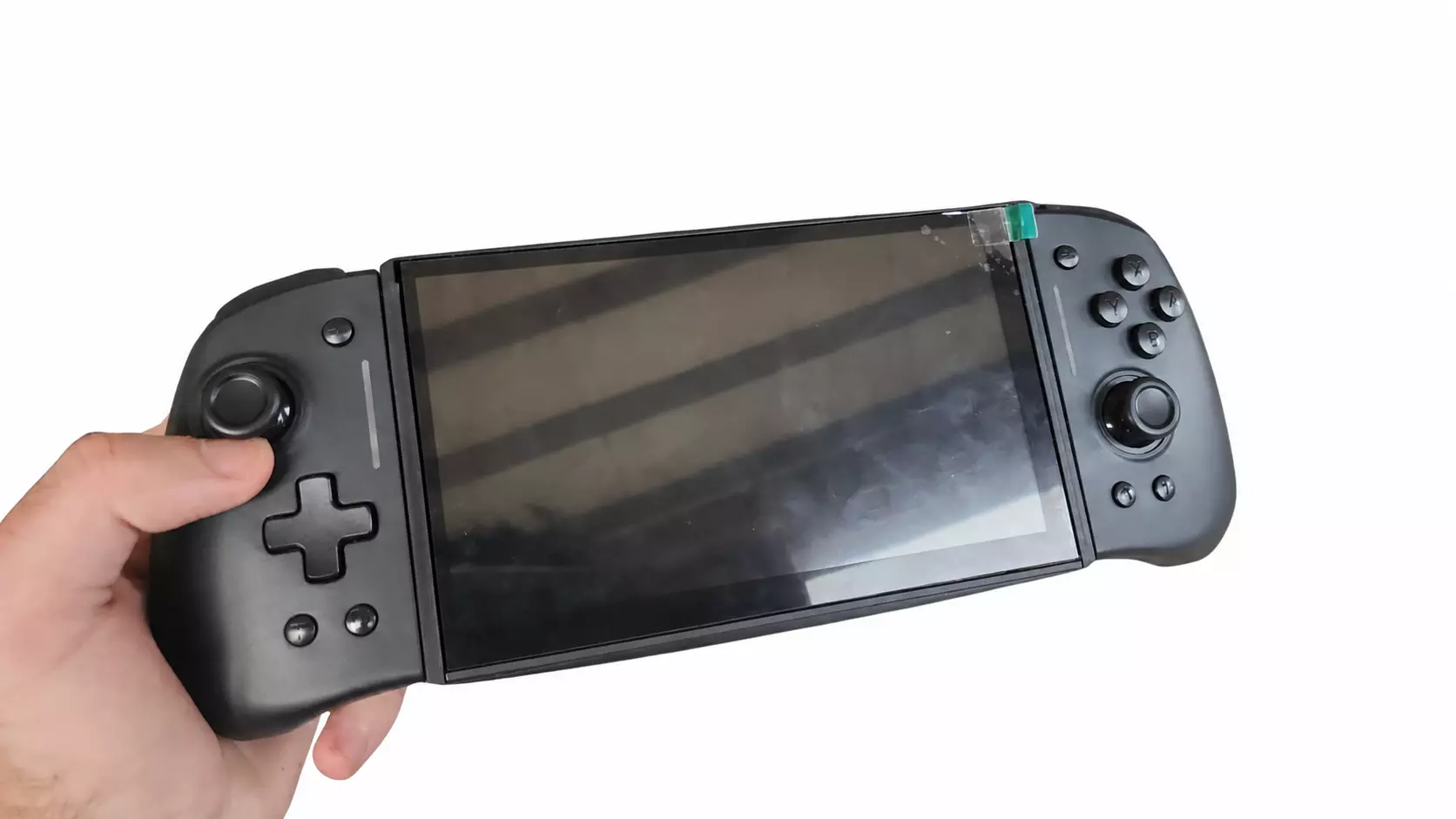
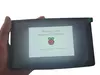
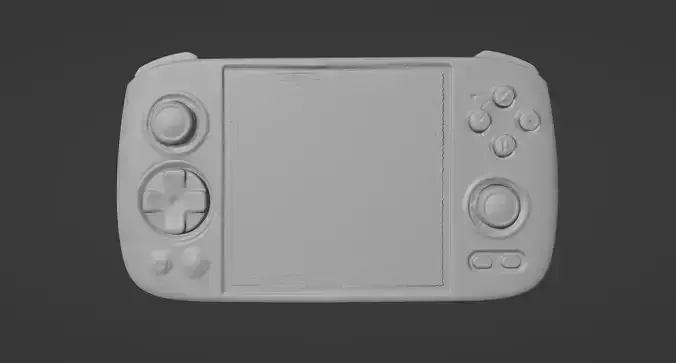
This is a project for a handheld device powered by a Raspberry Pi 4; all the ports are still available to use. You'll get the 3D files to 3D print the case, which is roughly 100 grams.
With enough sales, I might sell the full product. You could multipurpose it as a tablet by installing PINN, Lineage (Android), and any other OS.
It also includes a 3D file of the assembly (I printed it in PLA).
If you're trying to use Lineage, you need to uncomment the Touchscreen section in the config.txt file
List of materials for the complete build:
Raspberry Pi 4 (8GB of RAM recommended) + SD Card;
7-inch 60 Hz LCD Touchscreen; https://alishort.com/Ff9fC
Bluetooth Audio Module M38; https://alishort.com/LomAD
Pair of 4OHM 5W Speakers; https://alishort.com/dBm88
UPS Hat (Battery Charger); https://alishort.com/sGU86 (You'll need to trim the pins and solder whatever needs soldering, add some tape to not puncture the battery and to prevent short circuits, there's also an option to buy it with a 3000 mah battery)
Controllers; https://alishort.com/uuSOF
5V 20x20x6 mm Blower Fan; https://alishort.com/RCFsS
3.7V Battery; https://alishort.com/9ScXW (I used 4 batteries of 1000 mah but 1 of 4000 mah should fit);
5x 2mm Diameter screws ~5mm length;
4x 3mm Diameter screws ~10mm length;
2x 1.5mm Diameter screws ~5mm length; (Some screws come with the products, make sure to buy slightly larger screws so they can be adjusted if needed)
I recommend that you 3D print the screen frame sitting upwards instead of flat down so that it prints the railing properly. Everything is a tight fit because I wanted the case as slim as possible. If you have any issues due to tolerances or if you want me to customize the case, feel free to contact me.
Optional:
Type C adapter; https://alishort.com/mDVUz (In case you want to switch the micro usb to type c of the charger)
90° USB Adapter; https://alishort.com/1oPxD
Programs:
https://drive.google.com/drive/folders/10kG1tAb095VMrjiHjsfnbMWBZKmuRxMx?usp=sharing Program to use joystick to Mouse or Mouse as a laser pointer by pressing + or - on the controller;
https://drive.google.com/drive/folders/1aAcQv5Pzdt0ruhdVOChreVysdIh6T-Qa?usp=sharing Battery Reader;
https://drive.google.com/drive/folders/1wgotD4NK7abRIPTtMsds75s6Qe41MRZi?usp=sharing A minimize all windows app;
Known possible issue: backlight button (It's not essential but I'll work on a fix)