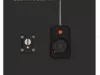
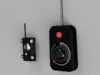
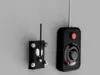
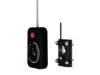
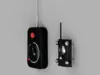
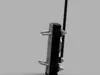
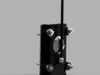
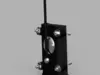
Technology to create your own Automated man! Who needs robots or AI when you can just strap this to your buddy and have him do all your chores.
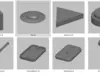
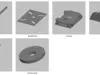
Fallout The Automated Man Kit STL 3D Print File:
This listing includes digital files only; no physical items will be shipped.Ensure you have access to a 3D printer or 3D printing service.Due to the digital nature of the product, refunds or exchanges are not available.
Items Needed (some are affiliate links):
QTY 1 - Bob Smith Superglue or equivalent
Assembly:
- Print out all parts.
- Do a Dry Run / Test Fit before doing anything.
- Recommended to paint some pieces to make it easier before gluing
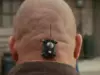
Implant:
- Start with the Backplate - lay the Backplate down with flat edges down
- Put the Body on top of the Backplate by aligning the angles
- Put the washers and the Screws into the 4 holes
- Add the Antenna into the hole located on front of base
- Add the Endcap onto the Body
- Glue when ready
- Print out the Robco Ind sticker and add it to rear of Implant
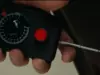
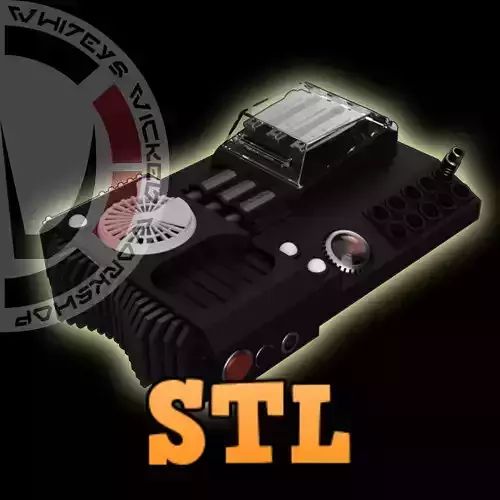
Remote:
- Start by putting the RemoteBottom facing down
- Add the RemoteTop on top
- Add the RedButton to the top hole
- Add the Dial
- Add the RedArrow into the ArrowHolder (glue when ready)
- Add the Arrow assembly (make sure dial is in place before doing this step)
- Add the Remote-Antenna to the top of Remote
- Use screws to fasten both halfs of the remote together or glue the ScrewM3x12 in place
- Glue it all together when ready!
PROTIP's:
- Paint and let dry before handling.
- Do a Dry Run / Test Fit before doing anything.
- Do not over tighten the screws
Enjoy!
Please let me know of any issues.
Whitey!
Join My Patreon for over 200 Awesome STL-DXF-SVG files and counting:Ask my Patrons and they will tell you that I am very active.$5 Tier and up get a Etsy 20% off Discount CodePatreon = WhiteysWickedWorkshop