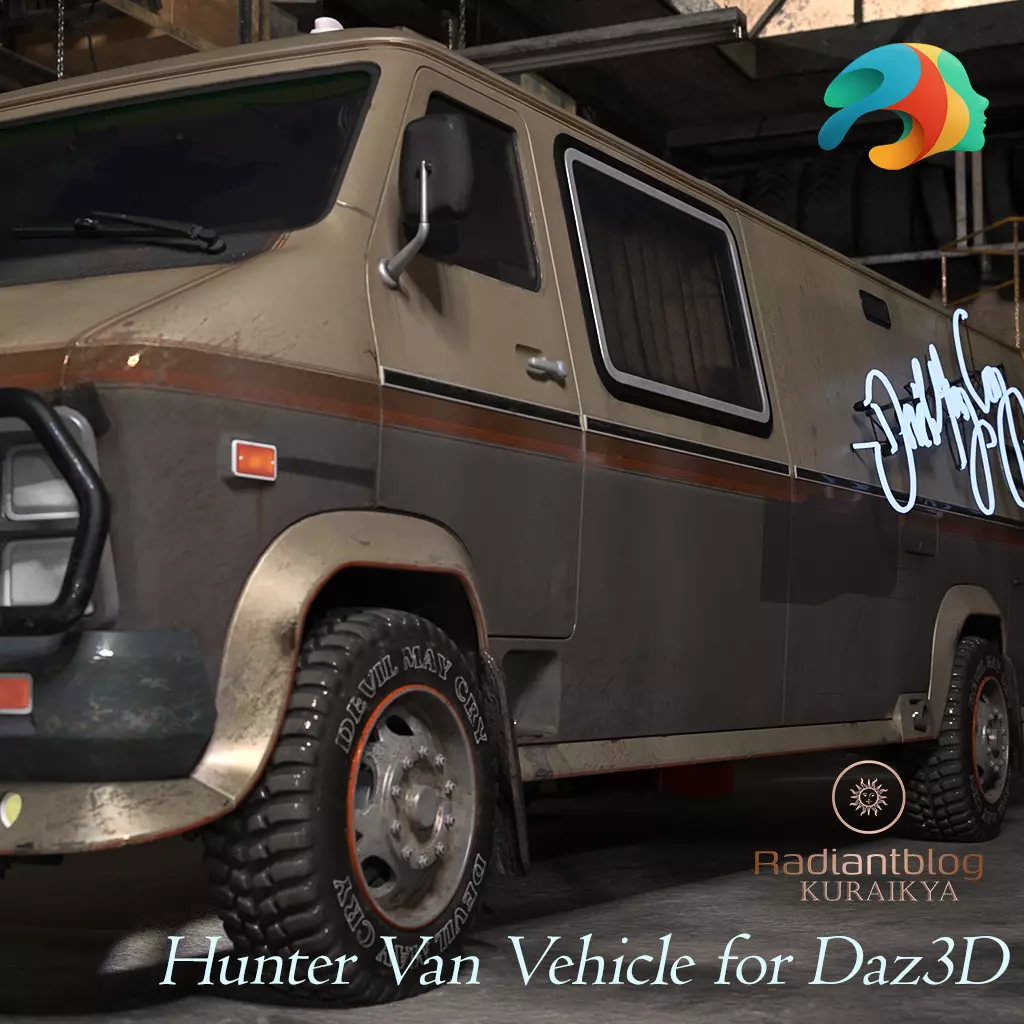
Hunter Van Vehicle for Daz3D
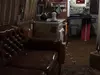
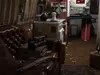
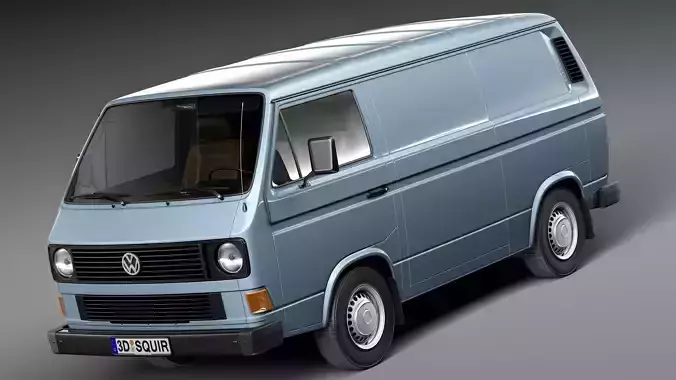
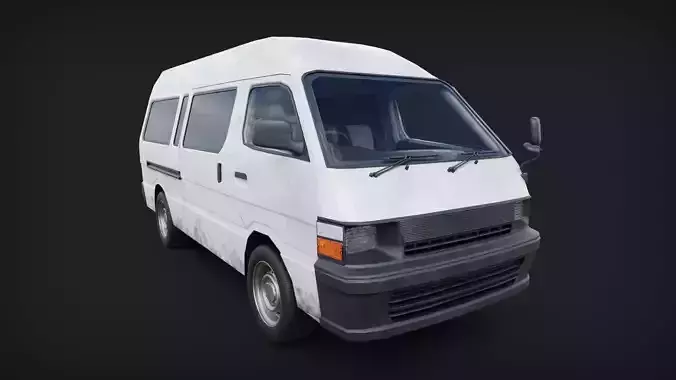
Take your renders on a gritty, action-packed road trip with the Hunter Van Vehicle for Daz3D. This highly detailed, standalone vehicle asset is fully independent of any Genesis figures, making it a versatile addition to any urban fantasy, sci-fi, or paranormal investigation scene.
Inspired by iconic demon-hunting rides, this heavily customized van serves as both a high-speed transport and a mobile workshop/living space. Countless hours of meticulous detail work have gone into crafting this asset, ensuring crisp details from the rugged, customized exterior down to the cluttered, lived-in interior cockpit and living quarters.
Key Features & Included Content
Standalone Vehicle Prop: Full vehicle loading preset (Hunter Van.duf).
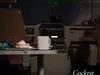
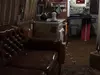
Highly Detailed Interior: Features a complete cockpit with dashboard details, hanging fuzzy dice, a rear seating/living area, and a workstation setup.
Fully Functional Morphs: Easily control the state of the vehicle via slider properties:
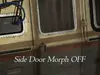
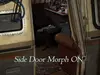
Side Door Morph: Open or close the main sliding side compartment door.
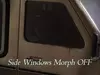
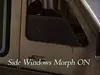
Side Windows Morph: Roll down or adjust the side driver/passenger windows.
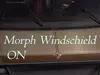
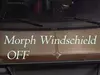
Windshield / Wipers Morph: Operate the heavy-duty front windshield wipers.
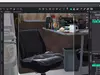
Chair Movement Morphs: Slide and rotate the interior office chair for custom layouts.
Material Presets (.DUF): Instantly switch up the look and mood of the interior and exterior:
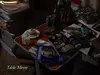
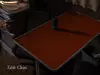
Couch and Table Clean / Couch and Table messy: Toggle between a spotless layout and a chaotic, lived-in workstation covered in magazines, bottles, snacks, and gear.
Neon Lights Outside ON / Neon Lights Outside OFF: Control the glowing stylized exterior side-signage for night renders.
How to Install and Extract ZIP Files
To use this product in Daz Studio, you must first extract the files from the downloaded ZIP archive into your content library directory.
Download the ZIP File: Save the product archive to a temporary folder on your computer.
Extract the Files:
Windows: Right-click the ZIP file and select Extract All.... Choose your Daz 3D Content Library directory (usually C:\Users\Public\Documents\My DAZ 3D Library) as the destination, then click Extract.
Mac: Double-click the ZIP file. Drag and drop the extracted folders directly into your target My DAZ 3D Library folder.
Verify Structure: Ensure that the folders merge correctly so that the files follow the path: My Library > Props > KuraiKya > Vehicles > Hunter Van.
Open Daz Studio: Refresh your Content Library tab or Smart Content pane to find your new asset ready to load.