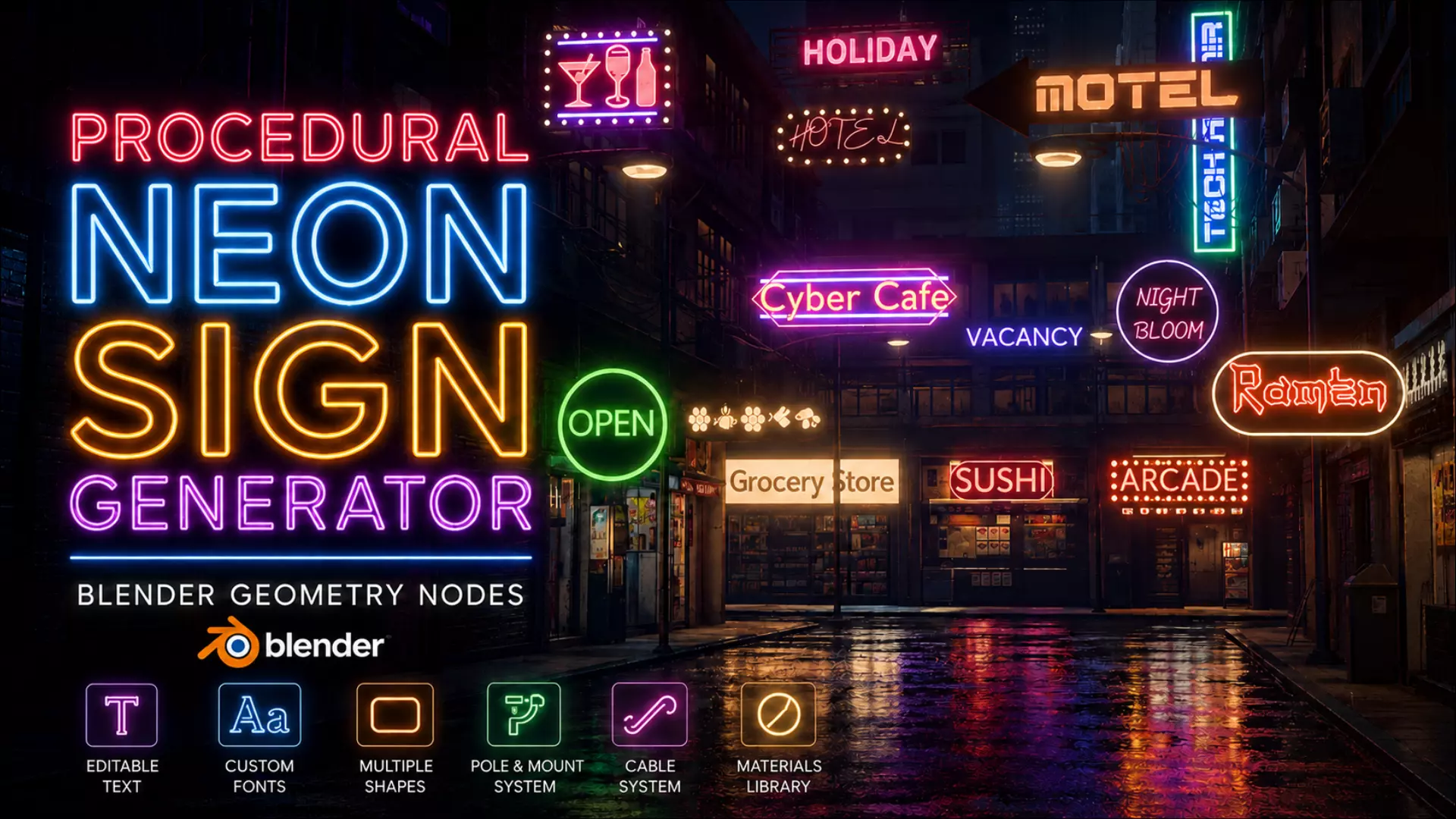
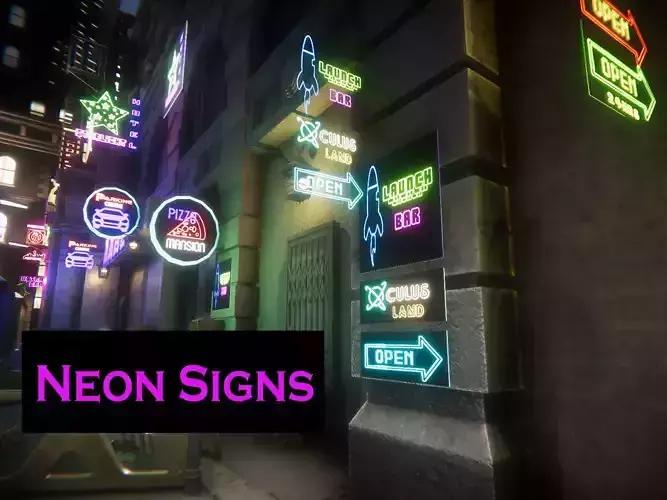
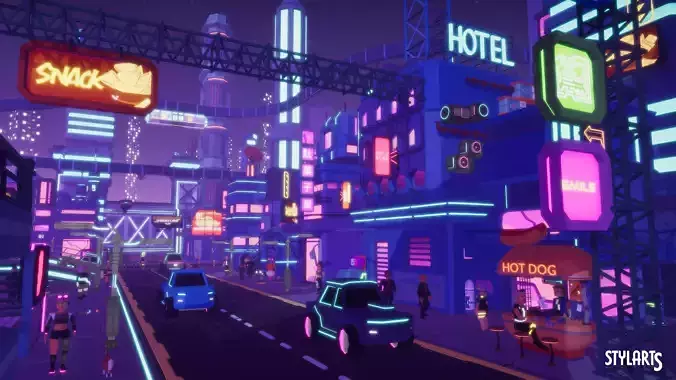
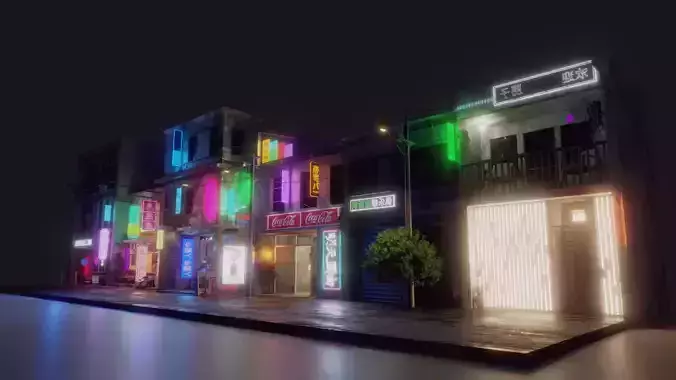
Create custom neon signs in just a few clicks with this fully procedural Geometry Nodes setup. Whether you're creating cyberpunk scenes, storefronts, cafés, restaurants, game environments, or cinematic renders, you can quickly create unique neon signs without having to build everything from scratch.
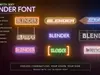
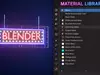
What's IncludedFully procedural Geometry Nodes setupEasy text customizationCustom font supportMaterial LibraryAdjustable backboardMounting polesCable controls6 Example PresetsClean and beginner-friendly modifier interfaceHow It WorksSimply open the included .blend file, select any of the existing neon signs, copy and paste it, then customize it however you like. It even works with ALT+D (link duplicate). You will have full control without affecting the first one. Change the text, choose your own font, adjust the materials, resize the backboard, modify the mounting style, tweak the cables, and create a completely new sign in minutes.
No complicated node editing is required for normal use—everything is controlled through the modifier panel.
Perfect ForCyberpunk environmentsShop signsCafé & restaurant signsGame environmentsMotion graphicsProduct rendersAnimationsConcept artRequirementsBlender 5.1.2 or newerIncluded FilesProcedural_Neon_Sign_Generator.blendREADME & License PDFThank you for supporting my work!
If you create something using this generator, I'd love to see it. Feel free to share your creations and tag me.
Created by Enormous
More products and future releases are available on my creator page.