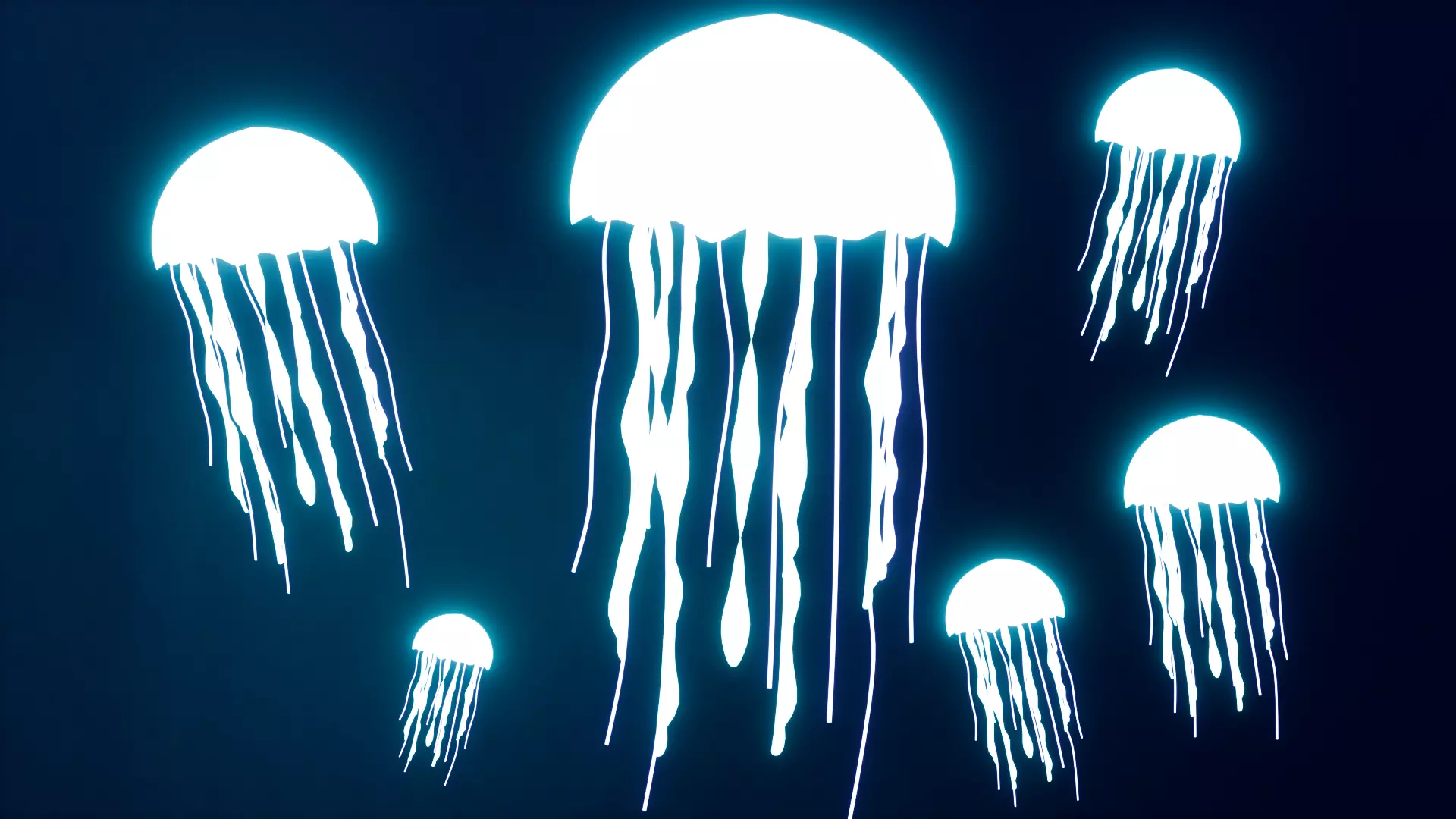
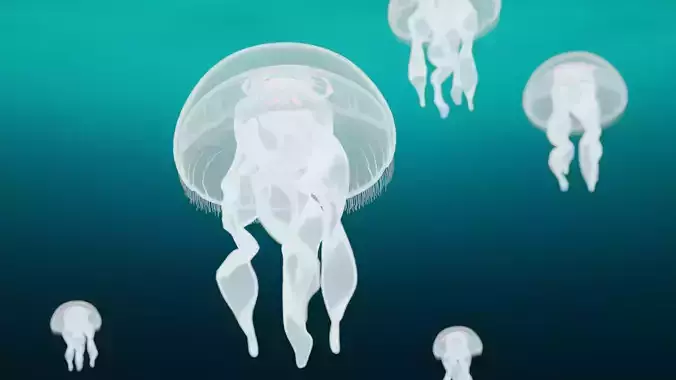
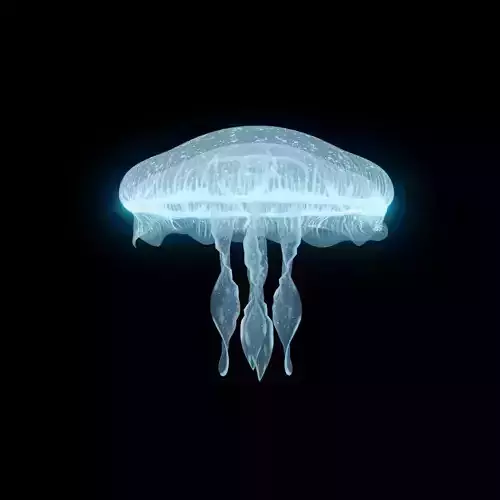
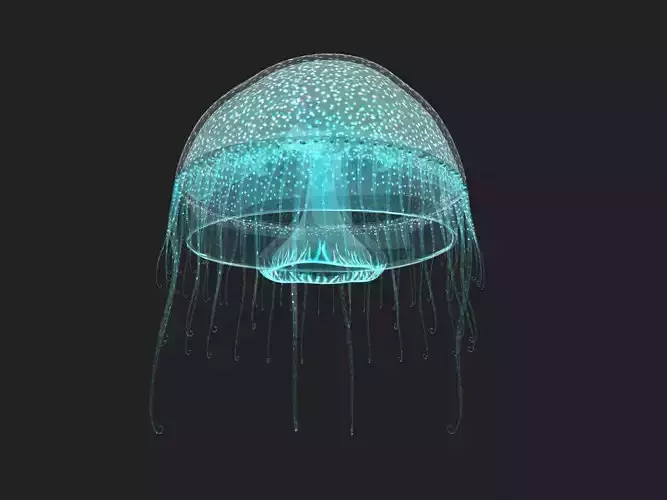
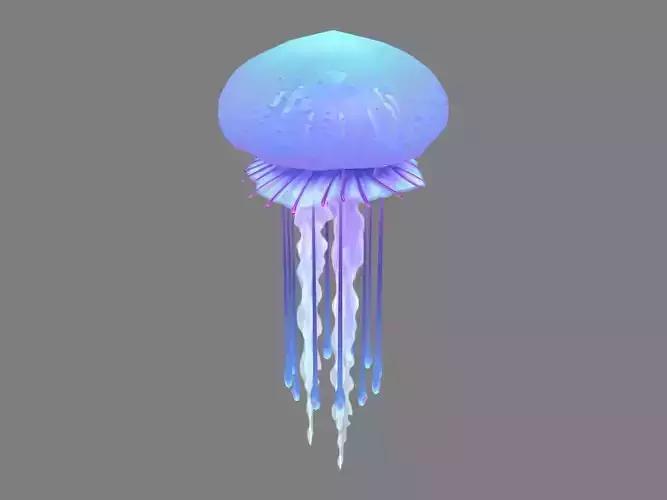
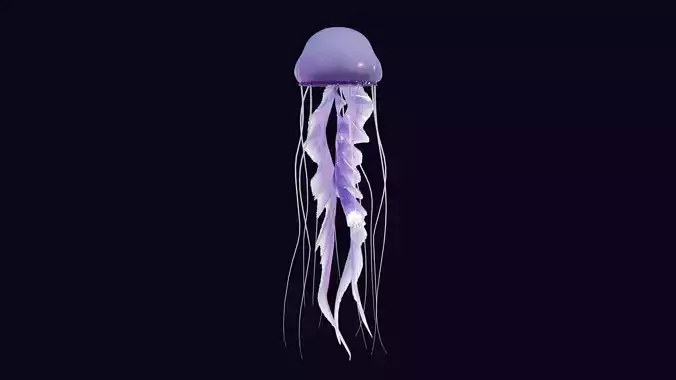
Bring the mystery of the deep ocean to your projects with this high-quality Bioluminescent Jellyfish. Designed with a focus on organic movement and ethereal lighting, this creature is perfect for underwater scenes, fantasy aquariums, marine environments, or atmospheric cinematic VFX. You can use it in your games, in your videos (motion design), 3d printing, ui design, and more.
This asset is 100% human-made; no AI tools were used in its creation. Unlike AI-generated meshes, which are often unusable, this model features exceptionally clean, logical topology and optimized procedural shaders. This ensures professional-grade results and ease of use, allowing the jellyfish to deform naturally for your animations. It is a plug-and-play solution—simply append it to your scene and start rendering immediately.
- Animation: Base mesh designed for organic deformation and movement.
- Materials: Features optimized procedural shaders to mimic bioluminescence. It contains no external textures or PBR maps, keeping the file size incredibly lightweight and eliminating texture-loading errors.
- Renderer: Optimized for both Cycles and Eevee (Real-time rendering).
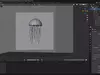
- Software: Created in Blender (Compatible with current and legacy versions).
- Formats: Native .blend file included. Easily exportable to .fbx, .obj, .gltf, .dae, etc.
Key Features
- Performance: Lightweight and memory-efficient design, ideal for background schools of fish or a hero creature shot.
- Ready-to-Use: Just append to your scene and render.
- Topology: Professional-grade, 100% human-made topology (no AI artifacts), perfect for organic animation.
- Style: Realistic / Stylized Bioluminescence.
- Compatibility: Suitable for game development, cinematic VFX, and aquatic environment design.
License & Usage
- This asset is licensed for use in both personal and commercial projects.
- Restrictions: Reselling these models or using them for NFT (Non-Fungible Token) projects is strictly prohibited.
The HDRI is not attached to the file. If the lighting does not appear correctly upon opening, please download the HDRI path manually. I used free HDRI images (one of them polyhaven.com) I found it on the internet; by the name it appears on the environment section (in Blender), you can find it easily.