Why is it worth buying it? How can it be used?
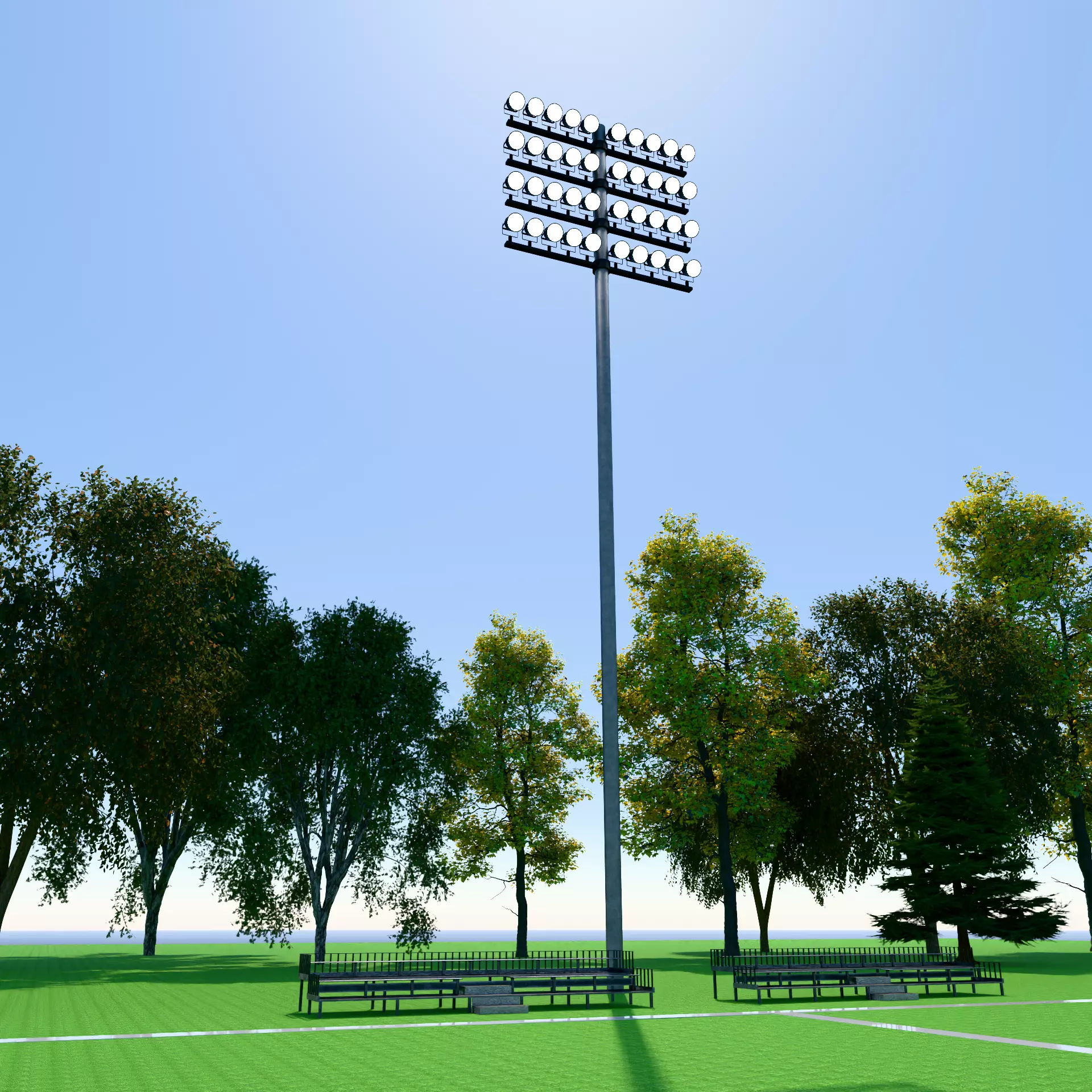
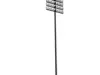
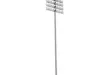
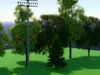
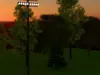
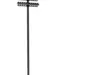
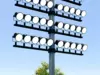
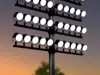
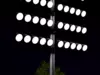
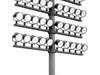
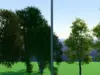
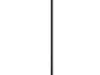
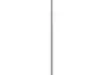
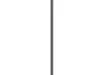
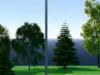
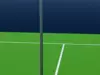
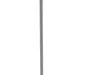
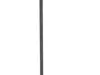
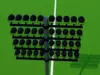
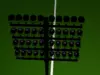
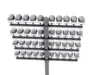
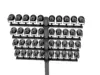
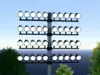
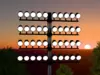
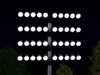
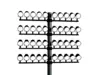
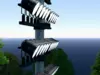
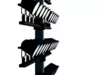
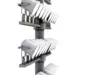
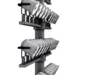
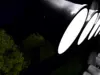
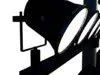
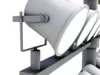
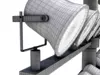
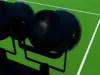
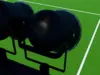
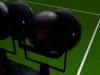
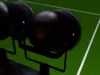
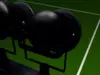
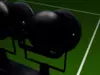
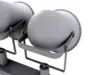
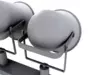
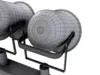
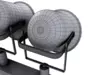
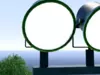
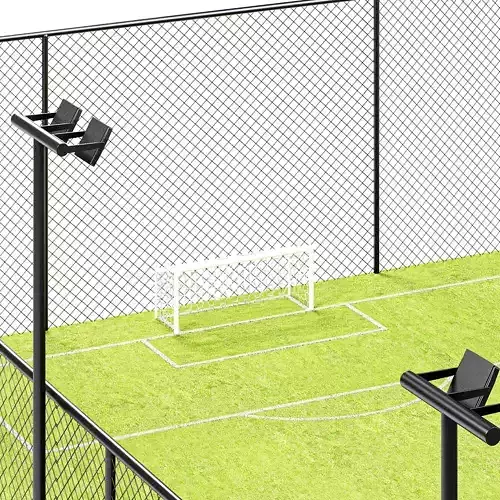
If you like sports and are modelling a sports arena in 3D, then these sports light towers are for you. This specific light tower is based on a few lights seen around the world, specifically those seen in older sports stadiums where these types of stadium lights were quite common, however this light tower can still be used for modern outside arenas or small sports parks that are common in parks around the world.
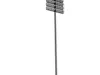
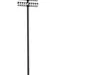
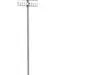
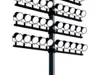
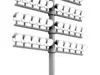
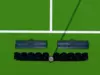
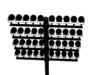
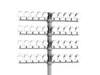
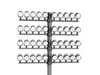
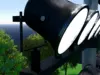
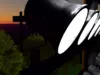
This specific light tower is low at 26.5m or 87ft in height with 4 rows of round bulb lights with an emission shader for the lights. For one of the main files (Procedural File), Area Lights are used, with disk shaped, 1500 strength and 6500k Temperature value.
For this specific sports light (a more detailed version to follow), it can be used in a number of various locations including:
- Sports Ground
- Sports Stadiums
- Parks
- Sports Park
While a number of these texture features can’t be seen due to its height factor, I still ensured realism is achieved for those who want an up and close look. To do this I added the following details
- Scratches
- Bumps/Imperfections
- Edge Wear
- Shine /Roughness
- Wear and Tear
- Emission (Lights)/Area Lights - 1500 (Best Setting)
One of the things I always do with my projects is give people options as I know people who use these models may or may not have Blender or are willing to use Blender. For those who do, I have provided two different Blender files. They are:
- Procedural texturing (using both Metallic BSDF/Principled BSDF with multiple tree nodes) and
- Baked texturing using 4K baked textures (all in separate folder - see below for more details),
I do this as most Blender users cannot afford or will not use other similar programs, and those who do can feel comfortable with Blender, can use one or both files depending on your needs, especially around textures/materials. I understand that you LOVE the model, but not always love some of the materials or colours I have used, and would like to make changes to suit your project, and with the procedural texturing file, this can be achieved.
I also know that not all are comfortable with nodes and editing these nodes and just want to use the flat and baked textures provided, I provide this option as well, so you can just download and use straight away.
For some of you, Blender is not the primary program you use, so this project also contains various project file formats that would work perfectly and can easily be used in various other 3D Programs. These various and different file types are listed below such as:.
FBX
- OBJ
- GLB (Augmented Reality)
- STL
- PLY
*How the file system works and what is contained within *
Within the downloadable folder/s, I have included two different blender folders, one indicating its procedural and the other baked.
Within the Procedural Zip Folder (Light_Tower_Procedural) you will find a file called (v01_01_Sports_Light_Tower_Simple_Procedural) all the textures/materials are included, using a wide variety of procedural nodes. This will mean you can modify any of these nodes, to suit your own preferred taste/style specific to your own project needs. This Blender file will suit any level of experience as the node layout is quite simple and easy to follow.
However, for those who want the ease and comfort of downloading the file without worrying about making changes within blender or external program like Photoshop, all the textures are baked as a flat texture within a separate folder called textures with each texture containing at least 4 different texture layers in 4K (4096 x 4096).
These include:
- BaseColor
- Metalness
- Normal and
- Roughness
Each object/part within this project, their four texture layers (as mentioned above) are contained in their own folder, with each folder owning to specific objects and/or attached assets. These objects below are the folder names and include:
- Light_Connection_Bolt
- Light_Support
- Light_Support_Rows
- Light_Yoke
- Lights
- Pole
- Yoke_Bolt
Each one of these files mentioned above are located in the Texture folders located within the Blender folder called (Light_Tower_Baked). All of the textures are linked and connected to the relevant allocation of the Principled BSDF Node found in the Blender File (v01_01_Sports_Light_Tower_Simple_Baked). To use correctly just download the texture ZIP file, (included within are separate material/texture folders with the names closely matching to the different objects within the blender/other file).
As well as these two folders which are suited for blender users, I have also contained a separate folder for those who prefer to use other 3D programs. This folder is called Other Files. Within this zip folder contains:
- FBX
- OBJ
- GLB (Augmented Reality)
- STL
- PLY
Product Description
- 2 x Blender 5.0 + Files
- Procedural Materials (modifiable) and
- 4K Flat, Baked Image Materials (PNG) [Attached within their own zip folders]. For more details, see below
- FBX
- OBJ
- GLB
- PLY
- STL
- Rigged: No
- UV Mapping: Yes, non - overlapping
Technical details
- CG Model
- Unwrapped UVs
- Polys - 404572
- Vertices - 405134