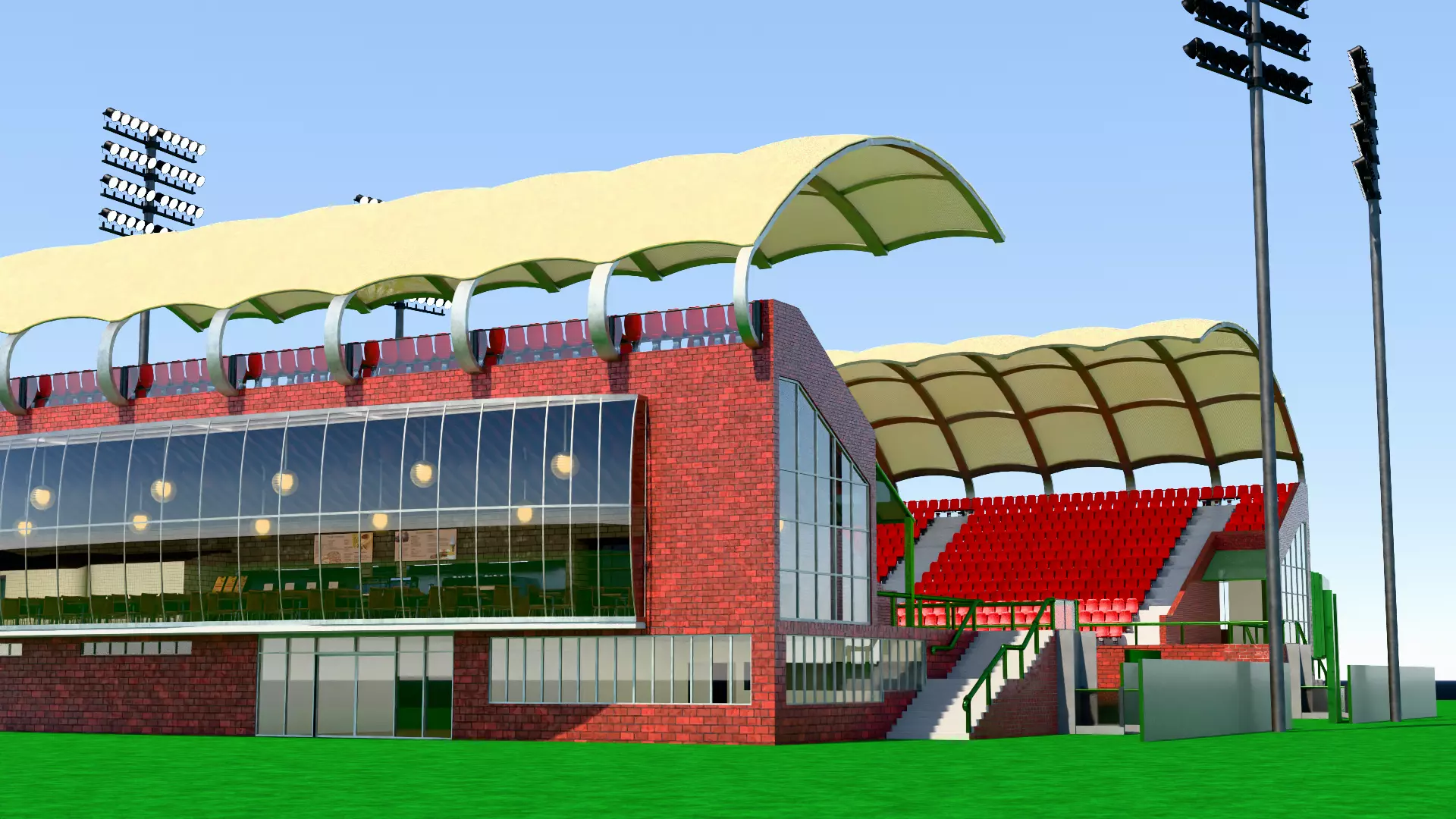
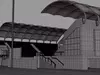
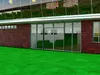
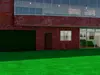
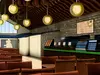
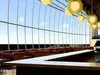
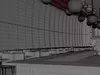
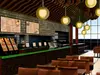
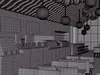
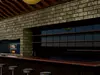
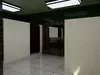
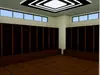
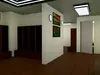
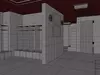
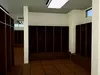
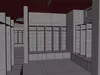
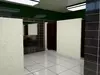
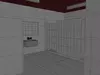
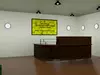
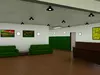
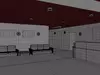
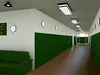
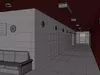
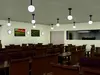
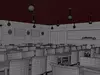
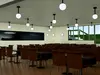
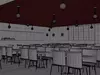
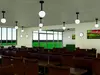
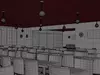
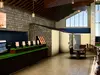
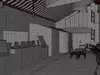
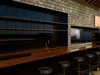
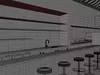
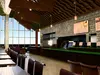
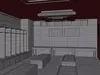
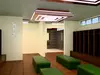
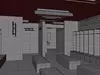
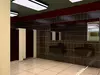
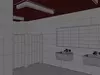
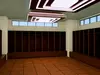
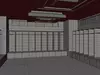
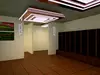
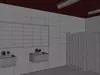
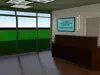
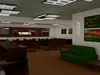
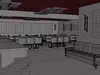
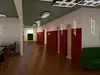
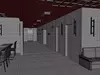
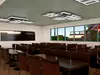
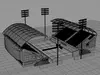
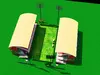
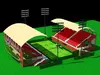
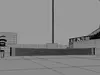
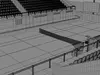
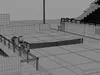
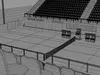
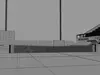
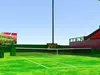
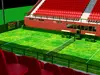
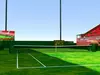
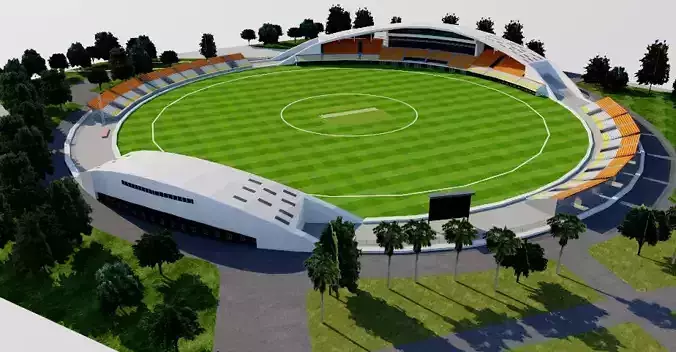
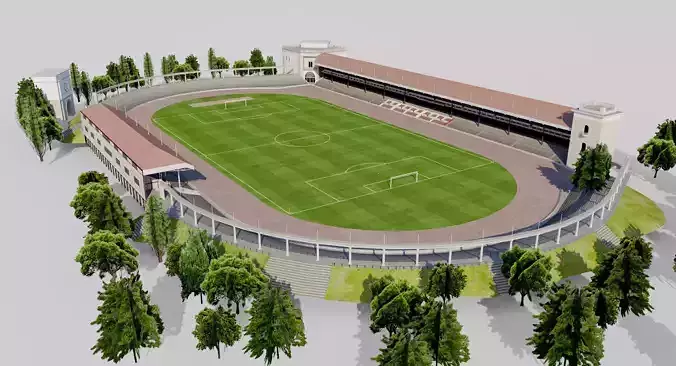
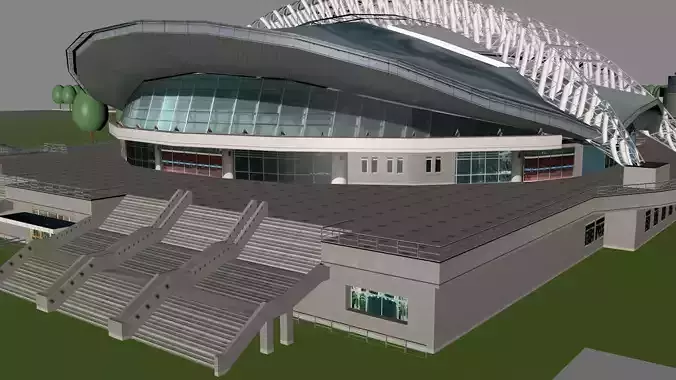
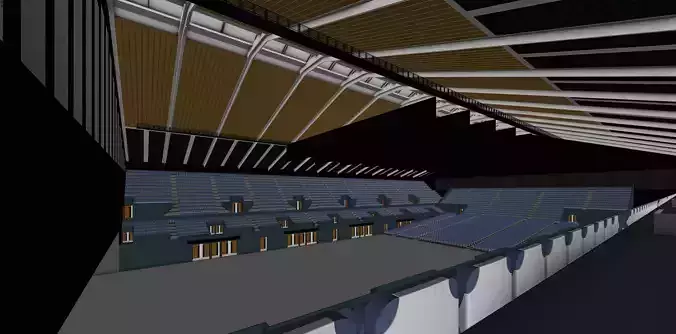
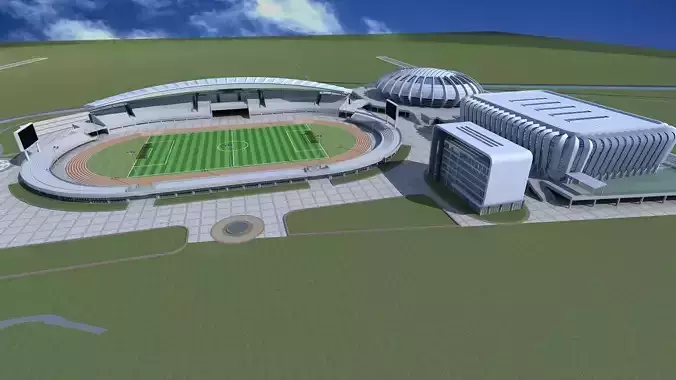
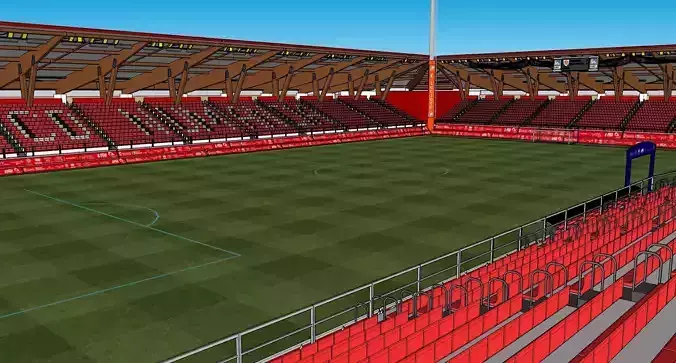
_* Please Note that this updated version of the WII Tennis Stadium from the late 00s is fanmade and I have no connection to Nintendo or anyone within the gaming company. It is not my intention to break copyright of the original wii game and the creations within Fair use only.
- Please be aware that I am not an architect or engineer and all structural elements may not be 100%. Please be aware that this is for fun and for you to enjoy and make your own project come alive.
- Please be aware this file is so large and various different file formats aren't included here because of the file limit in CGTrader_
Why is it worth buying it? How can it be used?
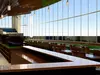
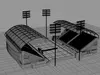
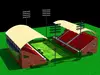
This full scale Tennis Stadium, is based on the classic Tennis Wii Stadium from the late 00s, but unlike this classic look, this version is a modern and realistic interpretation. I have taken this design and made it look like it has come from the 2020s, from the roof design to its external shape, with brick exteriors, adding a classic, old school charm to the overall aesthetics.
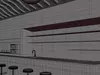
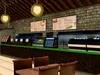
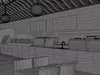
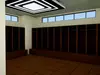
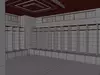
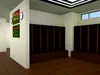
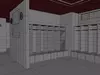
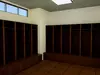
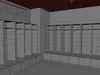
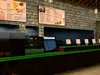
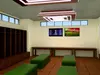
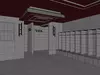
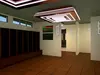
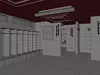
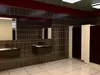
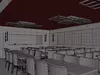
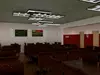
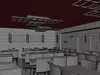
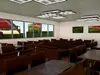
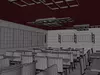
A key part of this project this that it's not only the tennis court and stands that we see, but each stand has a massive size food court and locker rooms for men, woman, ball kids and umpire room, all with furniture and fittings, creating realism and a feeling that you are there in a world class tennis stadium.
Each item within this file has been independently modelled based on real world examples, with no input from external sources or designers. This allowed me to add my own style to the furniture and sittings, each having realistic details in every procedural node. These details include,
- Scratches
- Bumps/Imperfections
- Wear and Tear
- Edge Wear
- Transparency
- Clearcoat
- Metallic
One of the things I always do with my projects, large or small, is give people options as I know people who use these models may or may not have Blender or are willing to use Blender. For those who do, I have provided two different Blender files. They are:
- Procedural texturing (using both Metallic BSDF/Principled BSDF with multiple tree nodes) and
- Baked texturing using 4K baked textures (all in separate folder - see below for more details),
As a blender user, all my files do cater towards Blender, and as such my procedural node texture nodes to cater to users who wish to do make changes to the materials that better suits their own project needs, whereas the baked textures can be suited to all users of various programs (including Blender) as the materials are baked in according to the UV layout.
Having these two options allows for all users of 3D programs to download these files, without discriminating against one program over another. This is why I have also included various 3D file types, that can be used on various other programs like
- Maya
- 3D Max
- Cinema 4D
- Rhino
- Unity and
- Unreal Engine
These digital file formats I have included are standard industrial standard, and include the following:
Included within these files, I have also included a GLB for those who would like to view this model in the real world via a smart phone or tablet. A separate app may need to be downloaded for this to occur
*How the file system works and what is contained within *
Within the downloadable folder/s, I have included two different blender folders, one indicating its procedural and the other baked.
Within the Procedural Zip Folder (Tennis_Procedural) you will find a file called (Final_Tennis_Stadium_Procedural) all the textures/materials are included, using a wide variety of procedural nodes. This will mean you can modify any of these nodes, to suit your own preferred taste/style specific to your own project needs. This Blender file will suit any level of experience as the node layout is quite simple and easy to follow.
As part of this Procedural Folder, as there are specific external texture designs used for the touch screen, I have also included the necessary textures to make the use of this file easier alongside with various UV Layouts and GIMP files for you to change if you wish.
These files included in the texture folder are:
- Coffee_Screen
- Court_Scoreboard
- Customer_Payment_Screen
- Display_Screens
- Food_Menu_Display
- Interior_TVs
- Toilet_Door_Button
- Touchscreen_Food_Court
However, for those who want the ease and comfort of downloading the file without worrying about making changes within blender or external program like Photoshop, all the textures are baked as a flat texture within a separate folder called textures with each texture containing at least 4 different texture layers in 4K (4096 x 4096) or 2K (2048 x 2048) for smaller, less detailed or far distanced images which don't need to be viewed closed up or viewed at some distance.
These include:
- BaseColor
- Metalness
- Normal and
- Roughness
But also some include
- AO (Ambient Occlusion)
- Transmission (Glass)
Each object, furniture, fittings or features within this project, have four texture layers (as mentioned above) are contained in their own folder, with each folder owning to specific objects and/or attached assets, and with this project there are far too many folders to mention here, at roughly 720 (folders/subfolders)
Each one of these files mentioned above are located in the Texture folders located within the Blender folder called (Tennis_Baked). All of the textures are linked and connected to the relevant allocation of the Principled BSDF Node found in the Blender File (Final_Tennis_Stadium_Baked). To use correctly just download the texture ZIP file, (included within are separate material/texture folders with the names closely matching to the different objects within the blender/other file).
As well as these two folders which are suited for blender users, I have also contained a separate folder for those who prefer to use other 3D programs. This folder is called Other Files. Within this zip folder contains:
Product Description
- 2 x Blender 5.1 + Files
- Procedural Materials (modifiable) and
- 4K Flat, Baked Image Materials (PNG) [Attached within their own zip folders]. For more details, see below
- FBX
- OBJ
- PLY
- Rigged: No
- UV Mapping: Yes, non - overlapping
Technical details
- CG Model
- Unwrapped UVs
- Polys - 11 860 000
- Vertices - 11 880 000