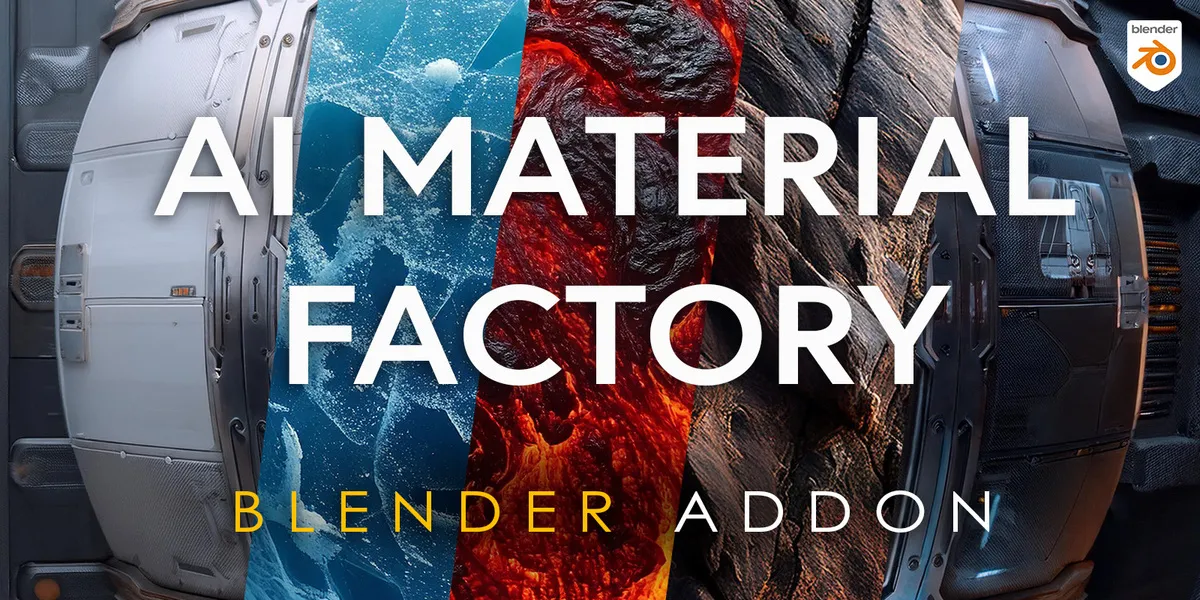
Note: This add-on connects to online AI services and requires an active internet connection to work.AI Powered PBR Texture Generation in BlenderIntroducing a powerful new tool for Blender that takes the hassle out of creating high-quality PBR material texture maps. This addon leverages the advanced capabilities of Stable Diffusion AI to generate stunning textures for your 3D models, with resolutions up to an impressive 8K.Whether you're working on games, animations, or any 3D art project, this addon provides the detail and realism you're after. Plus, with built-in AI upscaling, you can easily enhance textures without losing quality.Key Features:
- AI-Generated PBR Textures: Easily create realistic textures with just a few clicks.
- Up to 8K Resolution: Get super high-quality textures for any project.
- AI Upscaling: Automatically enhance lower-res textures to higher resolutions.
- Automatic Installation: Simple and intuitive interface right inside Blender.Cut down on time spent searching for textures or manually creating them. This addon is perfect for anyone looking to add more realism to their 3D models without the extra effort.Installation
- Open Blender and go to Edit > Preferences > Add-ons, click Install and select the downloaded .zip file.
- Enable AI Material Factory and click Install Dependencies in the addon panel.
- Use a local Automatic1111 Stable Diffusion server or the Cloud PBR option to generate materials from a text prompt.