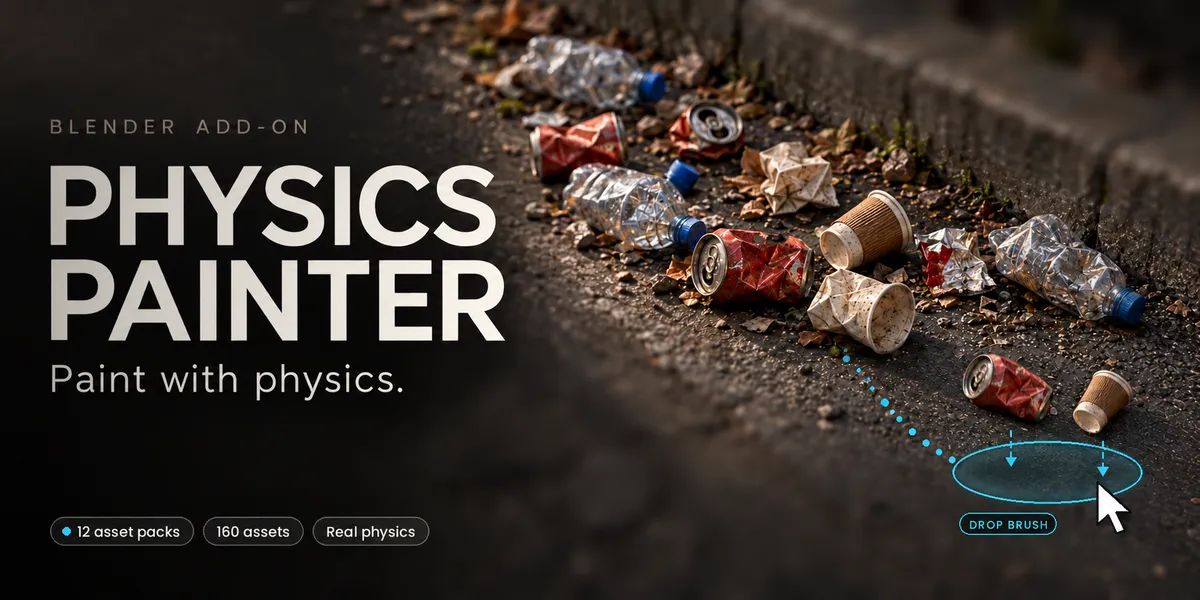
BLENDER ADD-ONPhysics PainterPaint assets. Drop props. Let physics place them.Paint assets across real geometry or drop groups into your scene, then let Blender's rigid-body physics create natural arrangements.160 INCLUDED ASSETS 12 KITBASH PACKS 2 VIEWPORT BRUSHES 4.5+ BLENDERPhysics Painter is a scene-dressing add-on that replaces repetitive manual placement with direct, interactive viewport tools.Use the included kitbash library or build reusable asset pools from your own mesh collections. Control the eligible surfaces, density, size variation, spacing, orientation, collision behavior, gravity and simulation quality while keeping the final result editable.Watch Physics Painter in actionWatch on YouTubePaint and drop directly in the viewport
- Paint Brush places assets along a stroke on valid scene surfaces.
- Drop Brush releases a group from a configurable height and radius.
- Adjust brush radius, density, asset size, size variation and spacing while the tool is running.
- Use fixed-count placement or fill an area according to the real size of each asset.
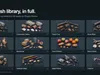
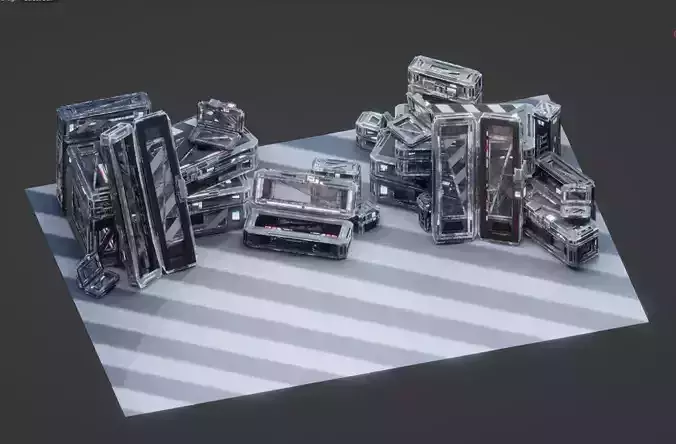
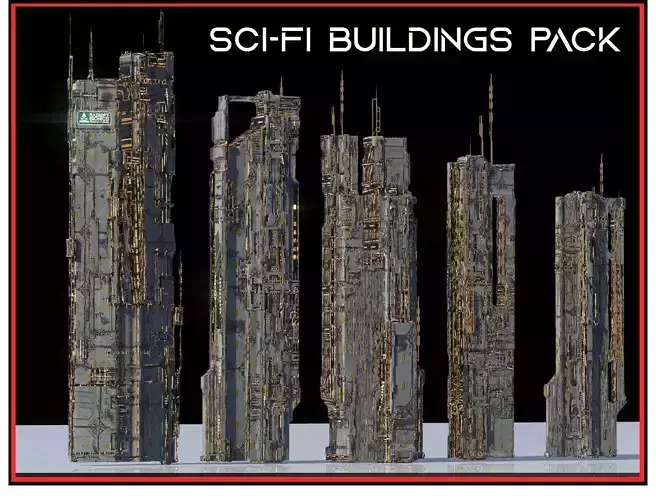
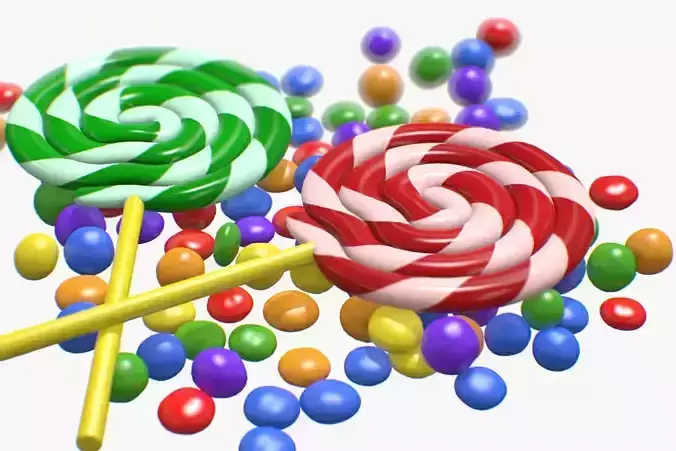
- Paint static placements, paint with live simulation, delete under the brush or re-simulate assets beneath the cursor.Placement that respects your geometryRest on Surface Assets are lowered until their collision shape touches the receiving surface. Slope Limit Prevent placement on walls and surfaces that exceed the selected angle.Fully Supported Keep assets from hanging over ledges, holes and steps. Never-Overlap Placement Test placements before creation and again before simulation.Stack on Assets Allow new objects to build on top of previously painted objects. Surface Orientation Align assets to the surface normal, stroke direction or randomized rotation.The complete kitbash libraryStart painting immediately with 160 ready-to-use assets across 12 included packs.Rocks, debris, forest assets, metal parts, pottery, warehouse props, food, beach objects, dungeon pieces, tabletop clutter, space debris and trash.Pack Assets ContentsRocks & Gravel 11 Granite rocks, shale stones and pebblesConstruction Debris 11 Bricks, roof tiles and concrete chunksForest Floor 10 Bark pieces, branches and twigsScrap Metal 12 Rusty pipes, gears, bolts and platesBroken Pottery 10 Terracotta pots, jugs and shardsWarehouse 11 Wooden crates, barrels, boxes and planksFood Market 12 Apples, oranges, potatoes and nutsBeach Debris 10 Driftwood, shells, stones and bottlesDungeon Ruins 10 Skulls, bones and carved stone blocksTabletop Clutter 25 Pencils, erasers, dice and paper clipsSpace Debris 18 Meteorite chunks and hull fragmentsTrash Kit 20 Crushed cans, bottles, cups and wrappersBuilt-in assets or your own collectionCreate an asset pool from selected meshes or link an existing Blender collection.
- Synchronize pools with Blender collections.
- Include objects from nested child collections.
- Enable or disable individual assets.
- Set a relative selection percentage for every asset.
- Search and filter large pools.
- Apply changes to multiple highlighted assets at once.Physics controls for art-directed results
- Scene, directional or spherical gravity with adjustable acceleration.
- Gravity, Attract and Explode force modes.
- Mass, friction, bounciness, linear damping and angular damping.
- Convex Hull, Mesh, Box, Sphere, Capsule, Cylinder and Cone collision shapes.
- Per-collider collision shape controls.
- Automatic stopping when objects settle.
- Anti-Slide freezing to prevent slow movement after landing.
- Optional moving and settled state colors.
- Automatic cleanup of fallen objects.
- Post-simulation location and rotation axis locks.Non-destructive simulation optimizationSimulate complex assets using automatically generated low-poly proxies without changing the original meshes.
- Set a separate simulation vertex target for each asset.
- Switch painted results between Low and High display.
- Restore the original meshes automatically after simulation.
- Use faster collision geometry while preserving the final visual result.Keep the result editableRe-Simulate Re-simulate the active Painter, selected painted objects or every painted object. Convert Convert painted results to linked instances or independent copies.Replace Replace painted assets using the mesh of an active source object. Merge Merge the result per source asset or collapse everything into one mesh.