Bulk Exporter Pro for Maya
https://youtu.be/6fACRM95-kY
Export FBX, OBJ, Alembic, and USD in one click no more manually exporting objects one at a time.
Stop babysitting Maya's export dialog for every single asset. Bulk Exporter Pro lets you select one object, a hundred objects, or your whole scene, tick the formats you need, and export everything in a single pass correctly scaled, correctly named, correctly oriented for whatever engine you're shipping to.
Key Features
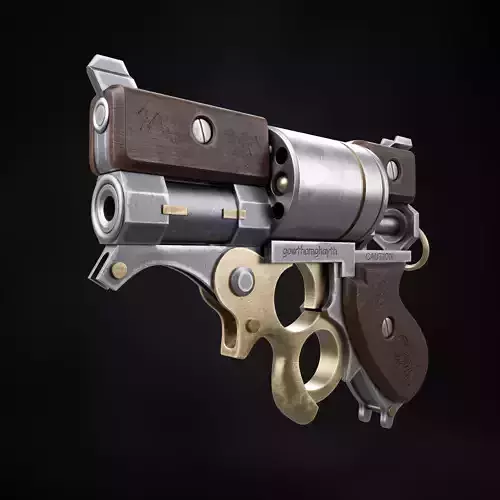
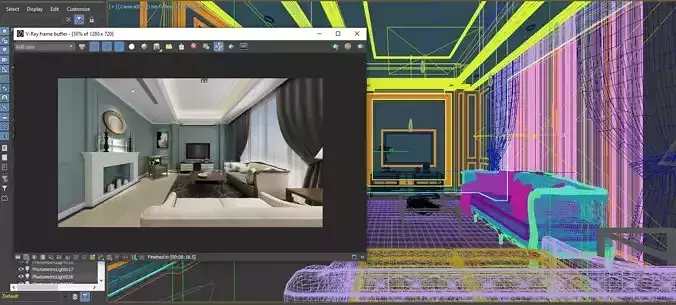
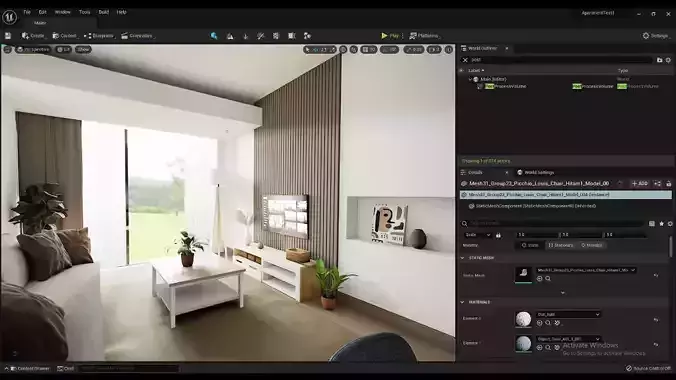
4 formats, one click FBX, OBJ, Alembic, and USD (.usda/.usdc/.usdz), any combination at once Batch or single export your current selection, or every top-level object in the scene (great for exporting an entire prop library in one pass) Target-app presets pick Unreal Engine, Unity, Blender, or Apple AR and it auto-fills the right unit + up-axis for you Unit & axis conversion mm to miles, Y-up or Z-up, applied correctly per format Material cleanup auto-deduplicates redundant lambert1, lambert2, lambert3... shaders from repeated imports before export Texture handling embeds textures in FBX, copies referenced textures to a shared folder for OBJ/Alembic/USD Animation export bake and export a frame range for FBX, Alembic, and USD Freeze transforms & hierarchy options on a temporary duplicate, so your working scene is never touched Custom file naming prefix/suffix support for LOD naming, versioning, etc. Save & reload presets name your favorite export configs and recall them instantly Full export log see exactly what happened, with a summary and failure list when done
Why it saves real time
Instead of File Export Selection, choosing format, setting options, and repeating that for every object and every format Bulk Exporter Pro does it all in one operation, with a live progress log so you always know what exported and what didn't.
Requirements
- Maya 2020 or newer (Python 3 build — ships by default on Maya 2022+)
- Windows, macOS, and Linux supported
- No external dependencies — pure cmds-based UI
Installation
Drag install.py into your Maya viewport. That's it — a shelf button appears and the tool opens automatically.
Tested, not guessed
Every export path is covered by an automated test suite (41 test cases) that verifies real output — reimporting exported files and checking actual content, not just did a file appear. Known Maya platform quirks (like the FBX plugin always tagging files as centimeters internally) are documented up front so there are no surprises.
Note: I left out the unsupported formats section (glTF/Collada/STL) since that's more of a README caveat than a sales pitch — happy to add a short coming soon line for those if you want to tease future updates. Want me to adjust tone (more casual/punchy vs.