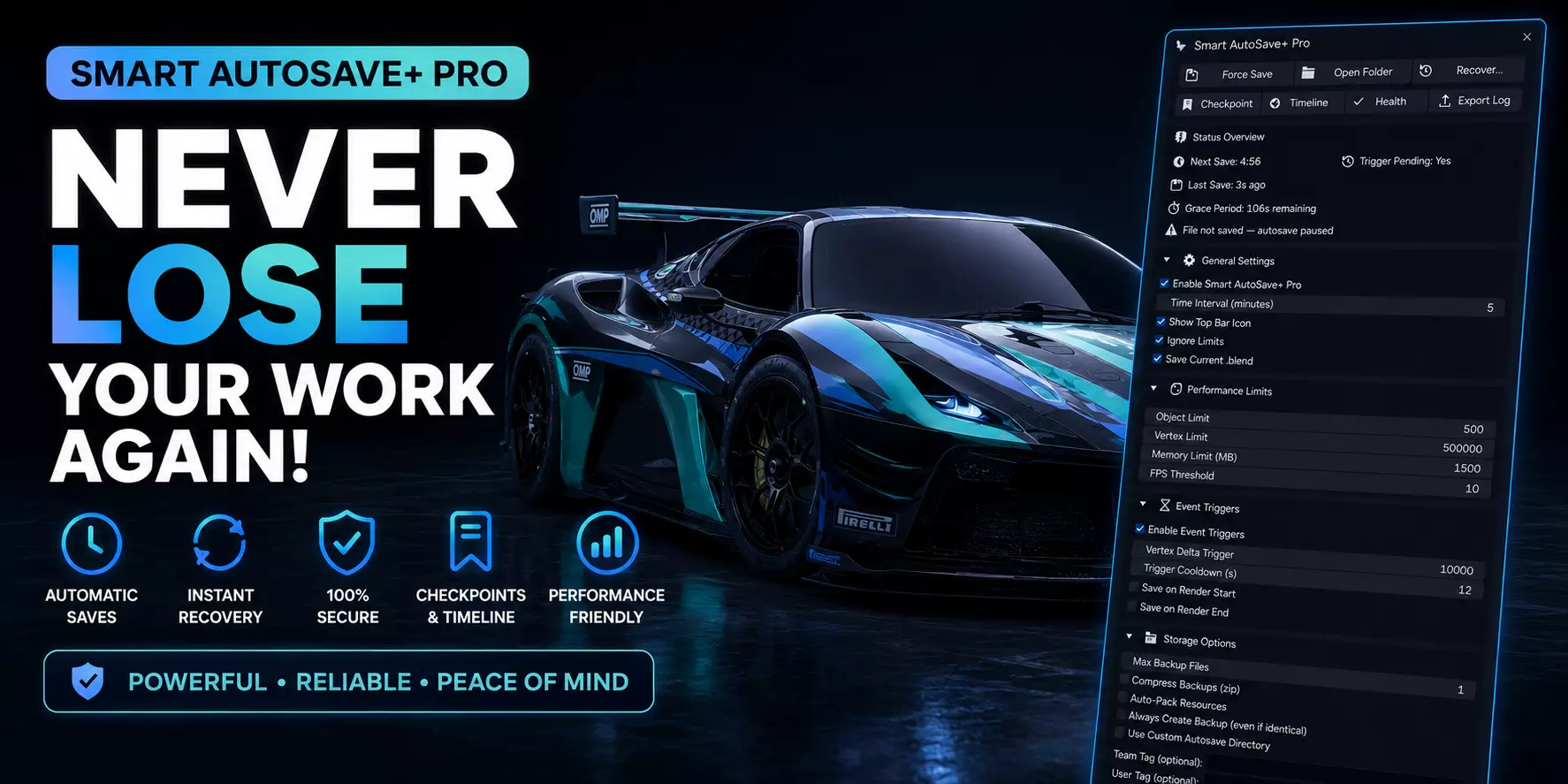
Smart AutoSave Plus Pro is a professional Blender add-on engineered to protect artists and studios from data loss. Designed for complex scenes, long renders, and collaborative pipelines, this add-on provides intelligent automated backups, configurable event triggers, and studio-level auditing tools to keep projects safe and organized. Optimized for Blender 5.0+.
Key features
- Customizable auto-save intervals: Choose rapid minute-by-minute backups or longer intervals to match your workflow.
- Smart save filtering: Auto-saves only after an initial manual save to avoid clutter and accidental backups.
- Dedicated backup storage: Backups are written to a separate AutoSave folder to prevent overwrites of primary project files.
- Scene complexity detection: Monitors object and mesh counts and applies safeguards for heavy, crash-prone scenes.
- Unlimited background saving: Continuous background backups for high-stakes projects.
- Force Auto-Save operator: Trigger an immediate backup with a single click or hotkey.
- Non-blocking notifications: Visual toasts and status messages confirm save success or report errors.
- Optional audible alerts: Play a short confirmation sound on successful saves or alerts on failures (configurable).
Premium (Studio) tier — advanced featuresThe version included with purchase is PREMIUM (STUDIO) v7.0.5. Premium features are modular and can be enabled independently in Preferences.
Backup compression (zip)What it does:Group and compress backups into zip archives to reduce file count, save inodes, and simplify transfers.
Filename pattern: {project}Backups{batch_num}.zip
Structured loggingWhat it does:Writes JSON/plain-text audit logs of autosave events, errors, restores, and user actions for debugging and accountability.
Event triggersRun autosave actions on specific events: file save, render start/end, frame change, scene switch, export, or custom user events.
Example: Save on Export adds a tag like export to the filename.
Recovery dialog on loadIf a .blend has previous autosaves or experienced a crash, a recovery dialog offers quick actions: Open, Compare, Restore, Ignore.The dialog lists recent backups with size, timestamp, user/team tags, and optional thumbnail previews.
User and team tagsAppend sanitized user and team tags to backup filenames for multi-user clarity and project organization.Tags are limited in length and cleaned of illegal filename characters; rotation logic uses sequential backup numbering.
Compatibility and requirements
_- Blender 5.0 and later (API compatible)
- Python standard library only (no external dependencies required)_
Version and license
Version: Smart AutoSave Plus Pro — PREMIUM (STUDIO) v7.0.5
License: GNU General Public License (GPL) v3 or later. The software is free to redistribute or modify under GPL terms. Commercial purchase grants access to the PREMIUM (Studio) edition and the premium features described above.
What you receive