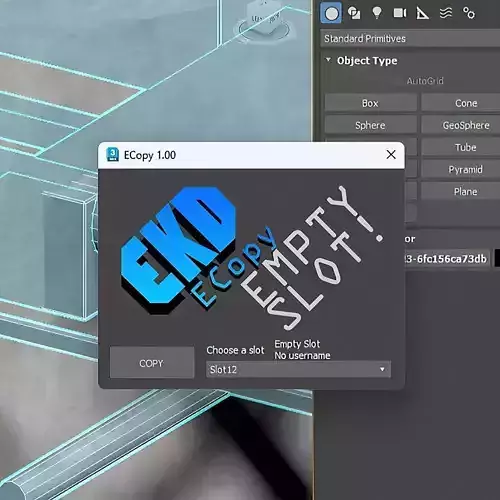
Easy Render for V-Ray: quick render setup panel for 3ds Max and V-Ray
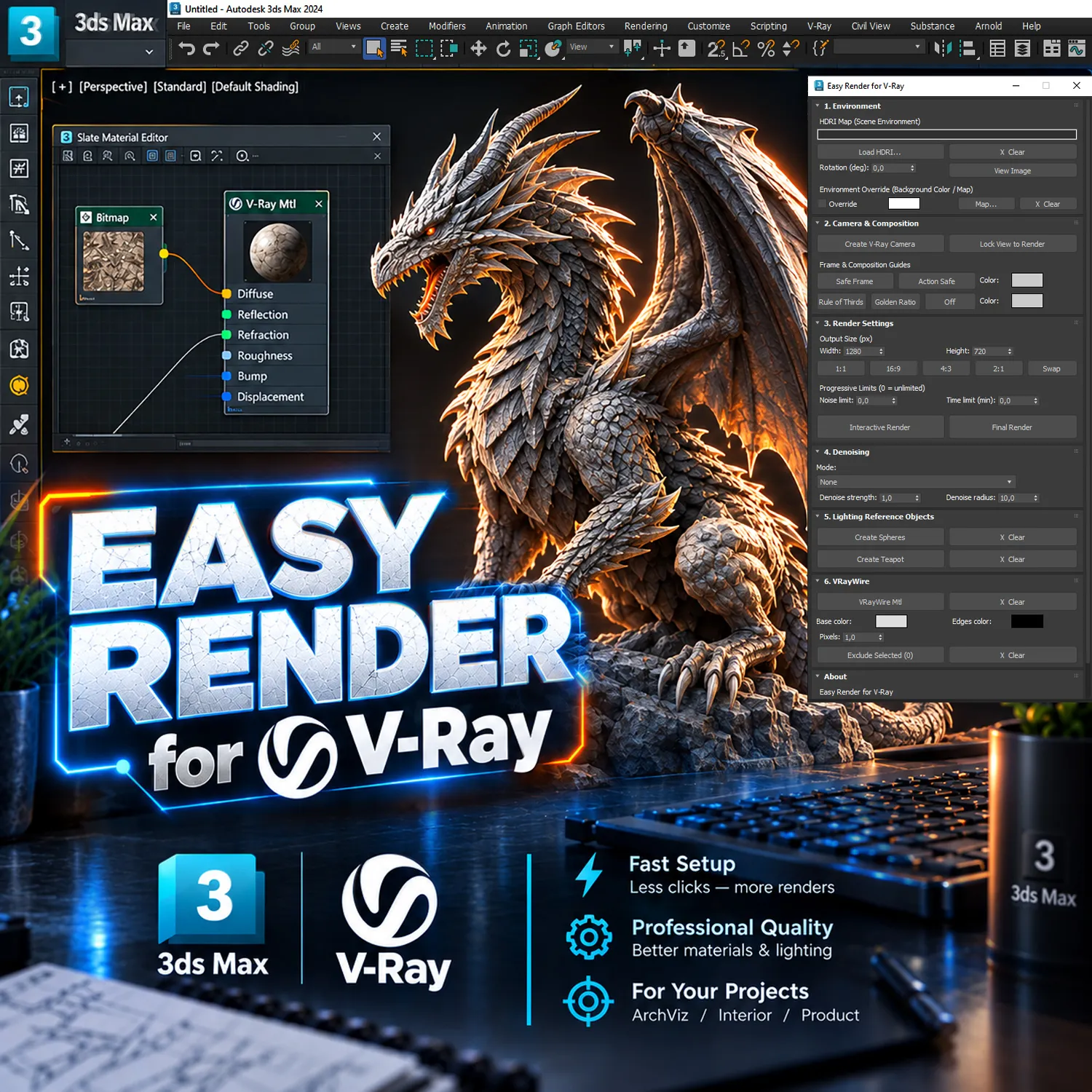
The script gathers important functions for preview rendering in one window, which you configure before rendering in V-Ray each time. Now the most important tools are at hand to save time. It launches by dragging the file into the viewport, no installation is required.
What it can do:
EnvironmentLoad HDRI with one click: the script will create a VRayHDRI map with a spherical projection and connect it to the Scene Environment. Rotate the environment with a slider and see the result in the interactive render. You can substitute the visible background with a color or a map, while the HDRI continues to illuminate the scene and participates in reflections and refractions.
Camera & CompositionCreates a V-Ray Physical Camera from the current perspective view and immediately switches the viewport to it. Lock View fixes the render to the selected camera. For framing, there are Safe Frame, Action Safe, the rule of thirds, and the golden ratio (4 positions of the spiral) with color adjustment.
Render SettingsFrame size and preset aspect ratios (1:1, 16:9, 4:3, 2:1) with one click, the Swap button changes width and height. Progressive render limits: by noise level (Noise limit) and by time in minutes. Launch Interactive Render (IPR) and Final Render directly from the panel.
DenoisingQuick selection of noise reduction mode: V-Ray Denoiser, NVIDIA AI, Intel Open Image Denoise, or off. Strength and radius are adjusted separately.
Lighting Reference ObjectsTest objects for light evaluation: a kettle and two spheres (mirror and gray). These test spheres allow for finer and more accurate lighting adjustments. VRayMtl materials for the kettle and spheres are created automatically. Each object can be removed with the separate button X Clear.
VRayWireWith one button, replaces all scene materials with a wireframe VRayWire for creating a mesh preview. X Clear returns the original materials and removes the Wire. Surface color, edge color, and line thickness are adjustable. Objects to be excluded from replacement can be specified.
No installation is needed: drag the file into the viewport.
Compatibility: 3ds Max 2016-2027, V-Ray 3-7Version: 1.0