High-quality 3D assets at affordable prices — trusted by designers, engineers, and creators worldwide. Made with care to be versatile, accessible, and ready for your pipeline.
Included File Formats
This model is provided in 14 widely supported formats, ensuring maximum compatibility:
• - FBX (.fbx) – Standard format for most 3D software and pipelines
• - OBJ + MTL (.obj, .mtl) – Wavefront format, widely used and compatible
• - STL (.stl) – Exported mesh geometry; may be suitable for 3D printing with adjustments
• - STEP (.step, .stp) – CAD format using NURBS surfaces
• - IGES (.iges, .igs) – Common format for CAD/CAM and engineering workflows (NURBS)
• - SAT (.sat) – ACIS solid model format (NURBS)
• - DAE (.dae) – Collada format for 3D applications and animations
• - glTF (.glb) – Modern, lightweight format for web, AR, and real-time engines
• - 3DS (.3ds) – Legacy format with broad software support
• - 3ds Max (.max) – Provided for 3ds Max users
• - Blender (.blend) – Provided for Blender users
• - SketchUp (.skp) – Compatible with all SketchUp versions
• - AutoCAD (.dwg) – Suitable for technical and architectural workflows
• - Rhino (.3dm) – Provided for Rhino users
Model Info
• - All files are checked and tested for integrity and correct content
• - Geometry uses real-world scale; model resolution varies depending on the product (high or low poly)
• • - Scene setup and mesh structure may vary depending on model complexity
• - Rendered using Luxion KeyShot
• - Affordable price with professional detailing
Buy with confidence. Quality and compatibility guaranteed.
If you have any questions about the file formats, feel free to send us a message — we're happy to assist you!
Sincerely,
SURF3D
Trusted source for professional and affordable 3D models.
More Information About 3D Model :
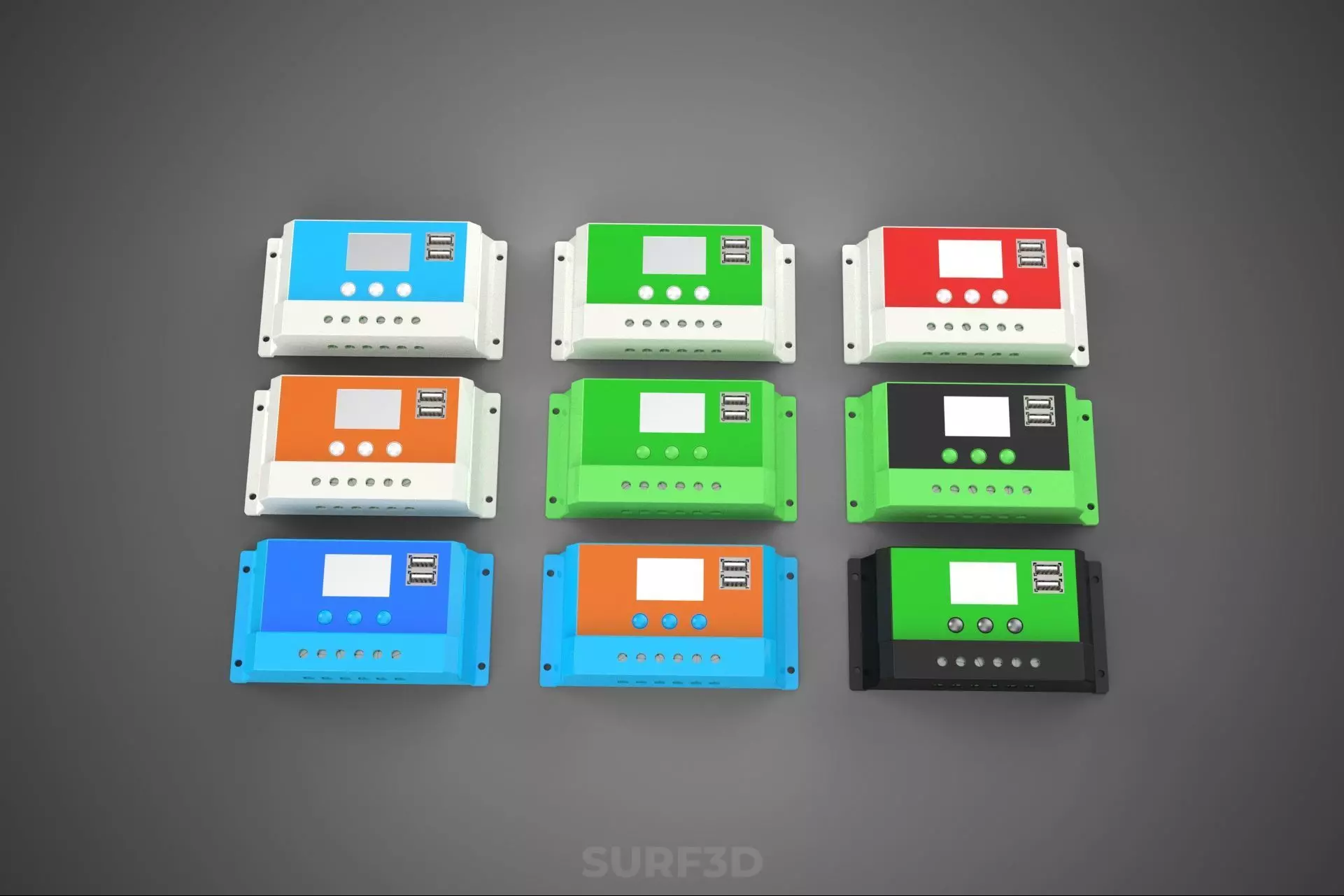
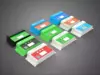
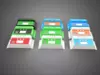
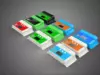
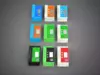
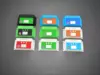
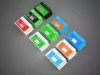
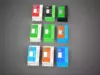
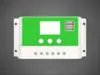
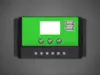
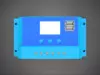
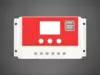
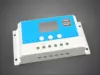
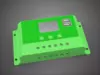
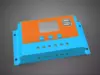
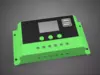
A Multi Color Solar Cell Panel Controller Battery Charge Regulator is a critical power electronics device within an autonomous or hybrid photovoltaic (PV) power system. It functions as the nexus between solar photovoltaic panels, a battery bank, and often DC electrical loads. Its primary role is to ensure the optimal, safe, and efficient transfer of energy from the solar array to the battery, preventing detrimental conditions such as overcharging or deep discharge, which can severely curtail battery lifespan and system reliability. The Multi Color descriptor refers to its enhanced user interface, typically realized through multi-colored Light Emitting Diodes (LEDs) or a comprehensive multi-segment/graphical display, providing immediate and intuitive visual feedback on the system's operational status, charge state, and potential fault conditions.
The fundamental necessity for a charge regulator stems from the inherent variability of solar panel output and the sensitivity of batteries to charging parameters. Unregulated charging can lead to overvoltage, overcurrent, and excessive gassing in lead-acid batteries, or thermal runaway in lithium-ion chemistries. Conversely, discharging batteries below a critical voltage can cause irreversible capacity loss and damage. The regulator mitigates these risks by dynamically managing power flow.
Key functionalities are structured around three main interfaces:
- Solar Array Interface (Input):
- Maximum Power Point Tracking (MPPT): Advanced controllers employ MPPT algorithms to continuously find and operate at the maximum power point (MPP) of the solar array, which varies with irradiance and temperature. By converting excess PV voltage into additional current, MPPT controllers can achieve up to 30% greater charging efficiency compared to PWM controllers, particularly when the panel voltage significantly exceeds the battery voltage (e.g., 60V panels charging a 12V battery).
- Pulse Width Modulation (PWM): Simpler and more cost-effective, PWM controllers rapidly switch the solar panel connection to the battery on and off, effectively chopping the voltage to match the battery's charge requirements. While less efficient than MPPT, they are suitable for smaller systems where the solar panel nominal voltage matches the battery bank voltage (e.g., 12V panel for a 12V battery).
- Input Overvoltage Protection: Safeguards the controller from excessively high voltages from the solar array.
- Battery Bank Interface (Storage):
- Multi-Stage Charging: To optimize battery health and longevity, regulators implement sophisticated charging profiles:
- Bulk Stage: Delivers maximum current until the battery reaches approximately 80-90% charge.
- Absorption Stage: Maintains a constant voltage while the current gradually tapers off, fully charging the battery.
- Float Stage: Reduces voltage to a lower, constant level to maintain a full charge without overcharging, compensating for self-discharge.
- Equalization Stage (for flooded lead-acid): Periodically applies a controlled overcharge to prevent sulfation and equalize cell voltages.
- Battery Chemistry Compatibility: Modern regulators offer selectable charging profiles for various battery types, including:
- Lead-Acid: Flooded (FLA), Gel, Absorbed Glass Mat (AGM).
- Lithium-ion: Often including Lithium Iron Phosphate (LiFePO4) with specific voltage thresholds and current limits.
- Temperature Compensation: Adjusts charging voltage based on battery temperature, a critical feature for lead-acid batteries, to prevent under or overcharging in extreme temperatures.
- DC Load Interface (Output):
- Low Voltage Disconnect (LVD): Prevents damage to the battery by automatically disconnecting connected DC loads when the battery voltage drops below a user-configurable or predefined safe threshold.
- Load Reconnect Voltage (LVR): Automatically reconnects the load once the battery voltage recovers to a safe level.
- Overload and Short-Circuit Protection: Protects the controller and loads from excessive current.
- Timer Functionality: Some controllers allow for programmable load operation, such as dusk-to-dawn lighting.
Beyond charge regulation, these devices integrate multiple safeguards:
- Reverse Polarity Protection: Essential for preventing damage if the solar panel or battery connections are accidentally reversed.
- Overcurrent Protection: For both input and output circuits.
- Over-temperature Protection: Internal sensors monitor the device's temperature and reduce power or shut down if critical thresholds are exceeded, preventing thermal damage.
- Lightning/Surge Protection: Some higher-end models include transient voltage suppressors (TVS) to mitigate damage from electrical surges.
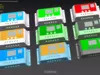
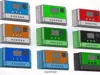
The Multi Color aspect significantly enhances the user's interaction and understanding of the solar power system's status. It moves beyond basic binary indicators (on/off) to provide a nuanced, easily interpretable visual language.
- Multi-colored LED Indicators: These are common in entry-level to mid-range controllers. Green typically indicates healthy operation or full battery charge; Yellow/Amber often signifies active charging or a warning state; Red is universally used for critical alerts such as low battery voltage or system faults.
- Multi-color Graphical Displays (LCD/OLED): Found in more advanced controllers, these provide a rich, detailed visual interface. They can display real-time data (voltage, current, power, state of charge, temperature) with color coding to highlight critical information (e.g., red for dangerously low battery). Some offer customizable themes, historical data logging, and error code descriptions.
This intuitive visual feedback reduces the learning curve for users, improves safety by highlighting potential issues immediately, and contributes to the overall reliability and maintainability of the solar power system.