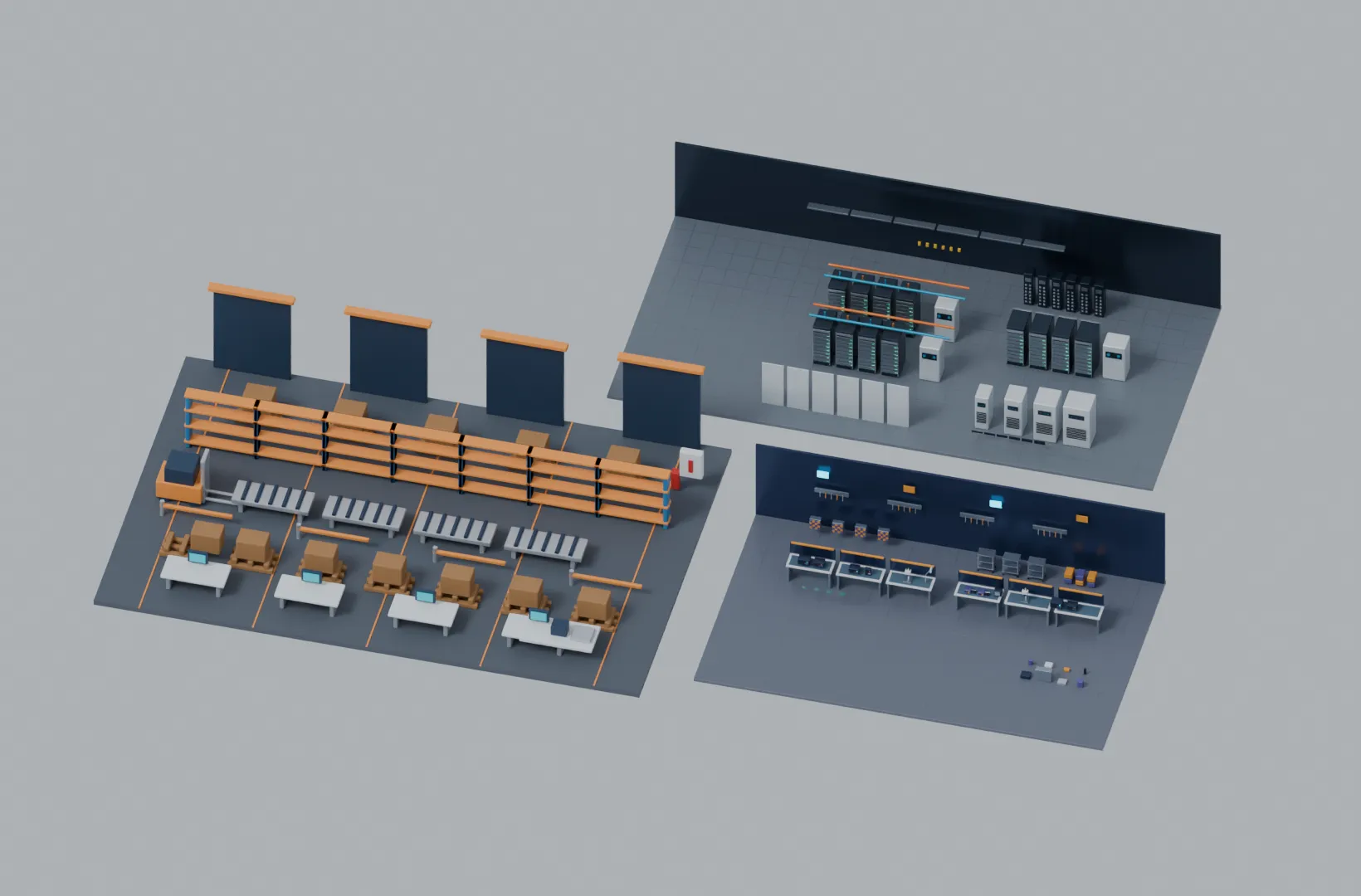
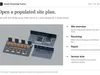
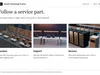
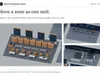
Show how a service part gets from a receiving dock to a repair bench and back to a data-centre aisle. Open the assembled Blender scene, move each zone with its equipment and detail camera, then render the same view from two proposals for a side-by-side review.
The site plan combines artwork from the FlowDock, CircuitBench and FluxAisle kits already sold individually. It adds four marked camera views, a searchable 332-entry asset finder and a worksheet for recording handoff decisions.
The Blender archive contains the master scene, three editable zone libraries, an illustrated offline guide and a rendered overview. The separate GLB archive contains one model per zone. Tested in Blender 5.2.4 LTS for visual concept reviews and training illustrations. Engineering, safety and clearance assessments require separate professional review.
What you can do
- Move a complete zone by one control and keep its equipment and detail camera together.
- Present an overview and three close views by switching between four marked frames.
- Find an individual piece by its exact Blender name. Use the cross-library CSV to find a workbench, pallet, cooling unit or rack assembly.
- Compare two layouts using separate proposal copies. Record the review question, observation, decision owner and proposed change in the supplied worksheet.
What you receive
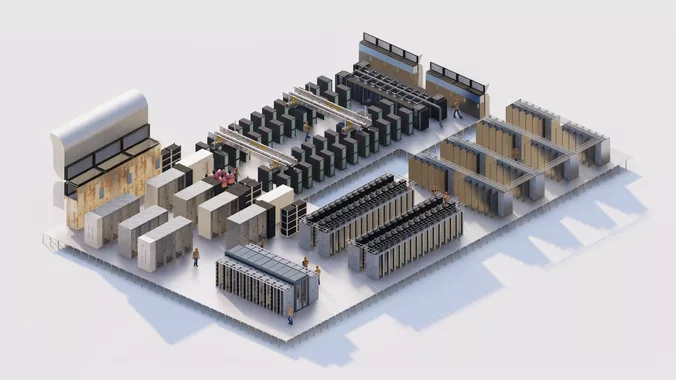
An editable three-zone Blender planning scene, the three standalone Blender libraries, one GLB per library, a cross-library asset finder, an illustrated offline buyer guide, a reusable review worksheet and the genuine overview image.
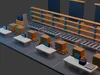
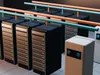
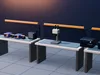
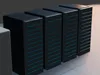
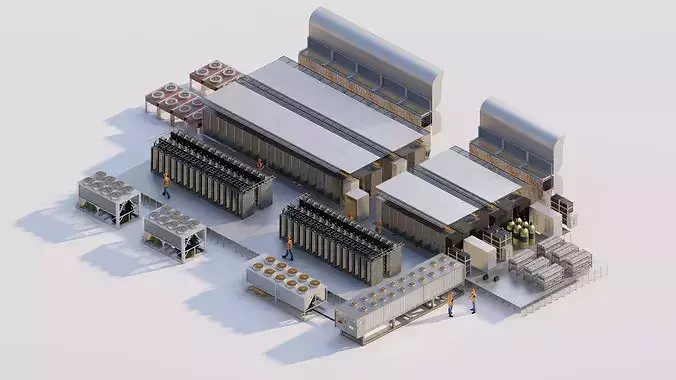
FlowDock contributes 215 named warehouse parts, including a four-wheel forklift and four supported picking conveyors. CircuitBench contributes 51 catalogue entries for diagnostics and rework. FluxAisle contributes 66 infrastructure entries, including two cooling arrangements. The workshop and service-aisle entries can each comprise several editable mesh pieces.
The underlying zone artwork also appears in the individual FlowDock Studio, CircuitBench Studio and FluxAisle Studio kits. The assembled site plan, camera sequence, cross-library finder and handoff worksheet are specific to this collection. This edition includes Blender and binary glTF files.
Compatibility and scope
The native planning file targets Blender 5.2.4 LTS. The three GLBs are available for workflows that accept binary glTF 2.0. Extract the download and work locally. This collection supports visual concept planning, training illustrations and proposal renders. Equipment sizing, site certification, accessibility, safety, thermal and electrical analysis require separate professional assessment.
For help, message the seller through the CGTrader product page. Check the licence shown on that page for permitted uses and file sharing.
Questions before buying
-
Who will use this collection? Site planners, industrial visualisation artists and training designers can explain a service workflow across three different facilities or work zones.
-
What do I open first? Extract Industrial-Operations-Blender-1.0.zip. Open Start-here.html for the illustrated guide, then Site-Plan.blend for the working scene.
-
Can I see the whole site immediately? Yes. The first frame opens the assembled three-zone layout with an overview camera.
-
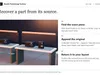
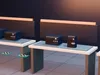
Can I present only the dock? Select frame 2 to use the receiving camera. Frames 3 and 4 show the repair area and service aisle.
-
How do I move a whole facility area? Select its named MOVE Empty in the Outliner and translate it. Its geometry and detail camera follow.
-
Does the overview camera follow my changes? It stays in place. Reframe the overview after moving a zone beyond its initial composition.
-
Can I edit one rack or instrument? Yes. Search its catalogue name to select its constituent meshes, then edit or duplicate your selection.
-
How do I find one exact piece? Filter Asset finder.csv by library or family and paste the example mesh name into the Blender Outliner search.
-
Are the listed numbers all unique equipment designs? The warehouse count covers named parts. The repair and infrastructure counts cover catalogue entries, including assemblies, repeated units and variants.
-
Can I start with just the repair workshop? Yes. Open the CircuitBench standalone Blender library, or extract Industrial-Operations-GLB-1.0.zip and import CircuitBench-Studio.glb.
-
Which warehouse activities are represented? The dock library includes receiving doors, pallet storage, picking conveyors and outbound packing equipment.
-
What repair activities are represented? The workshop has populated diagnostics and rework benches, generic instruments, extraction equipment and parts storage.
-
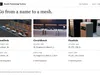
What does the data-centre zone include? It includes direct-to-chip and rear-door cooling arrangements, compute racks, distribution units, pipes and aisle infrastructure.
-
Can I change the surface finishes? Yes. The native geometry carries editable Blender materials. Select a mesh and open Material Properties.
-
Can I use another 3D application? Each standalone zone has a GLB 2.0 file. Check that your importer handles binary glTF, materials and units as expected.
-
Which files contain the combined site? Site-Plan.blend contains the editable combined layout. Site-overview.jpg shows a rendered reference of its default composition.
-
Does the collection include the individual kits’ full catalogue of export formats? This edition supplies the editable Blender libraries and a GLB for each zone.
-
Does the scene depend on a connected asset service? The master contains local geometry and materials. The guide and CSV files open locally after extraction.
-
How do I produce a presentation image? Go to a marked frame, choose Render Image, then save the resulting image from the render window.
-
How do I compare two proposals? Save two Blender working copies, render the same camera in each and record the changes in separate copies of the review worksheet.
-
How do I recover a piece I edited or deleted? Append the object from its standalone Blender file, or reopen a fresh copy of the master from the Blender archive.
-
Does it calculate clearances or test a proposed site? It illustrates an arrangement. A qualified project team must assess service clearances, safety, electrical capacity, thermal loads and certification.
-
I already own one or more individual kits. What is new? This edition combines their artwork into a movable site plan and adds four review views, a shared finder and a cross-zone review worksheet.
-
Can I hand the editable files to a client? Review the CGTrader licence displayed on this listing before giving a client editable source files. Check the terms for the specific deliverable your client needs.
-
How do I get support? Message the seller through CGTrader and include the filename, Blender version and operation you tried.