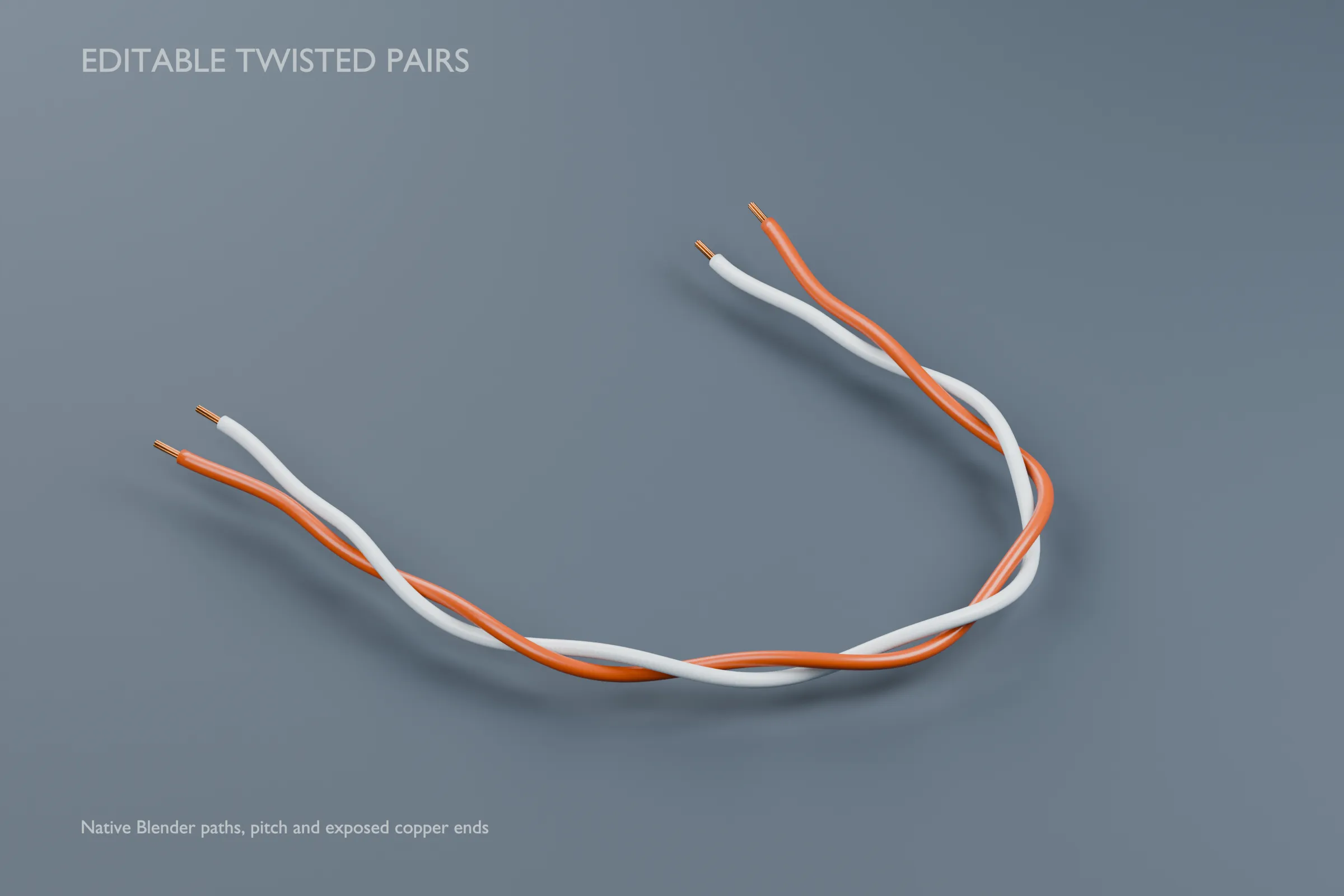
Create two visibly twisted wire leads along an editable Bezier path in Blender. This original native tool rebuilds both colored jackets, eases the twisting into separated end tails and supplies optional seven-filament copper ends for close-up equipment renders and technical visualizations.
ONE TOOL, THREE EXAMPLE PATHS: service loop, rising route and straight breakout. In Blender 5.1.2, change each object's wire diameter, requested twist pitch, end breakout, end spread, phase, exposed-strand visibility, core length and three material sockets. Edit the original open Bezier centerline or duplicate an example independently. No addon, external font/image resource or automatic script execution is needed.
CONTROLS: wire diameter 1–6 mm; requested pitch 20–120 mm per complete turn, with effective pitch limited to at least twenty times wire diameter. The default 3 mm wire therefore has a minimum effective pitch of 60 mm. Breakout requests 10–80 mm per end, limited to 20% of the path length at each end. End spread requests 4–25 mm and increases too-small requests to maintain the tool's minimum centerline spacing. Exposed visual filaments are 2–18 mm long. Read the included guide for meter units, exact limits and reuse instructions.
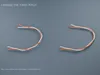
EDITION DIFFERENCE: the Blender archive contains the editable native file, a separate static Blender snapshot and README.md. FBX and GLB provide only the three default static meshes and guide, without the native paths or live controls. The format archives are alternatives for the same asset. The comparison preview shows two genuine pitch edits of the same path; those edited comparison poses are not extra supplied presets.
The three default visible native results total 44,736 vertices, 42,888 polygon faces and 89,136 triangles. Portable snapshots are explicitly triangulated to 89,136 faces; imported vertex counts may increase at normal/material seams. Three constant Principled finishes provide the two polymer jackets and copper. No bitmap textures, unique UV atlas or lightmap is included. Two hidden normalized source meshes support the native end faces and filament bundles; they are dependencies, not additional sale assets.
HOLLOW JACKETS AND END DETAIL: each visible wire end can show seven individual copper-colored filaments. Copper is modeled only at the exposed ends; the complete internal conductors are not included. The native shape and materials are generic visual choices rather than AWG dimensions, rated hardware or electrical color codes.
SUPPORTED PATHS: one open, noncyclic Bezier centerline per object, 0.12–2.0 m long, with smooth bends of approximately 30 mm radius or greater. Avoid branches, multiple splines, coincident points, sharp reversals and self-crossing routes. Inspect clearance after editing. This tool does not validate arbitrary paths, attach ends to devices, avoid obstacles, simulate wire physics or preserve wire length. Object placement, rotation and uniform scaling were tested; applying scale or nonuniform scaling is outside the supported workflow.
Actual validation covers native geometry, hollow-jacket closure, seven-filament end fits, pitch/spread/clamp behavior, independent appends, path edits and fresh saved reopening. Actual FBX/GLB imports were checked against all source geometry, oriented triangles, corner normals and material parameters. The three archives were extracted at a new location and the native buyer workflow and embedded guide checked there.
Preview images are faithful renders of the delivered native model. Studio backgrounds, lights, cameras and captions are presentation only. No animation, rig, LODs, collision meshes, engineering CAD, manufacturing/installation guidance, 3D-print certification or preconfigured game-engine project is supplied. Original geometry was authored through an AI-assisted procedural Blender workflow; no downloaded resale models, third-party textures or manufacturer branding are included.
BLENDER 4.5 LTS: Collection appending, independent copies, control/path edits and saved reopening were also tested in Blender 4.5.14 LTS on Windows. Use File > Append > Editable_Twisted_Pair_Wires.blend > Collection > TWISTED_PAIR_ROUTES in a fresh scene. Source files were authored in Blender 5.1.2; directly opening them in 4.5 may show newer-file, workspace and render-engine warnings. FBX/GLB imports were tested in Blender 5.1.2.