






DESCRIPTION

Photographic film is a strip or sheet of transparent film base coated on one side with a gelatin emulsion containing microscopically small light-sensitive silver halide crystals, for the purpose of taking photographs. The sizes and other characteristics of the crystals determine the sensitivity, contrast, and resolution of the film.[1] Film is typically segmented in frames, which give rise to separate photographs.[2]

The emulsion will gradually darken if left exposed to light, but the process is too slow and incomplete to be of practical use. Instead, a very short exposure to the image made possible by a camera lens is used to produce only a very slight chemical change, proportional to the amount of light absorbed by each crystal. This creates an invisible latent image in the emulsion, which can be chemically developed into a visible photograph. In addition to visible light, most films are sensitive to ultraviolet light, X-rays, gamma rays, and high-energy particles. Unmodified silver halide crystals are sensitive only to the blue part of the visible spectrum, producing unnatural-looking renditions of some colored subjects. This problem was resolved with the discovery that certain dyes, called sensitizing dyes, when adsorbed onto the silver halide crystals, made them respond to other colors as well. First orthochromatic (sensitive to blue and green) and finally panchromatic (sensitive to all visible colors) films were developed. Panchromatic film renders all colors in shades of gray approximately matching their subjective brightness. By similar techniques, special-purpose films can be made sensitive to the infrared (IR) region of the spectrum.[3]

Nikon F100 analog camera during loading of 35mm filmIn black-and-white photographic film, there is usually one layer of silver halide crystals. When the exposed silver halide grains are developed, the crystals are converted to metallic silver, which blocks light and appears as the black part of the film negative. Color film has at least three sensitive layers, incorporating different combinations of sensitizing dyes. Typically, the blue-sensitive layer is on top, followed by a yellow filter layer to stop any remaining blue light from affecting the layers below. Next comes a green-and-blue sensitive layer, and a red-and-blue sensitive layer, which record the green and red images respectively. During development, the exposed silver halide crystals are converted to metallic silver, just as with black-and-white film. But in a color film, the by-products of the development reaction simultaneously combine with chemicals known as color couplers that are included either in the film itself or in the developer solution to form colored dyes. Because the by-products are created in direct proportion to the amount of exposure and development, the dye clouds formed are also in proportion to the exposure and development. Following development, the silver is converted back to silver halide crystals in the bleach step. It is removed from the film during the process of fixing the image on the film with a solution of ammonium thiosulfate or sodium thiosulfate (hypo or fixer).[4] Fixing leaves behind only the formed color dyes, which combine to make up the colored visible image. Later color films, like Kodacolor II, have as many as 12 emulsion layers,[5] with upwards of 20 different chemicals in each layer.

Photographic film and film stock tend to be similar in composition and speed, but often not in other parameters such as frame size and length. Silver halide photographic paper is also similar to photographic film.

Before the emergence of digital photography, photographs on film had to be developed to produce negatives or projectable slides, and negatives had to be printed as positive images, usually in enlarged form. This was usually done by photographic laboratories, but many amateurs did their own processing

REVIEWS & COMMENTS

See what other buyers think about this model - real feedback on quality,
accuracy, and usability.
There are no reviews or comments yet. Please be the first one to write it.

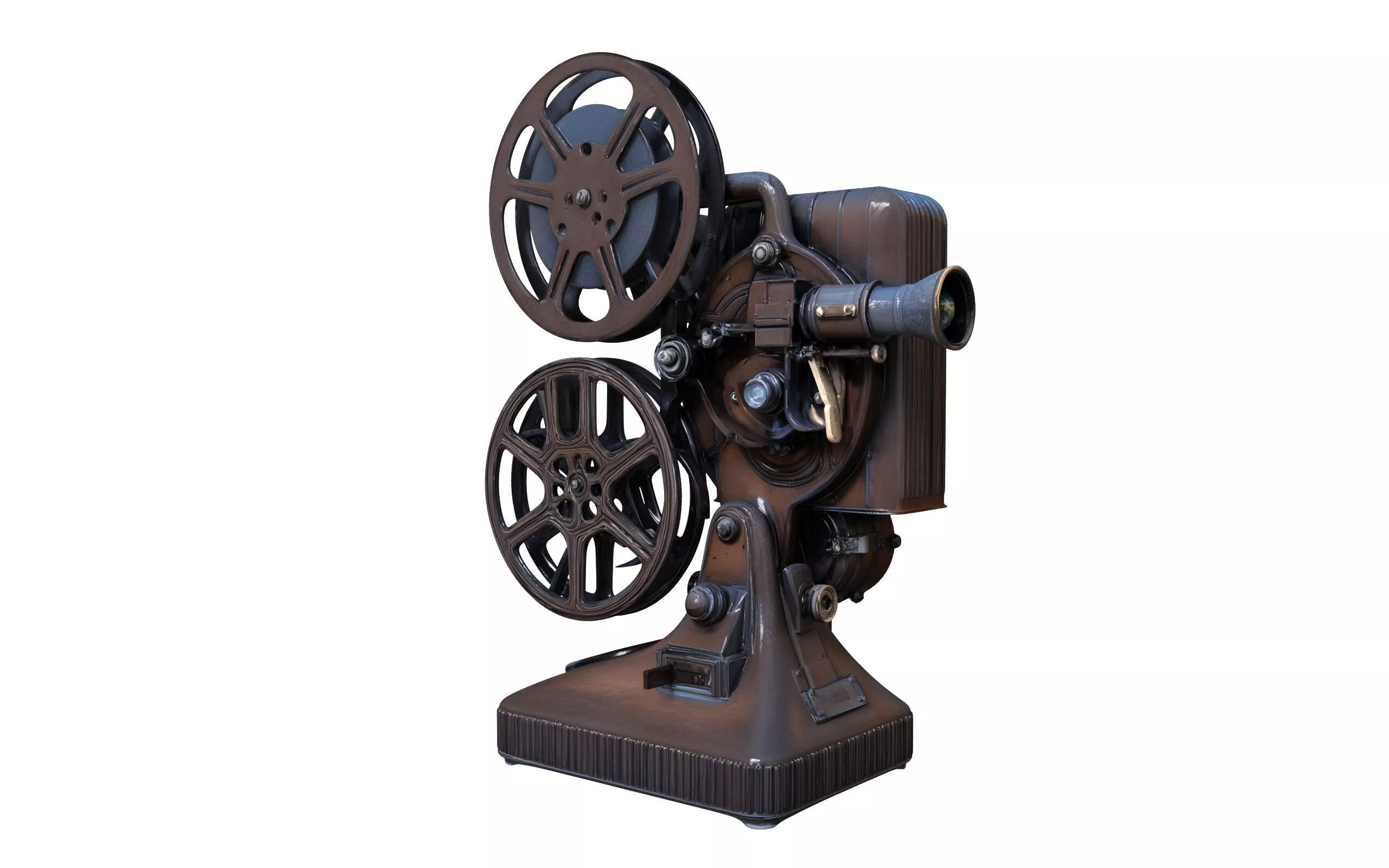
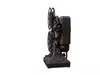
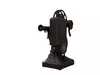
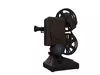
old film projector 3D model Low-poly 3D model

$38.00
Royalty Free License
Hire
Like this model to show appreciation to the designer.
See how many times this model was viewed.
Share this model to support the designer and boost their visibility.
File formats
STL
Stereolithography<br />Version: 1<br />File Size: 23.9 MB
3DS
3D Studio<br />Version: 1<br />File Size: 13 MB
FBX
Autodesk FBX<br />File Size: 50.7 MB
JPG
JPG<br />Version: 19<br />File Size: 34.5 MB
PNG
PNG<br />File Size: 34.5 MB
DAE
Collada<br />Version: 1.5<br />File Size: 48.5 MB
C4D
Cinema 4D<br />Version: 19 - Renderer: Default<br />File Size: 29 MB
Verified by CGTrader
Verified models are of higher quality as they have
passed CGT Standard technical and visual checks,
making them more professional-grade 3D assets.
Learn more.
FBX
This FBX file has successfully passed the CGT Standard technical and visual checks. The verification results are detailed in the section below.
File & scene
Binary FBX
Binary FBX file is more compact and faster to load and process.
Learn more
No unsupported objects
Unsupported objects:
- Lights
- Cameras
Learn more
Geometry
No N-gons
N-gons are polygons with five or more sides which might cause issues in certain processes like rendering or animation. Learn more
No faceted geometry
Faceted geometry uses flat surfaces without smoothing, which can look unrealistic on curves.
Learn more
Manifold geometry
Manifold geometry ensures all surfaces are properly connected, avoiding issues like edges shared by more than two faces.
Learn more
Textures & material
PBR textures
PBR textures simulate how light interacts with materials, making the model look realistic under different lighting.
Required PBR textures:
- Base Color
- Roughness
- Metalness
- Normal
Learn more
No embed textures
Embedded textures are stored inside the model file, increasing its size and sometimes causing compatibility issues.
Learn more
Square textures
Texture aspect ratio is the width-to-height ratio of a texture. Expected texture aspect ratio: 1:1
Learn more
Power of 2 texture sizes
Textures with dimensions in power of two (e.g. 512x512px, 1024x1024px) are used to optimize performance and memory usage.
Learn more
Assigned materials
Materials are applied to the 3D model to allow visualize a model's surface properties and appearance.
Learn more
UVs & naming
No UV overlaps
UVs overlap when multiple points on the 3D model's surface are mapped to the same point on the UV island causing texture stretching.
Learn more
UV unwrapped model
A UV unwrapped model means its 3D surface is flattened into 2D space, allowing textures to be applied accurately.
Learn more
Allowed characters
Allowed ASCII characters: a-zA-Z0-9-_
Learn more
Provided by designer
Information and details shared directly by the model's designer.
3D Features
PBR
Uses Physically Based Rendering materials, which give the model realistic lighting and surface properties.
Textures
The model includes image files (textures) that add color, patterns, or detail to its surfaces.
Materials
The model has material settings that define how surfaces look (color, shine, transparency, etc.).
UV Mapping
The model's surfaces are mapped to a 2D image, allowing textures to display correctly.
Plugins Used
Some external plugins were used to create the model. These may be required for full functionality.
3D printing
Indicates whether the designer marked this model as suitable for 3D printing.
Model is not 3D printable
The designer indicates this model is intended for digital use only (rendering, animation, or AR/VR) and not for 3D printing.
Geometry
Polygon mesh
A model built from polygons (triangles or quads) connected in a mesh.
500000 polygons
The total number of polygons (flat shapes) that make up the 3D model.
/
340000 vertices
The number of points (corners) that define the shape of the model's polygons.
Unwrapped UVs
Publish date
Model ID
Chat