
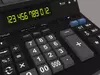
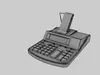
DESCRIPTION

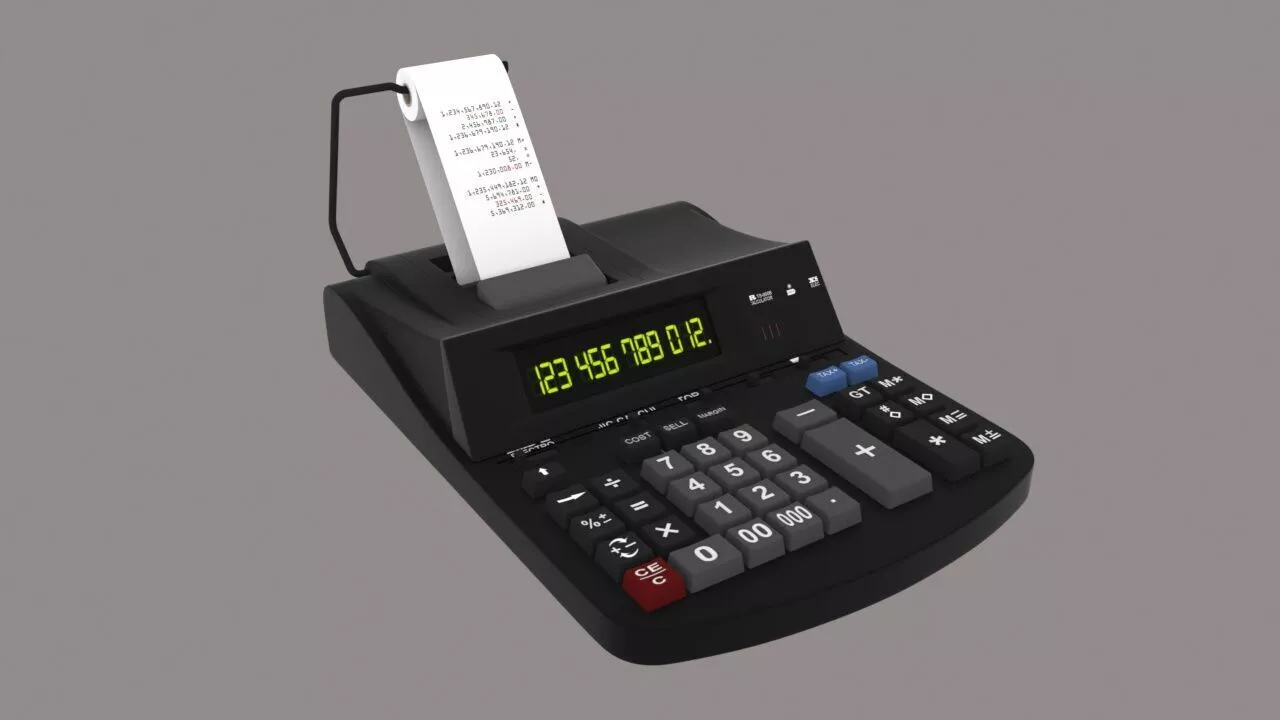
A calculator is typically a portable electronic device used to perform calculations, ranging from basic arithmetic to complex mathematics.

The first solid-state electronic calculator was created in the early 1960s. Pocket-sized devices became available in the 1970s, especially after the Intel 4004, the first microprocessor, was developed by Intel for the Japanese calculator company Busicom. Modern electronic calculators vary from cheap, give-away, credit-card-sized models to sturdy desktop models with built-in printers. They became popular in the mid-1970s as the incorporation of integrated circuits reduced their size and cost. By the end of that decade, prices had dropped to the point where a basic calculator was affordable to most and they became common in schools.

In addition to general-purpose calculators, there are those designed for specific markets. For example, there are scientific calculators, which include trigonometric and statistical calculations. Some calculators even have the ability to do computer algebra. Graphing calculators can be used to graph functions defined on the real line, or higher-dimensional Euclidean space. As of 2016, basic calculators cost little, but scientific and graphing models tend to cost more.[1]

Computer operating systems as far back as early Unix have included interactive calculator programs such as dc and hoc, and interactive BASIC could be used to do calculations on most 1970s and 1980s home computers. Calculator functions are included in most smartphones, tablets, and personal digital assistant (PDA) type devices. With the very wide availability of smartphones and the like, dedicated hardware calculators, while still widely used, are less common than they once were. In 1986, calculators still represented an estimated 41% of the world's general-purpose hardware capacity to compute information. By 2007, this had diminished to less than 0.05%.[2]

Design

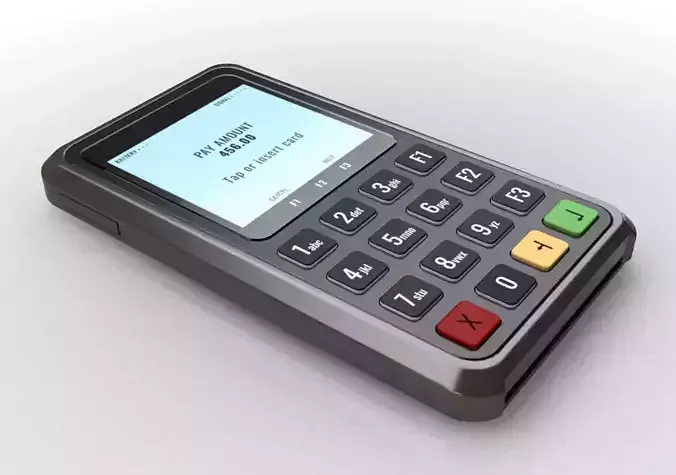
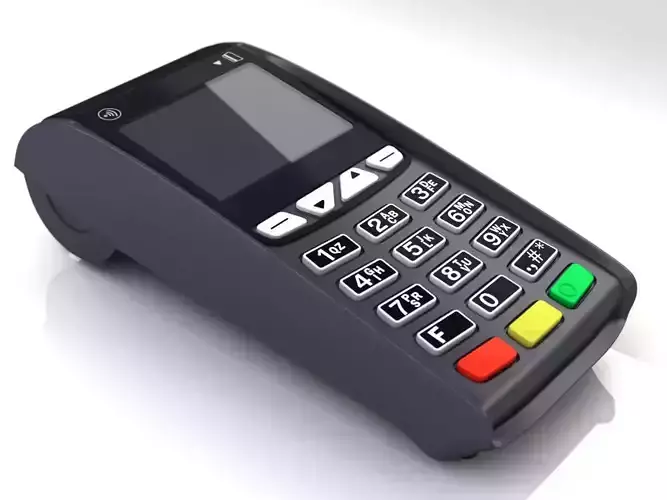
Scientific calculator displays of fractions and decimal equivalentsInputElectronic calculators contain a keyboard with buttons for digits and arithmetical operations; some even contain 00 and 000 buttons to make larger or smaller numbers easier to enter.[3] Most basic calculators assign only one digit or operation on each button; however, in more specific calculators, a button can perform multi-function working with key combinations.

Display outputCalculators usually have liquid-crystal displays (LCD) as output in place of historical light-emitting diode (LED) displays and vacuum fluorescent displays (VFD); details are provided in the section Technical improvements.

Large-sized figures are often used to improve readability; while using decimal separator (usually a point rather than a comma) instead of or in addition to vulgar fractions. Various symbols for function commands may also be shown on the display. Fractions such as 1⁄3 are displayed as decimal approximations, for example rounded to 0.33333333. Also, some fractions (such as 1⁄7, which is 0.14285714285714; to 14 significant figures) can be difficult to recognize in decimal form; as a result, many scientific calculators are able to work in vulgar fractions or mixed numbers.

MemoryCalculators also have the ability to save numbers into computer memory. Basic calculators usually store only one number at a time; more specific types are able to store many numbers represented in variables. Usually these variables are named ans or ans(0).[4] The variables can also be used for constructing formulas. Some models have the ability to extend memory capacity to store more numbers; the extended memory address is termed an array index.

Power sourcePower sources of calculators are batteries, solar cells or mains electricity (for old models), turning on with a switch or button. Some models even have no turn-off button but they provide some way to put off (for example, leaving no operation for a moment, covering solar cell exposure, or closing their lid). Crank-powered calculators were also common in the early computer era.

REVIEWS & COMMENTS

See what other buyers think about this model - real feedback on quality,
accuracy, and usability.
There are no reviews or comments yet. Please be the first one to write it.
NEW
Recently added to CGTrader - explore one of the latest models on the marketplace.

calculator 3d model Low-poly 3D model

$32.00
Royalty Free License
Hire
Like this model to show appreciation to the designer.
See how many times this model was viewed.
Share this model to support the designer and boost their visibility.
File formats
STL
Stereolithography<br />Version: 1<br />File Size: 2.71 MB
3DS
3D Studio<br />Version: 1<br />File Size: 1.34 MB
JPG
JPG<br />Version: 19<br />File Size: 236 KB
DAE
Collada<br />Version: 1.5<br />File Size: 4.83 MB
FBX
Autodesk FBX<br />Version: 7.5<br />File Size: 3.31 MB
C4D
Cinema 4D<br />Version: 19 - Renderer: Default 1<br />File Size: 3.72 MB
Verified by CGTrader
Verified models are of higher quality as they have
passed CGT Standard technical and visual checks,
making them more professional-grade 3D assets.
Learn more.
FBX
This FBX file has successfully passed the CGT Standard technical and visual checks. The verification results are detailed in the section below.
File & scene
Binary FBX
Binary FBX file is more compact and faster to load and process.
Learn more
No unsupported objects
Unsupported objects:
- Lights
- Cameras
Learn more
Geometry
No N-gons
N-gons are polygons with five or more sides which might cause issues in certain processes like rendering or animation. Learn more
No faceted geometry
Faceted geometry uses flat surfaces without smoothing, which can look unrealistic on curves.
Learn more
Manifold geometry
Manifold geometry ensures all surfaces are properly connected, avoiding issues like edges shared by more than two faces.
Learn more
Textures & material
PBR textures
PBR textures simulate how light interacts with materials, making the model look realistic under different lighting.
Required PBR textures:
- Base Color
- Roughness
- Metalness
- Normal
Learn more
No embed textures
Embedded textures are stored inside the model file, increasing its size and sometimes causing compatibility issues.
Learn more
Square textures
Texture aspect ratio is the width-to-height ratio of a texture. Expected texture aspect ratio: 1:1
Learn more
Power of 2 texture sizes
Textures with dimensions in power of two (e.g. 512x512px, 1024x1024px) are used to optimize performance and memory usage.
Learn more
Assigned materials
Materials are applied to the 3D model to allow visualize a model's surface properties and appearance.
Learn more
UVs & naming
No UV overlaps
UVs overlap when multiple points on the 3D model's surface are mapped to the same point on the UV island causing texture stretching.
Learn more
UV unwrapped model
A UV unwrapped model means its 3D surface is flattened into 2D space, allowing textures to be applied accurately.
Learn more
Allowed characters
Allowed ASCII characters: a-zA-Z0-9-_
Learn more
Provided by designer
Information and details shared directly by the model's designer.
3D Features
Textures
The model includes image files (textures) that add color, patterns, or detail to its surfaces.
UV Mapping
The model's surfaces are mapped to a 2D image, allowing textures to display correctly.
Plugins Used
Some external plugins were used to create the model. These may be required for full functionality.
3D printing
Indicates whether the designer marked this model as suitable for 3D printing.
Model is not 3D printable
The designer indicates this model is intended for digital use only (rendering, animation, or AR/VR) and not for 3D printing.
Geometry
Polygon mesh
A model built from polygons (triangles or quads) connected in a mesh.
38000 polygons
The total number of polygons (flat shapes) that make up the 3D model.
/
42000 vertices
The number of points (corners) that define the shape of the model's polygons.
Unwrapped UVs
Publish date
Model ID
Chat