Lace Sport Bra for Genesis 9
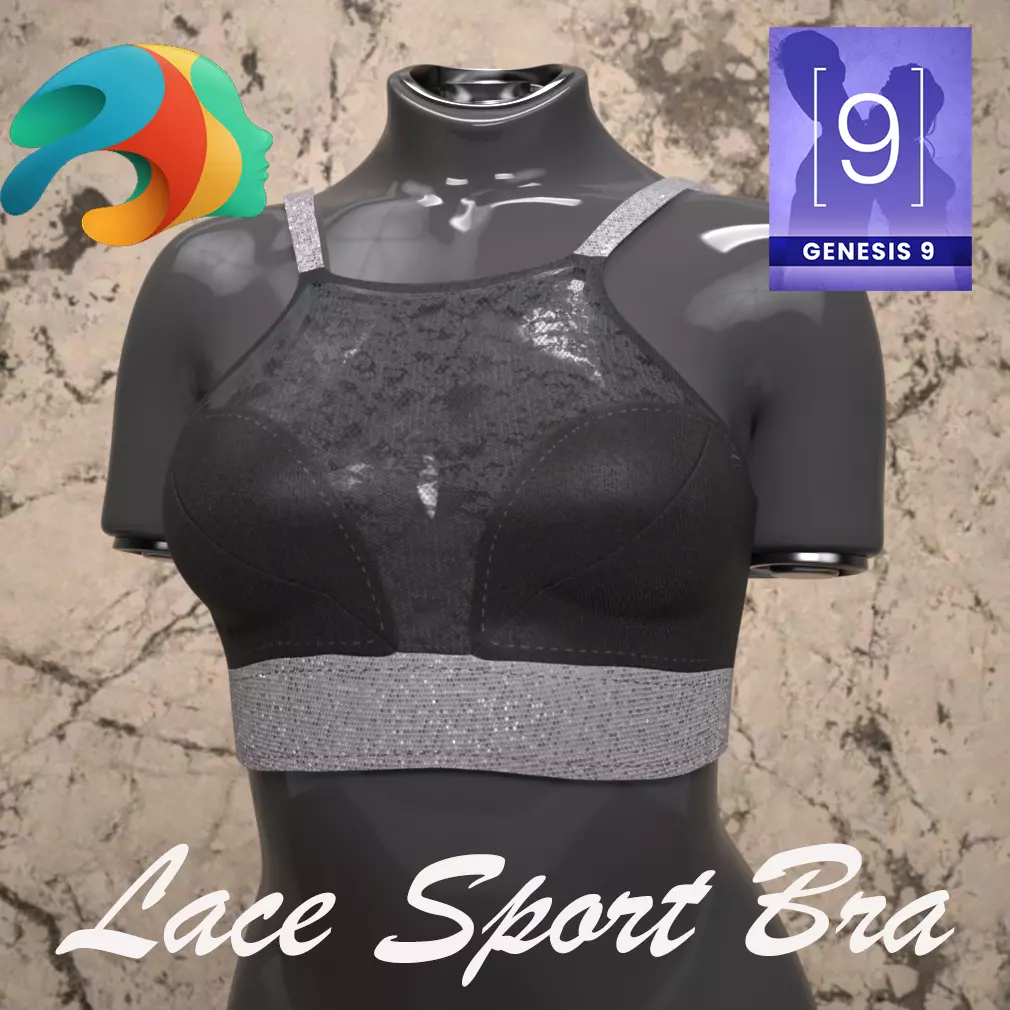
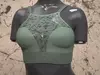
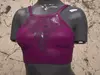
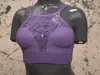
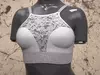
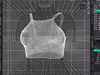
Elevate your Genesis 9 renders with this meticulously crafted, sophisticated Lace Sport Bra. Designed for versatility and elegance, this high-neck, crop-top style piece effortlessly bridges the gap between high-performance sportswear and chic streetwear.
This garment features a stunning floral lace overlay on the upper bodice, beautifully framing the solid, supportive main body panels. Solid shoulder straps provide structural clean lines, all anchored by a wide, textured silver sparkle elastic under-band that provides both function and a distinct touch of glamour.
Key Features:
Designed for Genesis 9: Optimized for the latest Genesis 9 Female base shapes.
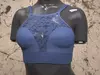
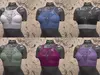
Six Stunning Colors: Explore versatility with six stunning color options included as presets in the Material subfolder: Default Black, White, Light Blue, Green, Magenta/Red, and Violet. All colors feature the distinctive textured silver sparkle under-band.
Non-dForce (Conforming-Only): This asset is a non-dForce, conforming-only item, ensuring perfect, static poses and ease of use without complex simulation requirements. Ideal for large scenes, portrait renders, or any creative direction where precise fitting and a static silhouette are desired.
High Detail: Intricate lace patterns and material textures are designed to hold up under close-up shots.
What's Included:
Lace Sport Bra: The primary Genesis 9 conforming garment asset (.duf format).
Material Subfolder: Contains six individual material preset files (.duf format) for:
Default Black
White
Light Blue
Green
Magenta/Red
Violet
How to Use:
Load your Genesis 9 figure into your Daz Studio scene.
Navigate to your content library and find the Lace Sportbra.duf asset.
Ensure your Genesis 9 figure is selected, then double-click the Lace Sportbra.duf to load it onto the figure.
Apply the desired color by navigating to the Material subfolder and double-clicking your preferred color preset. The silver sparkle under-band is consistent across all variations.
How to Unzip Your Downloaded Content
For those new to working with compressed file formats, here is a simple guide on how to unzip your download and prepare the content for use in your Daz Studio content library.
On Windows:
Locate the File: Find the downloaded .zip file in your file explorer.
Right-Click: Right-click on the .zip file.
Select Extract All: Choose the Extract All... option from the context menu. A new window will appear.
Choose a Destination: You can keep the default folder path or click Browse to choose a different location. We recommend extracting it directly into a clean folder for easier organization before moving it to your Daz Content Library.
Complete the Extraction: Ensure Show extracted files when complete is checked and click Extract. Windows will create a new, uncompressed folder containing all the files.
On Mac:
Locate the File: Find the downloaded .zip file in your Finder.
Double-Click: Simply double-click on the .zip file. The built-in Archive Utility will automatically begin the extraction process.
Automatic Extraction: The uncompressed folder will appear in the same location as the .zip file. The zip file itself may be moved to your Trash, but you can always keep it for backup.
Once extracted, you can move the Lace Sportbra.duf asset and the entire Material subfolder into your chosen Daz Content Library location.