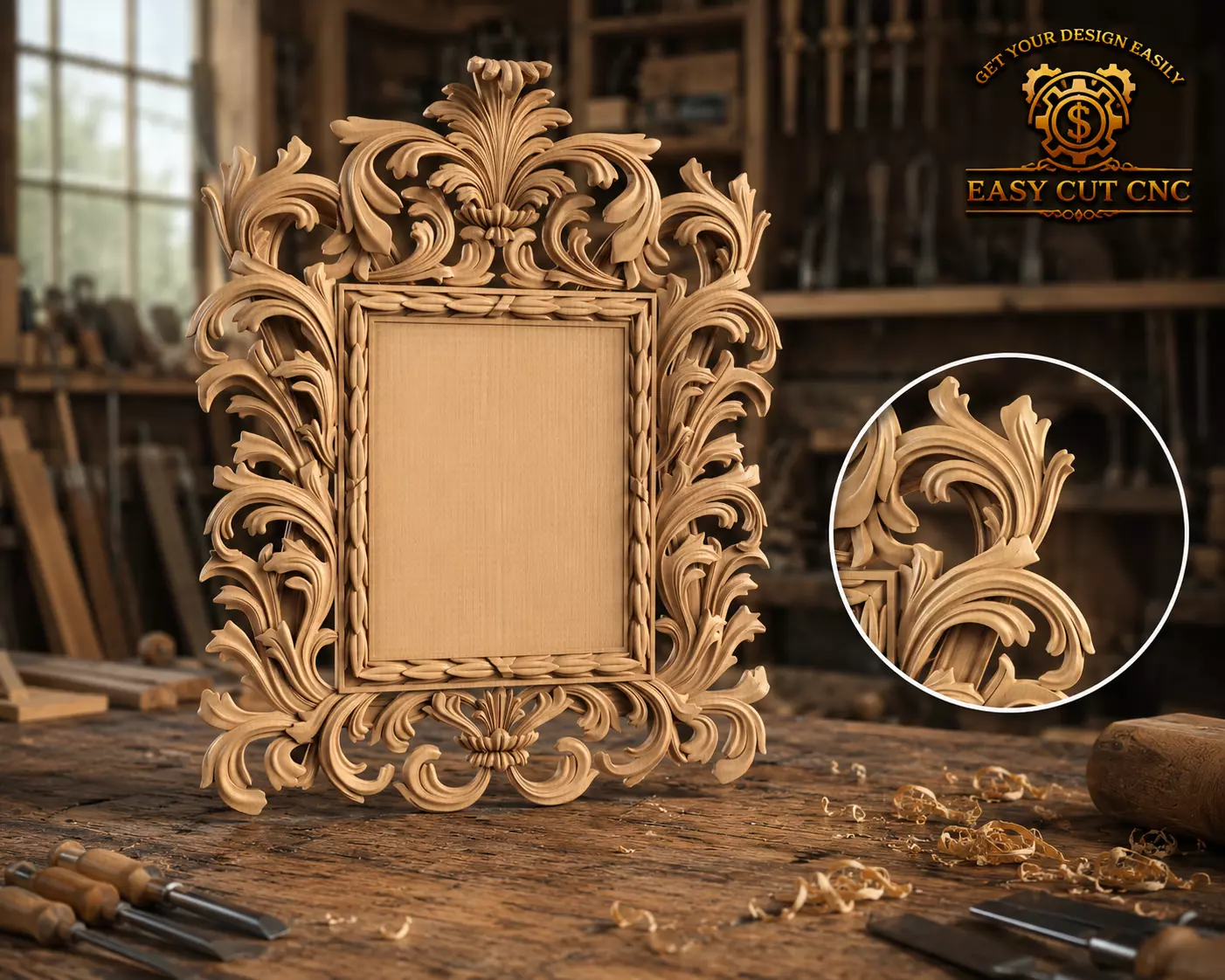
This is a high-quality 3D STL model of a grand Baroque-style decorative photo frame featuring large acanthus leaf ornaments, deep flowing scrollwork, an elegant top crest, open carved side details, and a refined central panel area.
The design is suitable for CNC wood carving, 3D printing, resin casting, gypsum decoration, plaster molding, furniture decoration, wall décor, and luxury interior design projects.
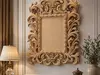
This model can be used as a photo frame, mirror frame, decorative wall panel, name plaque, signboard frame, furniture ornament, or premium woodworking project.The bold acanthus leaves, raised ornamental relief, and classic luxury shape make it ideal for luxury homes, hotels, salons, bedrooms, dressing rooms, classic interiors, gift projects, and professional CNC workshops.
Recommended UsesCNC router wood carving3D printingLuxury photo frameDecorative mirror frameOrnamental wall panelName plaque or signboardClassic furniture ornamentBaroque wall décorGypsum and plaster decorationResin casting moldInterior decoration projectsWoodworking projects
Manufacturing / Operating Instructions
For CNC Wood Carving:Import the STL file into ArtCAM, Aspire, VCarve, Carveco, Fusion 360, or any compatible CAM software.Scale the model according to your required frame, mirror, or panel dimensions.Check the model thickness, relief height, openwork areas, acanthus leaves, top crest, side ornaments, and central panel before creating the toolpath.
Start with a roughing toolpath to remove the main excess material.Then use a finishing toolpath to reveal the acanthus leaves, flowing scrolls, raised crest, open carved ornaments, and fine decorative relief.
Recommended CNC Bits:Roughing: 6 mm or 8 mm end millFinishing: 2 mm or 3 mm ball nose bitFine details: 1 mm ball nose bit if neededSharp border details: V-bit if needed
Recommended materials include MDF, beech wood, oak, walnut, pine, hardwood, or similar carving materials.Always preview the toolpath simulation before machining.A test cut on a sample piece is recommended before final production.
For 3D Printing:Import the STL file into your slicer software.Scale the model to your preferred size.For large-size frames, it is recommended to split the model into multiple printable parts.Choose the print orientation carefully to preserve the openwork acanthus details and reduce support marks.
Recommended 3D Print Settings:Layer height: 0.12 mm – 0.2 mmInfill: 15% – 25%Supports: May be required depending on orientationMaterial: PLA, PLA+, PETG, resin, or similar material
After printing, the model can be sanded, primed, painted, stained, or finished with wood, gold, bronze, antique, white plaster, or luxury decorative effects.
Important NotesThis is a digital STL file only. No physical product will be shipped.The model can be resized according to your project needs.Final carving or printing quality depends on your machine, software, material, tool size, and production settings.