How To Done Graphic Designing
Tutorial posted about 6 years ago
by  kuldeepksw
kuldeepkswHere i created a neon type text on brick wall
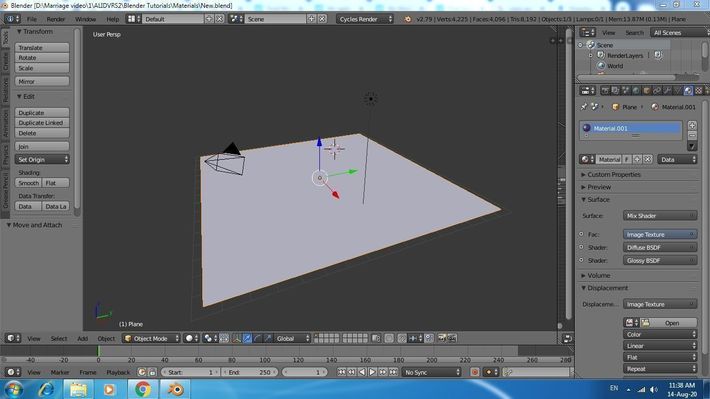
Step 1: simply create a plan
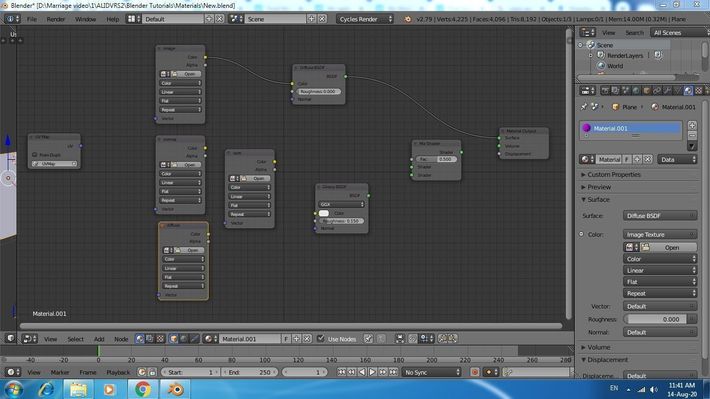
Step 2: Open new tab as a node editor and add three image texture, one uv map, one glossybsdf, one mix shader
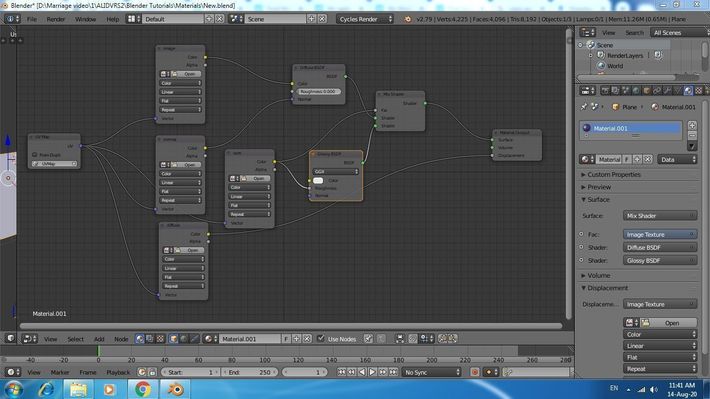
Step 3 : connect all as shown in image below, and rename the image textures tabs as , normal, disp & spec
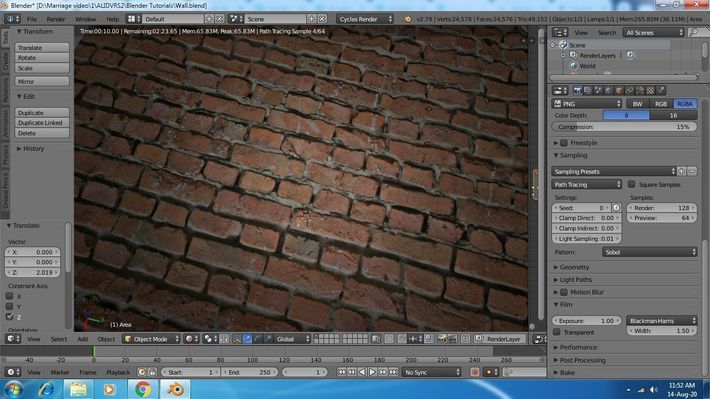
Step 4: now just place all the textures what you have and render it, here i used brick texture


Comments