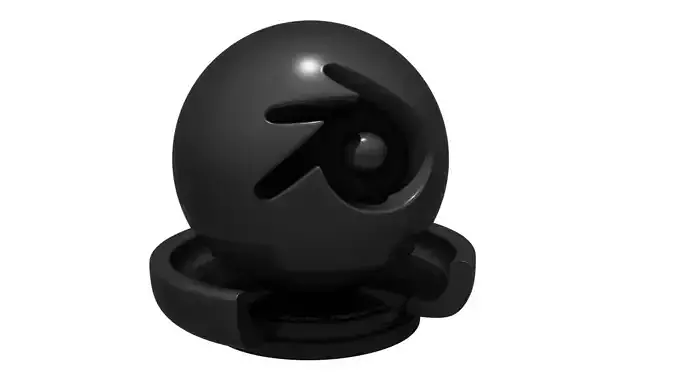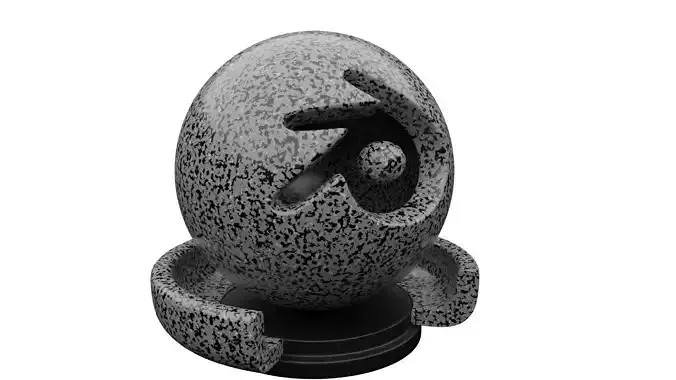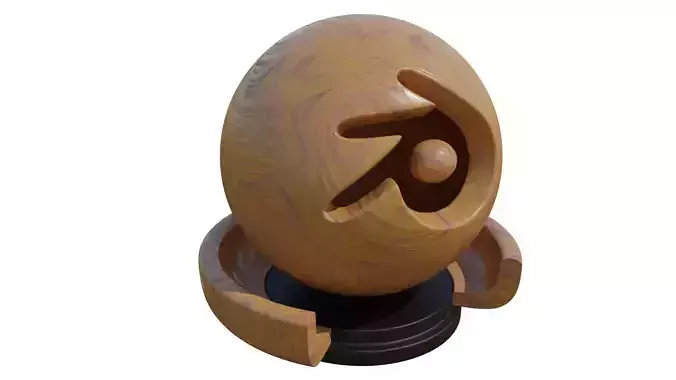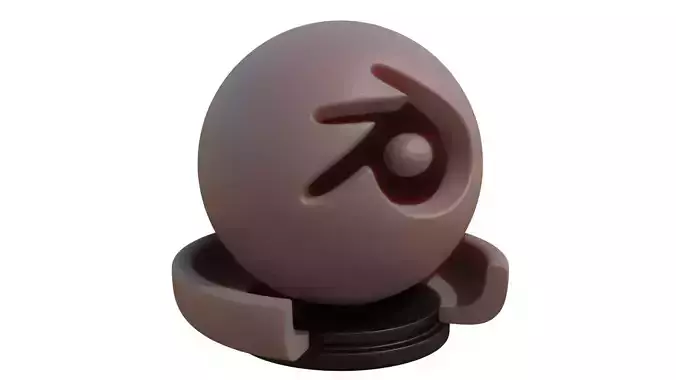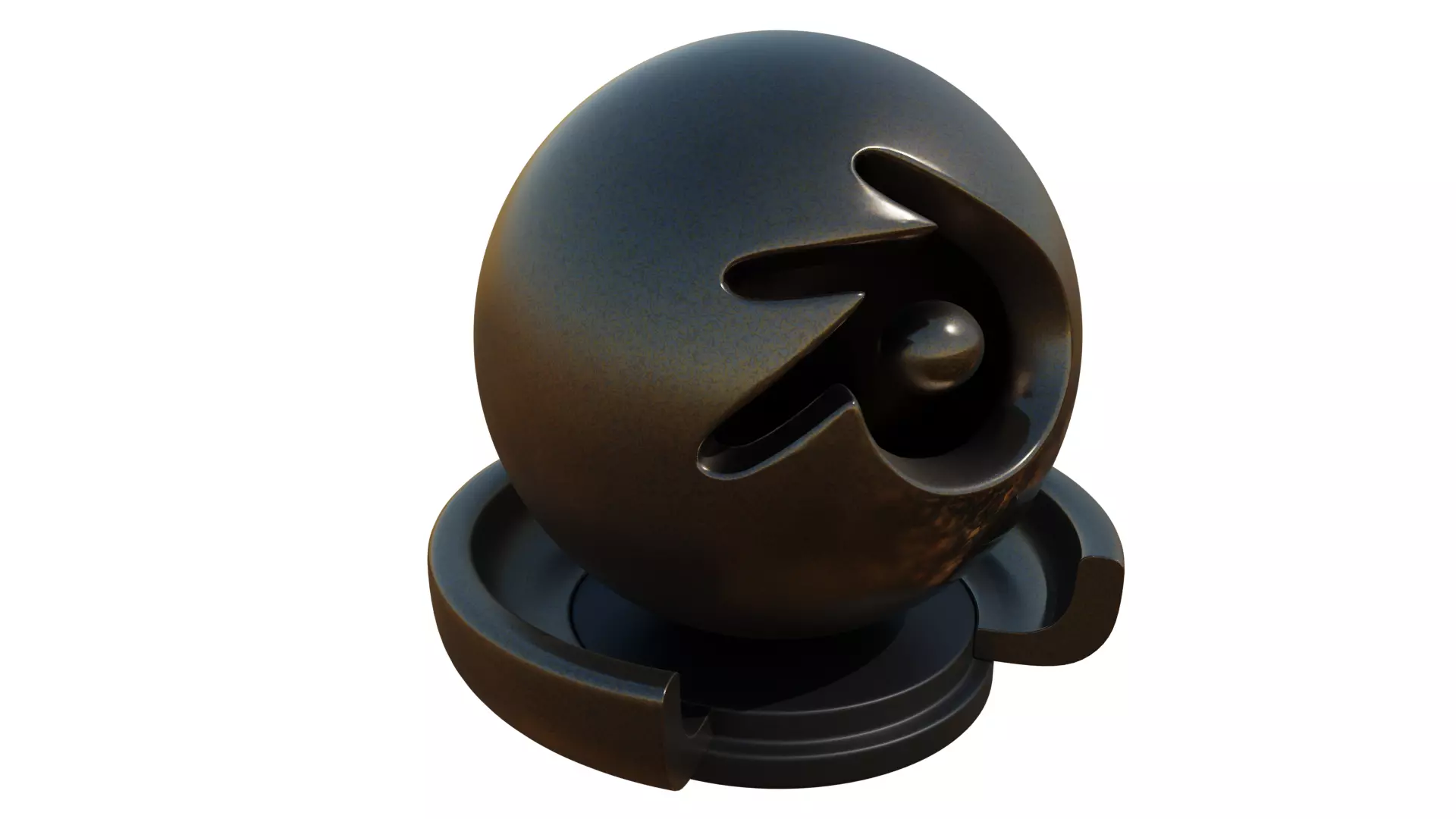
DESCRIPTION

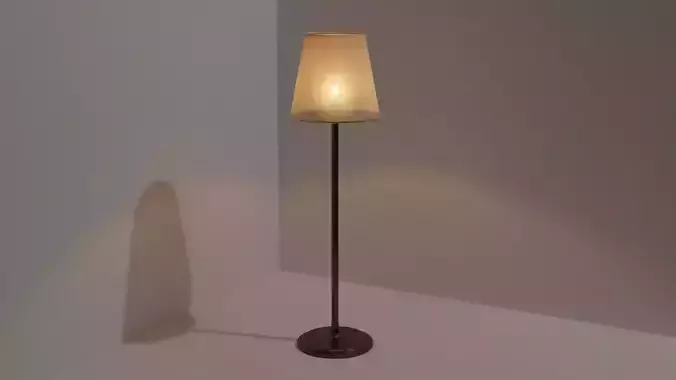
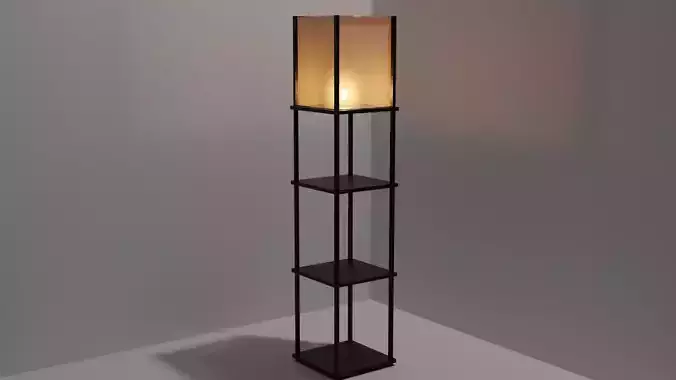
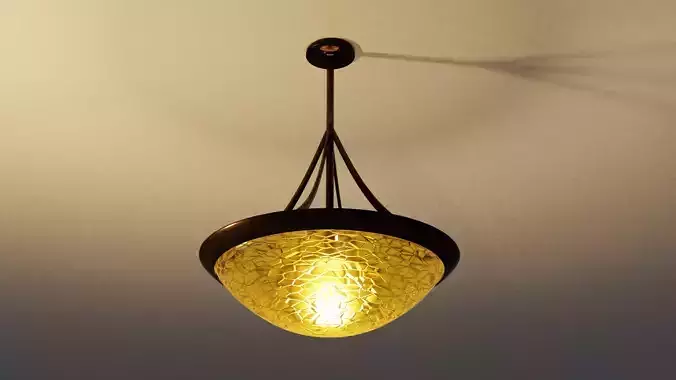
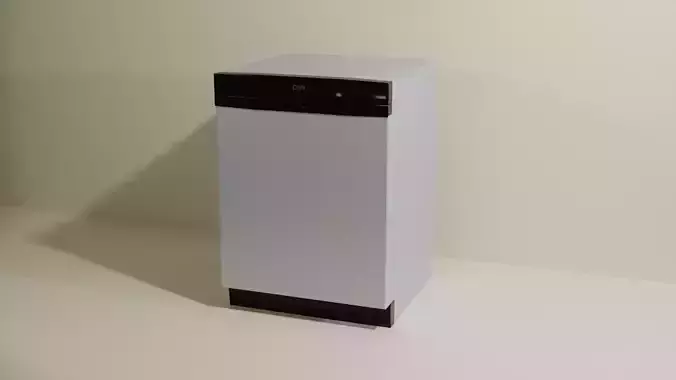
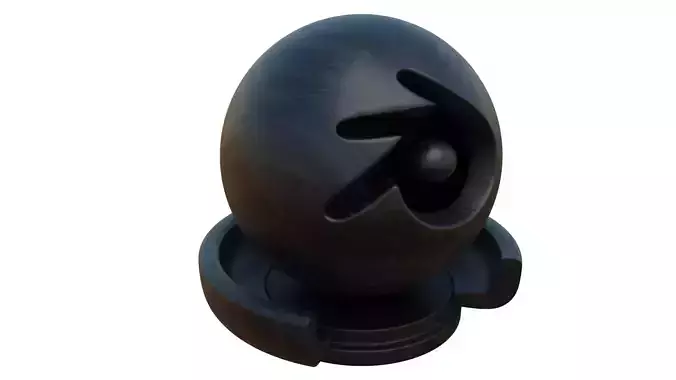
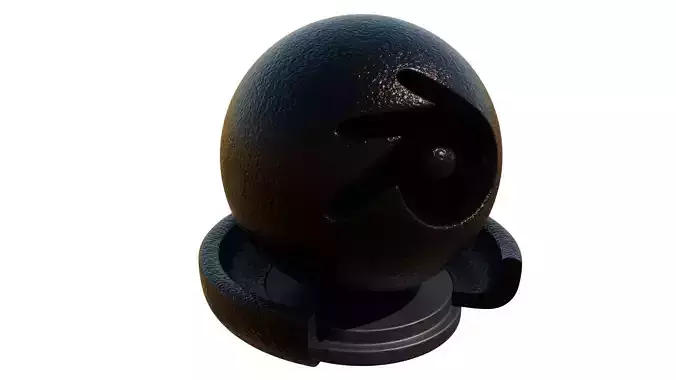
Remember to play around with the scales and colors in your color ramp to get different patterns and effects. Bring the texture in quickly into your model by going to File>Append>(Go to the file)>Objects>(Select the Object) Delete the object once it's brought in and the texture will be usable on whatever other objects you want in shading menu.

REVIEWS & COMMENTS

See what other buyers think about this model - real feedback on quality,
accuracy, and usability.
There are no reviews or comments yet. Please be the first one to write it.

Dark Patterned Gold Texture

Royalty Free License (no AI)
Hire
Like this model to show appreciation to the designer.
See how many times this model was viewed.
Share this model to support the designer and boost their visibility.
File format
BLEND
Blender<br />File Size: 5.69 MB
Provided by designer
Information and details shared directly by the model's designer.
3D Features
Textures
The model includes image files (textures) that add color, patterns, or detail to its surfaces.
Materials
The model has material settings that define how surfaces look (color, shine, transparency, etc.).
3D printing
Indicates whether the designer marked this model as suitable for 3D printing.
Model is not 3D printable
The designer indicates this model is intended for digital use only (rendering, animation, or AR/VR) and not for 3D printing.
Unwrapped UVs
Publish date
Model ID
Chat