Max Note Manager v1.0 – 3ds Max Script
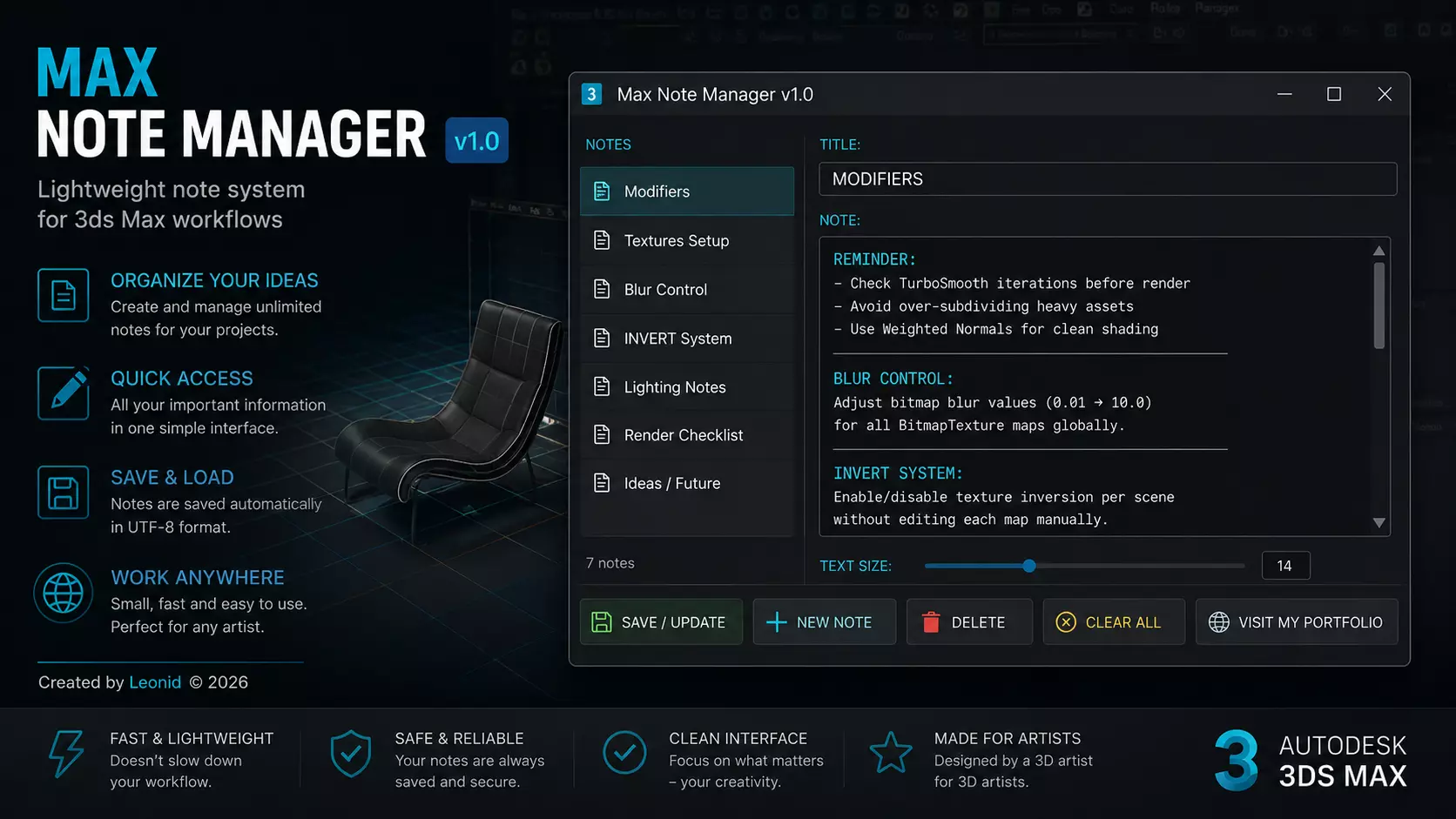
Max Note Manager is a lightweight and efficient note-taking tool designed specifically for Autodesk 3ds Max users. It allows you to quickly create, edit, organize, and manage project notes directly inside the 3D software environment, eliminating the need for external text editors.
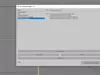
The script features a clean and intuitive interface with a note list panel, title field, and a large multiline text editor for detailed annotations. Users can easily save, update, or delete notes with a single click, as well as create new entries or clear all stored data when needed.
All notes are automatically saved locally in a UTF-8 encoded file, ensuring full support for multiple languages and special characters. The system is designed to preserve formatting and handle multiline text reliably.
Key features include:
Fast note creation and editing inside 3ds MaxOrganized list-based note managementUTF-8 safe storage for international character supportSimple one-click save, delete, and reset actionsPersistent local storage for project continuityDirect link button to the creator’s portfolioMax Note Manager is ideal for 3D artists, technical directors, and freelancers who need a simple but powerful way to keep project-related information, reminders, and technical notes organized directly within their workflow.