Traffic Cones 3D Model – Blender Asset + FREE Download
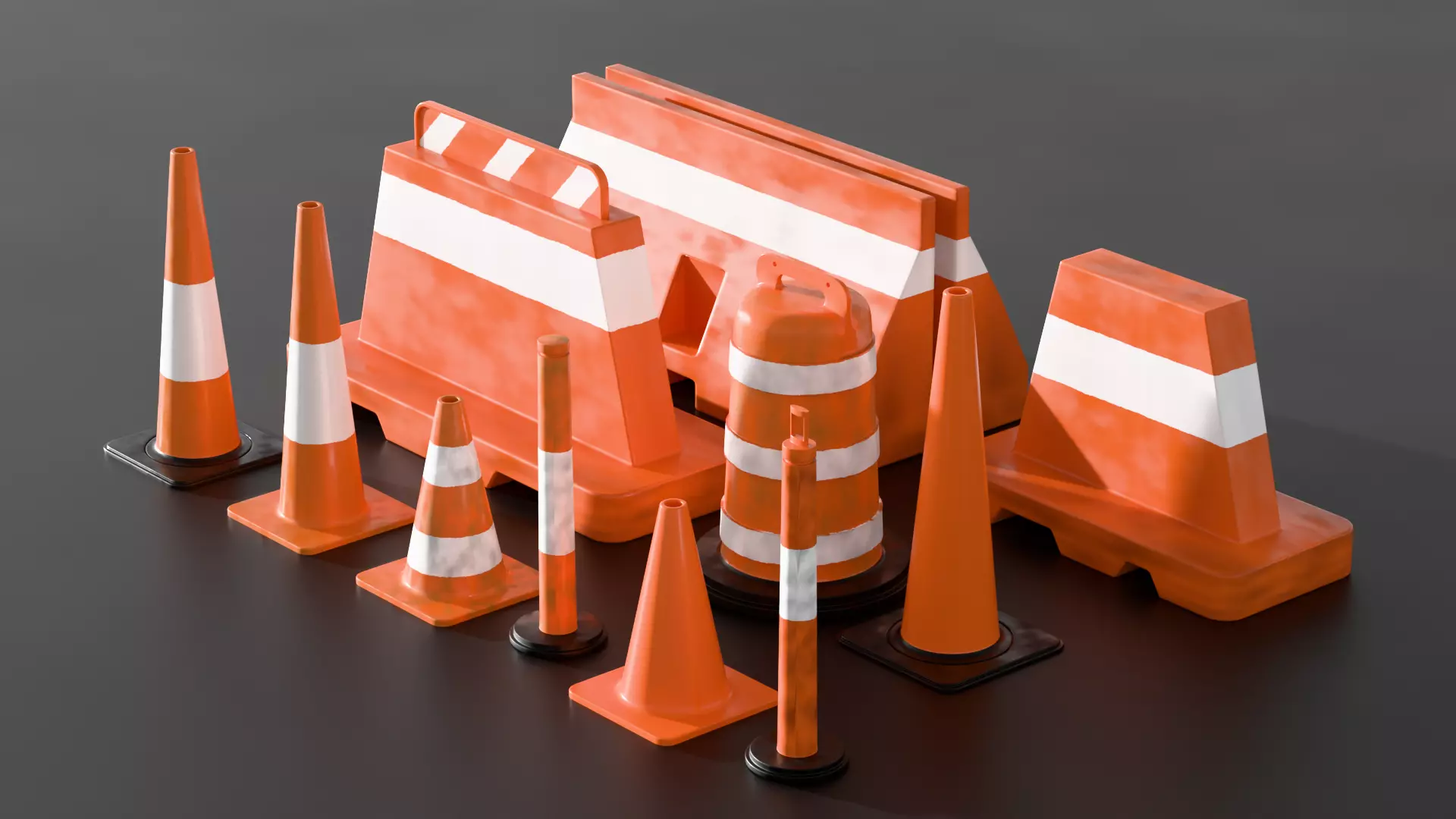
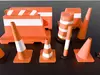
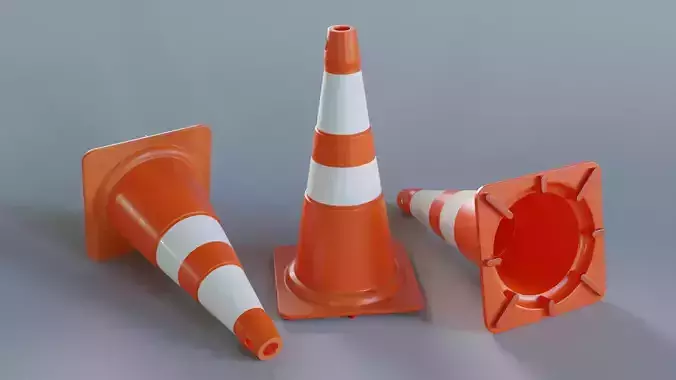
Traffic Cones 3D Model created in Blender and designed as a versatile environment prop for architectural visualization, game development, animation, urban scenes, construction environments, road scenes, and general 3D projects.
This traffic cone asset is based on the familiar design of standard road and construction safety cones. Its simple, recognizable shape makes it a useful addition to any 3D asset library where you need to quickly populate roads, parking areas, construction zones, sidewalks, highways, industrial environments, or public spaces.
The model was created as part of a Blender modeling practice workflow, with an emphasis on building a recognizable real-world object from simple forms while maintaining a clean and manageable 3D structure.
A FREE DOWNLOAD is available, making this asset useful for artists who want to study the model, experiment with materials, modify the geometry, or use the asset as part of their own personal 3D projects.
POSSIBLE USES
This Traffic Cone 3D Model can be used for a wide range of projects, including:
- Game environments
- Architectural visualization
- Urban visualization
- Road construction scenes
- Highway environments
- Parking lots
- City environments
- Industrial environments
- Construction sites
- Street scenes
- Accident simulations
- Emergency scenes
- Traffic simulations
- Animation projects
- Cinematic environments
- Concept visualization
- Educational projects
- 3D portfolio projects
- Environment design
- General 3D scenes
Because traffic cones are common objects, they can be incorporated into almost any environment where road work, safety, maintenance, or temporary restrictions need to be represented.
Possible applications include:
- Open-world games
- Driving games
- Racing games
- Simulation games
- City-building games
- Construction games
- Mobile games
- Training simulations
- Virtual environments
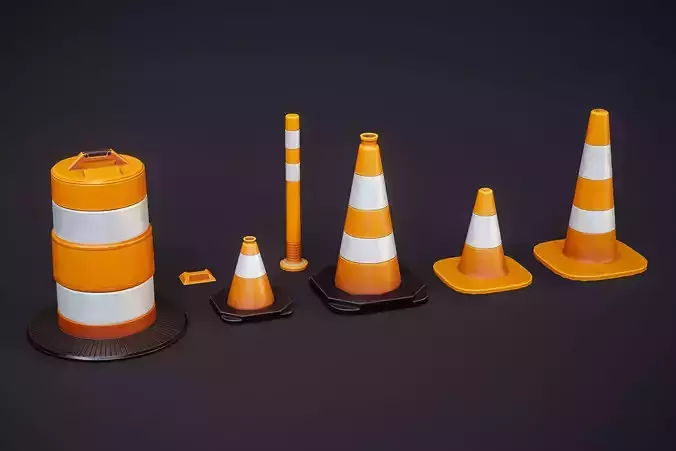
The asset can also be modified to create different visual variations, allowing multiple cones to be used within the same scene without every object looking identical.
ARCHITECTURAL VISUALIZATION
Architectural visualization often benefits from small environmental details.
When presenting a road, parking facility, commercial development, public space, construction project, or urban design concept, traffic cones can help establish scale and provide additional context.
They can be positioned around:
- Parking areas
- Building entrances
- Construction zones
- Temporary road closures
- Driveways
- Sidewalks
- Loading areas
- Road intersections
- Development sites
- Maintenance areas
Using small props such as traffic cones can help make architectural scenes feel more lived-in and realistic.
ENVIRONMENT DESIGN
Environment artists can use this model as part of a larger collection of urban and construction assets.
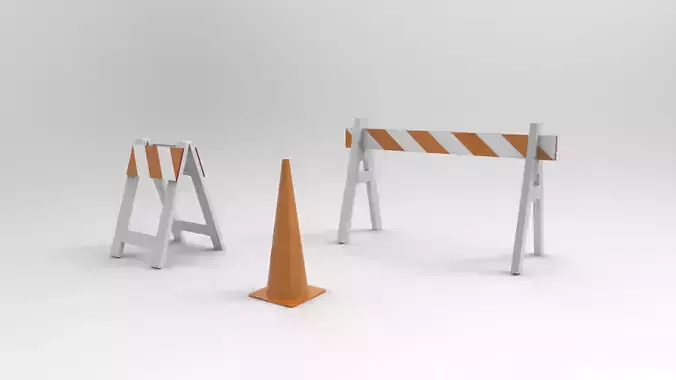
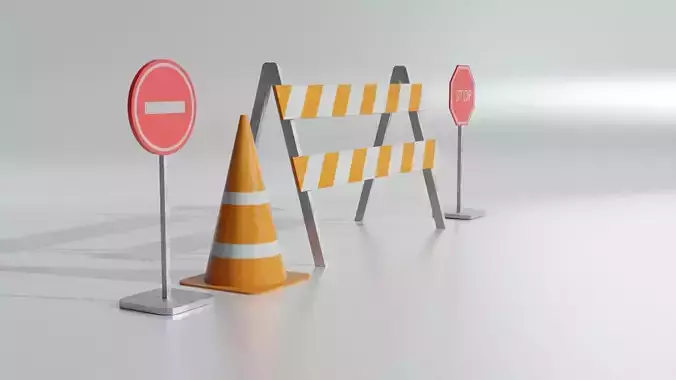
Combine the traffic cones with other props such as road barriers, warning signs, construction equipment, vehicles, pallets, tools, street furniture, and temporary fencing to build more detailed environments.
A single cone can also be duplicated many times to create rows or patterns along a road.
For example, you could create:
- A line of cones around a construction site
- A temporary lane divider
- A road closure
- A parking restriction
- A pedestrian diversion
- A maintenance area
- A highway work zone
- A city street repair scene
CONSTRUCTION SCENES
Construction environments frequently require recognizable safety equipment.
Traffic cones are an easy way to communicate that an area is under construction or maintenance.
Place the model around construction vehicles, unfinished roads, excavation areas, buildings under development, or temporary work zones.
The asset can also be combined with other construction props to create complete construction environments.
URBAN AND CITY SCENES
City environments can contain thousands of small objects.
While buildings, roads, vehicles, and trees establish the major composition, smaller props add realism and visual information.
Traffic cones can be placed along sidewalks, near road intersections, outside buildings, around parked vehicles, or near temporary construction zones.
They are particularly useful when creating modern city environments where road maintenance and construction are part of the visual story.
ROAD AND HIGHWAY SCENES
The model can also be used in road and highway environments.
Create a row of cones to represent temporary lane restrictions, maintenance work, road repairs, or traffic management.
Because the cone has a simple silhouette, it can be repeated throughout a scene while maintaining a recognizable appearance.
This makes the asset useful for both close-up compositions and larger environment scenes.
ANIMATION AND CINEMATIC PROJECTS
Traffic cones can also be used as background and foreground props in animation and cinematic scenes.
For example, they can appear in:
- Driving sequences
- Construction scenes
- City animations
- Road accidents
- Police or emergency scenes
- Industrial environments
- Architectural walkthroughs
- Transportation simulations
Small environmental objects often contribute to the overall realism of a shot, even when they are not the primary focus.
CUSTOMIZATION
Because the asset is provided as a Blender model, it can be customized according to the requirements of your project.
Possible modifications include:
- Changing the cone color
- Creating weathered versions
- Adjusting the base
- Creating different material variations
- Changing the scale
- Creating stylized versions
- Creating low-poly variations
- Creating damaged versions
- Creating dirty or dusty versions
- Creating multiple color variations
You can also create several variations from the same base model and use them together in a scene.
FREE DOWNLOAD
This traffic cone model is available as a FREE download.
The free asset gives you the opportunity to examine the model and incorporate it into suitable projects without having to create the object from scratch.
It can also be useful as a learning resource for Blender artists who want to study how simple real-world objects can be constructed from basic geometry.
If you are learning Blender, try opening the model and examining the individual components. Study the proportions, shape transitions, geometry, and overall construction.
You can then attempt to recreate the model yourself as a modeling exercise.
BLENDER MODELING PRACTICE
This Traffic Cone model was created as part of a broader Blender modeling practice approach.
The idea behind modeling everyday objects is simple: real-world objects provide endless opportunities to practice.
A traffic cone may look relatively simple, but it contains several useful modeling challenges.
The cone requires attention to:
- Proportion
- Symmetry
- Circular geometry
- Shape transitions
- Base construction
- Edge definition
- Surface design
- Object scale
Working through these smaller challenges repeatedly can help improve general 3D modeling ability.
WHO IS THIS ASSET FOR?
This model can be useful for:
- Blender beginners
- 3D artists
- Environment artists
- Game developers
- Architectural visualization artists
- Animation artists
- Designers
- Students
- Hobbyists
- Digital artists
- Concept artists
- 3D asset collectors
If you are building a library of reusable environment assets, traffic cones are a practical addition because they can be used in many different scene types.
SCENE POPULATION
One of the simplest ways to use this asset is through duplication.
Create a single traffic cone, duplicate it several times, and arrange the copies around your scene.
You can vary:
- Rotation
- Scale
- Position
- Spacing
- Material
- Orientation
Small variations can help prevent repeated objects from looking completely identical.
For larger environments, the asset can become part of a reusable library of road and urban props.
LEARNING RESOURCE
The model can also serve as a reference for anyone learning Blender.
If you're practicing 3D modeling, try rebuilding the traffic cone before looking closely at the finished asset.
Start with the basic silhouette and gradually introduce the individual components.
This approach can help develop the ability to analyze everyday objects and break them down into manageable geometric forms.
The same process can then be applied to more complicated objects.
ADDING MATERIALS
The model can be customized with different material approaches depending on the visual style of your project.
For a realistic scene, you can create an orange plastic material with subtle roughness variations and a contrasting base.
For a stylized environment, you could use brighter colors and simplified materials.
For a weathered environment, you could add dirt, scratches, dust, fading, and surface imperfections.
This allows the same basic geometry to be used across multiple visual styles.
25 HASHTAGS
#TrafficCone #TrafficCones #Blender3D #BlenderModel #3DModel #CGTrader #3DAsset #EnvironmentAsset #GameAsset #GameDevelopment #EnvironmentArt #3DModeling #Blender3DModel #RoadAsset #ConstructionAsset #UrbanAsset #ArchViz #ArchitecturalVisualization #RoadModel #ConstructionScene #CityEnvironment #3DArtist #BlenderAsset #Free3DModel #3DEnvironment