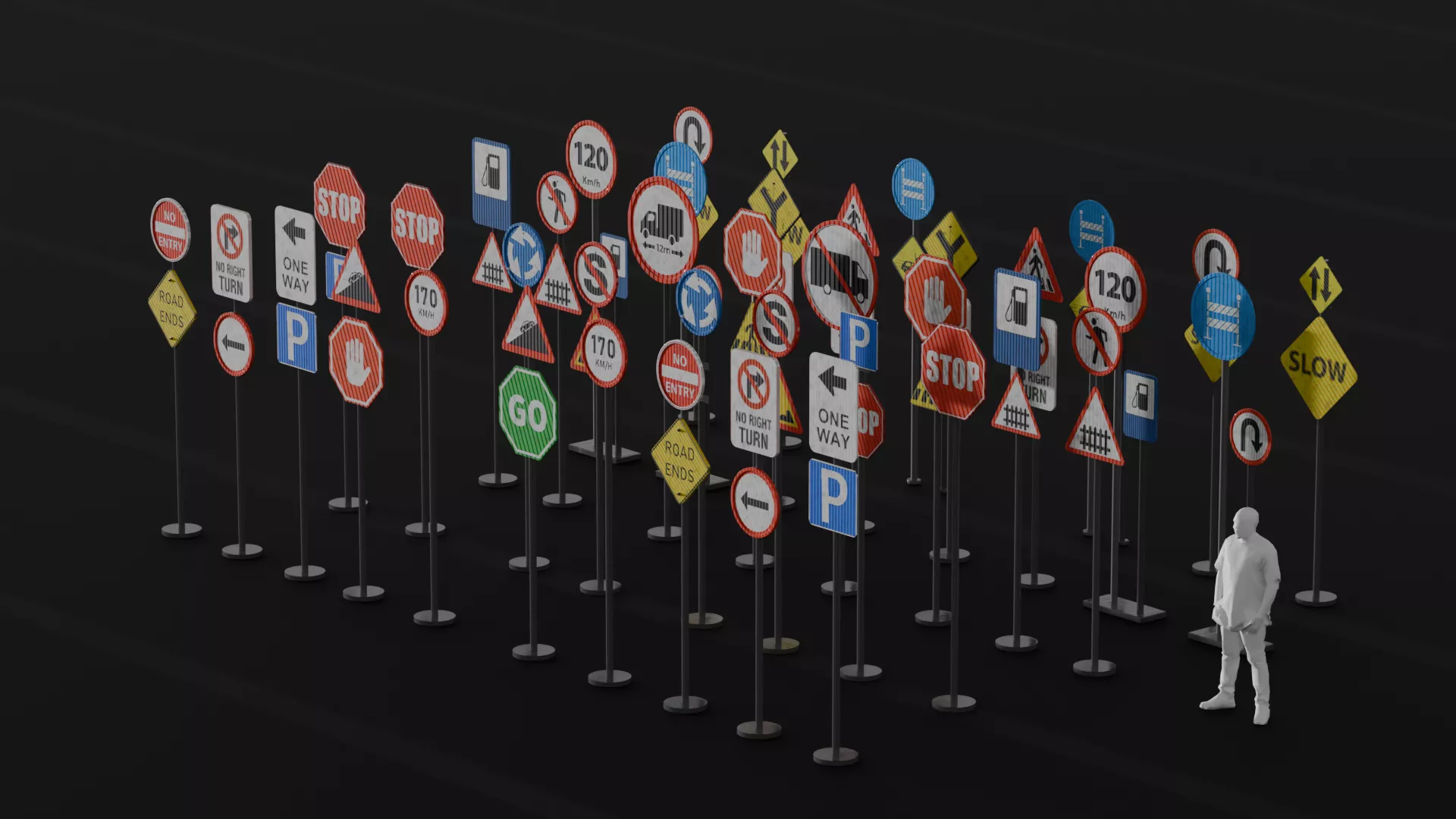
Traffic Cones 3D Model – Blender Asset + Free Download
Traffic Cones 3D Model created in Blender as a practical environment asset for road scenes, construction sites, urban environments, architectural visualization, game development, animation, simulation, and general 3D projects.
This model was created as part of a Blender modeling practice project focused on taking a familiar everyday object and rebuilding it in 3D. Traffic cones are simple, recognizable objects, making them an excellent exercise for practicing proportions, clean geometry, shape transitions, circular forms, and efficient asset creation.
The model is available as a free download, giving Blender artists, game developers, environment artists, students, designers, and 3D enthusiasts an opportunity to study, modify, and use the asset in suitable projects.
ABOUT THE MODEL
Traffic cones are commonly found on roads, construction sites, parking lots, highways, sidewalks, industrial areas, and public spaces. Because of their recognizable shape and purpose, they are useful environment props for a wide variety of 3D scenes.
This traffic cone model consists of the main tapered cone body and supporting base, creating the familiar silhouette of a standard road safety cone.
The simple construction makes the asset easy to understand and customize. You can change the proportions, materials, colors, scale, or overall appearance to suit the visual requirements of your project.
Whether you're creating a realistic urban environment or a stylized game scene, traffic cones can provide useful environmental detail and help communicate what is happening within a particular space.
FREE DOWNLOAD
The traffic cone model is available as a free download.
You can download the asset and use it as a reference for your own Blender modeling practice, inspect the geometry, create your own variations, or incorporate it into appropriate personal and commercial projects according to the applicable license terms.
The downloadable model can also be useful for Blender beginners who want to study how a relatively simple real-world object can be constructed from basic geometry.
Instead of simply downloading the model, try recreating the traffic cone yourself first. Once you've finished your version, compare it with the downloadable asset and study the differences in shape, proportions, and construction.
BLENDER MODELING PRACTICE
This traffic cone was created as a modeling practice exercise in Blender.
Modeling everyday objects is one of the most effective ways to develop your understanding of 3D modeling because familiar objects give you a clear visual reference.
You already know what a traffic cone looks like.
You understand its basic proportions.
You know that the cone needs to stand firmly on its base.
You know that the body tapers toward the top.
These observations can then be translated into simple geometric forms.
This makes the traffic cone an excellent beginner and intermediate modeling exercise.
WHAT YOU CAN PRACTICE WITH THIS MODEL
The traffic cone provides an opportunity to study several Blender modeling concepts, including:
- Basic mesh construction
- Circular geometry
- Tapered forms
- Proportions
- Symmetry
- Edge control
- Shape transitions
- Object organization
- Environment asset creation
- Modifier-based workflows
- Reusable 3D asset creation
These concepts are not limited to traffic cones.
The same principles can be applied when modeling furniture, electronics, tools, vehicles, architectural elements, industrial objects, and many other 3D assets.
ENVIRONMENT ART
Traffic cones are particularly useful for environment artists.
A large environment is usually made up of many different elements. Buildings and roads establish the major structure, but smaller props help create realism and context.
Traffic cones can be used to indicate:
- Construction
- Road maintenance
- Temporary restrictions
- Safety zones
- Parking restrictions
- Road closures
- Pedestrian diversions
- Industrial work areas
Placing several cones together can quickly transform an otherwise empty road or construction environment.
GAME DEVELOPMENT
Traffic cones are useful game environment assets because they are lightweight visual elements that can communicate information to players.
A row of cones can indicate that a road is closed.
A group of cones can mark a construction area.
A single cone can act as a small background detail.
They can also be used as interactive objects depending on the requirements of the game.
Possible applications include:
- Racing games
- Driving simulators
- Open-world games
- City-building games
- Construction games
- Simulation games
- Mobile games
- Training simulations
- Virtual environments
- VR experiences
Because the model can be duplicated, you can create large groups of cones without having to build each one individually.
ROAD ENVIRONMENTS
Road scenes often require a variety of small environmental assets.
Traffic cones can be placed along roads, highways, parking areas, intersections, and construction zones.
Create a line of cones to separate traffic lanes or use them to surround an area where road maintenance is taking place.
You can also combine the cones with road barriers, warning signs, vehicles, construction equipment, and other props to create a complete road environment.
CONSTRUCTION SCENES
Traffic cones are one of the easiest ways to communicate that construction or maintenance is taking place.
Place them around unfinished roads, buildings under construction, excavation areas, construction vehicles, or temporary work zones.
The asset can be particularly useful for architectural visualization projects where the scene needs to communicate an active construction site.
You can also create different versions of the cone to represent new, used, dirty, damaged, or weathered equipment.
ARCHITECTURAL VISUALIZATION
Small environmental props can make architectural renders feel more believable.
A newly designed road, shopping complex, office development, residential estate, or public infrastructure project can benefit from realistic environmental details.
Traffic cones can be placed around:
- Parking lots
- Building entrances
- Construction zones
- Roads
- Driveways
- Sidewalks
- Loading areas
- Maintenance areas
They can also help establish scale by giving viewers a familiar object with which to judge the size of the surrounding environment.
URBAN ENVIRONMENTS
Traffic cones can be used throughout modern urban environments.
Place them along city streets, near sidewalks, around roadworks, outside buildings, or around temporary construction zones.
They can also be used as background props in large city scenes.
Because they are visually recognizable, even a small number of cones can contribute to the storytelling of an environment.
ANIMATION AND CINEMATIC USE
The model can also be used as a prop in animation and cinematic projects.
Traffic cones can appear in scenes involving:
- Cars
- Roads
- Construction
- Emergency situations
- City environments
- Industrial areas
- Driving sequences
- Architectural walkthroughs
Even when the cone is not the main focus of a shot, environmental props help create a sense of place.
CREATE YOUR OWN VARIATIONS
One of the advantages of having an editable Blender model is the ability to create variations.
After downloading the asset, you can experiment with different versions.
Try creating:
- New traffic cones
- Dirty traffic cones
- Weathered traffic cones
- Damaged traffic cones
- Stylized traffic cones
- Low-poly traffic cones
- Different colored cones
- Different base shapes
- Larger construction cones
- Smaller decorative cones
You can also create multiple variations and use them together in the same environment.
MATERIAL CUSTOMIZATION
The traffic cone can be customized with different materials depending on the requirements of your scene.
For a realistic project, you could create an orange plastic material with subtle roughness and surface imperfections.
For a stylized project, you could use brighter colors and simplified materials.
For an older construction environment, you could add dirt, dust, scratches, fading, and other surface details.
This flexibility allows the same basic model to work across many different visual styles.
BUILDING A 3D ASSET LIBRARY
This traffic cone can also be added to your personal collection of reusable environment assets.
Building an asset library is useful because you don't have to recreate common objects every time you start a new project.
For example, you could build a collection containing:
- Traffic cones
- Road signs
- Park benches
- Street lights
- Barriers
- Trash bins
- Bollards
- Construction equipment
- Road markings
- Street furniture
Over time, these individual assets can be combined to create complete environments.
LEARNING RESOURCE FOR BLENDER ARTISTS
If you're learning Blender, the model can be used as a study resource.
Open the file and examine how the different parts of the traffic cone have been constructed.
Look at the shape of the main body.
Study the base.
Examine the transitions between the different sections.
Try to understand why particular modeling decisions were made.
Then create your own version.
This type of reverse-engineering exercise can help you develop stronger modeling instincts.
25 HASHTAGS
#TrafficCones #TrafficCone #Blender3D #BlenderModel #BlenderAsset #3DModel #CGTrader #Free3DModel #FreeDownload #EnvironmentAsset #EnvironmentArt #GameAsset #GameDevelopment #3DModeling #RoadAsset #ConstructionAsset #UrbanEnvironment #RoadEnvironment #ArchViz #ArchitecturalVisualization #3DArtist #BlenderPractice #Blender3DModel #3DEnvironment #OutdoorAsset