AI Photo Editor
Experience the future of photo editing with CGTrader AI Photo Editor. Transform and enhance your images using latest AI technologies - whether you're looking to change details with a text instruction, add style filters, or make edits by inpainting, our Image to Image AI has you covered.
How AI Photo Editor works?
AI image and photo editing tools change the way we work with visuals and modify them. It uses the uploaded image as an input and combines it with text prompt or other instructions to generate new version of the same image. Users can also apply AI filters that change the style or mood of the image - you can either fully transform it, either make only small adjustments.
CGTrader AI also allows more precise edits with Inpainting: paint over the area you want to change with the brush, and the AI removes or adds elements only within that part of the image. This technology makes it easier and faster to achieve expected results in image editing.
- Begin by uploading the image you want to modify.
- Describe the changes or enhancements you'd like to make.
- AI will analyze your input and apply the specified modifications.
- Review the transformed image, make any final adjustments, and download your updated visual.
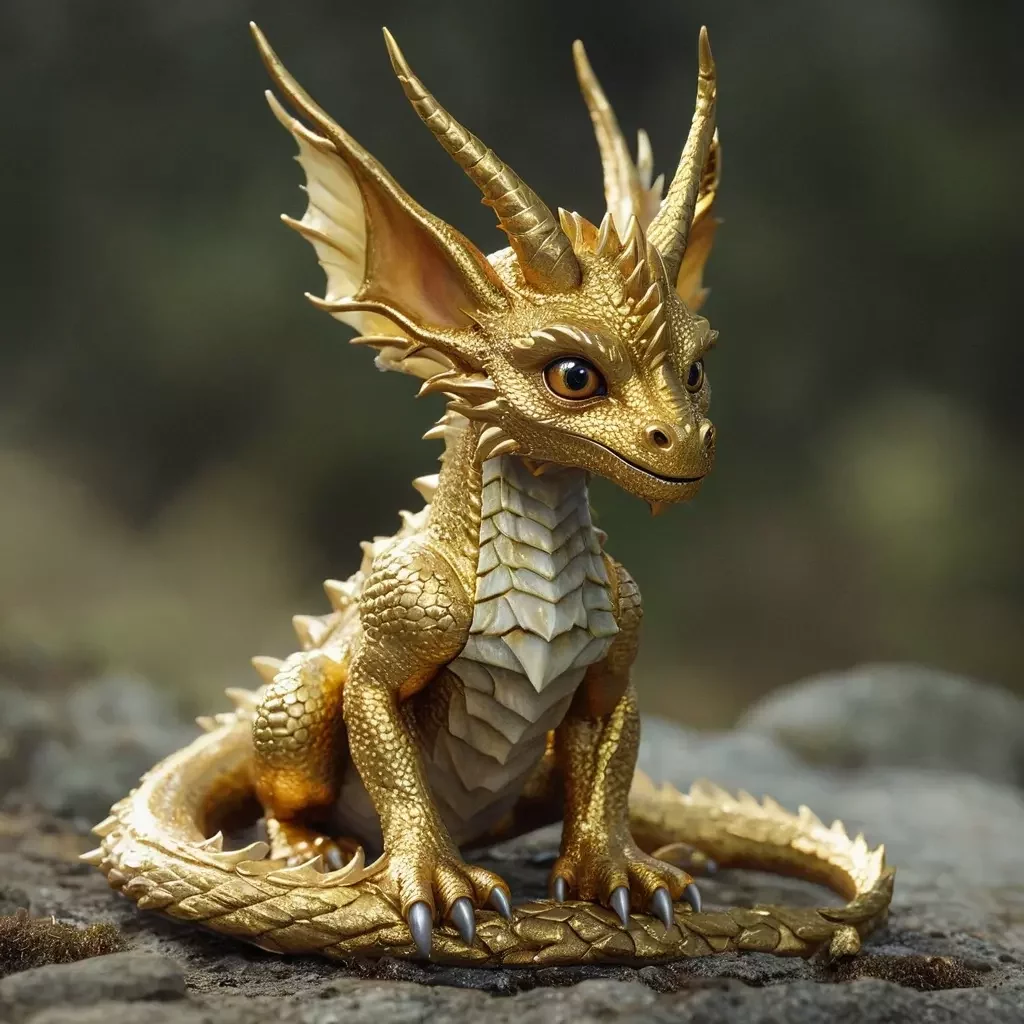
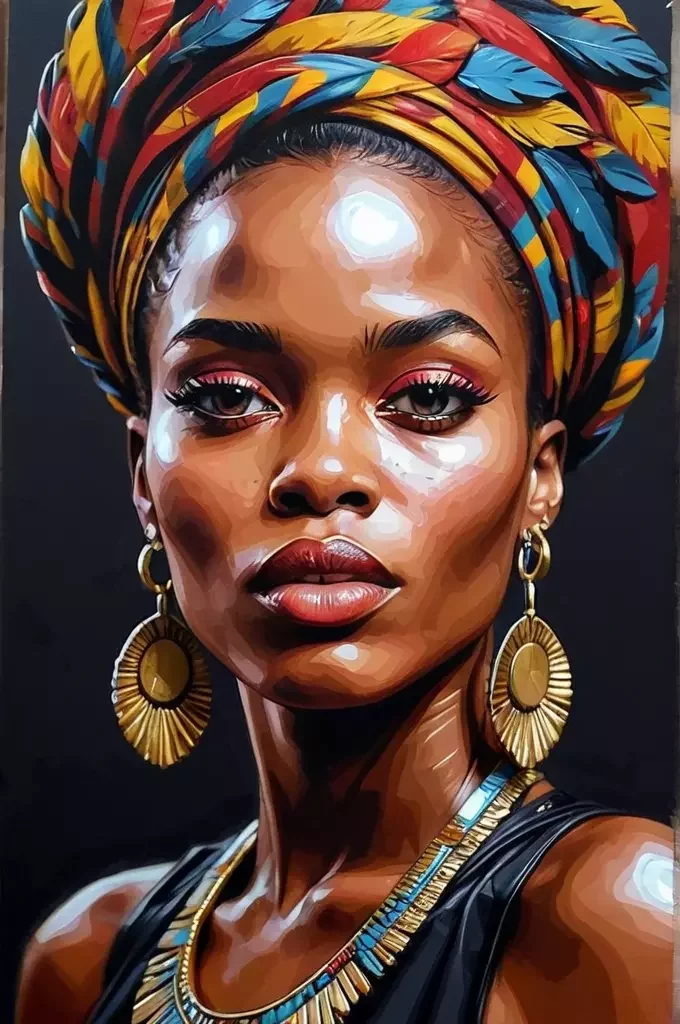
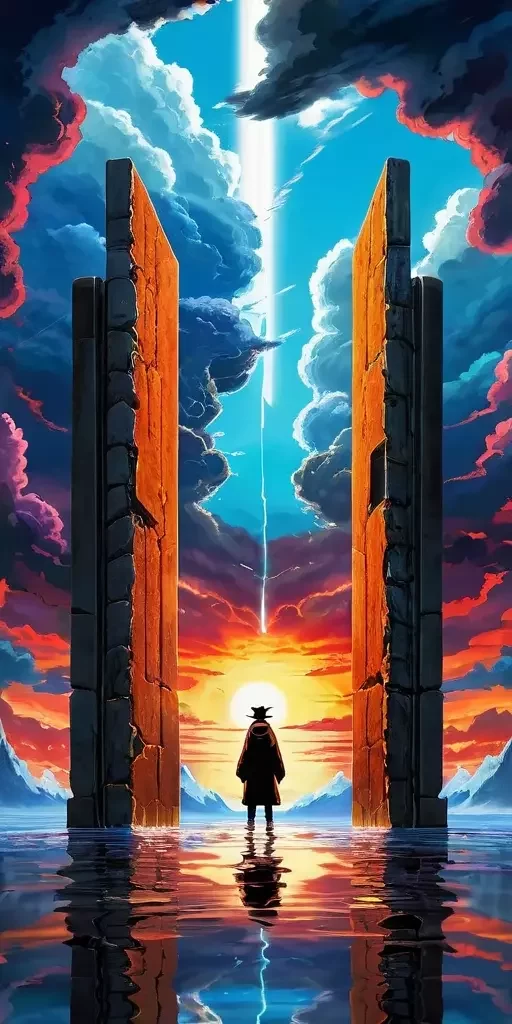

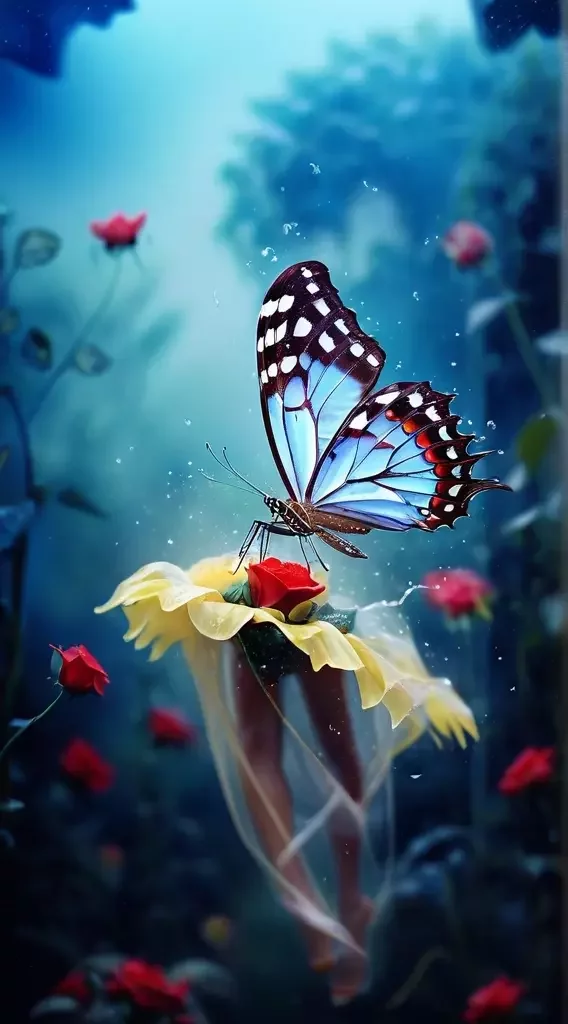
Frequently Asked Questions
AI photo editor uses artificial intelligence to analyze your photos and apply various enhancements or edits automatically. It can adjust brightness, contrast, and sharpness, apply filters, and add, change or remove objects in your images. The great thing is that you can provide text instructions for AI to adjust the photo or image exactly how you want it.